In This Article
ToggleIntroduction
In the ever-evolving world of technology, Apple continues to push boundaries and redefine industry standards. Apple’s adoption of Apple Silicon processors represents a momentous achievement in the evolution of its product portfolio.
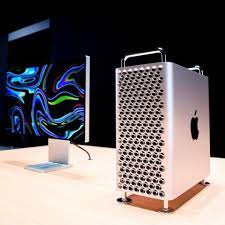
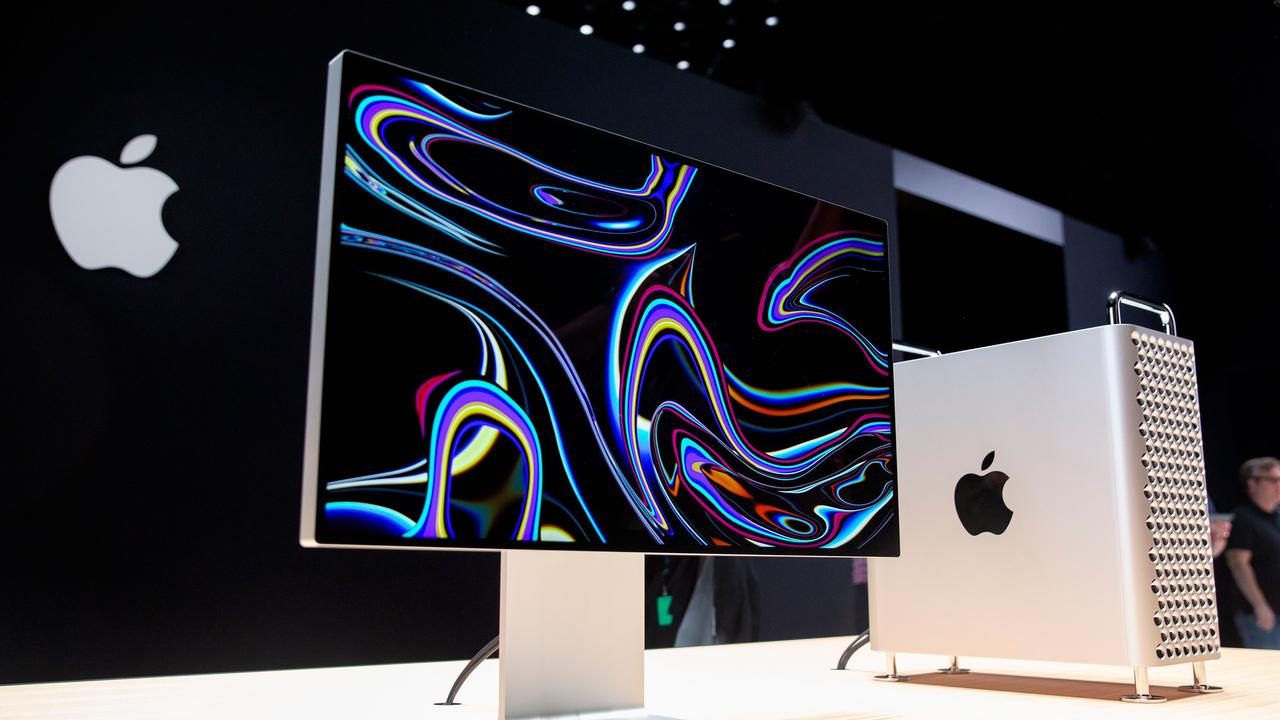
One of the most eagerly anticipated releases is the Mac Pro, a powerhouse desktop computer designed for professionals with demanding computational needs.
This article explores the features and specifications of the Apple Silicon Mac Pro, highlighting its remarkable capabilities and the advantages it brings.
Apple Silicon

Overview
Apple Silicon refers to Apple’s custom-designed system-on-a-chip (SoC) technology. It is based on ARM architecture and has been meticulously engineered to deliver exceptional performance and energy efficiency.
Seamless integration across Apple’s product ecosystem. With the introduction of Apple Silicon, Apple gained full control over the hardware and software integration, resulting in enhanced performance and optimized power consumption.
Advantages
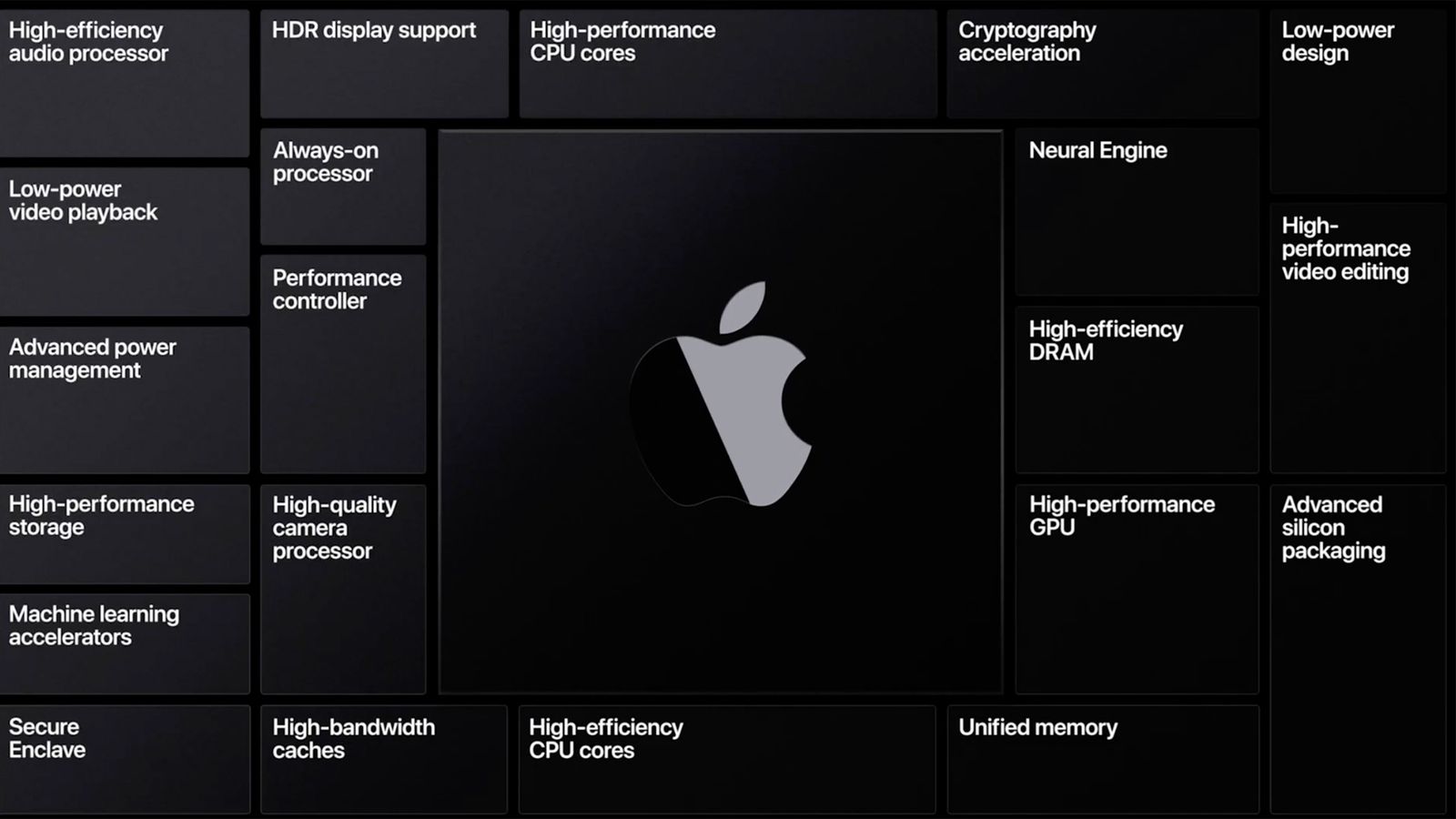
The utilization of Apple Silicon in Mac Pro brings numerous advantages to professional users. These include improved performance, efficient power management, unified memory architecture, enhanced machine learning capabilities, and better compatibility with iOS and iPadOS apps.
Apple Silicon also allows for a more streamlined and unified development process for software developers, ensuring faster updates and improved optimization for Apple’s hardware.
Mac Pro Overview

The Mac Pro has long been recognized as Apple’s flagship desktop computer, catering to the needs of professionals in various creative and technical industries. Renowned for its power, expandability, and reliability.
The Mac Pro has been a trusted workhorse for tasks such as video editing, 3D rendering, and software development. The transition to Apple Silicon brings a new level of performance and efficiency to the Mac Pro lineup.
Previous Models
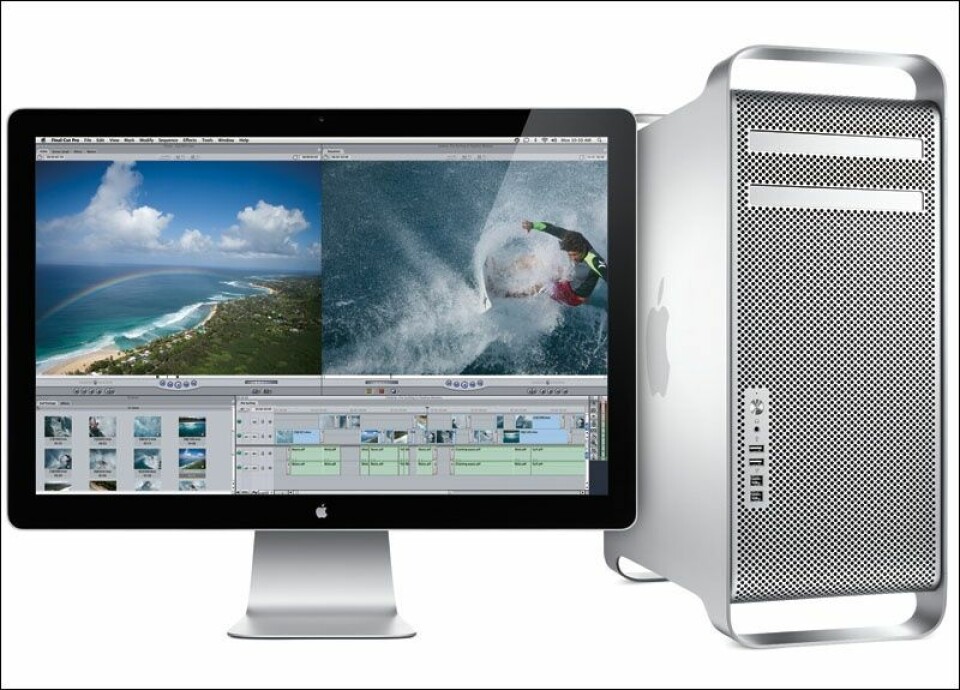
Before delving into the features of the Apple Mac Pro, it’s important to understand the advancements made in previous models. The Intel-based known for its modular design, offered exceptional customization options and top-tier performance. However.
The transition to Apple Silicon presents a significant leap forward in terms of performance per watt, overall efficiency, and integration with Apple’s ecosystem.
Apple Silicon Mac Pro

Release Date The exact release date of it’s yet to be announced by Apple.
However, industry insiders speculate that it will hit the market in the coming months, capitalizing on the advancements made with Apple Silicon and the M1 chip, which powers Apple’s initial transition to ARM architecture.
Design and Form Factor

We expect The design and form factor of the Apple Mac Pro to be built upon the sleek aesthetics and modularity of its predecessor. While exact details are scarce, Apple’s commitment to a minimalistic, elegant design ensures that the Apple Silicon will be a visually stunning addition to any professional workspace.
Performance
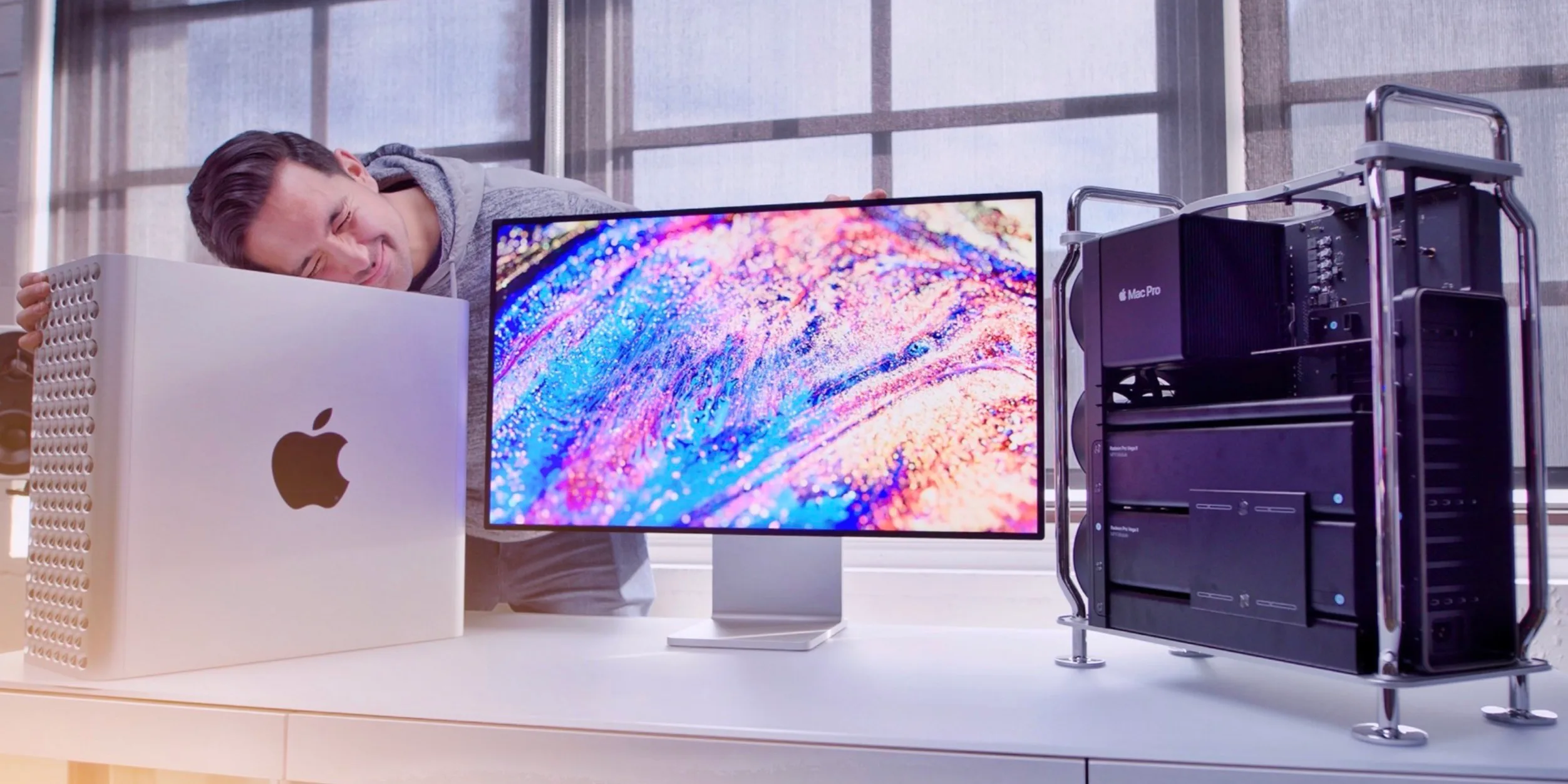
The performance of the Mac Pro is anticipated to be nothing short of exceptional. Leveraging the power of Apple Silicon, the Mac Pro will deliver remarkable processing capabilities, enabling professionals to tackle resource-intensive tasks easily.
From video editing to virtual reality development, the Apple Silicon Mac Pro promises to be a true workhorse, capable of handling even the most demanding workflows.
Graphics

Graphics-intensive applications and workflows stand to benefit greatly from the integration of Apple Silicon. We expect it to offer enhanced graphics performance, leveraging the custom-designed GPUs optimized for Apple’s architecture.
This will result in smoother rendering, faster simulations, and improved overall performance for tasks such as 3D modeling, animation, and game development.
Storage and Memory

To accommodate the demanding storage requirements of professionals, Apple is likely to offer a range of high-speed storage options, such as solid-state drives (SSDs) with ample capacities. Additionally.
The unified memory architecture of Apple Silicon ensures efficient data access and reduced latency, allowing for seamless multitasking and improved performance across various applications.
Connectivity

we expect it features a comprehensive set of connectivity options, catering to the needs of professionals who rely on a wide array of peripherals and accessories.
Conclusion
The Mac Pro represents a significant leap forward in desktop computing, combining the power. And reliability of the lineup with the remarkable capabilities of With enhanced performance, and improved energy efficiency.
Seamless integration across Apple’s ecosystem is poised to redefine what professionals can achieve in their creative and technical endeavors.

Leave a Reply