
About Poly Studio
Poly Studio is HP's line of meeting room video hardware, and it covers far more ground than the phrase video bar suggests. At one end is a single self-contained bar you hang under a screen in a four-person huddle room. At the other are modular codecs and Windows room compute boxes that drive separate cameras, ceiling microphones and two displays in a board room. Poly came out of Polycom, and that history still shows in the product: the audio is usually the reason people choose these over the alternatives. Everything in the range reports into the same management tool, Poly Lens, which matters more than any single specification once you are looking after more than a handful of rooms.
How the Poly Studio range is laid out
There are five groups, and knowing which one you are shopping in saves most of the confusion.
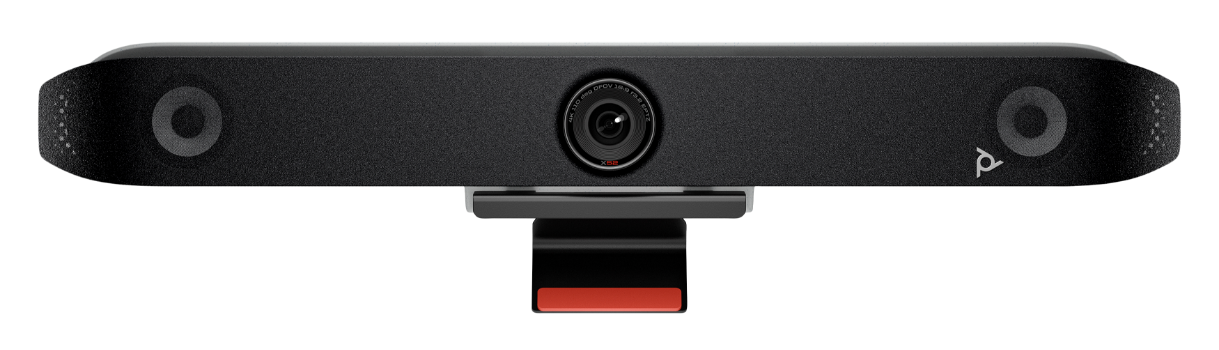
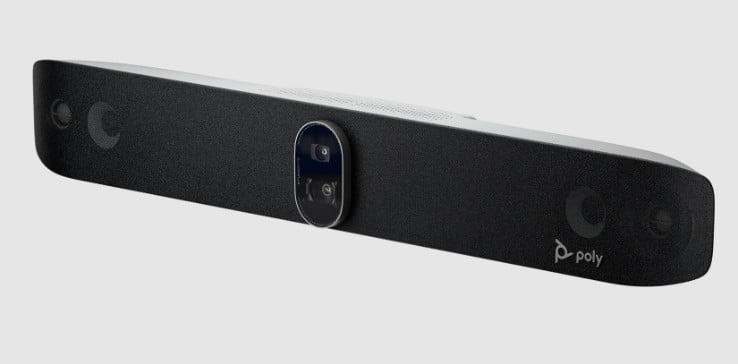
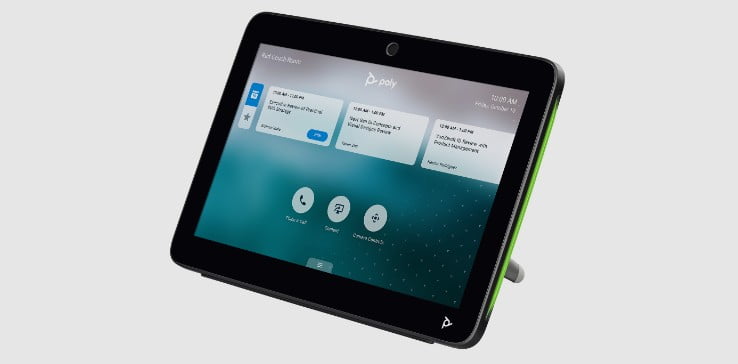
The all-in-one bars are the Studio X series: X32, X52 and X72. These run the meeting software themselves. No PC in the room, no laptop tethered to the table. You pair one with a TC8 or TC10 touch controller and it behaves like an appliance.
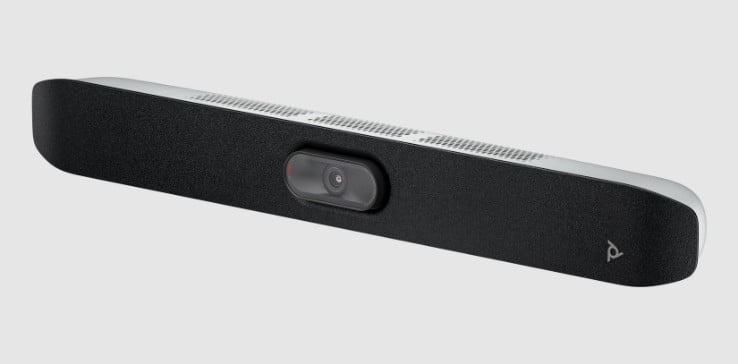
The USB bars are the plain Studio, the V12, V52 and V72, and the R30. These are peripherals. Something else in the room, usually somebody's laptop, runs the call. Cheaper, simpler, and they follow whatever platform the person joining happens to use.
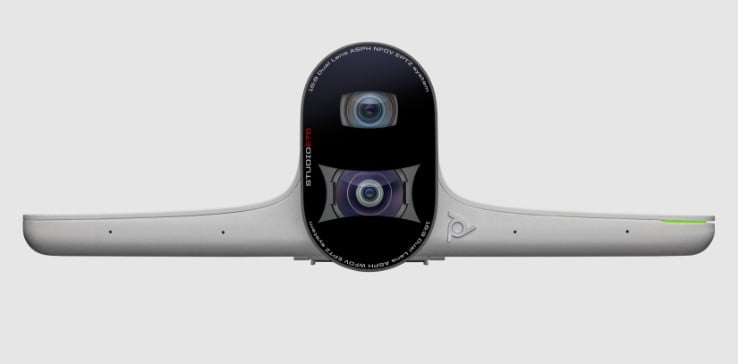
Then the cameras sold on their own: the E60, a mechanical pan-tilt-zoom head with 12x optical zoom, and the E70, a dual 4K sensor camera for wide rooms.
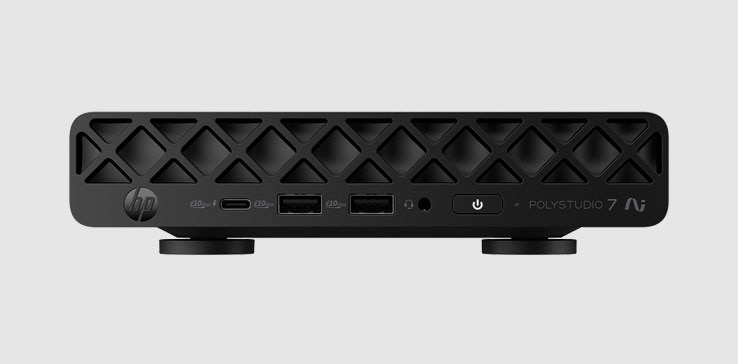
Then the modular systems: the Studio G62 on Android, the older G7500, and the Studio 5 and Studio 7 room compute boxes that run Microsoft Teams Rooms or Zoom Rooms on Windows. These are what you buy when one bar cannot see the whole room and you need separate optics and microphones.
And finally the accessories that quietly decide whether a big room works: the A2 audio bridge, the A2 table microphone and the ceiling microphone array.
Which model fits which room
HP publishes a room dimension against each of the all-in-one bars, which makes this less of a guess than it usually is.
The X32 is sized for a small room of roughly 15 by 10 ft and uses a single 4K 20-megapixel sensor with a 120-degree field of view. The X52 steps up to about 20 by 15 ft, narrows the lens to 95 degrees, and reaches roughly 20 ft with its microphones. The X72 is the large-room model at about 28 by 15 ft, with two 4K sensors at 120 and 70 degrees that swap between each other as people move, and microphone pickup out to about 25 ft.
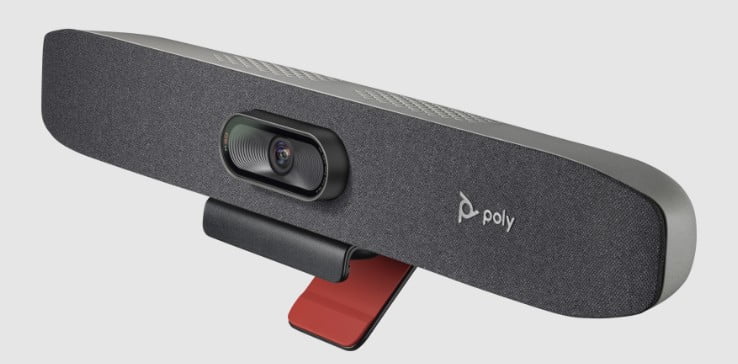
The R30 sits below all of them: a USB bar for huddle spaces, with a 120-degree view and a microphone array that expects people within about 12 ft.
The pattern is worth reading carefully, because it runs against instinct. The bigger the room, the narrower the main lens. A wide lens in a long room turns everybody at the far end into a smudge, so the larger models add a second, tighter camera rather than stretching one.
What Poly does better than its rivals
Audio, and it is not close. A video bar shootout from AV reseller Creation Networks put the Studio X series first on audio quality outright, singling out its noise suppression and echo cancellation as the strongest of the group tested. Poly bundles two things here: NoiseBlockAI, which strips keyboard clatter and paper shuffling out of the send, and Acoustic Fence, which draws a boundary and drops voices outside it. In an open-plan office with a glass meeting room in the middle of it, that second one is the feature you notice every day.
The camera work holds up too. TechRadar tested the X52 with a TC10 controller and found the framing snapped to whoever was speaking in no more than two seconds, and called the video quality excellent. Poly's DirectorAI framing runs across the range and offers group, speaker and people framing modes rather than one fixed behaviour.
Where the competition is stronger
Logitech's Rally Bar family is more flexible. It flips between USB peripheral mode and standalone appliance mode without a rebuild, and Logitech Sync is a more capable fleet management tool than Poly Lens if you are running rooms in the hundreds. Poly's bars are happier as dedicated appliances than as devices that switch modes twice a day.
Yealink's MeetingBar A50 outguns the X72 on paper: three 50-megapixel sensors, sixteen microphones and pickup quoted out to nearly 33 ft, with a field of view wider than anything Poly ships. If your room is awkwardly shaped and people sit at the edges, that width earns its money.
Neat's bars are the pick if you cannot standardise on one platform, because switching between Teams, Zoom and everything else is the thing they are built around.
All three Poly tiers are certified for Microsoft Teams and Zoom and work with Google Meet, so platform support is rarely the deciding factor. Deployment style and room shape usually are.
What it costs, and what else lands on the invoice
Pricing moves and varies by region, so treat these as reference points rather than quotes. TechRadar's review put the X52 bundled with a TC10 controller at 3,499 US dollars. HeadsetAdvisor lists the R30 at 799.99 US dollars MSRP. That gap is the honest shape of the range: the USB bars are an accessory purchase, the X series is a capital one.
Budget for the extras separately. The touch controller, the wall or display mount, expansion microphones for a long table, and a Poly Lens subscription tier if you want the deeper management features are all priced apart from the bar itself. On a large-room build with a G62 or a room compute box, the microphones and mounting usually cost more than people expect going in.
Who should buy something else
If it is one person at a desk, none of this is for you. Poly Studio is room hardware, and a personal video bar or a good headset with the laptop camera will do the job for a fraction of the money.
If your rooms are genuinely dual-purpose, hosting a scheduled Teams call in the morning and somebody's laptop-driven client demo in the afternoon, look hard at the Logitech Rally Bar or a Neat bar first. Poly can do it, but the others were designed around it.
If you already run a Logitech or Cisco estate, adding a handful of Poly rooms means a second management tool, a second firmware cycle and a second support path. That overhead outlasts whatever you saved on the hardware.
And if the room is small and the budget is real, do not buy an X series bar for it. The R30 or the V12 will cover a huddle room properly, and the difference pays for two more rooms.
Reviews
No reviews yet
Nobody has reviewed Poly Studio here yet.