About Poly Lens
Poly Lens is the management plane for HP's Poly collaboration hardware: the headsets on people's heads, the desk phones, the video bars and the room systems. It answers the four questions an administrator of that estate actually has. What is deployed and where. Is it working. Are the rooms being used. Can I push firmware to all of it at once without visiting a desk.
Poly reached HP by acquisition. Plantronics bought Polycom in 2018, the combined company renamed itself Poly in 2019, and HP announced its purchase of Poly in March 2022 and completed it in August 2022 at a stated transaction value of 3.3 billion US dollars including debt. Lens is the software layer that came with that hardware, and it is now sold under the HP Poly name alongside the devices it manages.
What the administrator console does
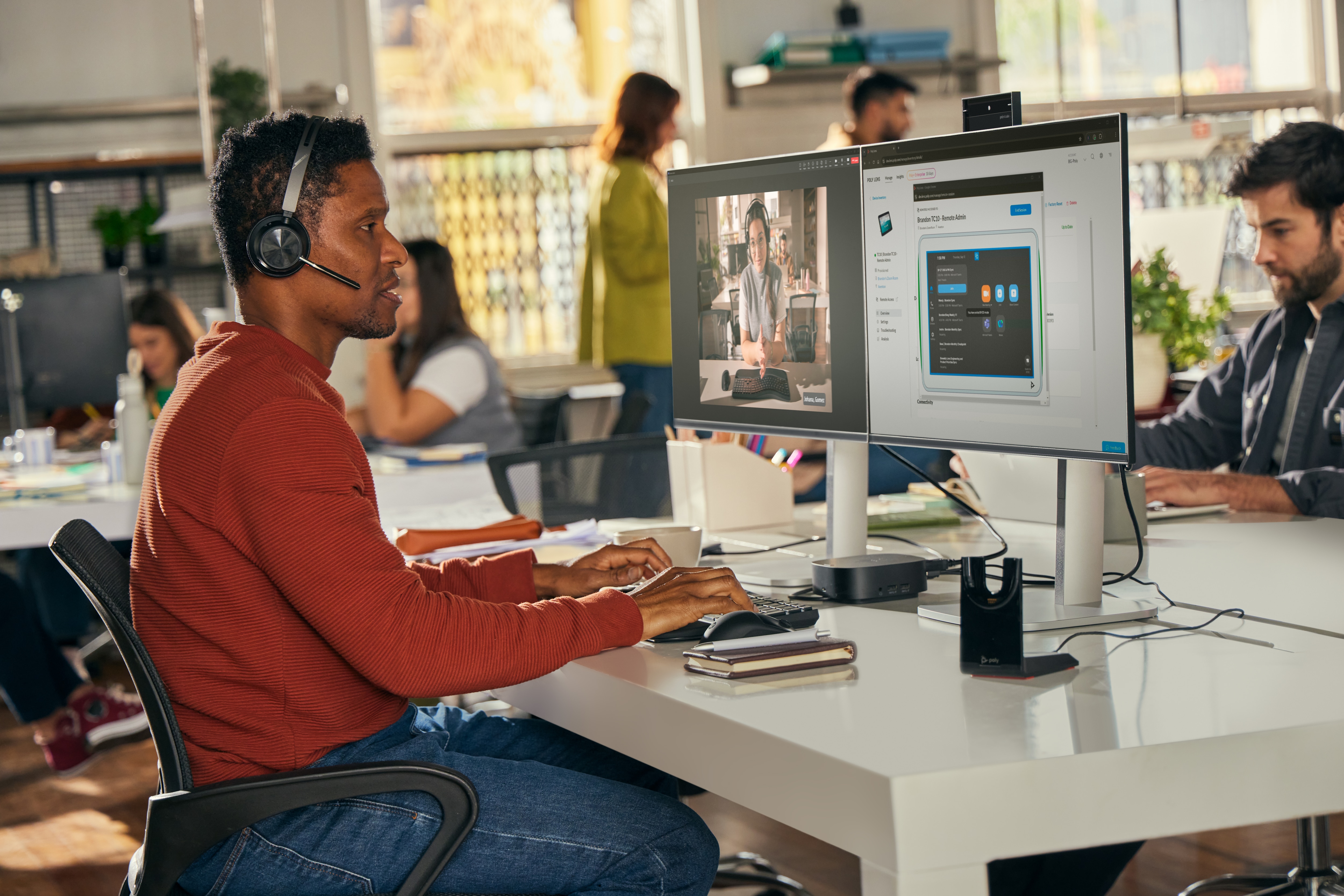
HP describes Lens as a way to remotely inventory, monitor and troubleshoot HP Poly devices from one place, with bulk software deployment as the headline capability. In practice the console covers onboarding devices individually or in bulk, an inventory dashboard with filters so a fleet of several thousand can be narrowed to the ones that matter, and a news feed that surfaces the actions worth taking rather than waiting to be asked.
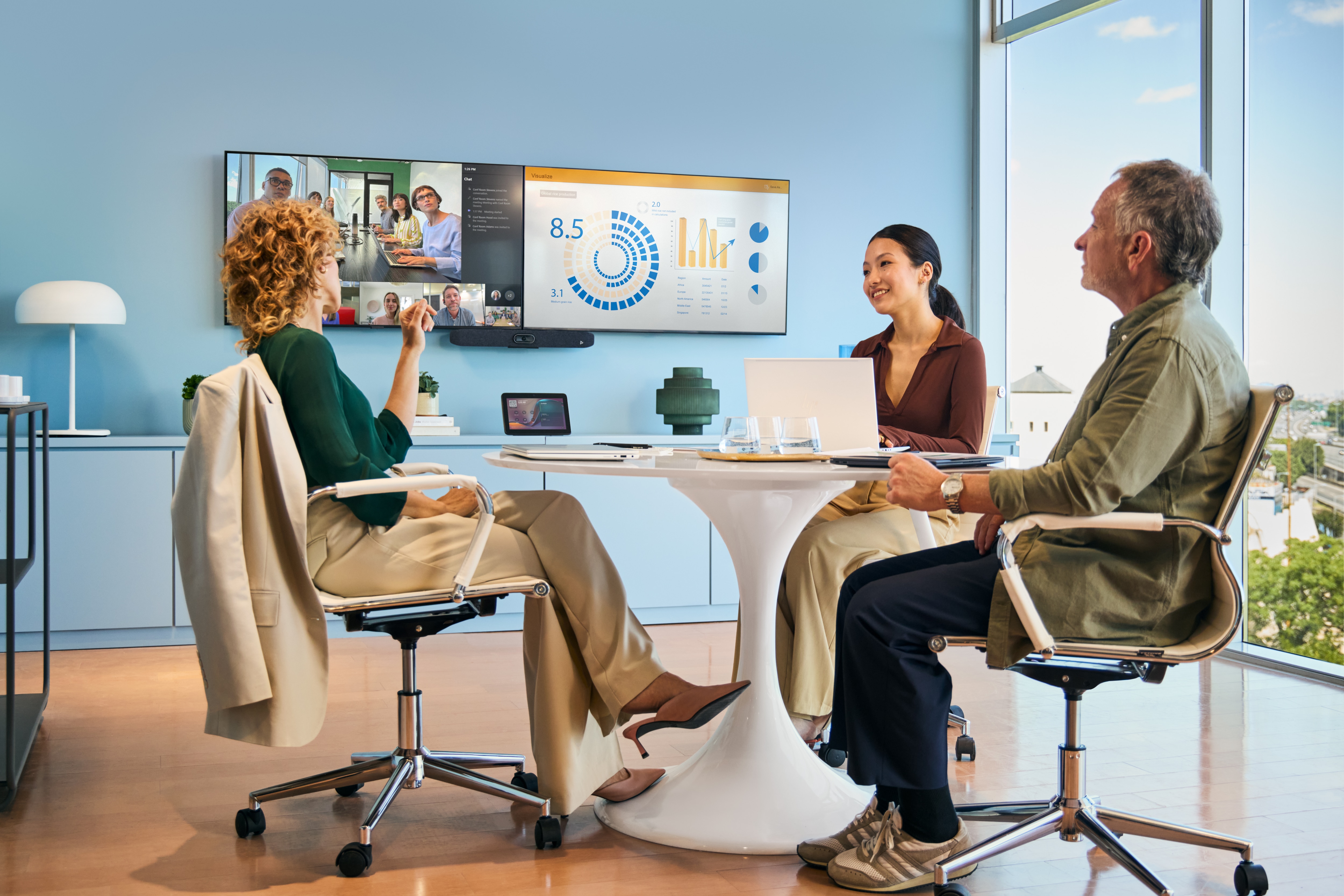
Room insights and analytics are the other half. Lens pulls occupancy and usage data from room video systems, which is the number a facilities team wants when it is deciding whether the eight-person rooms are worth the floor space. Access is through single sign-on, and HP runs a developer portal at api.lens.poly.com for organisations that want to pull the data into their own tooling rather than read it in a dashboard.
The part of Lens that is not for IT
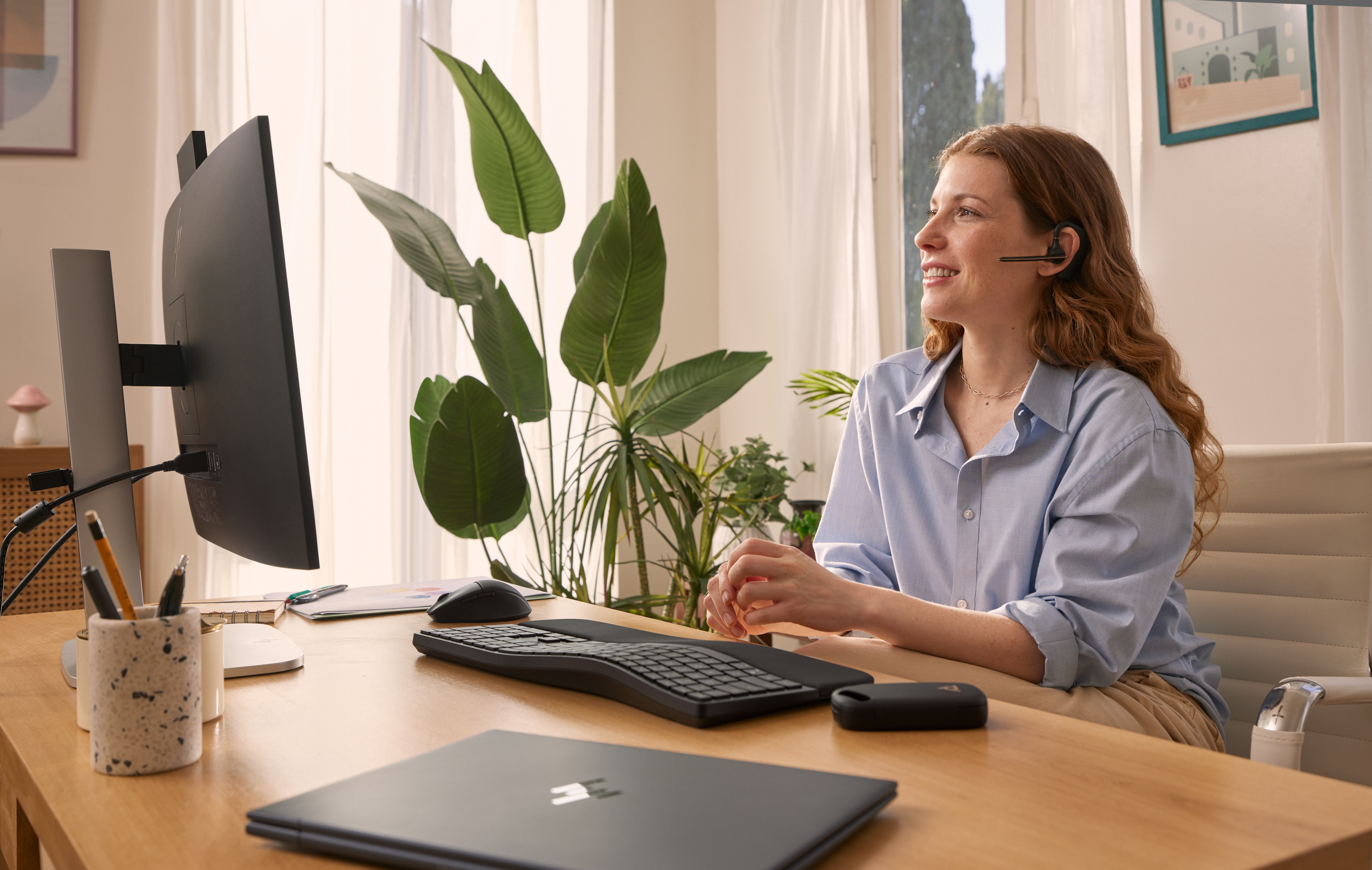
Lens also ships as a desktop application for the person wearing the headset, on Windows and Mac and in a browser. From there a user can change audio and noise cancellation behaviour, remap the buttons on the device, and take a firmware update in one click when one is offered. It also carries wellness reminders that prompt breaks, standing up and drinking water, which can be turned off and which some users will want turned off.
This matters more than it sounds. A headset is a personal object, and management software that serves only the IT department tends to get worked around. Giving the end user a legitimate place to change sidetone and mute behaviour is what keeps the fleet reporting in.
How Poly Lens is licensed
HP lists three related items rather than one product: HP Poly Lens, HP Poly Lens Pro for Rooms, and HP Poly Lens Support. The distinction between them is not spelled out on the public product page, and HP publishes no pricing there, directing buyers to Poly or a certified partner instead.
Resellers describe the base application as free to use with supported Poly devices, with the paid tiers covering deeper room analytics and support entitlement. That is a reasonable description but it is a reseller's description, not a published HP price list. Anyone building a business case should get the tier boundary in writing from the partner before assuming that room occupancy reporting, retention of historical data or a particular support response time is included.
How it compares with the alternatives
Every collaboration hardware vendor ships a version of this. Logitech has Sync, Cisco manages its rooms in Control Hub, Neat has Pulse, and Crestron has XiO Cloud. None of them manage each other's devices, so the estate decides the tool rather than the other way around.
Running alongside all of them is the meeting platform's own console. Microsoft Teams Rooms Pro management and Zoom's device management both see the same hardware and both report on meeting quality. Most organisations end up with two panes of glass and should plan for it: the vendor tool is the deeper one for firmware, device settings and hardware health, and the platform tool is the one that knows what happened in the meeting. Lens is a good example of that split rather than an exception to it.
Who should use something else
Organisations where Poly is a minority of the estate should think carefully. If most rooms are Logitech or Cisco, adding a fourth console to manage a handful of Poly bars is more overhead than it saves, and the meeting platform's own portal will cover the basics across all of them.
A small team with a few dozen headsets and no room systems does not need the console at all. The desktop app on each machine handles firmware and settings, and nobody has to administer anything.
Teams whose real requirement is call quality telemetry across every vendor at once should look at third party monitoring built for that job. Lens reports on Poly devices, and a mixed estate needs something that does not stop at one manufacturer.
And organisations that cannot send device telemetry to a vendor cloud are out of scope entirely. Lens is a cloud service by design, so a hard on-premises requirement rules it out rather than complicating it.
Reviews
No reviews yet
Nobody has reviewed Poly Lens here yet.