About HP Smart Tank
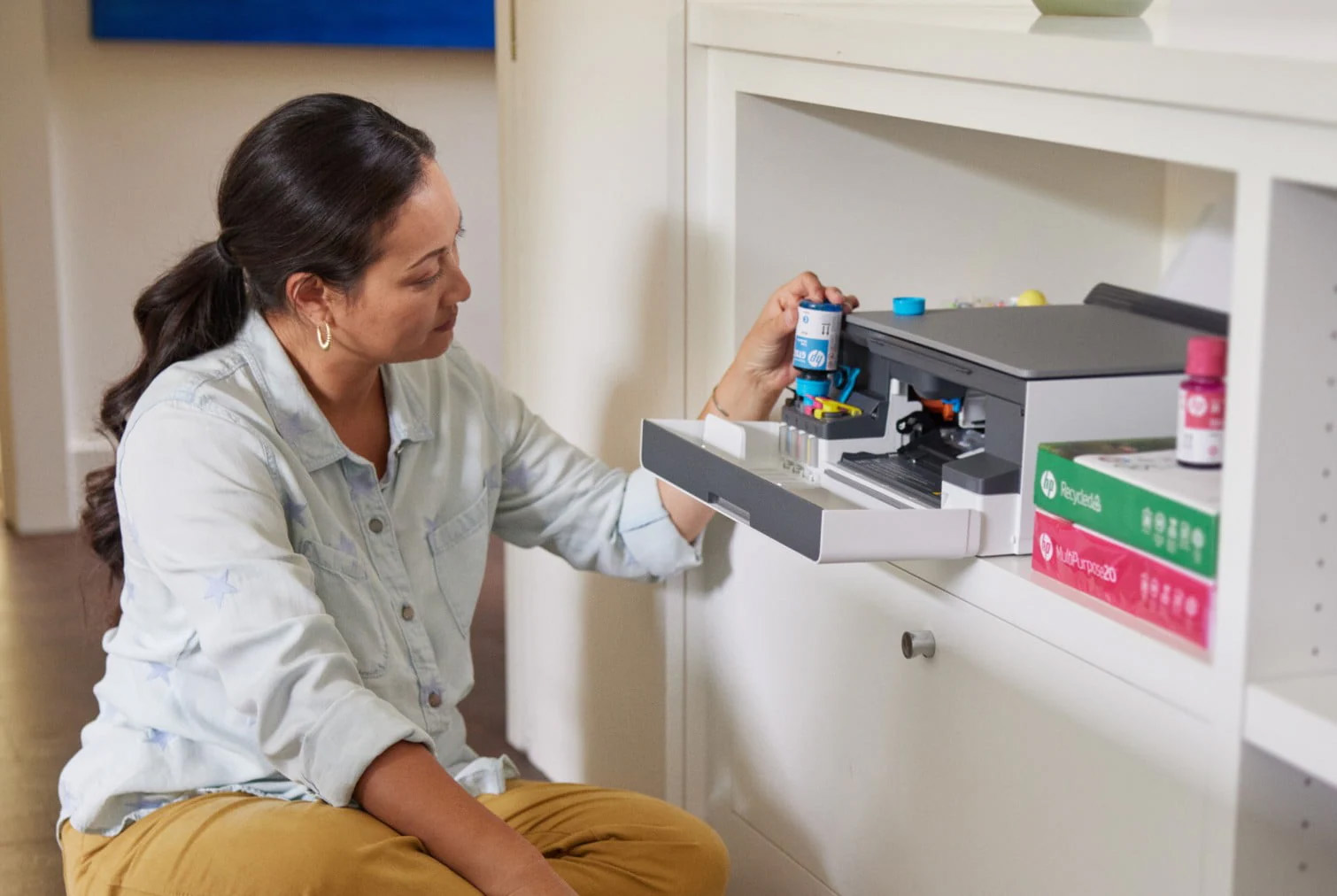
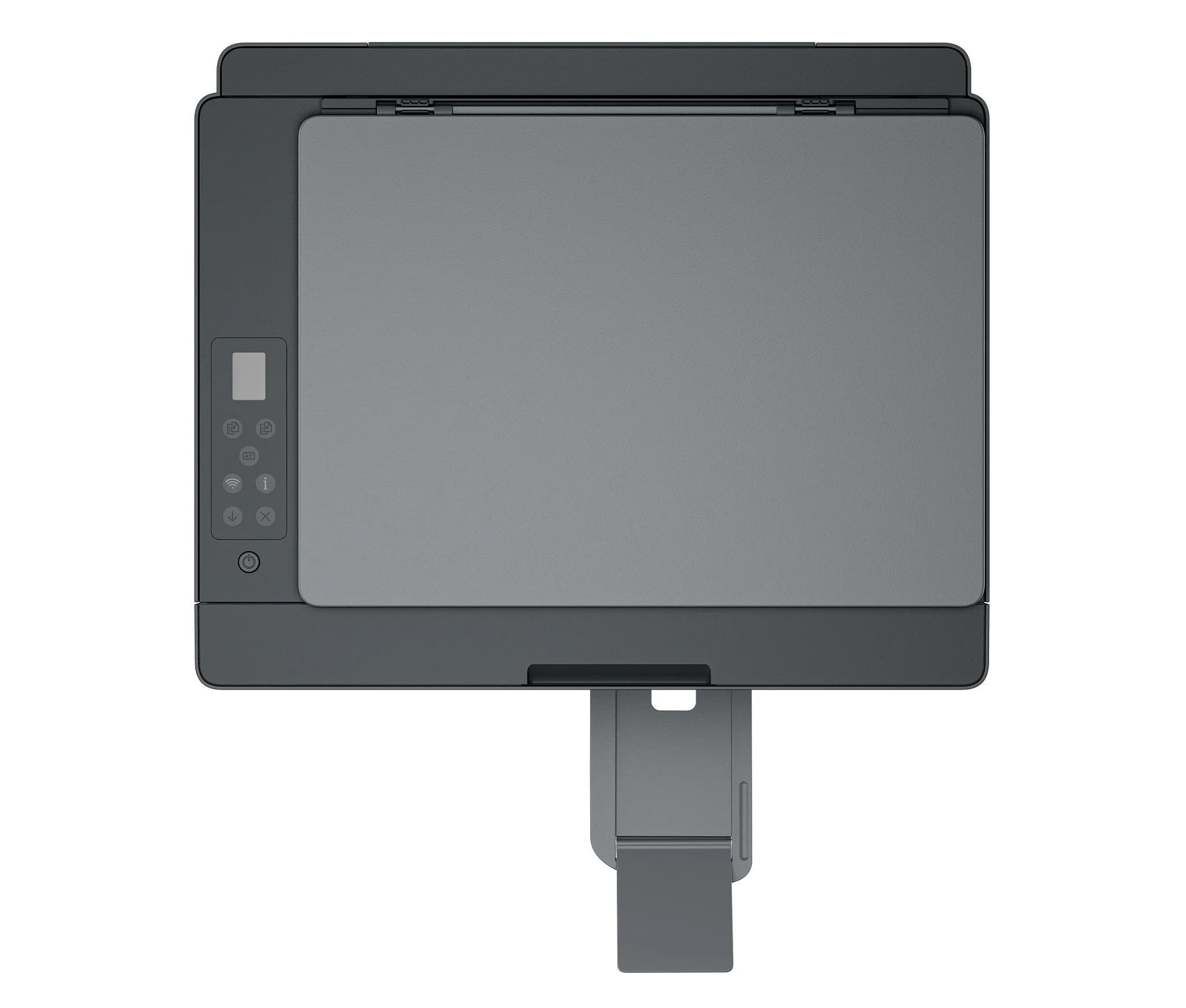
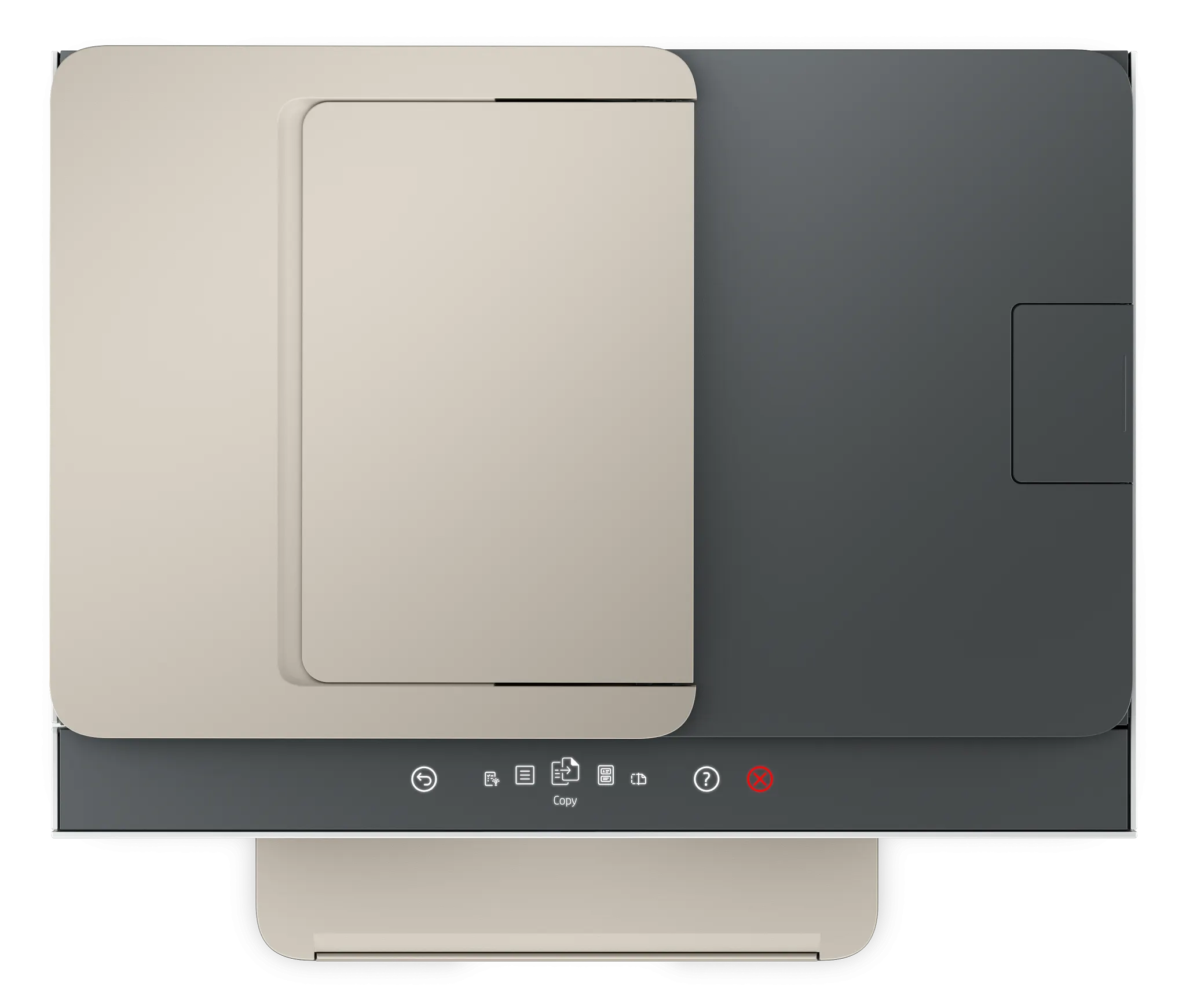
HP Smart Tank is HP's range of home and small office inkjets that store ink in refillable tanks rather than in cartridges. Ink arrives in bottles and is poured into reservoirs at the front of the machine, where the remaining level is visible through a window instead of being guessed at from a software meter. The trade is the one every tank printer asks you to make: you pay more for the hardware and far less for each page that comes out of it. HP sells the line in numbered families, with the 5000 series at the small and simple end and 6000 and 7000 series models adding a touchscreen, a larger paper tray, automatic two-sided printing or fax depending on the model. Because the line spans several model years and several price points, it has no single speed, screen or price, and a page that quotes you one is describing a single box rather than the range.
Key specifications
Ink
| Ink delivery | Refillable front-mounted tanks, filled from bottles |
|---|---|
| Ink colours | Four: black, cyan, magenta and yellow |
How the tank system changes what a page costs
The point of the line is running cost. HP puts Smart Tank printing at roughly 0.4 cents for a black page and 1.7 cents for a colour page, against about 15 cents black and 62 cents colour on a comparable cartridge printer, and says a bottle of ink at around 32 dollars prints about 6,000 pages where a 20 dollar cartridge prints about 200. Those are the maker's own figures, so treat them as the best case. Independent testing lands in the same territory: a review of the Smart Tank 5000 by RTM World put replacement ink at about 0.3 cents per mono page and 0.9 cents per colour page, with a full set of black, cyan, magenta and yellow bottles yielding roughly 6,000 mono and 8,000 colour pages.
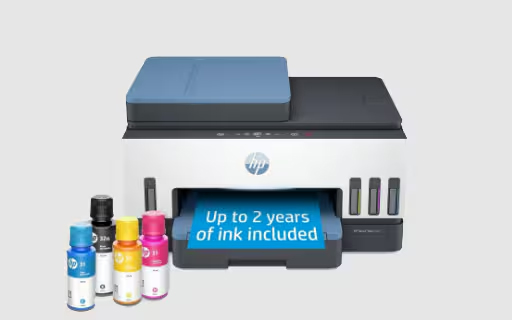
The other half of the pitch is what ships in the box. HP advertises up to three years of ink included on current models, and states up to two years or 6,000 plus black and white pages elsewhere in its own material. The honest reading is that the included supply is large enough that most households will not buy ink for a long time, and that the exact figure depends on the model and on how much you print.
Where Smart Tank sits in the HP printer range
HP sells cartridge inkjets below this line, laser and LaserJet Tank machines above it for offices that print mostly text, and OfficeJet Pro models aimed at businesses that want speed and paper capacity. Smart Tank occupies the middle: colour inkjet output, low cost per page, and a purchase price that only pays for itself if you actually print.
The rule of thumb is monthly volume. HP's own material puts the crossover at around 150 pages a month. Below that, the extra outlay on a tank machine takes years to earn back and a cheap cartridge printer or a shared office machine is the cheaper answer. Above it, the gap widens quickly and keeps widening for the life of the printer.
Who the line is for
Smart Tank is aimed at households with school work to print, home offices with steady paper output, and small businesses that need colour without a service contract. It suits the person who has been annoyed by cartridge prices and prints enough to feel it: family photos, homework, invoices, shipping labels, forms.
It also suits people who print in bursts after long gaps, though with a caveat. Tank printers of every brand can suffer clogged heads when left unused for months, so a machine that prints nothing between January and June is not the strongest case for one.
How it compares with Epson EcoTank and Canon MegaTank
These are the three tank ranges worth weighing against each other, and reviewers separate them fairly consistently.
TechRadar and PC Guide both place Epson EcoTank ahead on print quality, particularly photographs, and on sheer ink capacity, at a higher price up front. Canon's MegaTank and Pixma G models are usually the cheapest to buy and to run, with a thinner feature set, less paper capacity and no automatic duplex on many models. HP's position between them is speed and features for the money: TechRadar praised the Smart Tank 7001 for fast printing and automatic two-sided output, and criticised its build as flimsy with a small display and limited paper handling.
So the shortlist question is what you value. Photographs favour Epson. Lowest possible outlay favours Canon. Speed, duplex and simple wireless setup at a mid range price favour HP.
What to check before choosing a model
Because the line spans configurations, three things separate one Smart Tank from another and are worth confirming on the specific model you are buying rather than on the line as a whole.
Paper capacity is the first. The entry models take 100 sheets, which reviewers of the Smart Tank 5000 found needed reloading often, while higher models take 250. The second is the document feeder: cheaper models scan letter size on a flatbed only, one sheet at a time placed by hand, which is slow work for a multi page contract. The third is duplex, which is manual on the small models and automatic further up. None of these is visible in the family name, so read the specification sheet for the exact model number.
Who should buy something else
Buy something else if you print very little. Under roughly 150 pages a month, the cost per page argument does not repay the higher purchase price within a reasonable life, and a basic cartridge printer costs less overall.
Buy a laser or a LaserJet Tank if your output is almost entirely black text. Laser pages are faster, the toner does not dry out between jobs, and text edges are crisper than any inkjet manages.
Buy an Epson EcoTank if photo quality is the point. Reviewers consistently give Epson the edge there, and the difference shows on glossy paper.
Buy an OfficeJet Pro or a workgroup machine if several people share the printer all day. Smart Tank paper trays and duty cycles are sized for a household or a desk, not for a floor of staff, and the flatbed only scanning on the cheaper models becomes a daily irritation in an office that scans.
Where to buy
Links go to the seller, not through us. We take no commission and these are not affiliate links, so the order below says nothing about who pays what. Prices and stock change constantly, so check on the day.
Reviews
No reviews yet
Nobody has reviewed HP Smart Tank here yet.