
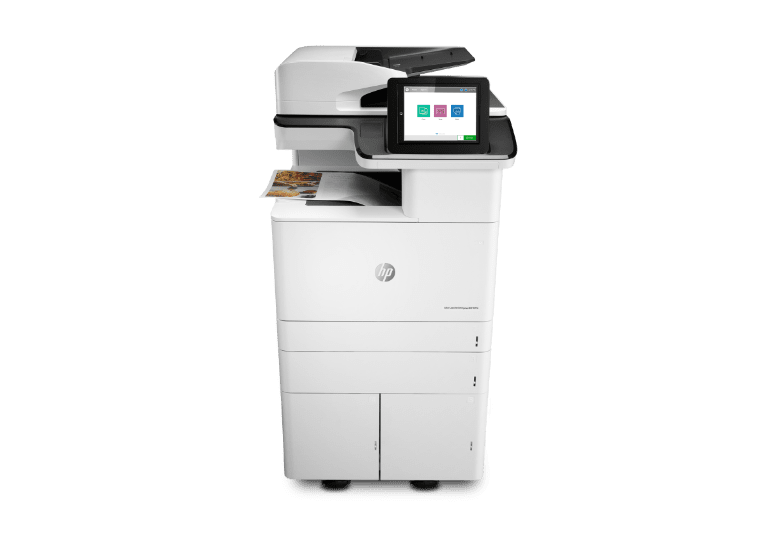
About HP LaserJet
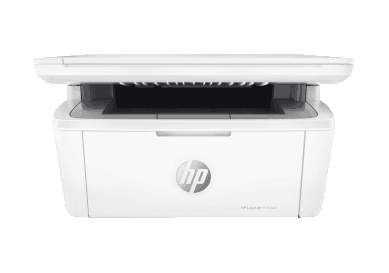
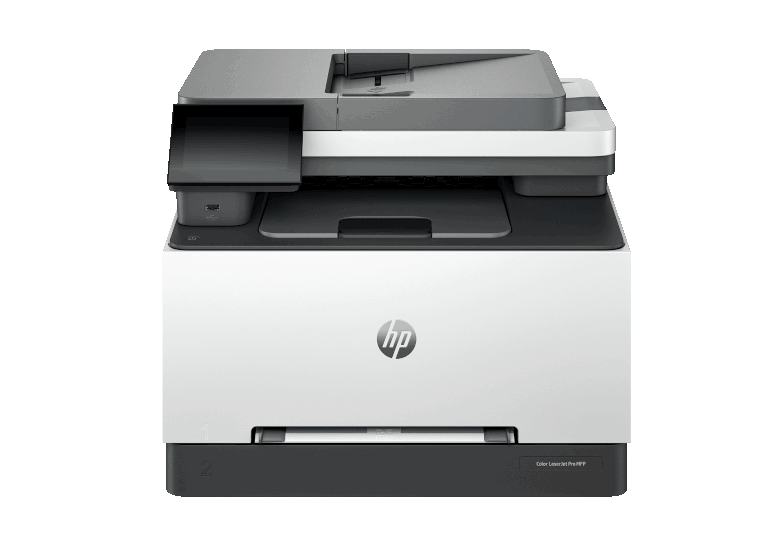
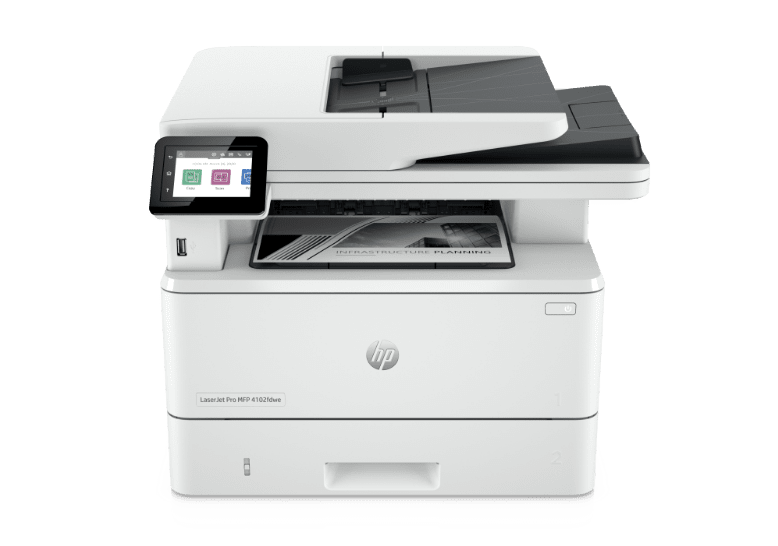
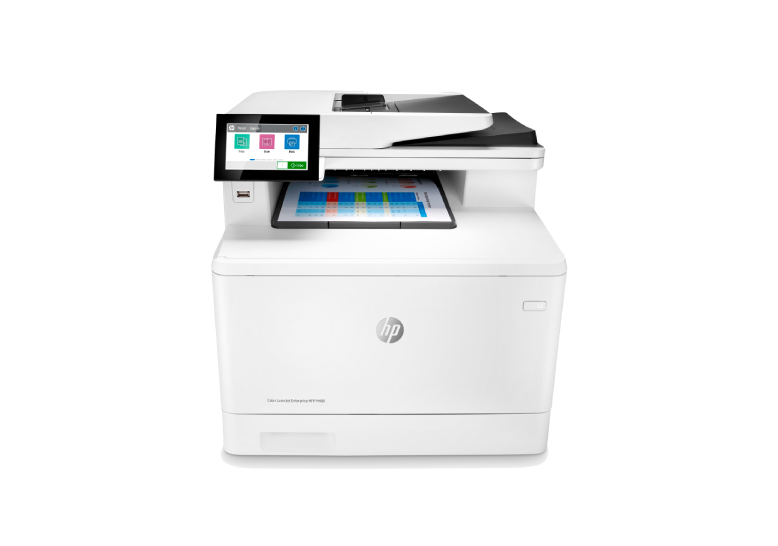
HP LaserJet is the laser printing line HP started in March 1984 with what HP itself calls the world's first desktop laser printer, a machine that cost around 3,500 US dollars and printed 8 pages per minute. Canon supplied the print engine then and the two companies are still working together on toner today. The name now covers everything from a small mono printer that sits beside a desk to a floor-standing colour machine that serves a department, split into a Pro line for small businesses and an Enterprise line for managed fleets. Because the range is that wide, no single speed, price or running cost describes a LaserJet. What the badge tells you is the printing method and the support structure around it.
What LaserJet has meant since 1984
The original LaserJet mattered because of what it replaced. Office printing before it meant impact printers that were loud, slow to change fonts and limited in quality. HP records that it had shipped 50 million LaserJet units by December 2000, which is the clearest measure of how completely the format took over.
The Canon relationship has run through the whole story. Canon built the engine in the 1984 machine, and the toner in HP's recent entry level colour models, marketed as TerraJet, was also developed with Canon. Techzine reports that it melts at a lower temperature than conventional laser toner, which is what allows a smaller and less power-hungry machine at the bottom of the range. That is worth knowing when you compare a 2026 LaserJet against a laser printer you bought a decade ago.
How the line is split today
The first split is Pro against Enterprise. HP positions LaserJet Pro for small businesses with little or no IT support, where the machine has to work out of the box and stay cheap to keep. LaserJet Enterprise is for managed environments and public sector fleets, where central management, fleet-wide security policy and service contracts matter more than the purchase price. HP's 2026 announcement carried this straight through the model numbers, with a Pro 4000 and 4100 series and an Enterprise 5000 and 6000 series.
The second split is mono against colour, and it is the one that decides running cost. The third is whether the machine scans. Multifunction models cost more and take more space, but a separate scanner in a small office rarely gets used.
HP also sells LaserJet Tank, a separate line built around refillable toner rather than cartridges. If your objection to laser printing is the cartridge bill, that is the line to look at before you rule out laser entirely.
How to size one
Duty cycle is the number most often misread. HP describes it as a maximum, stress-tested figure rather than a target, and advises buying so that your actual monthly volume sits close to the recommended monthly print volume instead of near the duty cycle. A machine run permanently at its ceiling will need service sooner than the specification implies.
The other number to work out before buying is lifetime cost. HP's own buying guidance makes the point that purchase price, toner, energy and maintenance all belong in the same calculation, and on laser hardware the purchase price is usually the smallest of them. Two printers that look similar on a shelf can differ by a large multiple over three years once you price the toner they take and the page yield of the cartridges that come in the box.
What to weigh against the nearest rivals
The obvious comparisons are Brother and Canon in mono laser, and Xerox and Canon in departmental colour. Against them, LaserJet's usual advantages are fleet management tooling, security features and the size of the service and supplies network. The usual complaint against it is consumables pricing.
That complaint shows up in independent reviews rather than only in forums. TechRadar recommends the LaserJet Pro 4001dn for offices printing high volumes of mono pages and the Color LaserJet Pro 3201dw for small offices that need colour, but marks the colour models down for expensive cartridges and for shipping with little toner in the box, and notes soft print quality on the 4001dn and no Wi-Fi on the base configuration. Price the cartridges before you price the printer.
Who should buy something else
Anyone printing photographs should not buy a LaserJet. Laser is built for text, line work and consistency, and HP's own guidance points photo printing at inkjet.
Anyone printing a handful of pages a month is likely to be better served by an inkjet or a Smart Tank machine. Toner cartridges are expensive to replace and a laser printer bought for occasional use spends most of its life depreciating.
Anyone whose main concern is the running cost of colour should look at LaserJet Tank or at an ink tank machine rather than at a cartridge-based colour LaserJet. And any organisation that needs central fleet control, policy enforcement and a service contract should be quoting the Enterprise line rather than buying Pro units one at a time, because the management tooling is the thing being paid for and it does not arrive with the cheaper models.
Reviews
No reviews yet
Nobody has reviewed HP LaserJet here yet.