
About HP Smart
HP Smart is the application HP built to stand between a person and an HP printer. It puts the printer on a network, sends jobs to it from a phone or a laptop, drives the scanner, reports ink and toner levels, and handles the diagnostics that used to mean a control panel and a paper manual. It has run on Windows, macOS, iOS and Android, and it costs nothing to download. It also carries a good deal of HP's subscription business, because Instant Ink and the HP All-In Plan are managed from inside it. The most important thing to know about the line now is that HP is retiring the name and folding it into a single application called the HP app.
What it does
Platform
| Operating systems | Windows, macOS, iOS and Android |
|---|---|
| Printer compatibility | Most wireless enabled HP printers released since 2014, as stated by HP |
Pricing
| Cost | Free to download |
|---|
Status
| Succeeded by | The HP app, which merges HP Smart and myHP |
|---|
HP Smart is being replaced by the HP app
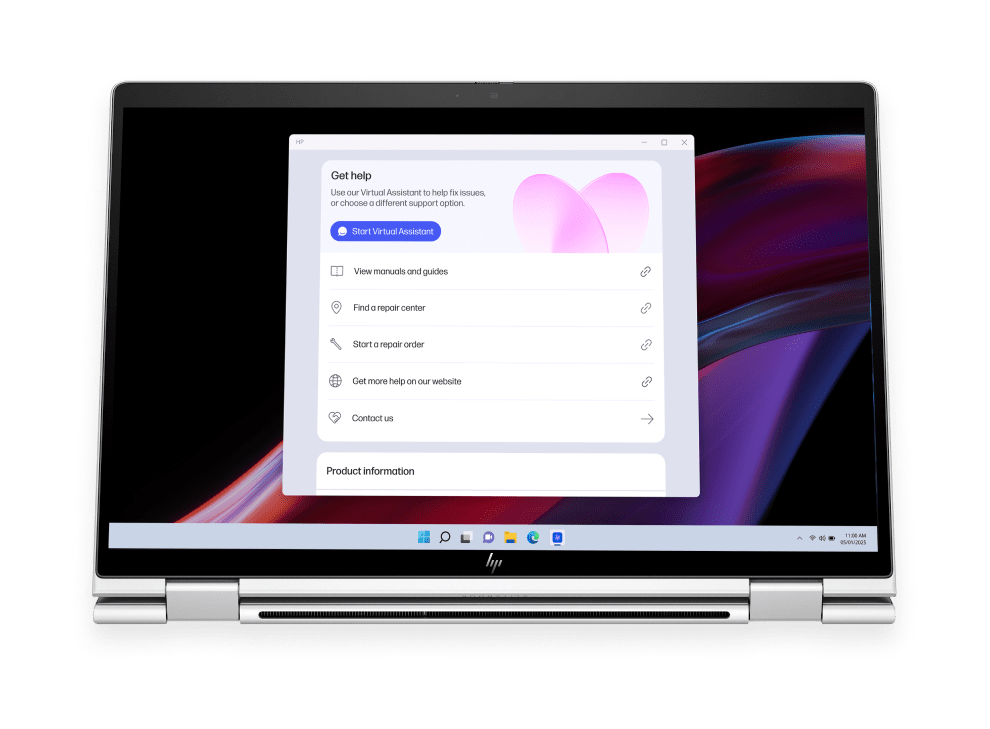
HP's own overview page states that the HP app combines features from HP Smart and myHP into one application, and that HP Smart is no longer available to download. HP's support material says saved printers and settings migrate across automatically, that the change runs one way once the new app is installed, and that the rollout has been gradual and may not have reached every country. The new application widens the remit past printers to HP laptops, tablets and accessories, and it keeps the subscription management that HP Smart carried. Anybody following a guide written before this change should treat the screenshots as historical. The tasks are broadly the same ones under a new arrangement, but the name on the store listing is different, and searching for the old one is now the slower route.
What the application actually does
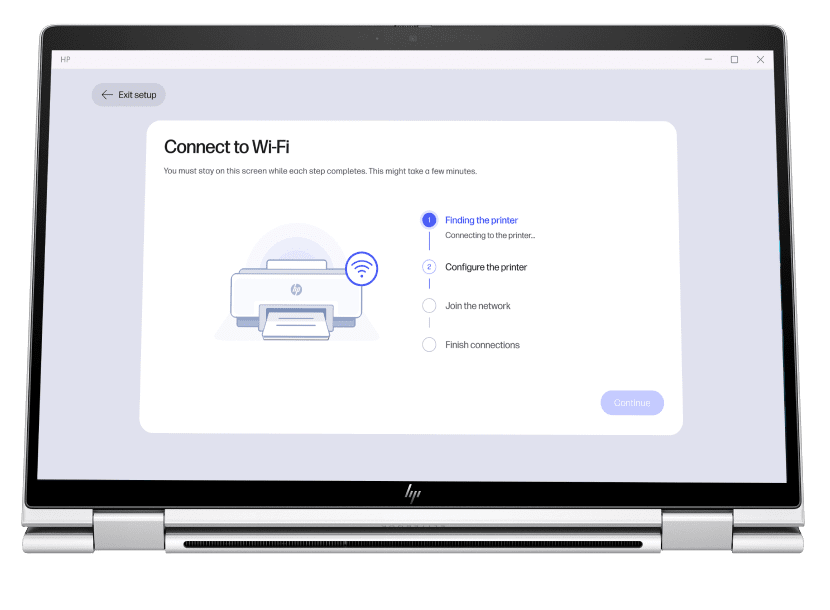
Four jobs account for most of the use. Setup is the first and the one HP cares most about, because it is where a new printer is joined to a wireless network and registered to an account. Printing from a phone is the second, and is the reason the mobile versions exist at all. Scanning is the third, and on a multifunction printer the application is often the only convenient way to get a scan onto a phone rather than a PC. Supply monitoring and diagnostics are the fourth: ink and toner levels, firmware updates, and the guided troubleshooting that tries to explain why a printer has stopped answering. HP states the application supports most wireless enabled HP printers released since 2014, which is a wide net but not a universal one.
Who it is for
The clearest fit is a household or a small office with one or two recent HP printers and no interest in printer administration. For that reader the application genuinely removes work: it finds the printer, it explains the error, and it puts scanning on the device people actually carry. It is also close to compulsory for anyone on Instant Ink or the HP All-In Plan, since those subscriptions are managed through it and depend on the printer staying connected and reporting back. Anybody who bought an HP printer specifically for the ink subscription is buying this application too, whether or not that was part of the decision.
What to weigh against printing without it
The alternative most people overlook is that a modern printer does not need this software to print. Apple devices reach most network printers through AirPrint, Android through Mopria, and Windows and macOS both carry generic drivers that will drive an HP printer for ordinary document work. The printer's own built in web page, reached by typing its address into a browser, exposes most of the settings and supply readings without any application at all. What the generic route gives up is the guided setup, the scan to phone workflow, the firmware updates and the subscription management. What it gives back is a machine that does not require an account, does not phone home and does not change under you. That trade is the whole decision, and it is worth making deliberately rather than by default at unboxing.
The account question and the recurring complaints
The complaint that recurs most often in independent coverage concerns account sign in. Writing on WindowsForum, an analysis of the Windows version notes that HP has increasingly put scan and remote printing features behind an HP account, and that workflows which once ran locally now route users towards cloud sign in. The same write up flags installation trouble tied to the Microsoft Store, reports of the application hanging on load or failing to see a scanner, and the way it can reappear after a Windows update or a driver reinstall. It also points out that cloud assisted diagnostics and HP Plus benefits involve data sharing, and suggests local drivers for anyone who wants to keep telemetry to a minimum. None of that makes the application useless. It does mean the convenience is paid for in account and connectivity terms rather than in money.
The 2023 auto install episode
In late November 2023 a Windows fault caused printers on many machines to be renamed HP LaserJet M101-M106 and caused HP Smart to install itself on systems that had no HP hardware attached. BleepingComputer reported Microsoft confirming the issue on 5 December 2023, affecting Windows 10 from version 1809 onwards and Windows Server 2012 or later, with machines that had no access to the Microsoft Store unaffected. Microsoft said print jobs should still queue normally while it investigated. The episode is worth recording because it shaped how a lot of people first met this software, and because it is the source of a durable belief that HP pushes the application onto machines that never asked for it. The cause was on Microsoft's side.
Who should use something else
Anyone running an older HP printer should check compatibility before relying on it, since HP's stated coverage starts at wireless models from 2014. Anyone administering printers across an office rather than a home will find this is the wrong shape of tool entirely and should be looking at print management software and standard drivers deployed centrally. Anyone with a mixed set of printer brands gains little, because this drives HP hardware only. And anyone whose priority is keeping a printer off the internet, whether for privacy reasons or because the network is deliberately closed, should set the printer up from its own web interface and print through a generic driver, accepting the loss of scan to phone and guided troubleshooting as the price.
What is not published
HP does not publish a retirement date for HP Smart, nor a list of which countries have received the HP app and which have not. HP has said the new application is free to download but has also noted it may introduce charges for selected features in future, without saying which features or when. There is no published statement on how long existing HP Smart installations will keep working once the replacement has fully rolled out. Anybody depending on the application for a subscription should watch for HP's own notices rather than assume the current arrangement is permanent.
Reviews
No reviews yet
Nobody has reviewed HP Smart here yet.