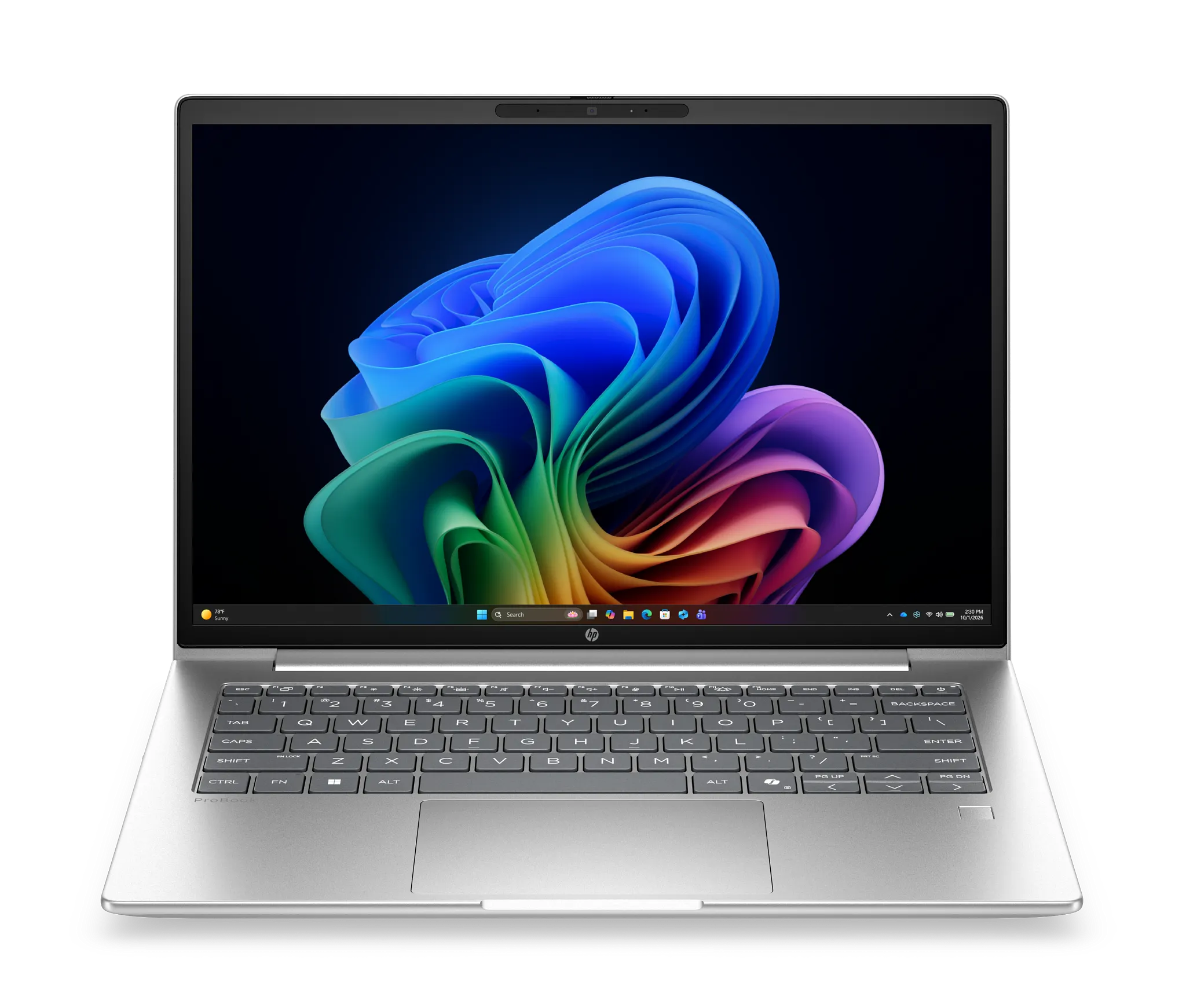
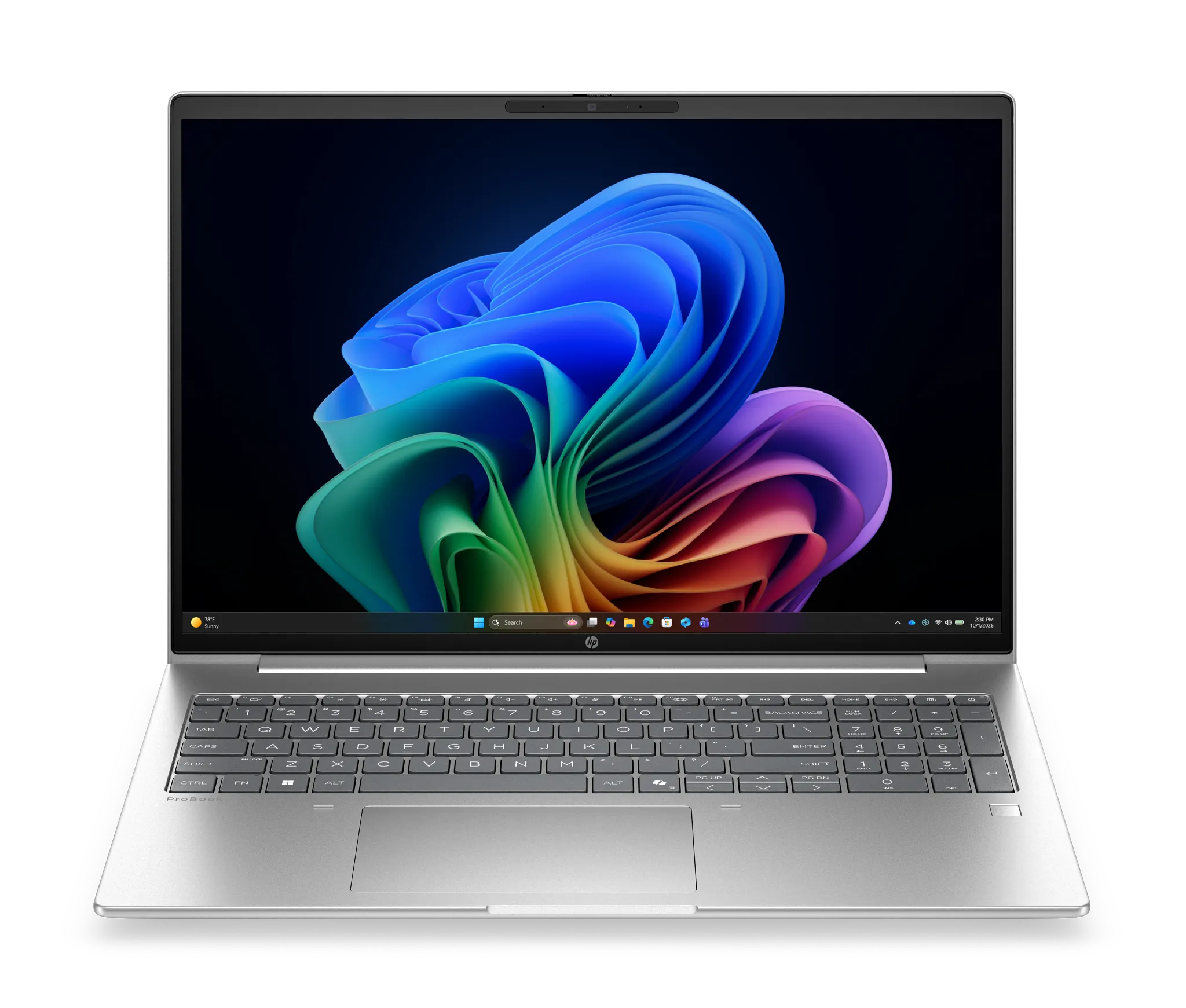
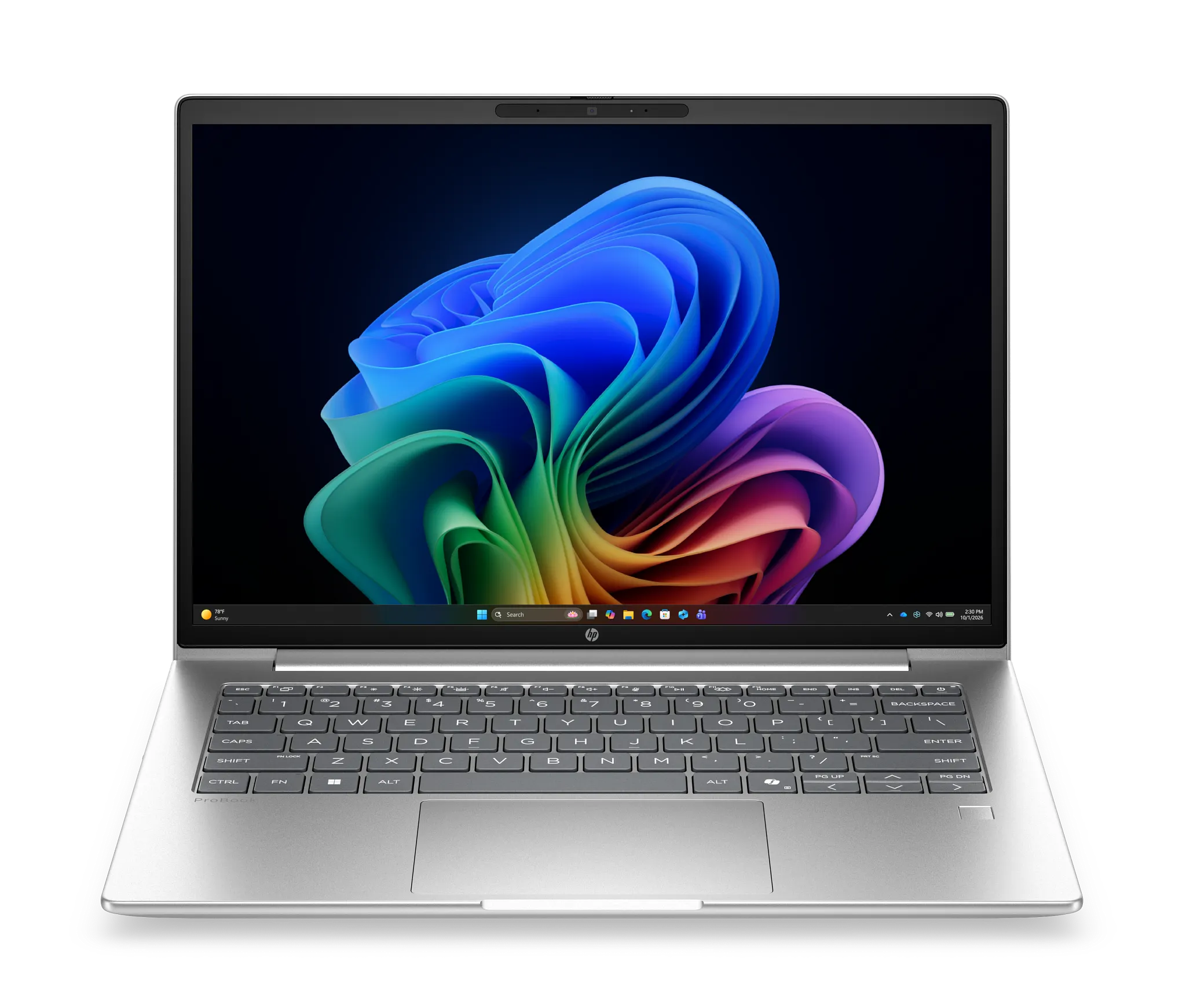
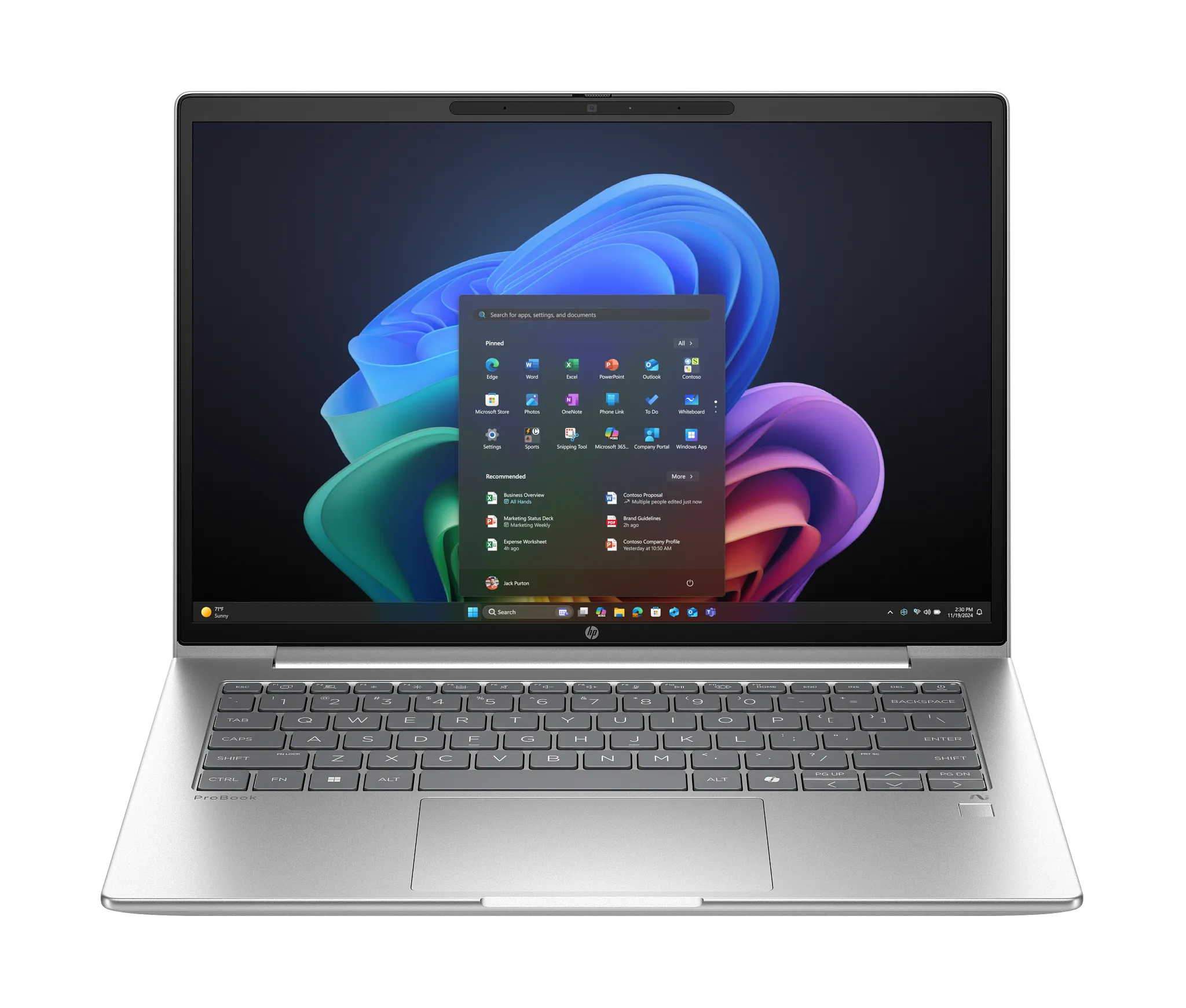
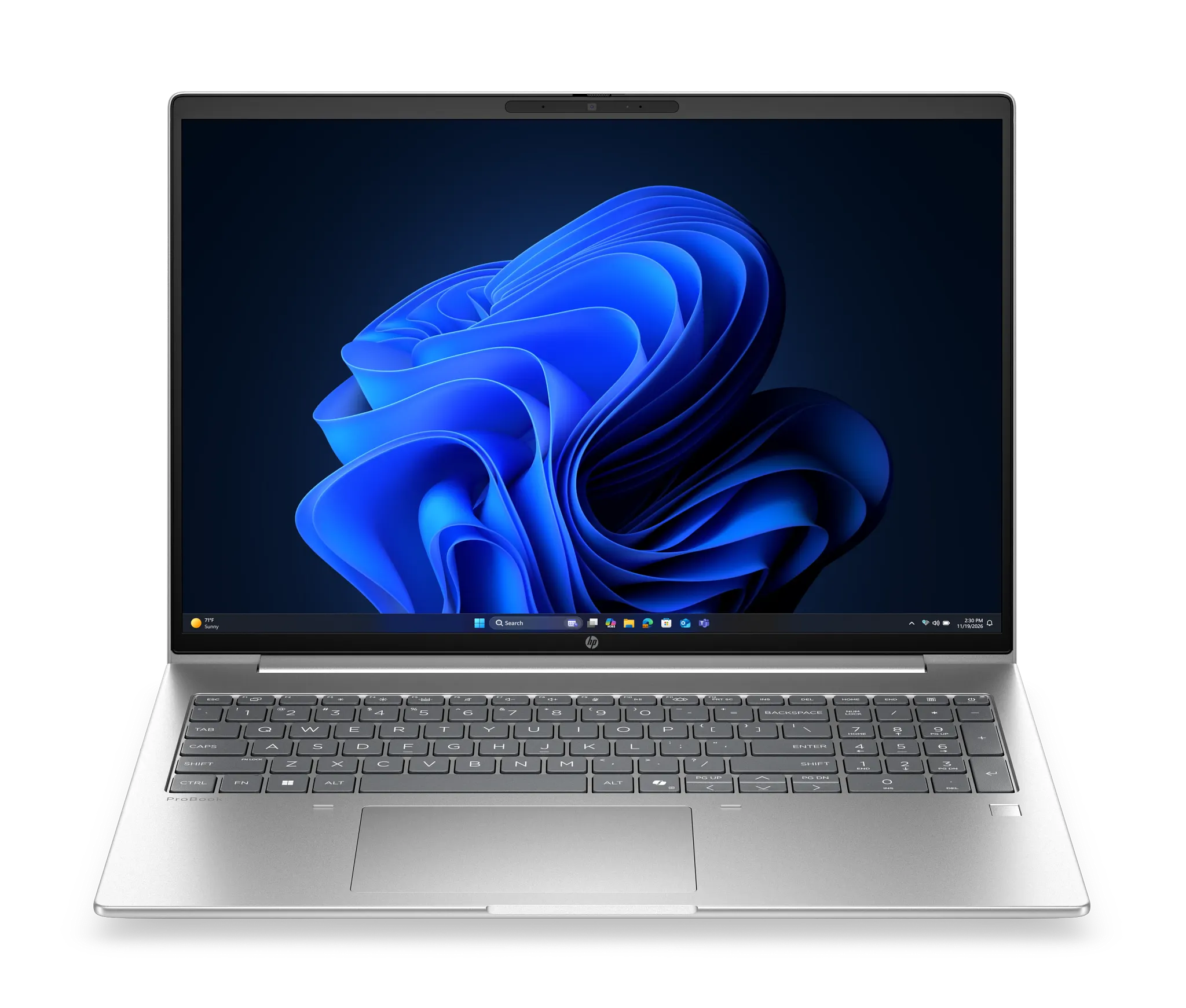
About HP ProBook 4
HP ProBook 4 is the volume business notebook in HP's commercial range, the tier a company buys when it needs Windows 11 Pro, remote management and a warranty path across a whole office rather than a showpiece for a handful of executives. It is the line HP renamed from the long-running ProBook 400 series when the company reorganised its PC portfolio around single-digit tiers, so a buyer who spent years ordering ProBook 440 and ProBook 450 machines is looking at the same slot in the range under a shorter name. Because this is a line rather than a single machine, it has no one screen size, processor or price: HP builds it in 14 inch and 16 inch sizes, and across Intel, AMD and Qualcomm silicon, with the specific mix changing as each generation lands.
Key specifications
Software
| Operating system | Windows 11 Pro |
|---|---|
| Security | HP Wolf Security for Business |
Sizes
| Display sizes | 14 inch and 16 inch |
|---|
Positioning
| Previously named | HP ProBook 400 series |
|---|
Where the ProBook 4 sits in HP's range
HP's commercial notebooks run in tiers, and ProBook 4 is the entry point of the managed business range rather than the bottom of HP's catalogue overall. Above it sit EliteBook 6 and EliteBook 8, the former HP 600 and 800 series, which carry the more expensive chassis materials, the wider display and camera options and the deeper firmware security work. Below and alongside it sit HP's consumer OmniBook machines, which can be cheaper and better specified for the money but are not built around fleet deployment. The practical difference is not raw speed. A ProBook 4 with a current Core Ultra chip will keep pace with an EliteBook for spreadsheets, mail and video calls. What the higher tier buys is chassis quality, a longer options list and the manageability depth that large IT departments write into their standards.
Who the line is built for
This is a laptop for smaller and growing businesses, and for the parts of a large organisation that are bought on volume rather than on specification. Typical buyers are ordering ten or a hundred identical machines, need Windows 11 Pro on every one of them, need HP Wolf Security for Business running underneath, and need the fleet to look the same in a management console two years from now. The line is also aimed at hybrid working patterns, so HP fits the cameras, microphones and noise handling that make daily video calls tolerable rather than treating them as an afterthought. If your requirement reads as a purchase order rather than a wish list, this is the tier that requirement usually lands on.
What the whole line shares
Across configurations the ProBook 4 is a Windows 11 Pro machine with HP Wolf Security for Business and HP's commercial manageability tooling. Notebookcheck's coverage of the series records a port set that stays consistent across the variants: two USB-C ports at 20 Gbps carrying DisplayPort 1.4 out and Power Delivery, two USB Type-A at 5 Gbps, HDMI 2.1 out, a combo audio jack and wired Ethernet on RJ-45, with a nano-SIM tray as an option. Wired Ethernet is worth naming, because it is the thing thinner premium laptops drop and the thing an office with docking stations and meeting rooms still quietly relies on. HP sells the line in 14 inch and 16 inch sizes, and Notebookcheck lists 1200p and 1400p panel choices at 14 inches with a 1600p option added at 16.
What to weigh it against
The nearest rivals are Lenovo's ThinkPad E and L series and Dell's Pro range, and the comparison rarely turns on benchmarks. Ask instead how long the vendor will supply the same model, because a fleet buyer wants to add three more machines in month nine that match the ones bought in month one. Ask what the warranty and on-site service actually cost once added, since the headline price of a business laptop is not the price a business pays. Ask whether your management tooling is already tied to one vendor's agent, because that usually decides the answer before the hardware does. Within HP's own range the real question is ProBook 4 against EliteBook 6: if the machines go to people who travel constantly, the sturdier tier tends to repay the difference in fewer repairs.
Who should buy something else
If you are buying one laptop for yourself, this is the wrong shelf. Consumer lines including HP's own OmniBook give you a better screen and a better chassis for the same money, because you are not paying for fleet management you will never open. If you need serious sustained compute, certified drivers for engineering software or a workstation-class GPU, look at ZBook rather than at the ProBook models that offer an entry-level discrete GPU. If your staff live on aircraft and every gram matters, the premium thin and light tiers are the honest answer. And if your organisation has already standardised on another vendor's management stack, the cost of running two consoles will outweigh whatever you save on the hardware.
Buying notes
Configurations rotate, so check the generation suffix before ordering rather than trusting the tier name alone. HP marks Intel and AMD builds differently within the same line, and a model that reads as identical on a purchase order can carry a different processor family and a different NPU. If AI features in Windows matter to your rollout, confirm the specific chip in the quote rather than assuming the whole line qualifies, because HP spans several processor generations inside one tier at any given moment. Prices and available configurations vary by country and by reseller agreement, and are not stated here for that reason.
Reviews
No reviews yet
Nobody has reviewed HP ProBook 4 here yet.