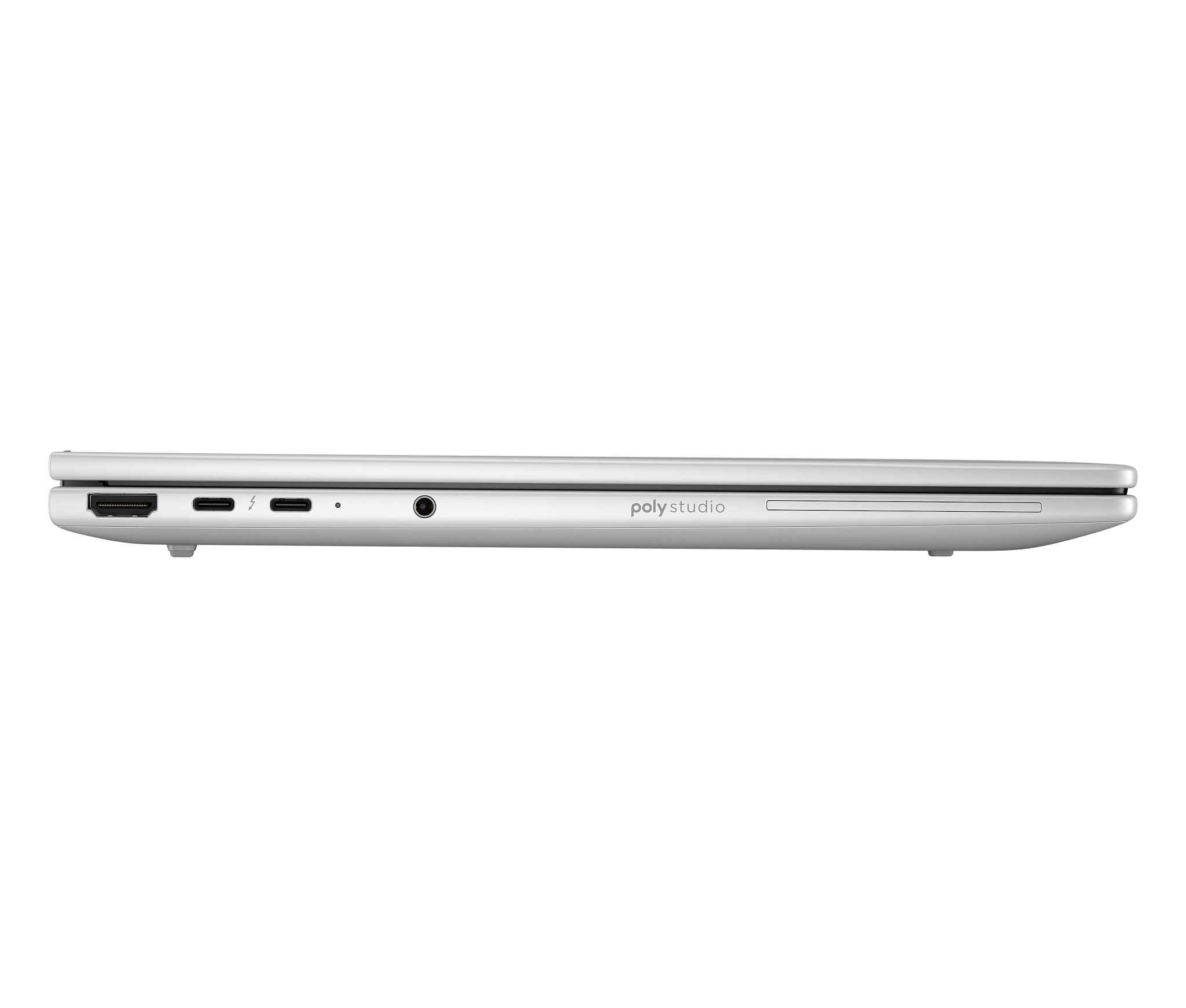
About HP EliteBook 8
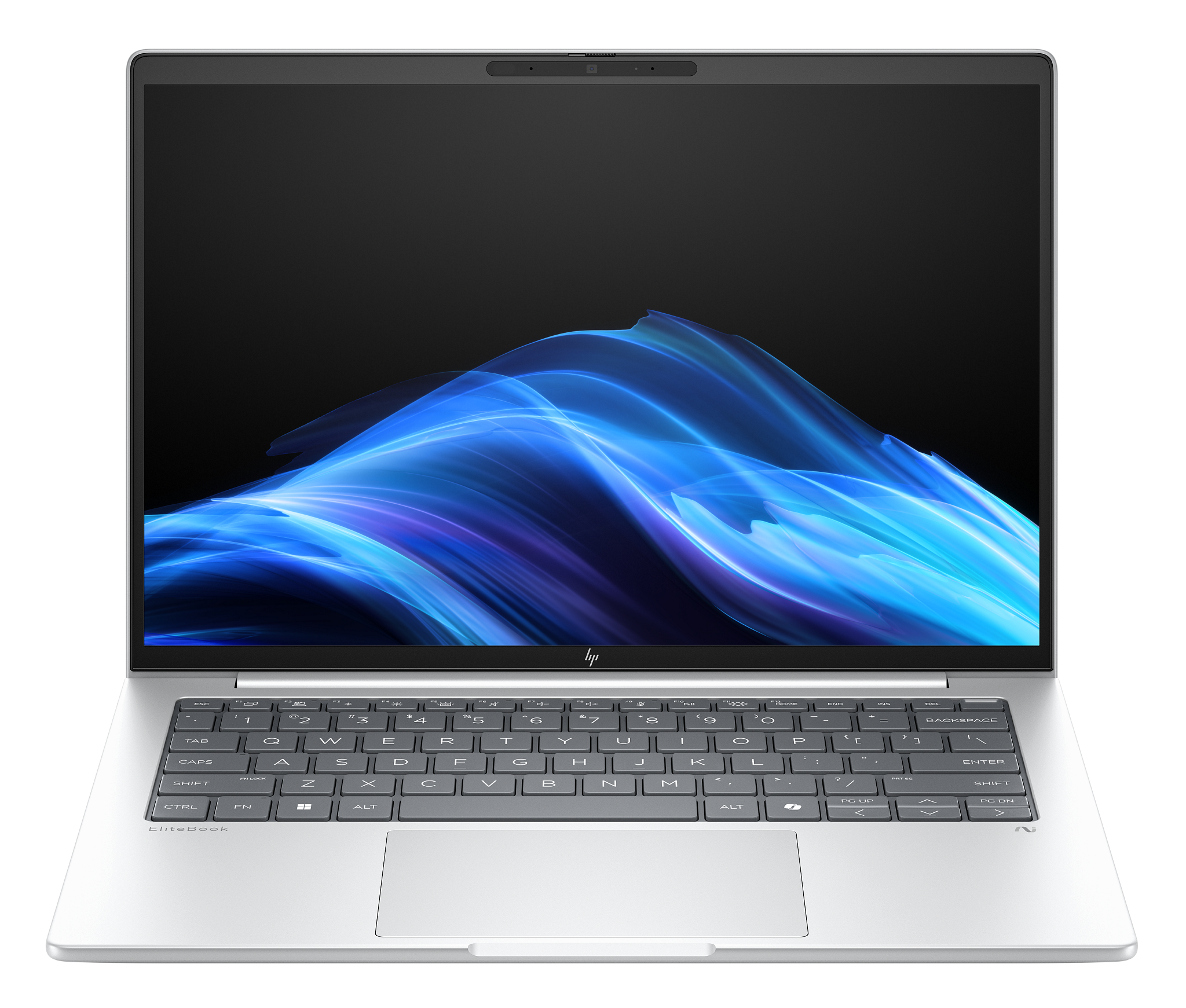
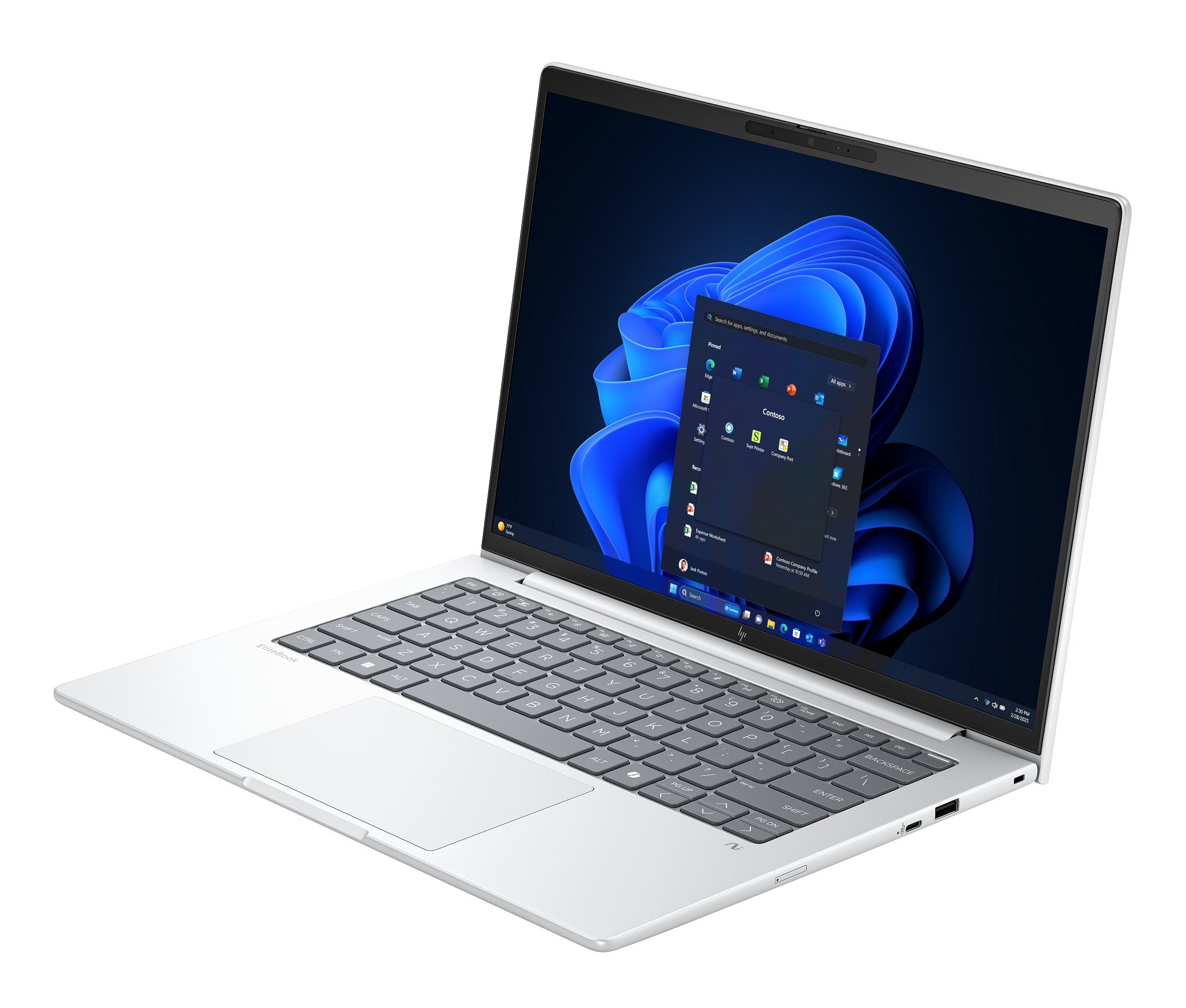
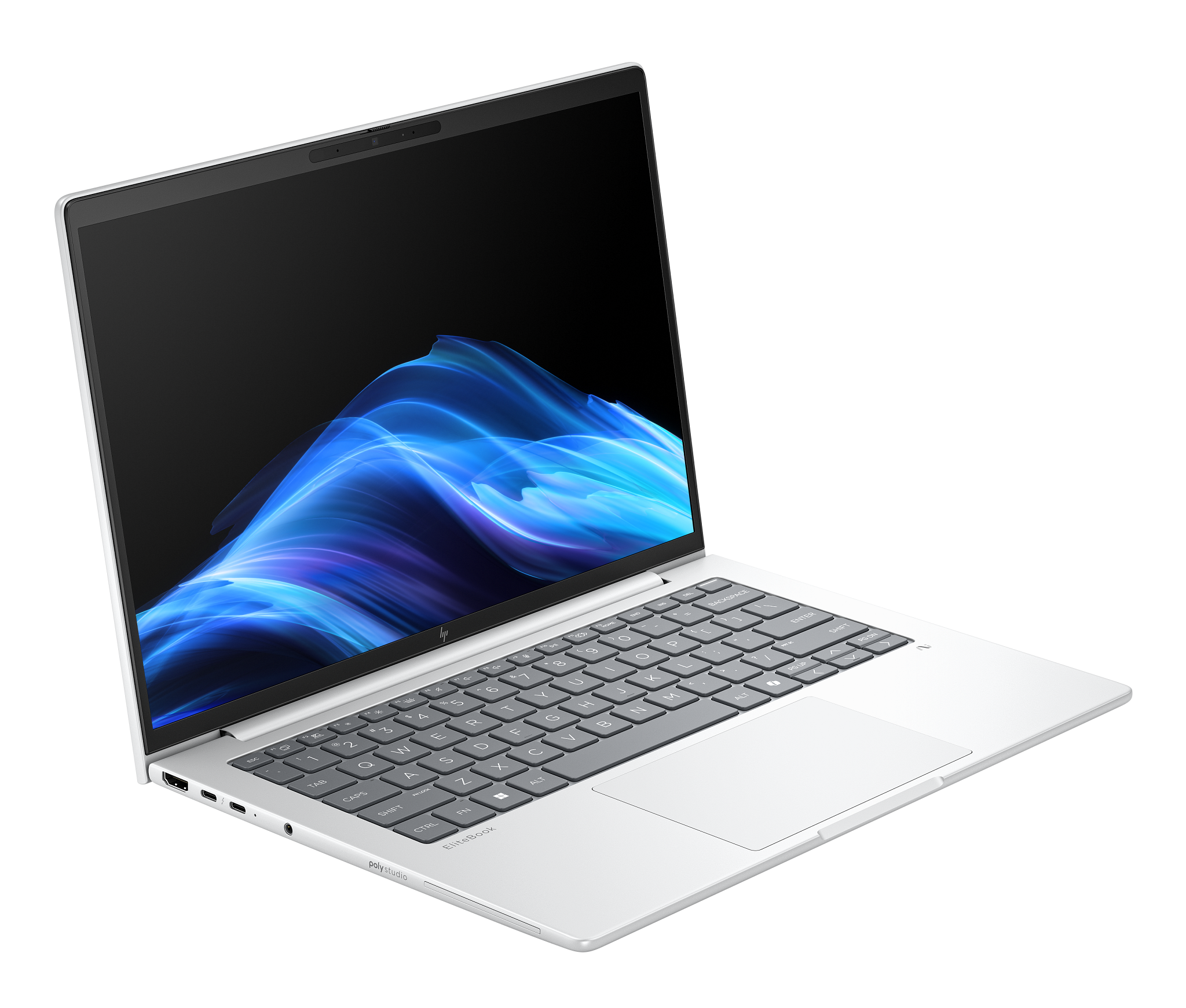
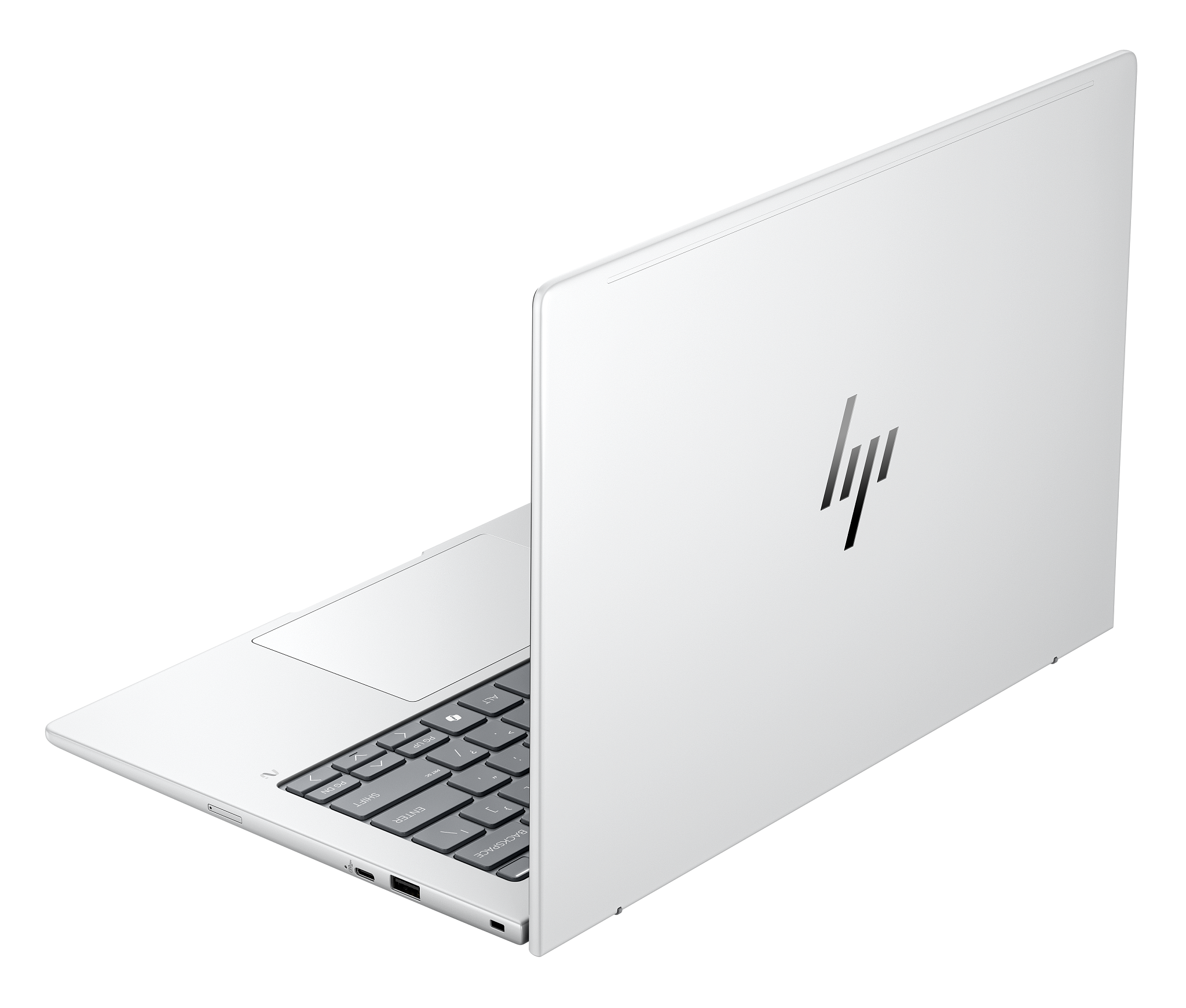
HP EliteBook 8 is the middle of HP's business notebook range and the volume seller in it: the line an IT department buys by the hundred when most of the staff need the same competent machine. It is the former EliteBook 800 series under a shorter name, so the EliteBook 845 G11 became the EliteBook 8 G1a 14. The line covers 13, 14 and 16 inch clamshells plus a 13 inch convertible, with Intel or AMD silicon, which is why it has no single screen size, weight or price. What it does have is a consistent brief: manageable by IT, repairable on the desk, and good enough at cameras and microphones that nobody complains on a call.
Key specifications
Naming
| Processor suffix | G1i denotes an Intel configuration, G1a denotes an AMD configuration |
|---|
Range
| Screen sizes offered | 13, 14 and 16 inch clamshells plus a 13 inch convertible |
|---|
Serviceability
| Keyboard | Separate from the palmrest assembly, so it can be replaced on its own |
|---|
What the name actually tells you
HP renamed its business notebooks in 2025 and the numbers now mark tiers rather than model families. EliteBook 6 is the cost-focused, heavily configurable tier. EliteBook 8 is the mainstream premium one, which HP describes as the gold standard for enterprise PCs. EliteBook X is the ultralight, and EliteBook Ultra sits at the top. The letter after the G is the silicon: G1i means Intel, G1a means AMD. The number at the end is the screen size. So an EliteBook 8 G1a 16 is a 16 inch AMD machine in the mainstream premium tier, and once you can read that string you can shop the whole range from a spreadsheet.
What changed in the redesign
The rename came with engineering work aimed squarely at the people who maintain fleets rather than the people who use them. The keyboard is no longer fused to the palmrest assembly, which makes the single most commonly replaced part on a business laptop a far cheaper repair. HP dropped one USB-A port for a third USB-C, so the machine charges from either side and stops depending on which way the desk is arranged. Wi-Fi, SSD and WWAN are replaceable M.2 cards. On the 14 and 16 inch models there are two SO-DIMM slots for memory, though that does not apply to the Lunar Lake variants, where the memory is part of the processor package and cannot be changed later.
How it holds up in independent testing
XDA Developers reviewed the EliteBook 8 G1i 14 and the picture is mixed in a useful way. The keyboard was the standout, described as very close to ThinkPad quality, and the machine is genuinely portable at 3.22 lb. The 1920 x 1200 IPS panel reached 481 nits at full brightness but fell to 110 nits at the halfway setting, and colour accuracy was poor enough that the reviewer ruled it out for graphics work. There is no OLED option on that configuration. The Core Ultra 7 268V posted 8,104 in PCMark 10 yet the reviewer still met slowdowns opening applications day to day. Battery ran 16.67 hours in productivity testing, respectable but behind newer machines reaching past 25 hours. The touchpad was called plasticky and mushy. Pricing was the sharpest criticism: a starting figure of 2,746 US dollars and a test unit at 3,605, which the reviewer called prohibitively expensive.
What to weigh against its nearest rivals
The two machines this is bought against are Lenovo's ThinkPad T series and Dell's business range. On hardware the three are close enough that the decision usually turns on things outside the chassis: which management and imaging stack your IT team already runs, which vendor holds your service contract, and which docking standard your buildings are wired for. HP's argument for paying its price is the security layer, HP Wolf Security, which pushes protections below the operating system rather than relying on software running inside it. If that is already part of your compliance story, the EliteBook 8 slots in with no extra work. If it is not, the hardware alone rarely justifies a premium over the ThinkPad it is compared with, and reviewers keep reaching for the ThinkPad keyboard as the benchmark.
Who should buy something else
Anyone doing colour-critical work should look at HP's mobile workstations instead. The panel on the reviewed configuration was measured as inaccurate, and a business laptop screen is tuned for spreadsheets and video calls, not grading. Anyone buying one machine with their own money should also look elsewhere: at list price this line is poor value against consumer and prosumer laptops with better screens, and its real advantages are fleet advantages that a single buyer never uses. If your priority is the longest possible battery or the lightest possible weight, the EliteBook X and Ultra tiers exist for exactly that, and rival machines on newer low-power silicon go further on a charge. And if budget is the binding constraint across a whole refresh, EliteBook 6 covers most of the same duties for less.
What to check before you order
Four details decide whether the machine you receive matches the one you specified. First the suffix: G1i and G1a are different processors with different battery and performance behaviour, not cosmetic variants. Second the memory: on Lunar Lake configurations it is soldered, so the SO-DIMM slots people expect from this line are not there and the amount you buy is the amount you keep. Third the camera, since the 5 megapixel sensor is offered with and without infrared, and the infrared version is what enables face sign-in. Fourth the display, because brightness and colour vary considerably across the panels offered and the specification sheet figure is a peak rather than what you get at a normal setting.
Reviews
No reviews yet
Nobody has reviewed HP EliteBook 8 here yet.