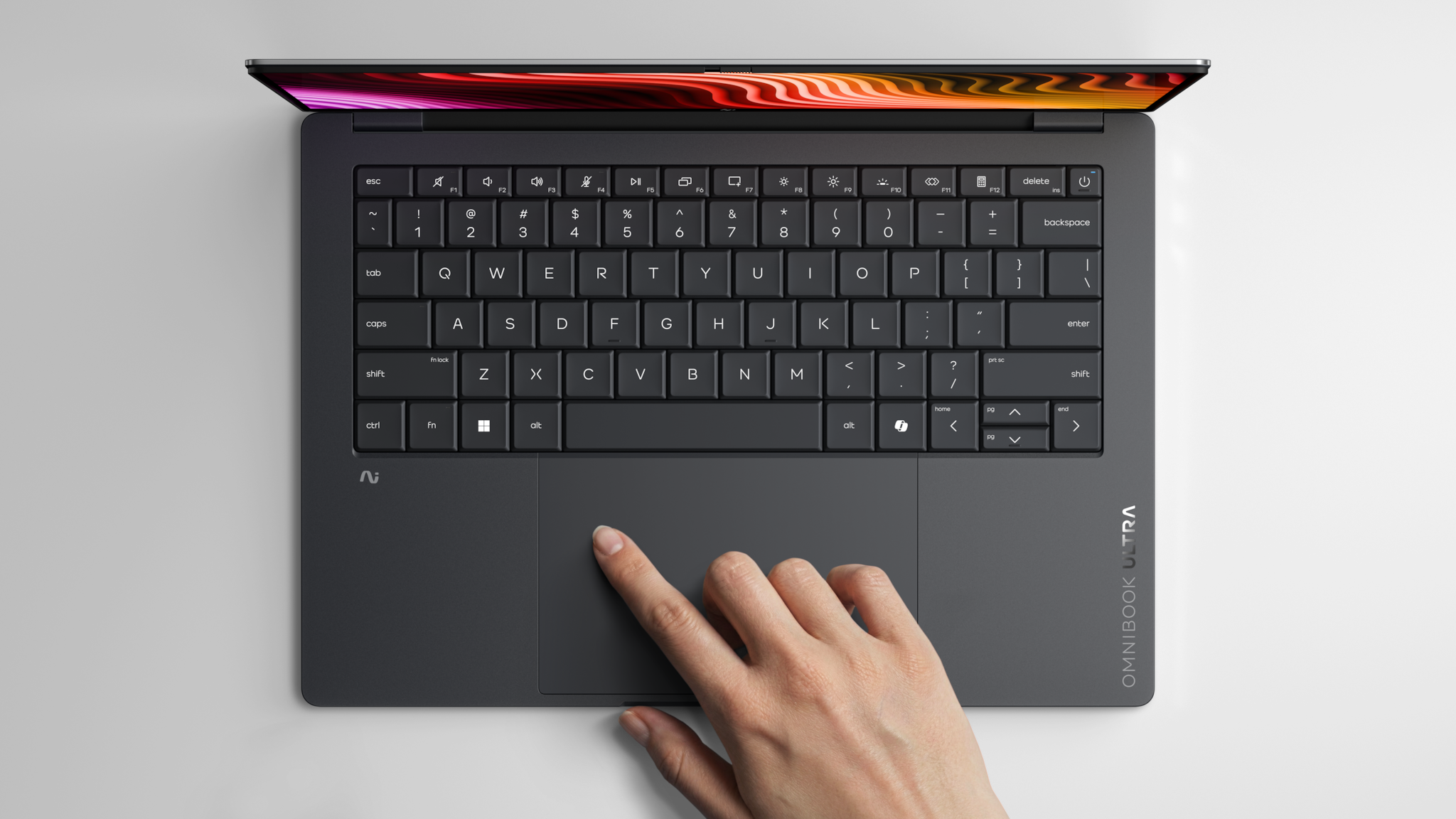

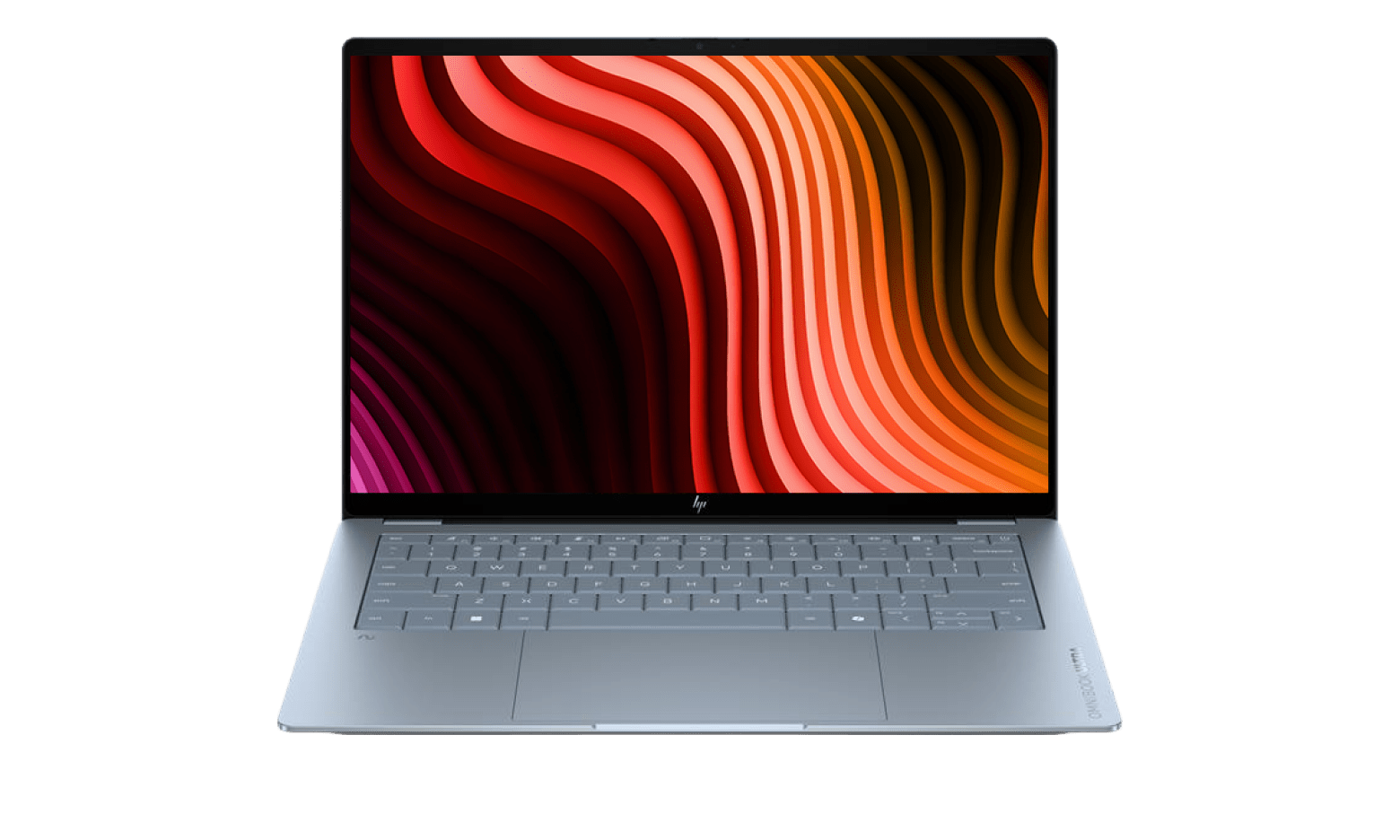

About HP OmniBook Ultra
HP OmniBook Ultra is the top of HP's consumer notebook range, the tier reserved for the thinnest chassis, the brightest OLED panels and the fastest on-device AI silicon HP can source in a given year. It arrived with the May 2024 rebrand that retired the Spectre, Envy and Pavilion names and folded them into a single OmniBook ladder running 3, 5, 7, X and Ultra. The numbered rungs map fairly cleanly onto the brands they replaced. Ultra does not. HP treats it as a separate halo category rather than the next step above X, which is why an Ultra usually carries a component nobody else is shipping that season rather than simply more of what the X already gives you.
Because the line spans more than one chassis and two competing processor families at the same time, there is no single screen size, price or battery figure that describes an OmniBook Ultra. What stays constant is the intent. An Ultra is the machine HP builds when it wants the review to lead on how thin it is, how light it is, or how fast it runs AI work without touching the cloud.
Where the OmniBook Ultra sits in HP's range
HP now sells consumer laptops as OmniBook and commercial laptops as EliteBook, with OMEN for gaming and ZBook for mobile workstations. Inside OmniBook, the number tells you the tier: 3 is the entry machine that used to be sold as a plain HP Laptop, 5 covers the ground Pavilion held, 7 stands in for Envy, and X is the premium thin-and-light that replaced Spectre.
Ultra sits outside that sequence. It is not defined as one notch above X so much as the place HP puts whatever it wants to lead with, which in practice has meant exclusive processor bins and construction methods that do not appear further down the range. The line has also carried a convertible, the OmniBook Ultra Flip, alongside the conventional clamshell, so shopping the tier means choosing a body style as well as a chip.
What you actually get for the Ultra premium
The parts of an Ultra that justify the price are structural rather than headline specifications. The 2026 clamshell is built from forged aluminium rather than milled from a single block, which HP uses to claim bend resistance at a thickness that would otherwise flex, and it passes twenty MIL-STD 810H tests. It measures 10.7 mm thick and weighs under 1.3 kg, which HP states is 52 percent lighter than the model it replaces. It is also the first OmniBook with a vapour chamber, which matters more for how long the machine holds its peak clock than for how high that clock goes.
The display is the other place the money goes. Reviewers measured the 3K OLED panel at around 500 nits in standard use and about 1100 nits in HDR, at 120 Hz. Ports are the tradeoff for the thickness: three USB-C connectors carrying Thunderbolt and DisplayPort, a headphone jack, and nothing else.
Snapdragon or Intel: which Ultra to choose
The Ultra is offered on two different architectures, and they are not interchangeable. The Snapdragon X2 Elite version uses a part HP has exclusively, rated at 85 NPU TOPS, and it is the configuration that produces the battery numbers the line is known for. Independent testing put it near 22 hours in a controlled rundown, well short of HP's own 44 hour claim but far ahead of most Intel ultraportables.
The Intel configuration, up to a Core Ultra X9 part, exists for the buyer who cannot accept Windows on Arm. If you depend on older desktop software, specific VPN or security clients, driver-level peripherals, or anything that hooks deeply into Windows, check compatibility before you take the Snapdragon. If your working day is a browser, Office and video calls, the Arm version is the better machine and it is not close on battery.
How it compares with its nearest rivals
The Ultra competes with the 13 and 14 inch Apple MacBook range, Dell's premium thin-and-lights, and Lenovo's Yoga and ThinkPad X1 families. Against a MacBook Air it wins on display technology, since it ships OLED where Apple ships LCD at that price, and on touch, which Apple does not offer at all. It loses on sustained heavy work, where Apple's larger chips still pull away, and on the predictability of running every application natively.
Against the Windows field, the argument is thinness and NPU throughput. If neither of those is what you are shopping for, a Dell or Lenovo at the same money will often hand back the USB-A port, the card reader and the matte screen option that the Ultra gives up.
Who should buy something else
Skip the Ultra if you need legacy ports. There is no USB-A and no card reader, so photographers, anyone tied to wired peripherals and anyone who lives on USB sticks will be carrying a dongle every day. Skip it if you need mobile broadband, since the line has not offered a 5G option. Skip it if you work in bright rooms or outdoors: the panel is glossy with no anti-reflective coating and no matte alternative.
Skip it if you game or run 3D and GPU rendering, which is what OMEN and ZBook exist for. Skip it if you are buying for a company rather than yourself, because fleet imaging, long support contracts and the Wolf security stack live on EliteBook instead. And skip it if what you want is a good laptop rather than the thinnest one: an OmniBook 7 or X does the same daily work for materially less money, and the difference in a browser tab is nothing.
Where to buy
Links go to the seller, not through us. We take no commission and these are not affiliate links, so the order below says nothing about who pays what. Prices and stock change constantly, so check on the day.
Reviews
No reviews yet
Nobody has reviewed HP OmniBook Ultra here yet.