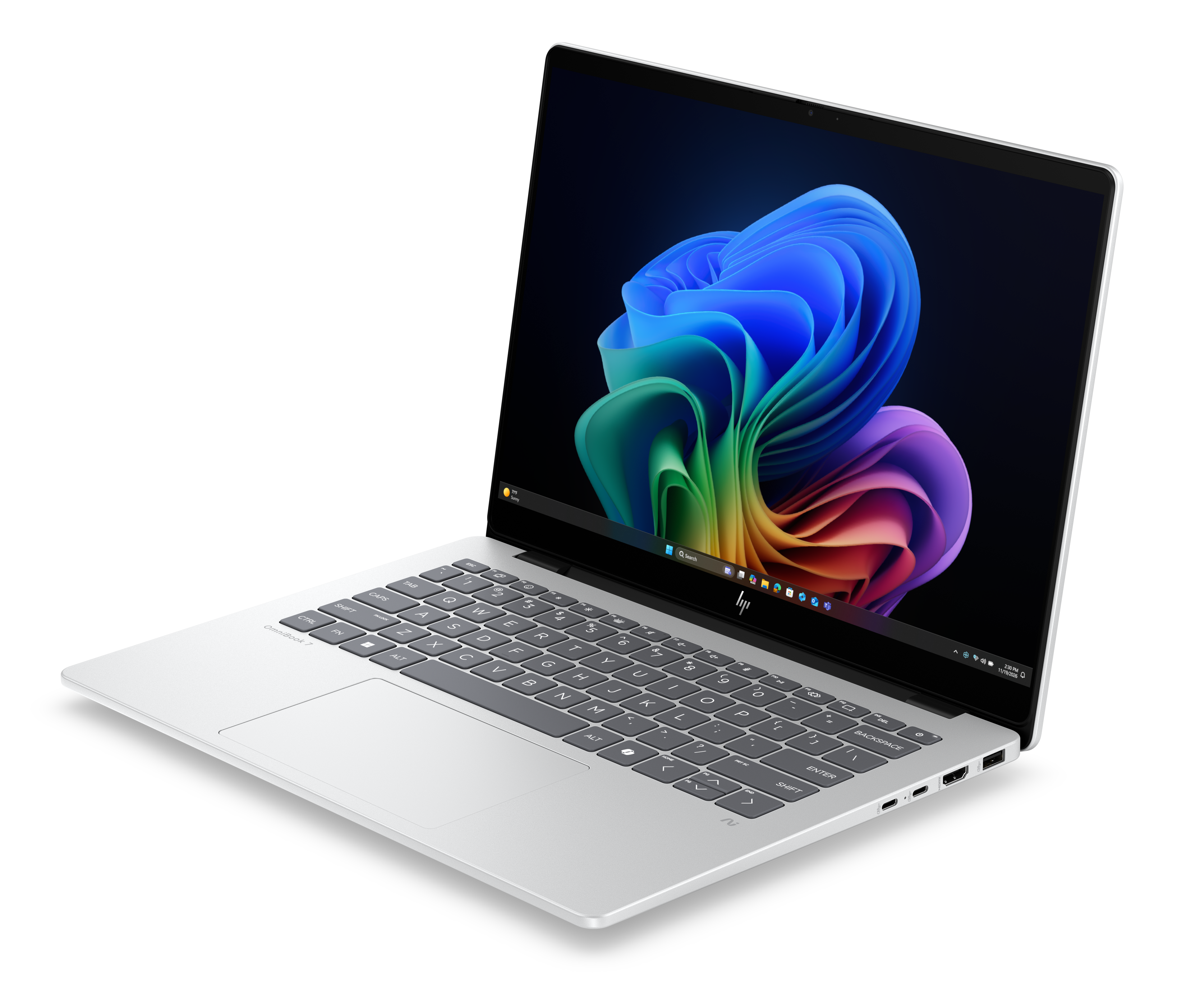
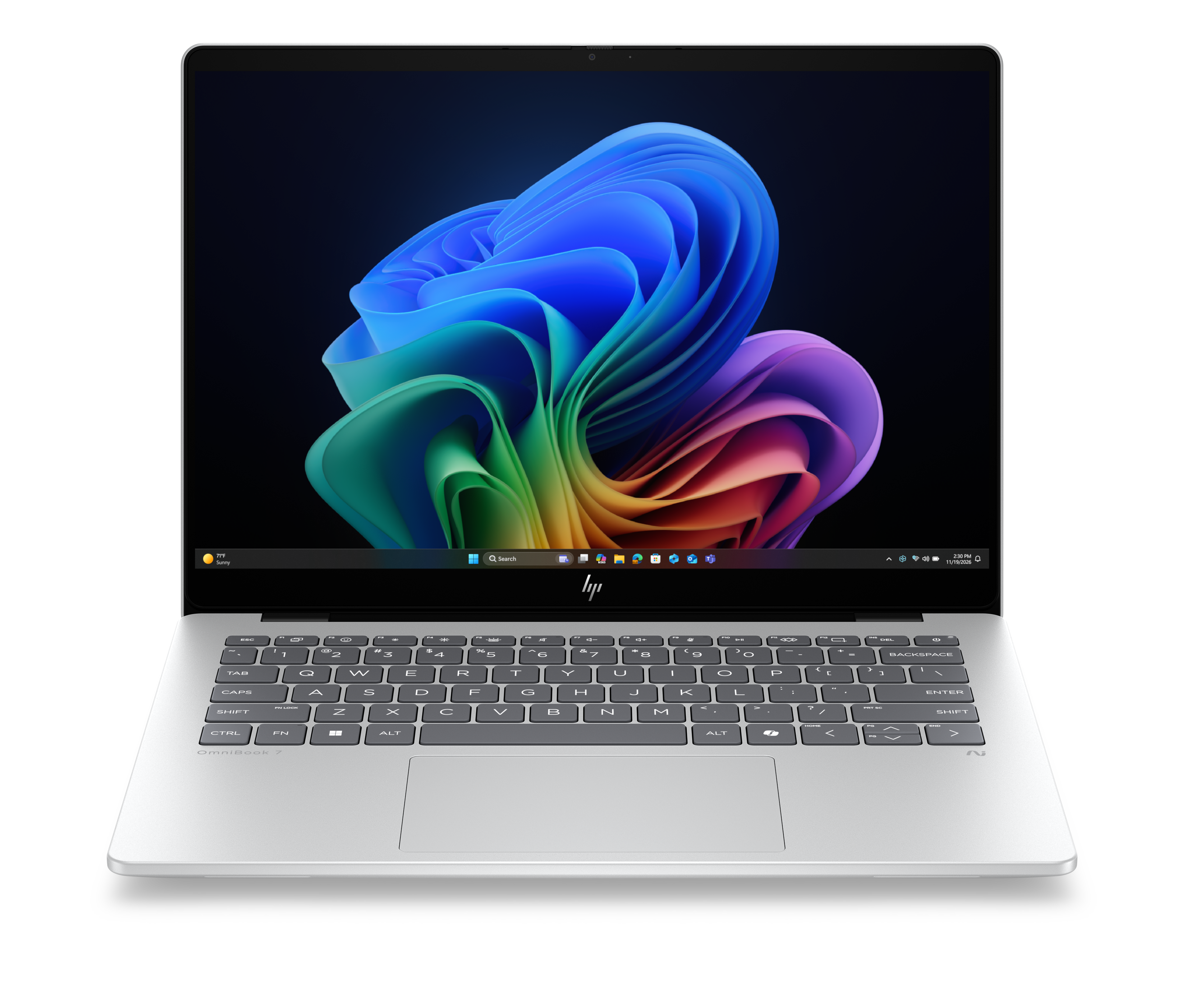
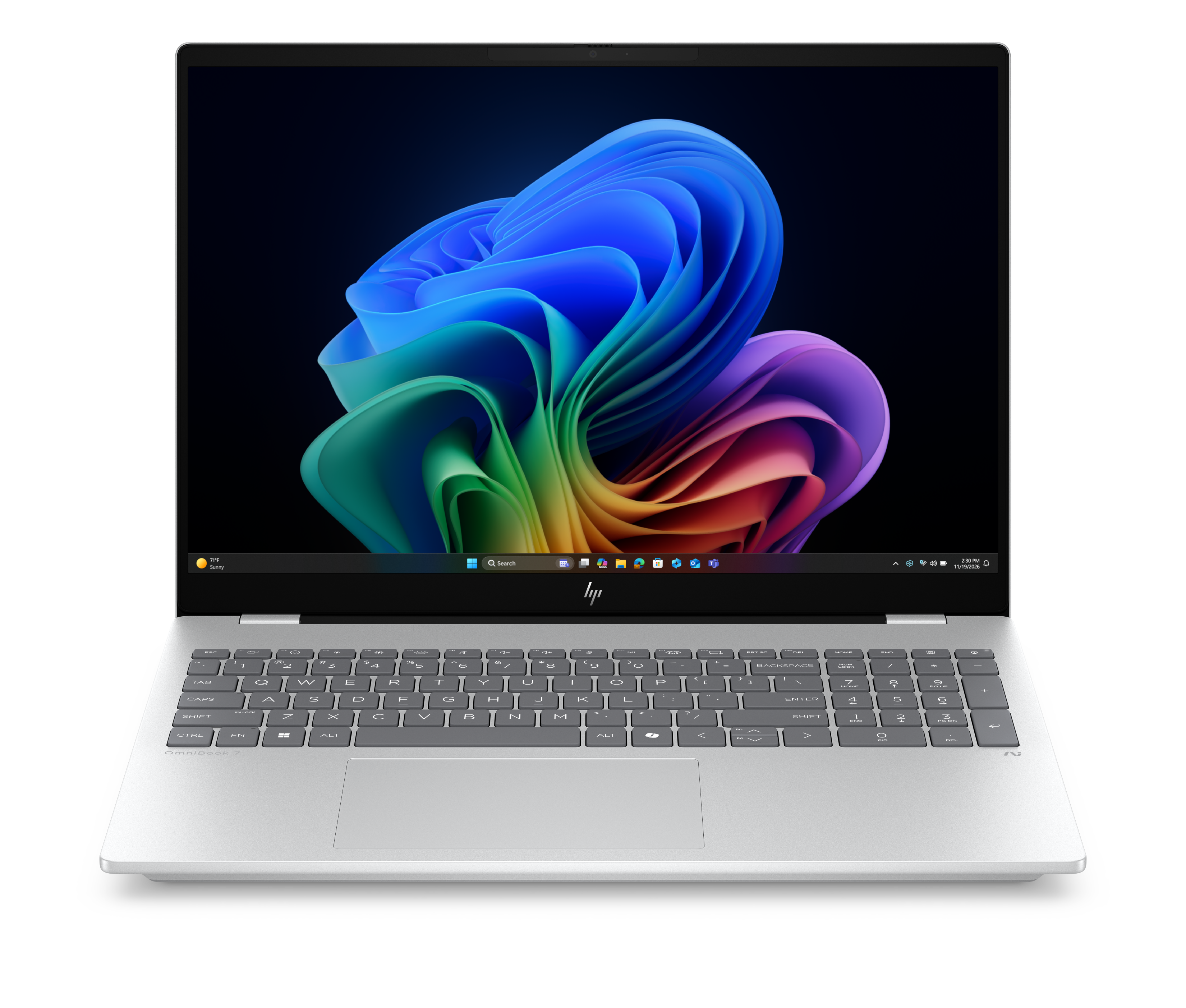
About HP OmniBook 7
HP OmniBook 7 is the performance rung of HP's consumer laptop range, above the OmniBook 3 and 5 and alongside the business-leaning X and the premium Ultra. It is also the widest tier HP sells under one number. The same badge covers the 13.3 inch Aero, a machine built around being light, and a 17.3 inch body that can be ordered with discrete NVIDIA graphics. HP splits the audience by size: mobile professionals for the small ones, creators and collaborators for the Flip convertible, and people who want performance without a portability constraint for the largest. Anyone shopping this tier is really choosing between four different machines, so the size and the graphics option matter far more than the number.
Key specifications
Range
| Position in the OmniBook family | Performance tier, above OmniBook 3 and 5 |
|---|
Sizes
| Bodies offered | 13.3 inch Aero, 14 inch, 16 inch, 16 inch Flip and 17.3 inch |
|---|
Graphics
| Graphics options | Intel Arc integrated graphics, up to NVIDIA GeForce RTX 4050 on some configurations |
|---|
Charging
| HP fast charge claim | Up to 50 percent in 30 minutes with the system off |
|---|
Where the OmniBook 7 sits in the HP range
The consumer ladder runs OmniBook 3, 5, 7, X and Ultra. The 3 is bought on price and the 5 is the volume machine that most households should look at first. The 7 is where HP starts offering things the tiers below do not have at all: discrete graphics on some configurations, a magnesium and aluminium chassis on the Aero, high refresh rate OLED panels, and body sizes running from 13.3 inches to 17.3 inches. Above it, the OmniBook X leans towards business buyers and enterprise security, and the Ultra leans towards premium materials and design. The 7 is the tier for someone who wants more machine and does not need either of those things.
Four machines, one number
HP lists the OmniBook 7 in 14, 16, 16 Flip and 17.3 inch forms, plus the 13.3 inch Aero that reviewers have tested most. The weights HP publishes make the spread obvious: as light as 1.5 kg for the 14 inch, 1.95 kg for the 16 inch and 2.46 kg for the 17.3 inch. Panels vary as widely. HP offers up to a 16:10 3K OLED with a 48 to 120 Hz variable refresh rate on the 14 inch and up to a 2K OLED at 120 Hz on the standard 16 inch, but a given configuration may ship with a plain IPS screen instead. There is no single OmniBook 7 display, weight or price, and quoting one as though there were is how buyers end up disappointed.
The graphics fork is the real decision
The most consequential option in this tier is graphics. Some OmniBook 7 configurations run on integrated Intel Arc graphics, and others can be ordered up to an NVIDIA GeForce RTX 4050. That is the difference between a laptop that handles photo work and light video and one that will take on 3D, heavier timelines and some gaming. Reviewers testing the Aero, which does not carry discrete graphics, consistently flagged the graphics performance as the weak point: PCWorld called it weak relative to its class, and the machine is built around weight rather than throughput. If graphics matter, the Aero is the wrong body in the right tier, and the larger configurations are what to look at.
What reviewers measured on the Aero
The 13.3 inch Aero is the most reviewed member of the line, and the results are consistent. PCWorld and XDA both tested units on the AMD Ryzen AI 7 350 with a 13.3 inch 2560x1600 IPS panel, and both weighed it at 2.2 pounds. XDA measured the panel at 400 nits and criticised muted mid-tones. PCWorld found the all metal magnesium and aluminium chassis premium in feel, the machine cool and quiet under load, and the keyboard travel shallow, though XDA rated the keyboard well, so that one is a matter of taste. Battery results ran from about 10.5 hours in PCWorld's video playback test to 11 or 12 hours of mixed use for XDA. Pricing spread widely: XDA reported a base configuration at 949 US dollars, PCWorld a review unit at 1,299 US dollars with discounting to 869 US dollars during testing.
How to weigh it against the tier below
The honest comparison for most buyers is against the OmniBook 5 rather than against another brand. The 5 costs less, offers an OLED option of its own, and posts longer battery figures on its Snapdragon configurations. What the 7 buys is build quality, the discrete graphics option, the larger 17.3 inch body and the higher refresh rate panels. If the daily work is documents, browsers and calls, that list is mostly unused and the 5 is the better purchase. If the work involves creative applications, or the requirement is a genuinely light metal machine rather than a light plastic one, the 7 earns the difference. At full retail the Aero in particular asks a premium price for a 13.3 inch screen, and it is worth waiting for the discounting reviewers observed.
Who should buy something else
Anyone who needs a full working day away from a socket should be careful with the Aero specifically: PCWorld judged its battery capacity inadequate for its processor, and the small chassis is the reason. Colour critical work is poorly served by the Aero panel that reviewers measured, though the OLED configurations elsewhere in the line are a different proposition. Serious gamers should buy a gaming machine rather than a configuration of this tier, because even the RTX 4050 option is a mobile part in a thin body. Business buyers who need managed security features should look at the OmniBook X instead. And anyone whose honest requirement is a reliable everyday laptop should buy the OmniBook 5 and put the difference towards a monitor, which will improve their day more than this tier will.
Reviews
No reviews yet
Nobody has reviewed HP OmniBook 7 here yet.