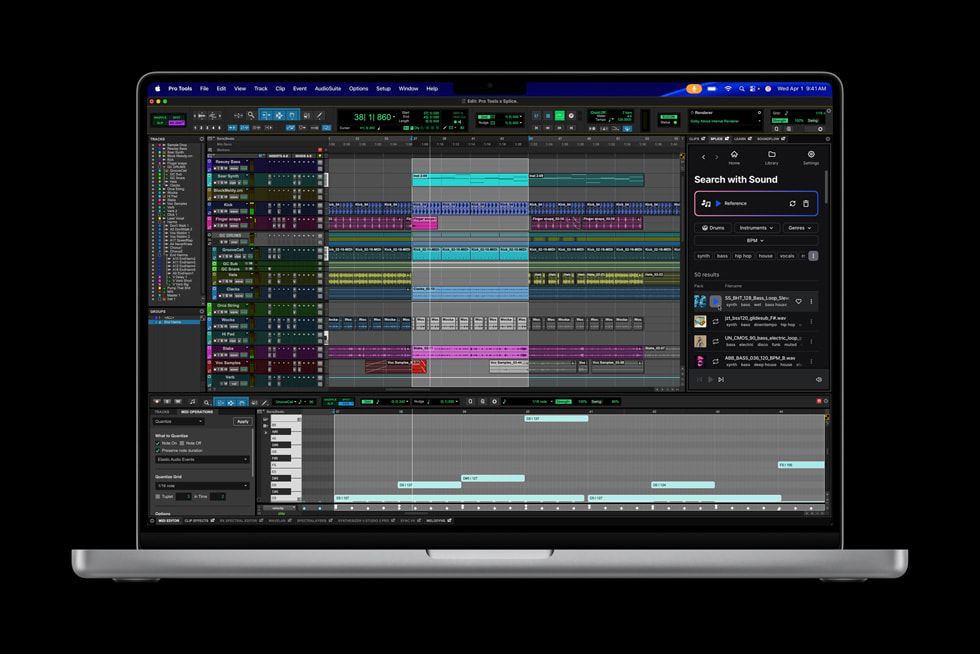
About MacBook Pro
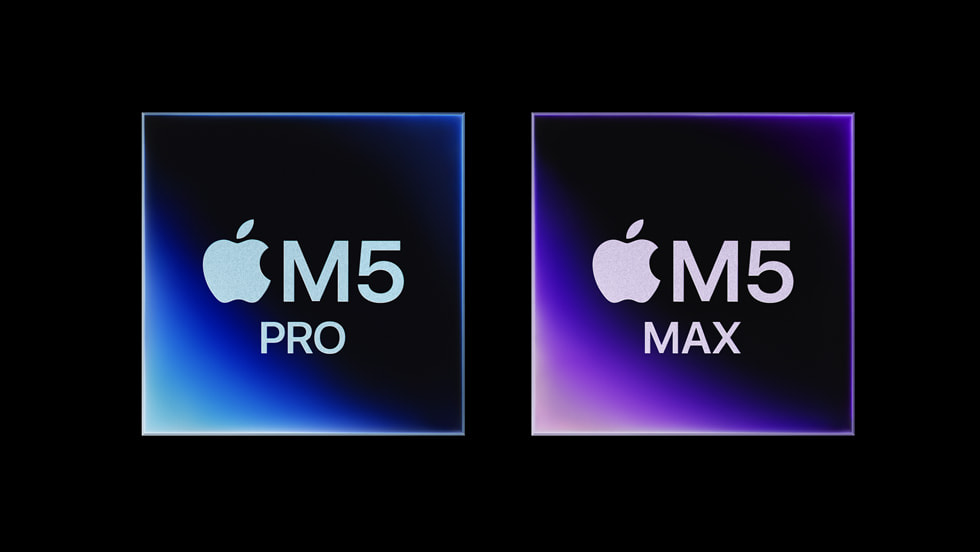
MacBook Pro is the Mac laptop built for work that keeps a processor busy for hours rather than seconds: video editing, long compiles, music production, 3D and large data sets. It comes in a 14 inch and a 16 inch size and, unlike the Air, it has a fan, an XDR display and a full set of ports. Apple currently offers three chip tiers, the M5, the M5 Pro and the M5 Max. The 14 inch model can take any of the three; the 16 inch is sold with the Pro and the Max only. Apple quotes up to 32GB of unified memory on the M5, up to 64GB on the M5 Pro and up to 128GB on the M5 Max, a Liquid Retina XDR display rated at 1600 nits of peak HDR brightness and a million to one contrast ratio, and up to 24 hours of battery life.
Key specifications
Design
| Cooling | Actively cooled with fans |
|---|---|
| Screen sizes | Sold in a smaller and a larger size |
Display
| Panel | Liquid Retina XDR |
|---|
Platform
| Processor family | Apple silicon, in standard, Pro and Max tiers |
|---|---|
| Operating system | macOS |
Connectivity
| Ports | Three Thunderbolt ports, HDMI, MagSafe 3, SDXC card slot and a headphone jack |
|---|
Memory and storage
| Upgradeability | Unified memory and storage are fixed at purchase |
|---|
Where the MacBook Pro sits in Apple's laptop range
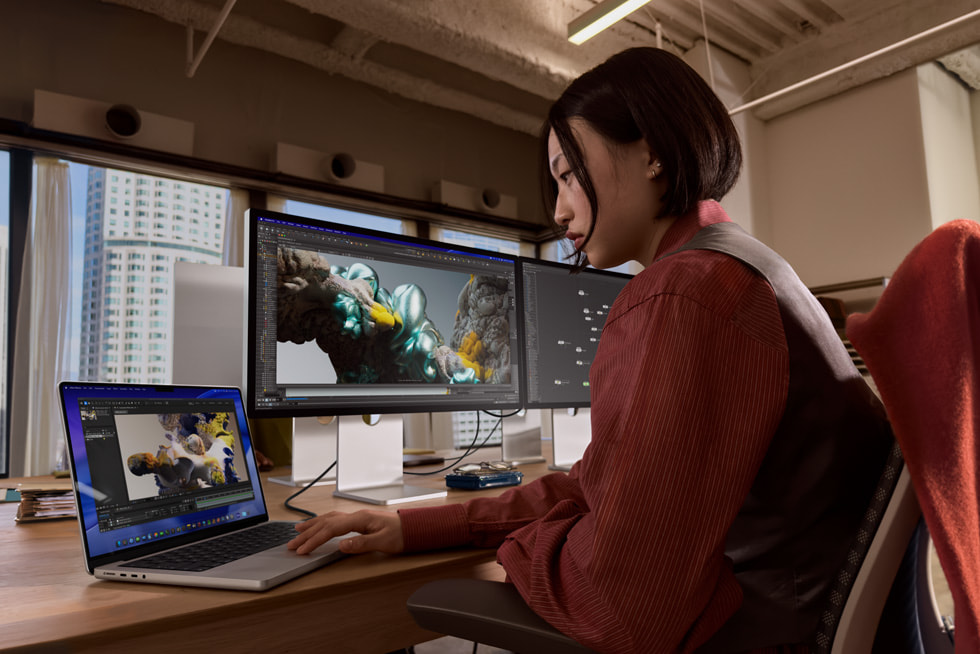
Apple's laptops go Neo, Air, Pro. The first two are for people who want a computer. The Pro is for people whose computer earns money, and the price reflects that rather than any capability a normal user is missing. Nearly everything an Air does, a Pro also does, and the Air does most of it at the same speed for the first minute. What you are buying at this tier is the ability to keep going: active cooling, far higher memory ceilings, more display bandwidth and the ports that professional gear expects. If you cannot name the task that needs those things, you are looking at the wrong Mac.
M5, M5 Pro or M5 Max: which tier is yours
The three tiers are genuinely different machines. MacRumors records the base M5 as a ten core CPU with a ten core GPU, the M5 Pro at up to an eighteen core CPU and up to a twenty core GPU, and the M5 Max at an eighteen core CPU with up to a forty core GPU. Memory follows the same ladder, from 16GB at the bottom to 128GB on the Max, and storage runs from 1TB to 8TB, though the M5 and M5 Pro stop at 4TB. The base M5 in the 14 inch body is best understood as an Air with a fan, a better screen and more ports, and it suits developers and photographers. The Pro is the working tier for video editors and engineers. The Max is for people who render, train models or work with footage that will not fit in less memory, and its main advantage is graphics and memory capacity rather than raw CPU speed.
14 inch or 16 inch
This is a decision about where the machine lives. The 14 inch is genuinely portable and is the size most people carry daily. The 16 inch is a desk machine that can travel, with a larger screen, better speakers and more room for heat, which in practice means it holds a high clock for longer and runs quieter doing it. If your work is sustained and you have a desk, the larger body is the better machine. If you commute with it, the smaller one is. Note that the base M5 chip is not offered in the 16 inch size, so choosing the larger screen also means choosing at least the Pro tier.
The ports and the display are the other half of the argument
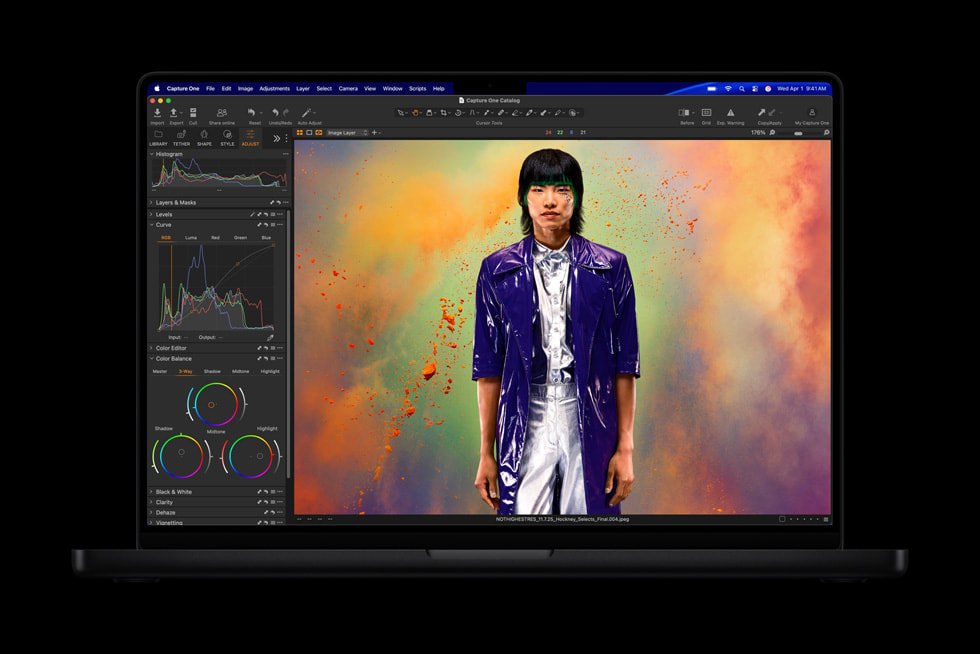
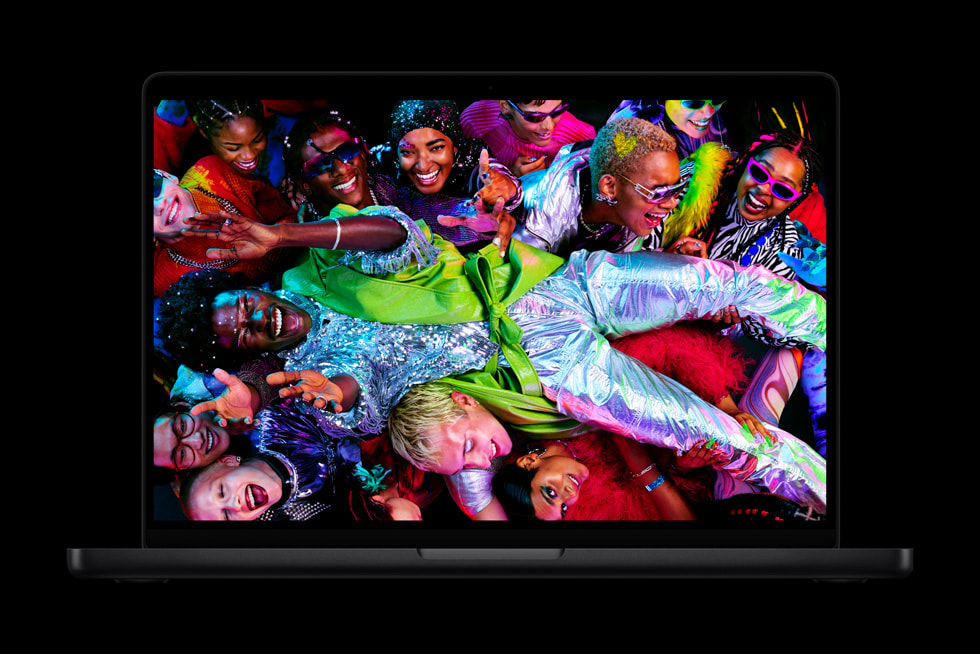
The chip gets the attention, but the connections are what separate this line from the Air day to day. Apple lists three Thunderbolt ports, HDMI, MagSafe 3 charging, an SDXC card slot and a headphone jack. MacRumors notes the base M5 uses Thunderbolt 4 while the Pro and Max tiers use Thunderbolt 5, and that the HDMI is 2.1. For anyone who moves footage off camera cards, drives more than one external display, or wants to charge without giving up a data port, that list is worth as much as the processor. The Liquid Retina XDR panel is the other daily difference: brighter, with far deeper contrast than the Air's screen, which matters if you grade colour or work in HDR.
What the M5 generation actually changed
Not much, and Apple did not pretend otherwise. MacRumors dates the base 14 inch M5 update to October 2025 and the higher tiers to March 2026, and notes the chassis has not been redesigned since 2021. Macworld measured the M5 Max at about 12 percent faster in multi core and 7 percent in single core against the M4 Max, which is a modest step for the money. The exception is storage. Both Macworld and reviewers of the Air generation found the new SSDs dramatically faster, and for anyone whose day involves moving very large files that is the upgrade worth having. Wi-Fi 7 and Bluetooth 6 arrived at the same time, and Macworld recorded more than 24 hours in a continuous video test.
What to weigh against a MacBook Air
Run this test before you spend the difference. Time your longest regular task. If it takes seconds, the Air will match this machine and you should save the money. If it takes an hour, the fan alone will pay for itself, because a fanless laptop slows down to protect itself and this one does not. The second test is memory. Apple's memory cannot be changed after purchase, so if your projects need more than the Air can be configured with, the decision is already made. The third is ports and screen. If you plug in card readers, capture devices or two monitors, the Air will cost you a hub and some patience.
Who should buy something else
Anyone whose day is mail, documents, browsing and video calls should buy an Air or a Neo and spend the difference on a monitor. Owners of an M4 Max machine should keep it: Macworld advises skipping this generation unless the faster SSD specifically solves a problem you have. Gamers should buy a Windows laptop. Anyone who needs to upgrade or repair memory and storage later should buy from a maker that permits it. Buyers who want a cellular connection will not find one here. And anyone who can wait should know that MacRumors expects an OLED touchscreen version late in 2026 or early in 2027, and a newer base chip later in 2026, which would make a machine bought today feel dated sooner than the price suggests.
Reviews
No reviews yet
Nobody has reviewed MacBook Pro here yet.