About iMac
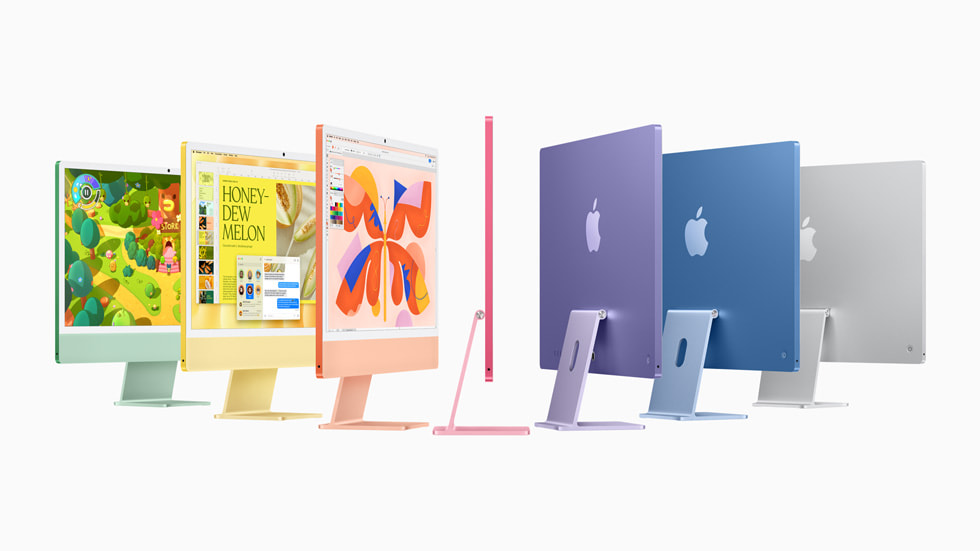
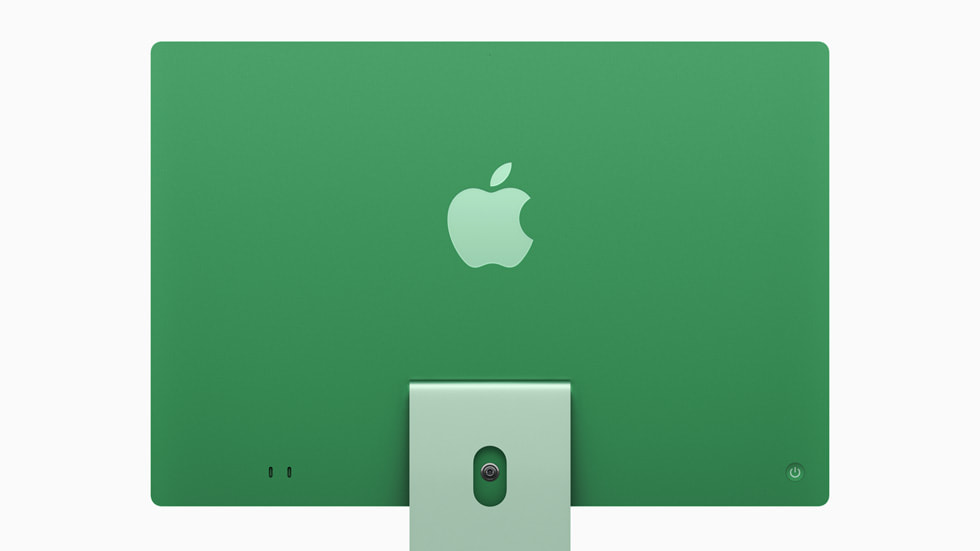
The iMac is Apple's all-in-one desktop: the computer, the screen, the speakers and the camera in one thin panel on a stand, with a single cable running to the wall. Since the 2021 redesign the line has been sold in one screen size only, 24 inches, at 4.5K resolution, in a set of seven finishes that Apple mutes on the front and saturates on the back. Almost everything else about it changes with the chip generation rather than with the shape. The current machines run the M4, in an eight-core and a ten-core version, and Apple has kept the enclosure, the stand and the port layout stable across three chip revisions. Buying an iMac is mostly a decision about the screen and the desk, not about the processor.
Key specifications
Display
| Screen | 24-inch 4.5K Retina, 4480 by 2520 |
|---|---|
| Glass options | Standard glass or nano-texture glass |
Design
| Form | All-in-one desktop, single power cable |
|---|---|
| Finishes | Blue, purple, pink, orange, yellow, green, silver |
| Stand | Tilt only, no height adjustment |
Connectivity
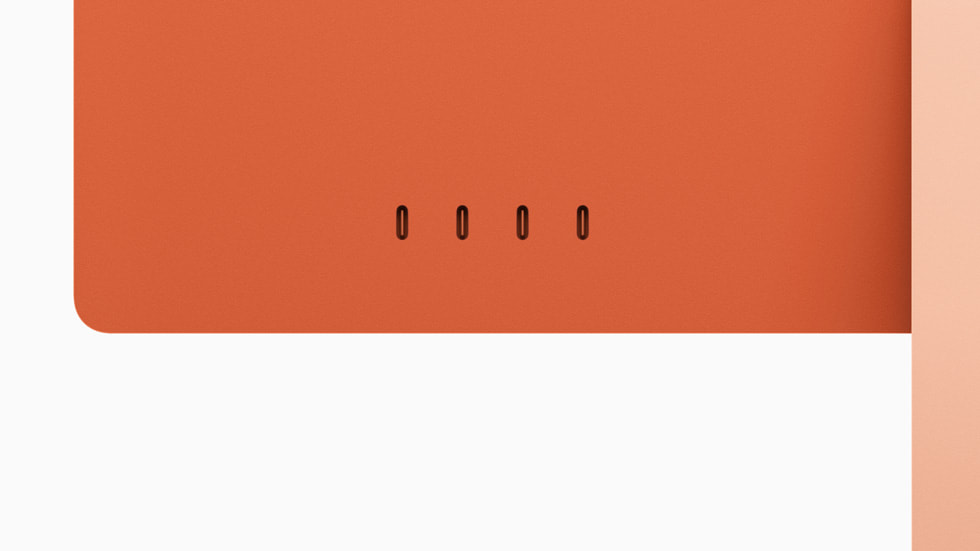
| Ports | Thunderbolt 4, two on the entry configuration and four higher up |
|---|
Camera
| Camera | 12MP Center Stage with Desk View |
|---|
In the box
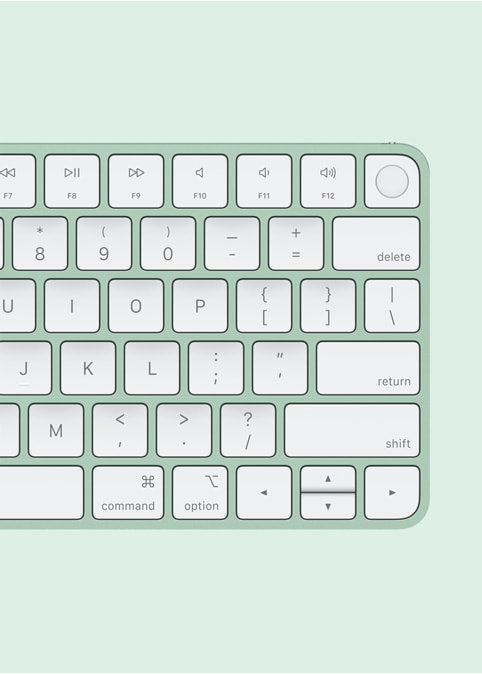
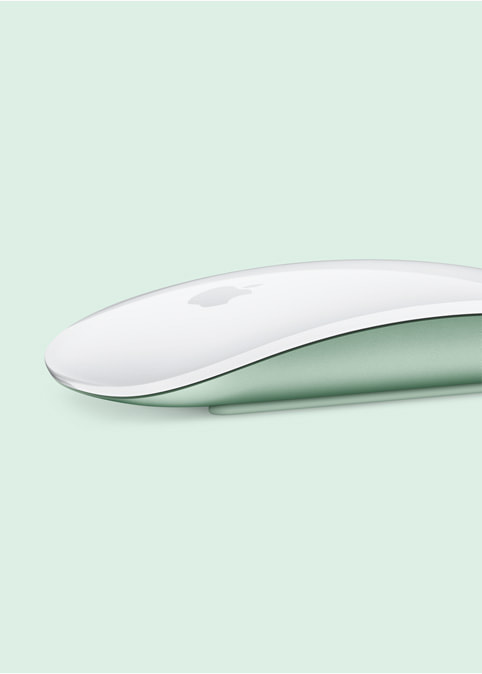
| Accessories | Colour-matched Magic Keyboard and Magic Mouse or Magic Trackpad |
|---|
Where the iMac sits in Apple's desktop range
Apple sells three desktop shapes. The Mac mini is the computer alone, and expects you to bring a screen, a keyboard and a mouse. The Mac Studio is the same idea with far more processor and far more ports, aimed at people who render or compile for a living. The iMac is the one that arrives finished. It ships with a colour-matched keyboard and a mouse or trackpad in the box, and it needs one power cable and nothing else. That completeness is what you are paying for, because the same M4 chip in a Mac mini costs a good deal less. The difference between the two is the display, the speakers, the camera, and the fact that there is nothing to assemble.
Who the iMac is for
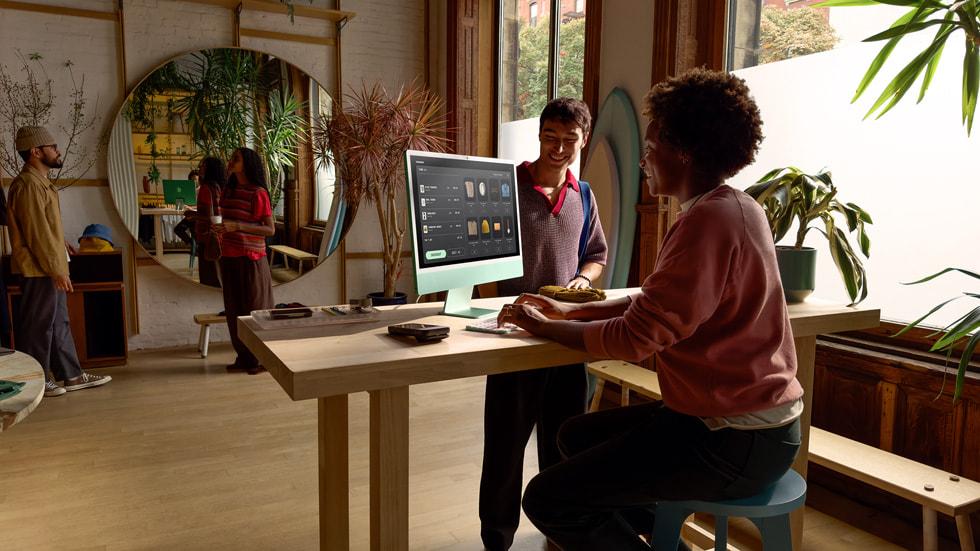
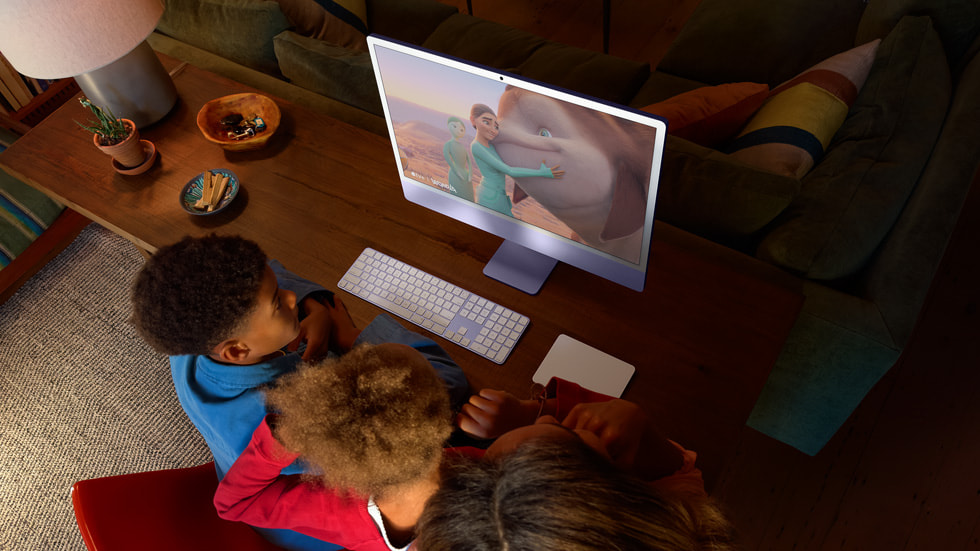
The iMac suits a desk that stays put and a person who does not want to think about the setup. Home offices, reception desks, school and university rooms, and the second machine in a household where the main computer is a laptop. It has enough processor for photo work, for video editing at the scale most people actually do it, and for a browser with forty tabs open, and it does all of that quietly. It is a poor fit for anyone whose work moves. There is no battery, there is no portable version of this idea, and Apple has never sold a headless iMac that you could carry the useful half of.
The screen and the camera are the argument
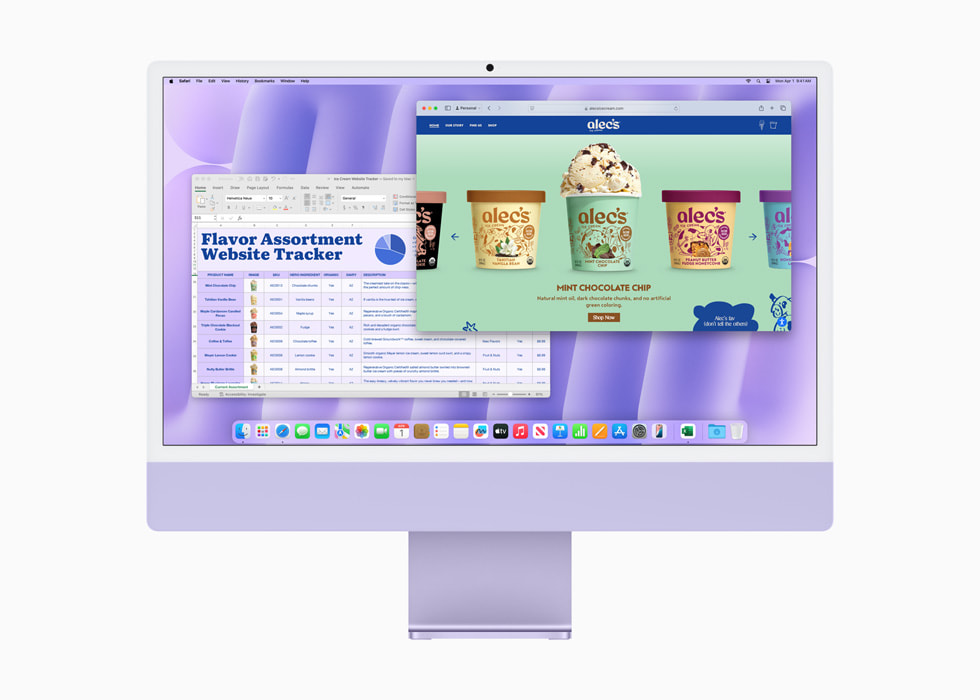
The 24-inch panel runs at 4480 by 2520, around 218 pixels per inch, and it is brighter than most all-in-one screens it competes with. Apple also offers a nano-texture glass option that cuts reflections, which is worth the money if the desk faces a window and worth nothing if it does not. The camera is a 12MP Center Stage unit that keeps you framed as you move around, and reviewers single it out because most desktop machines still ship with something much worse. The speakers are the other quiet advantage, and they save a lot of buyers from adding a separate set later.
What to weigh against the Mac mini
The comparison that settles most purchases is the Mac mini. The mini costs less, hides under the desk, and lets you choose the screen, which means you can pick a larger one, a taller one, or one that adjusts for height. If you already own a monitor you like, the mini wins on money alone. The iMac wins when the screen you would otherwise buy is not as good as the one Apple has fitted, when the desk has no room for a box and a monitor arm, or when nobody in the house wants to work out which cable goes where. Both machines run the same chip family, so this is not a performance argument.
Where the line falls short
The stand tilts and does nothing else. There is no height adjustment, so a taller person ends up looking down at the screen or propping the whole machine on something. Memory and storage are fixed at the moment of purchase and cannot be changed afterwards, which makes the configuration choice permanent in a way it is not on a desktop tower. The screen cannot be borrowed as a display for another computer. And 24 inches is modest by the standard of a current desktop, so anyone who works in two full windows side by side will feel the edges of it.
Who should buy something else
Buy a Mac mini if you already own a monitor, if you want to spend less, or if you want to replace the computer and the screen on different schedules. Buy a Mac Studio if your work is sustained rendering, large codebases or multi-stream video, because the iMac carries the entry-level chip in Apple's desktop range and the Studio does not. Buy a MacBook Air or a MacBook Pro if you move between places at all, since a laptop and an external screen cover both jobs at once. And if screen size is the point, buy a mini or a Studio and put the difference into a 27-inch or 32-inch display, because Apple does not sell a larger iMac.
Where to buy
Links go to the seller, not through us. We take no commission and these are not affiliate links, so the order below says nothing about who pays what. Prices and stock change constantly, so check on the day.
Reviews
No reviews yet
Nobody has reviewed iMac here yet.