About Mac Studio
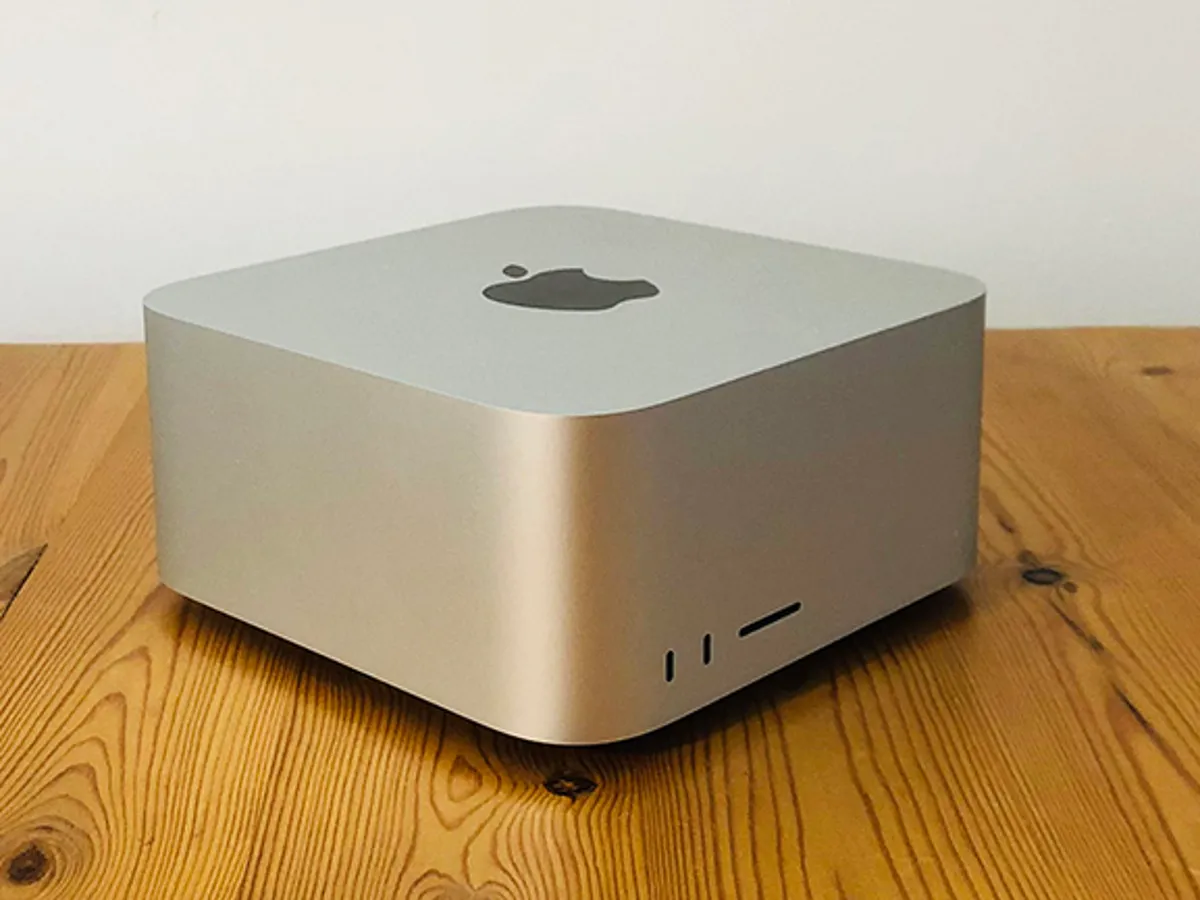
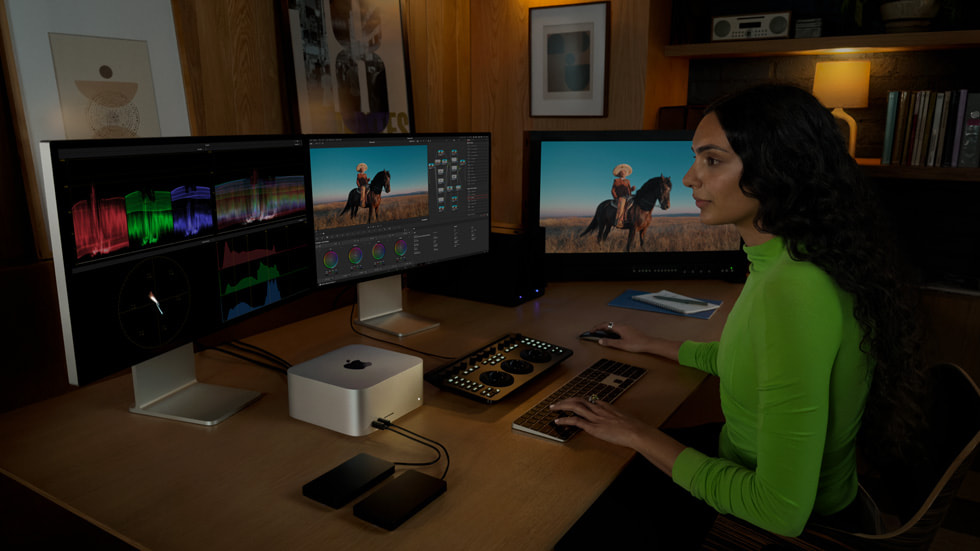
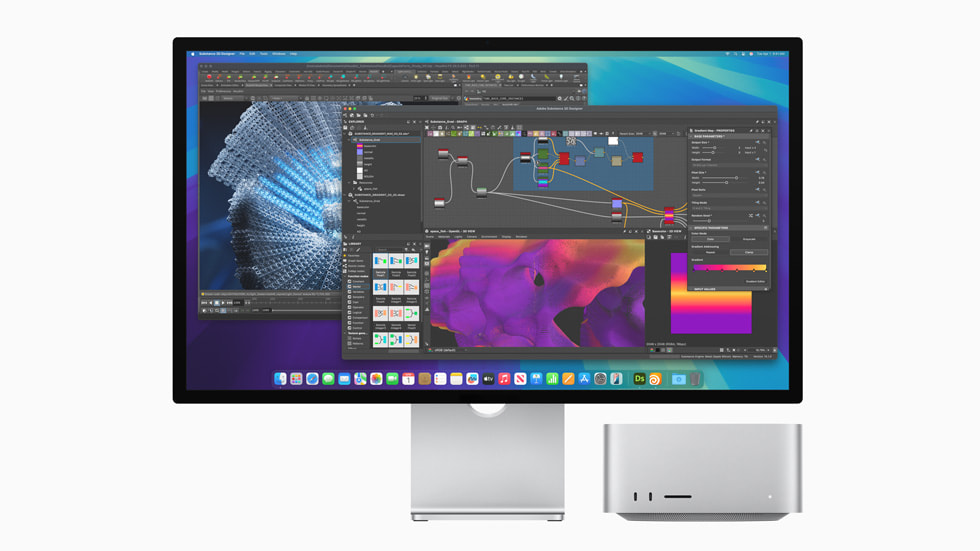
Mac Studio is the desktop Apple builds for people whose machine is busy for hours at a time rather than minutes. It is a small aluminium box, close to a Mac mini in footprint but considerably taller, and it takes the fastest chips Apple puts in a desktop. Since Apple discontinued the Mac Pro in March 2026, the Mac Studio is the top of the desktop range. There is no larger Mac to move up to any more.
The important thing to understand about the line is that it is not one machine. Two chips are sold in the same enclosure, and the two ends of the range are far apart in both power and price. A Mac Studio is therefore not a single set of specifications, and anyone comparing it to a rival needs to say which configuration they mean.
Key specifications
Ports
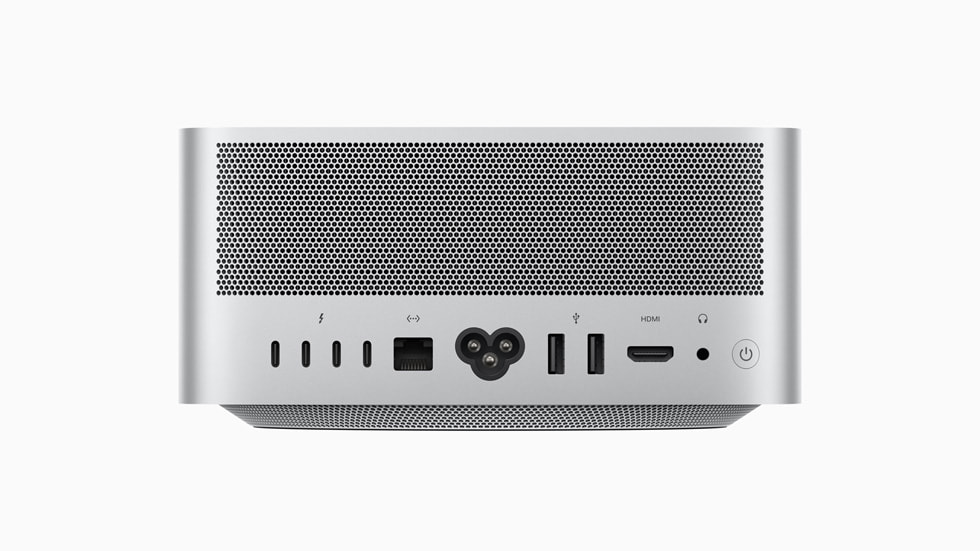
| Rear ports | 4x Thunderbolt 5, 10Gb Ethernet, 2x USB-A, HDMI, headphone jack |
|---|---|
| Front card slot | SDXC |
Memory
| Unified memory | Configured at purchase, not upgradable afterwards |
|---|
Expansion
| Internal expansion | None. No PCIe slots or internal drive bays |
|---|
Where the Mac Studio sits in Apple's desktop range
Below it is the Mac mini, which shares the same design language and the same silicon family but stops at the Pro tier of chip. Beside it is the MacBook Pro, which reaches similar performance in a portable body at a higher price for the same chip. Above it, since March 2026, there is nothing. MacRumors reported that Apple confirmed it does not plan to design a new Mac Pro and that no future model is coming, which leaves the Mac Studio as the machine Apple points professional buyers towards.
That inheritance is not complete. The Mac Pro offered PCIe expansion slots, and the Mac Studio does not. For most of the work the old machine was bought for, video editing, music production, software builds and rendering, the difference no longer matters, because the storage and the interfaces that used to live on cards now hang off Thunderbolt. For the smaller group who genuinely needed cards inside the case, the Mac Studio is not a replacement and Apple has not offered one.
M4 Max or M3 Ultra: which end of the line do you need?
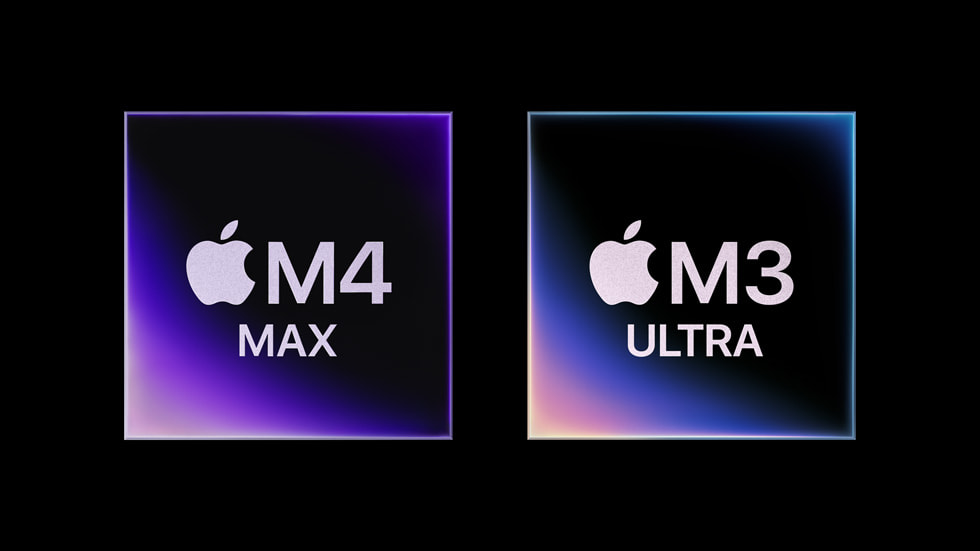
Apple sells the Mac Studio with either an M4 Max or an M3 Ultra. For the M4 Max, Apple states up to a 16 core CPU, up to a 40 core GPU, up to 546GB per second of memory bandwidth and a 16 core Neural Engine, with support for up to five displays. For the M3 Ultra, Apple states up to a 32 core CPU, up to an 80 core GPU, 819GB per second of memory bandwidth and a 32 core Neural Engine, with support for up to eight displays.
Macworld puts the M4 Max configuration at 1,999 US dollars to start and the M3 Ultra configuration at 3,999 US dollars, which is the gap that decides most purchases. The Max is the one to buy for editing, development, design and music, and it is the configuration most people who think they want a Mac Studio actually want. The Ultra earns its price on work that keeps every core loaded at once or that needs a very large model held in memory, which in practice means large scale rendering, scientific computing and local AI work. Buying the Ultra for a workload that runs in bursts is buying cores that sit idle.
What the ports tell you about the intended buyer
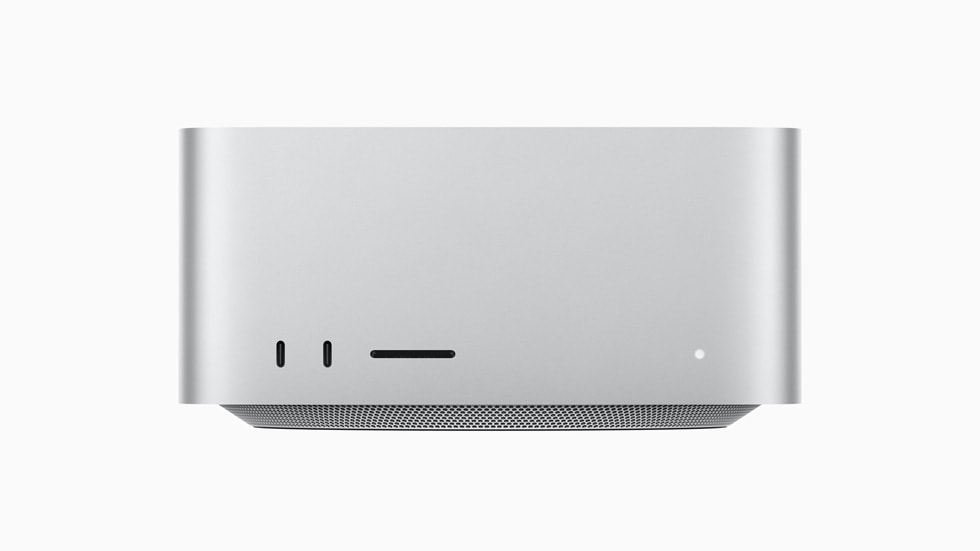
The port selection is the clearest signal of who Apple built this for. On the back are four Thunderbolt 5 ports, 10 gigabit Ethernet, two USB-A ports, HDMI and a headphone jack. On the front are an SDXC card slot and two further ports, which are USB-C on the M4 Max configuration and Thunderbolt 5 on the M3 Ultra.
Two of those deserve attention. The front facing card slot is there because somebody walks in from a shoot and wants to offload footage without reaching behind the machine. The 10 gigabit Ethernet is there because the footage lives on shared storage. Neither is a consumer feature, and a buyer who does not care about either is probably being served better by a smaller Mac.
How much memory and storage to order
Unified memory on a Mac Studio is fixed at the point of purchase and cannot be added later, so this is the specification to get right the first time. Macworld's guidance is that 36GB to 48GB covers most professional use, and that 64GB to 96GB is worth having for serious video work and for running AI models locally. It also recommends prioritising memory over CPU upgrades when the budget is finite, which is sound advice for a machine that will be kept for years.
Storage is the opposite case. Macworld suggests one to two terabytes internally and external Thunderbolt drives to grow later, which is cheaper than paying Apple's rate for the largest internal option. The internal drive is fast enough to be worth using as the working volume, and the archive does not need to be inside the box.
Who should buy something else
Anyone doing coding, writing, spreadsheets or moderate creative work should look at the Mac mini first. Macworld prices the M4 Pro Mac mini between 1,399 and 1,569 US dollars, it carries Thunderbolt 5 as well, and for most of what people describe as demanding work it will not be the limiting factor. The money saved buys memory, storage or a better display.
Anyone who needs the machine to travel should buy a MacBook Pro instead. The same chips are available in it, and a desktop that does the job faster is worth nothing on the days the job is somewhere else.
Anyone who needs PCIe cards, internal drive bays or a replaceable graphics card should not buy a Mac at all right now. The Mac Studio has no internal expansion, the Mac Pro is gone, and a PC workstation is the honest answer.
Finally, anyone already using a recent Apple silicon Mac Studio has little reason to move. Macworld reports an expectation of an M5 generation later in 2026, which is a rumour rather than an Apple statement, but it is a reason to wait if the current machine is coping.
Where to buy
Links go to the seller, not through us. We take no commission and these are not affiliate links, so the order below says nothing about who pays what. Prices and stock change constantly, so check on the day.
Reviews
No reviews yet
Nobody has reviewed Mac Studio here yet.