Updated September 1, 2026.
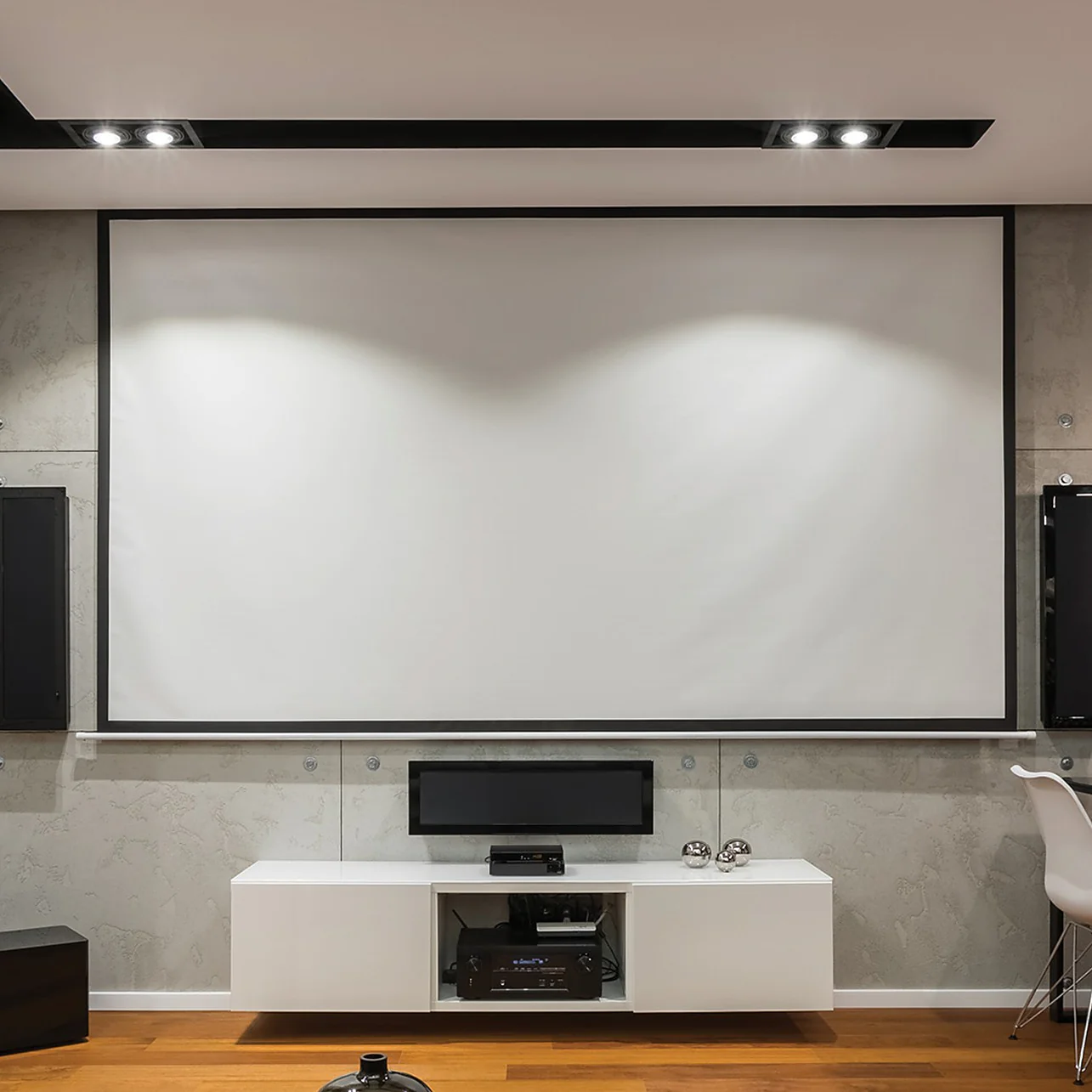
Quick answer: a 100-inch 16:9 projector screen measures about 87.2 inches wide by 49.0 inches high for the visible image area. That is roughly 7.26 ft × 4.09 ft or 221.4 cm × 124.5 cm. The “100 inches” refers to the diagonal, not the width.
Actual product dimensions will be larger once you include a fixed-frame border, retractable housing, mounting brackets or tensioning hardware. Brandligo has not independently measured every screen model, so use the manufacturer’s overall dimensions before ordering or mounting hardware.
100-inch projector screen dimensions
| Format | Width | Height |
|---|---|---|
| 16:9 | 87.2 in / 7.26 ft / 221.4 cm | 49.0 in / 4.09 ft / 124.5 cm |
| 16:10 | 84.8 in / 7.07 ft / 215.4 cm | 53.0 in / 4.42 ft / 134.6 cm |
For a 16:9 screen, width is approximately diagonal × 0.8716 and height is approximately diagonal × 0.4903. ProjectorCentral’s published dimension tables also place a 100-inch 16:9 image at about 87 inches wide by 49 inches high.
Reference: ProjectorCentral screen-dimension guidance.
How wide is a 100-inch projector screen?
A 100-inch 16:9 image is about 87.2 inches wide. If you are planning a wall, cabinet or stage opening, do not stop at that number. Add the manufacturer’s frame or housing width and leave practical clearance for installation, service access and cable routing.
How far should you sit from a 100-inch screen?
There is no single universal viewing distance. For a 100-inch 16:9 screen, the viewing-angle geometry gives useful reference points:
- about 13.6 ft for a 30° horizontal viewing angle;
- about 11.2 ft for 36°;
- about 10.0 ft for roughly 40°.
THX uses 36° as an important cinema reference and also publishes consumer guidance that corresponds closely to a 40° view. These are planning references rather than guarantees of personal comfort. Sports, movies, spreadsheets and classroom text can justify different choices.
For a full chart across multiple screen sizes and seating distances, use Brandligo’s Projector Screen Size Guide 2026.
How much wall space do you need?
For a bare 100-inch 16:9 image, allow at least about 87.2 inches of clear width and 49 inches of clear height. A real fixed-frame screen will require more. Before buying, check:
- the screen’s total outside dimensions, not only its viewable area;
- speaker, switch, outlet and thermostat positions;
- ceiling height and the seated eye line;
- clearance for retractable housings or mounting brackets;
- the projector’s throw distance for an 87.2-inch-wide image.
Projector distance for a 100-inch screen
Screen size does not determine one universal projector distance. The correct lens-to-screen distance depends on the projector’s throw ratio:
Throw distance = throw ratio × image width
For a 100-inch 16:9 image, the image width is about 87.2 inches. A projector with a 1.5:1 throw ratio therefore needs roughly 131 inches, or 10.9 feet, from lens to screen. A short-throw or ultra-short-throw projector can create the same diagonal from much closer. Always use the manufacturer’s model-specific throw range before installing a mount.
See Brandligo’s Projector Throw Distance Guide for the full calculation.
Is 100 inches good for a meeting room?
It can be, but a business screen should be sized around the farthest seat and the content being shown. A 100-inch image may work well for presentations in a small or medium room, but spreadsheets, dashboards and dense text require readability checks from the back row. Ambient light also matters because increasing screen area spreads the projector’s light over a larger surface.
Many business and education projectors use 16:10 rather than 16:9. A 100-inch 16:10 image is about 84.8 inches wide by 53.0 inches high, giving more vertical space for laptop and presentation content. For projector selection, brightness, connectivity, management and maintenance planning, see Brandligo’s business-projector procurement guide.
Can you use a 100-inch screen in a bright room?
Yes, but screen size alone does not make the setup suitable for ambient light. You need enough projector brightness for the screen area and room conditions, and the screen surface must match the projector type and seating layout. Ambient-light-rejecting screens can help in some rooms but can introduce viewing-angle and compatibility trade-offs.
Do not assume a standard ALR screen is suitable for an ultra-short-throw projector. UST/CLR screens use different optical structures and must be matched to the projector and orientation. See Brandligo’s bright-room projector guide and UST projector guide.
100-inch screen planning checklist
- Confirm whether your content and projector are primarily 16:9 or 16:10.
- Measure the usable wall width and height.
- Add the screen frame or housing dimensions.
- Check seating distance and viewing angle.
- Calculate throw distance from the projector’s published throw ratio.
- Check room brightness and screen-surface compatibility.
- For business rooms, verify text readability from the farthest seat.
FAQ
What are the dimensions of a 100-inch 16:9 projector screen? About 87.2 inches wide by 49.0 inches high for the visible image area.
What are those dimensions in centimeters? Approximately 221.4 cm wide by 124.5 cm high.
How wide is a 100-inch screen in feet? About 7.26 feet wide for a 16:9 image.
Is a 100-inch screen actually 100 inches wide? No. The 100-inch measurement is the diagonal. A 16:9 100-inch image is about 87.2 inches wide.
How far should a projector be from a 100-inch screen? It depends on the projector’s throw ratio. Multiply the 87.2-inch image width by the model’s throw ratio; use the manufacturer’s published range for final installation.
Is 100 inches too big from 10 feet? At 10 feet it produces roughly a 40° horizontal viewing angle. Many people consider that immersive, but preference and content type vary.


Leave a Reply