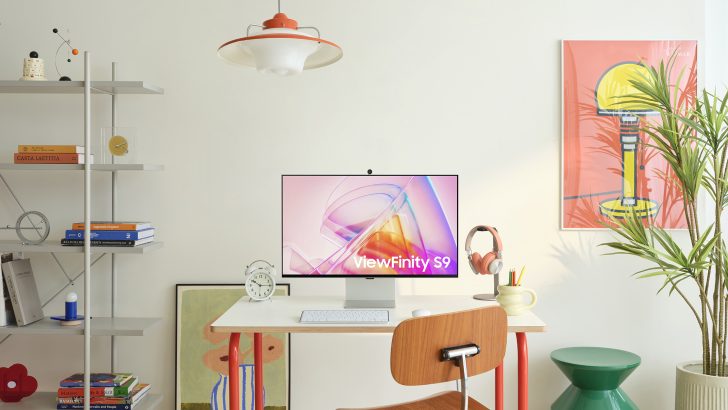
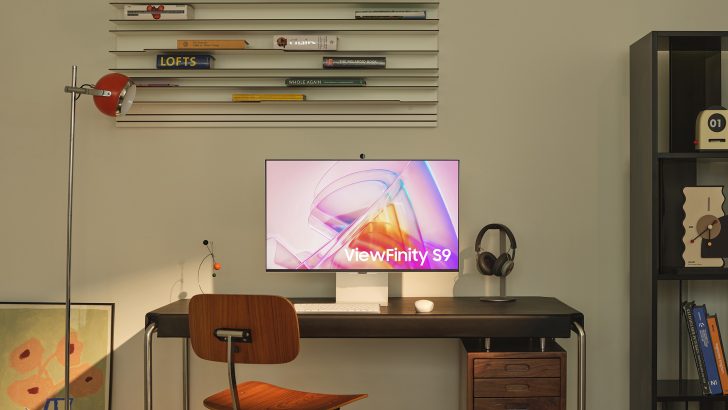
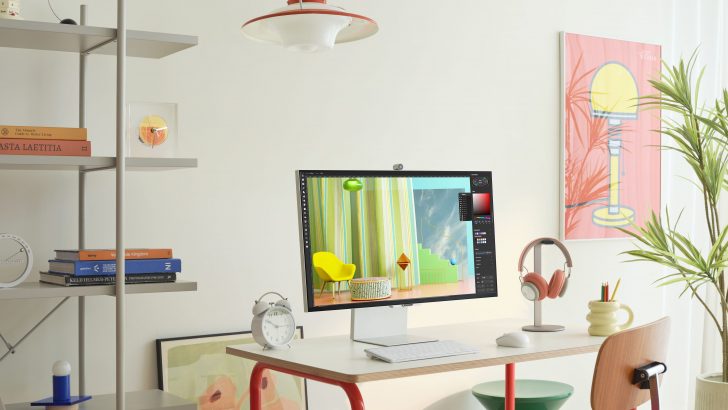
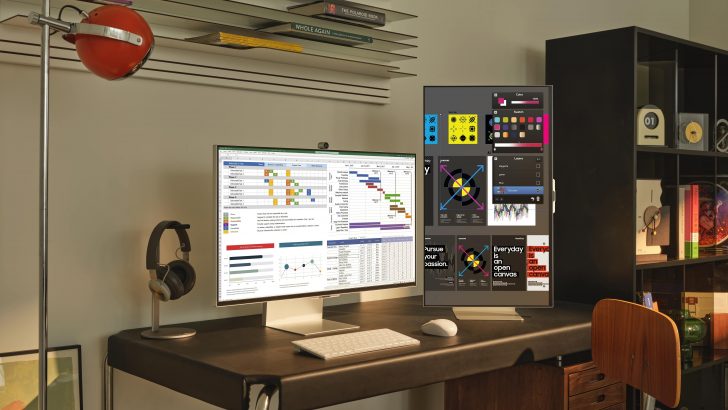
About ViewFinity
ViewFinity is the badge Samsung puts on monitors built for work rather than play. Samsung files the range under High Resolution Monitors and points it at people who need pixels and colour they can rely on, such as designers, photographers and video editors, plus the much larger group of office workers who mainly want a large 4K panel that also charges a laptop over one cable. It is one of three monitor names Samsung uses, and the three barely overlap. Odyssey is the gaming range. Smart Monitor is built around Tizen apps and works with no computer attached. ViewFinity is where resolution, colour coverage and desk connectivity get the money instead. Because this catalogue records product lines rather than a single model year, there is no one size, panel type or price to quote here: ViewFinity has covered 24-inch QHD panels, 27-inch and 32-inch 4K models, a 27-inch 5K flagship and a 37-inch business display, and those models share neither a panel technology nor a colour gamut nor a port list.
ViewFinity, Odyssey and Smart Monitor: which Samsung range is which
Samsung splits a very large monitor catalogue into three names, and getting the split right is most of the buying decision. When the company introduced all three together at CES, it described Odyssey as the gaming range, ViewFinity as the range for professional creative work such as graphic design and photography, and Smart Monitor as the one aimed at productivity and entertainment on the same panel. That division has held since.
In practice an Odyssey model of a given size will beat a ViewFinity on motion and lose on pixel density. The ViewFinity S9, the 27-inch 5,120 x 2,880 model Samsung announced in 2023, runs at 60Hz, and Trusted Reviews named that refresh rate as the reason it is not a monitor to buy for gaming. A Smart Monitor will play streaming apps with nothing plugged into it, but that range tops out at 4K on the M8 and drops to 1080p on the M5 in Samsung's 2024 lineup announcement.
So: Odyssey if your reason is frame rate, Smart Monitor if it is watching things without a PC, ViewFinity if it is text sharpness, colour work or one-cable docking.
What the ViewFinity range actually covers
The number after the S gives you the tier. Samsung's 2024 monitor announcement listed the S6 (S60D and S60UD) at 24, 27 and 32 inches in QHD at 100Hz, the S7 (S70D) at 27 and 32 inches in 4K, and the S8 (S80D and S80UD) at 27 and 32 inches in 4K with a KVM switch on the S80UD. Samsung quoted 350 nits for those tiers.
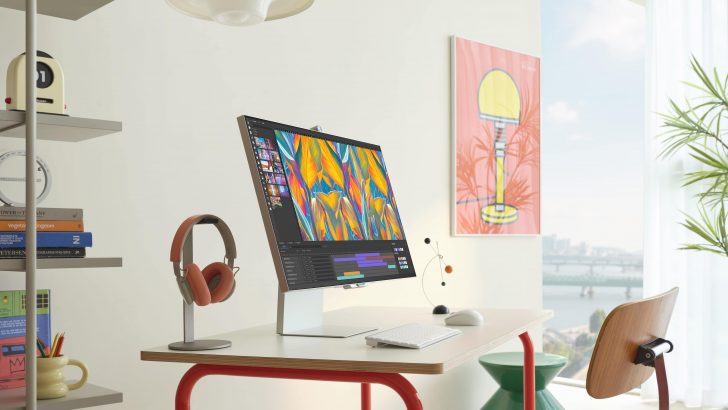
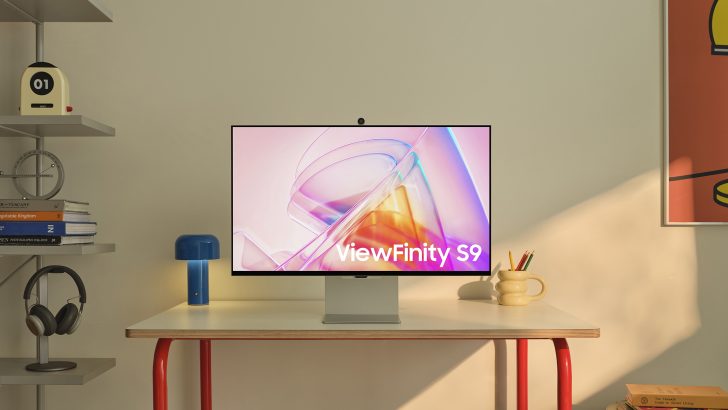
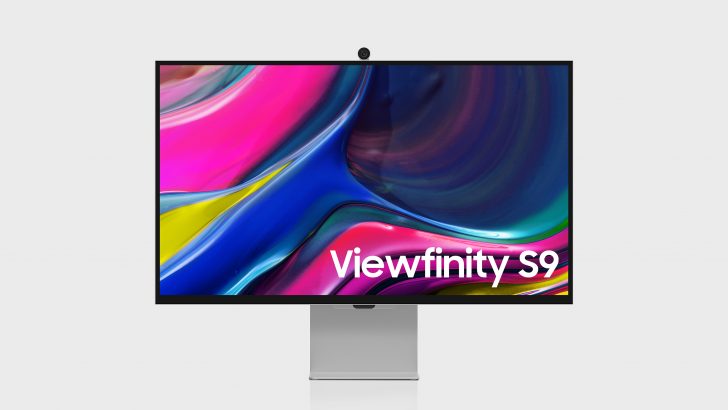
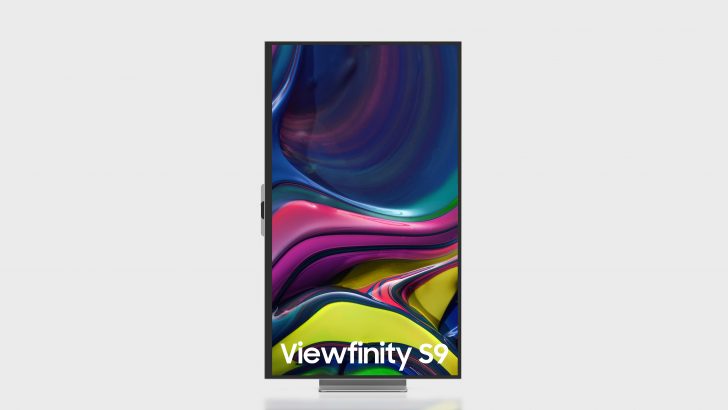
Above them sits the S9: a 27-inch 5K display at 218 pixels per inch covering 99 percent of DCI-P3, factory calibrated to Delta E below 2, with a Thunderbolt 4 port carrying 90W charging, a mini DisplayPort, a 4K camera that attaches by pogo pin, and a Smart Calibration routine driven from the SmartThings phone app. Trusted Reviews measured 100 percent sRGB, 94 percent Adobe RGB and 100 percent DCI-P3 on its sample and praised the matte coating, which the Apple Studio Display does not have as standard.
The range stretches sideways too: TechRadar covered a 37-inch 4K ViewFinity S8 (S80UD) with a KVM switch, a LAN port and up to 90W of USB-C charging, sold at 579.99 US dollars and pitched at people replacing a two-monitor desk.
Who the ViewFinity range is for
Three groups get real value. The first is anyone whose work is judged on screen, for whom the S9's factory calibration and near-full DCI-P3 coverage are the point of the purchase. The second and much larger group is the hybrid worker with a docking problem, since S8 models carrying the UD suffix put USB-C power delivery, a wired network port and a KVM switch inside the monitor, removing a dock from the desk and letting one keyboard and mouse serve two machines. The third is anyone who wants more readable desktop space than a 1080p panel gives at a price well below the flagship, which is what the QHD S6 tier exists for.
ViewFinity against Dell UltraSharp and LG UltraFine
Dell UltraSharp is the range ViewFinity is most often weighed against, and the comparison turns on consistency rather than headline numbers. Reviewing the 32-inch ViewFinity S80D, ITPro preferred the uniform bezel arrangement of Dell's UltraSharp U2724DE to the S80D's deep bottom chin with Samsung branding on it. TechRadar's roundup of 5K and 8K monitors picked two Dell UltraSharp models as its overall and ultrawide winners and put the ViewFinity S9 only in its also-tested section, calling it a lovely monitor that makes sense mainly for buyers with money to spare.
LG UltraFine is a narrower comparison than it looks, because it has long been aimed at Mac desks and single-cable Thunderbolt setups. On a Mac, the S9, the UltraFine and Apple's Studio Display compete for the same slot, and the S9's differences are its matte finish, its adjustable stand and the Tizen apps built in. On Windows, the real comparison is a ViewFinity S8 against a Dell UltraSharp of the same size.
The catch: the letters matter more than the number
The biggest trap here is assuming the ViewFinity name guarantees colour accuracy. It does not, and the gap between models sharing a tier number is large.
ITPro tested the 32-inch S80D and found a VA panel measuring 408 cd per square metre, above its 350 nit rating, with strong contrast and viewing angles, but only 84.1 percent DCI-P3 and 77.7 percent Adobe RGB coverage, an average Delta E of 1.8 rising to a maximum of 5.1, and visible weakness in reds and darker greys. That is a good office monitor and a poor colour-critical one. The same review noted the S80D has no USB-C and no ethernet, both of which are on the pricier S80UD. Buy a model code, not a family name.
Who should buy something else
Buy an Odyssey instead if you play games at all seriously. ViewFinity is a 60Hz to 100Hz range, and Samsung puts its high refresh rates, OLED panels and burn-in protection work into Odyssey.
Buy a Smart Monitor instead if the screen is going somewhere without a computer, or if its second job is watching things. Choosing a ViewFinity for that reason means paying for pixel density you did not want.
Buy a Dell UltraSharp instead if you want the safest office standard. Reviewers keep placing UltraSharp above ViewFinity when the criteria are consistency and finish rather than price.
Buy an LG UltraFine or an Apple Studio Display instead if you are on a Mac, value tight integration over extra features, and do not want a smart TV operating system inside your monitor. And if you need a colour-critical reference display for print or broadcast grading, look past all of these: the S9 is factory calibrated and Pantone Validated, which is useful, but it is a desktop monitor with streaming apps in it, not a grading reference.
Reviews
No reviews yet
Nobody has reviewed ViewFinity here yet.