
About Smart Monitor
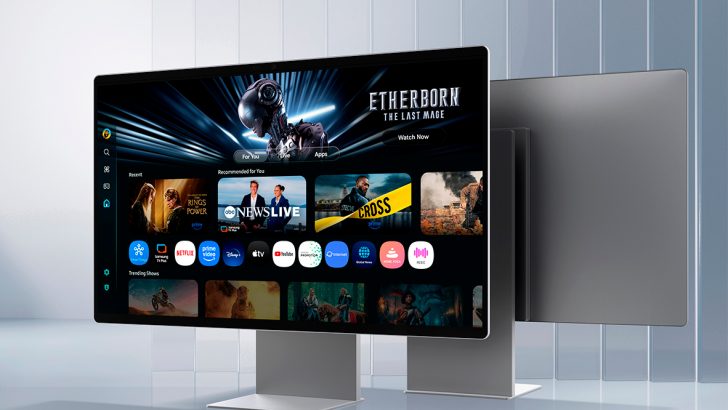
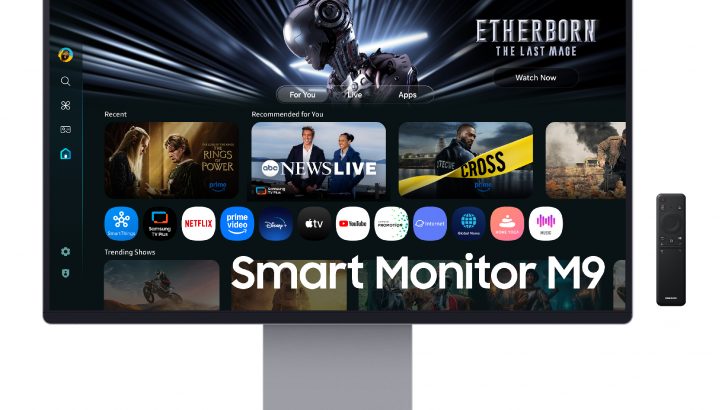
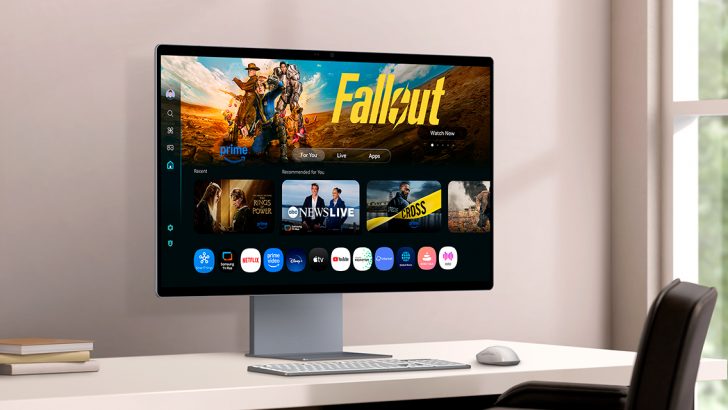
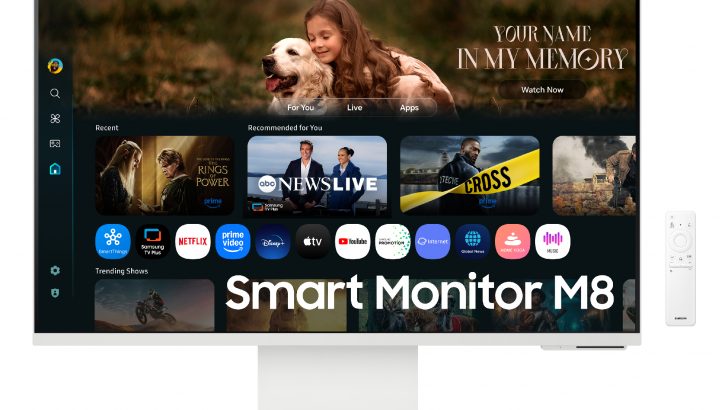
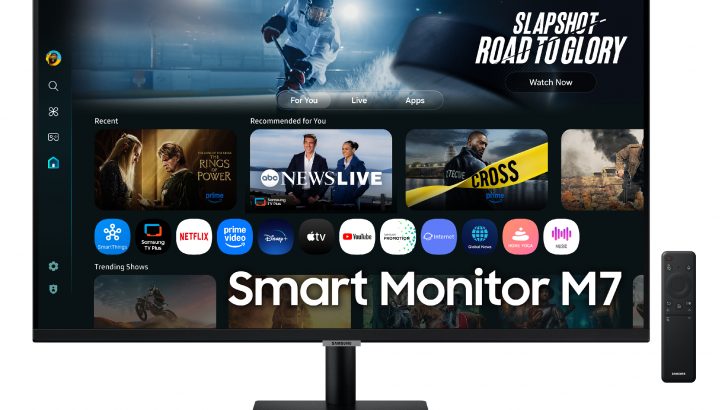
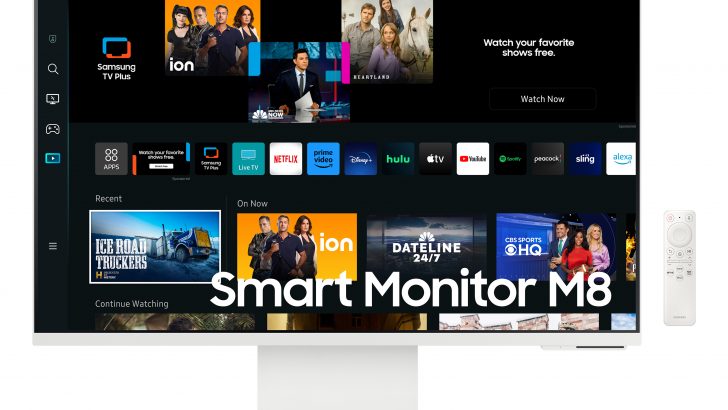
The Smart Monitor is the range Samsung built for a desk that is also a living room. Samsung's own description is blunt about the point of it: a smart monitor does not require a separate CPU, because the display has its own processing, Wi-Fi and Bluetooth and runs Tizen, the same operating system as Samsung's televisions. Turn it on with the supplied remote and you get streaming apps, a web browser, Samsung TV Plus, cloud gaming through Gaming Hub, AirPlay and screen mirroring, and Microsoft 365 in the browser, all with nothing plugged in. Plug a laptop in and it goes back to being an ordinary monitor. This is one of three Samsung monitor names and it sits apart from the other two: Odyssey is the gaming range and ViewFinity is the high-resolution range for colour and detail work. Smart Monitor is the range where the money goes into the software, the tuner-style interface and the speakers rather than the panel. Because this catalogue records lines rather than model years, there is no single size, panel or price here: Smart Monitors have run from 27-inch 1080p up to a 32-inch QD-OLED and a 43-inch 4K panel.
Smart Monitor against Odyssey and ViewFinity
The three ranges answer three different questions, and picking the wrong one is the most common mistake with Samsung monitors.
Odyssey is for motion. It is where Samsung puts its high refresh rates, OLED gaming panels and burn-in protection. ViewFinity is for resolution and colour: 4K and 5K panels, factory calibration on the flagship, KVM switches and USB-C docking for office desks. Smart Monitor is for independence from a computer. Most of the range runs at 60Hz on VA panels, which tells you where the engineering effort went.
The overlap is real at the top. The 2025 Smart Monitor M9 is a 32-inch 4K QD-OLED at 165Hz with a 0.03ms response time and NVIDIA G-SYNC compatibility, which puts it in Odyssey territory on paper. It is still the exception, and Samsung still sells it as an entertainment hub rather than a gaming display.
What the Smart Monitor range covers
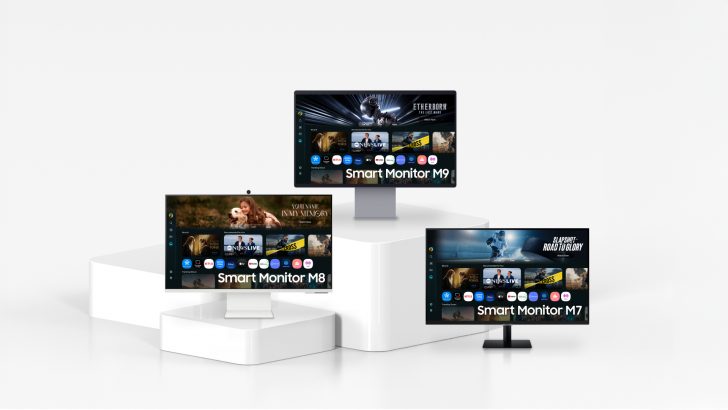
The M number is the tier. Samsung's 2024 lineup announcement listed the M5 (M50D) at 27 and 32 inches in 1080p at 250 nits, the M7 (M70D) at 32 and 43 inches in 4K at 300 nits, and the M8 (M80D) at 32 inches in 4K.
The 2025 refresh added the M9 at the top. TFTCentral reported the M9 (M90SF) as a 32-inch 4K Gen 3 QD-OLED at 165Hz with DisplayHDR 400 True Black, Pantone Validated colour, a matte anti-glare coating, Samsung OLED Safeguard+, DisplayPort 1.4, HDMI 2.1, USB-C with 90W power delivery, a 5MP webcam and a pair of 10W speakers, at 1,599.99 US dollars. The same report put the 2025 M8 (M80F) at 32 inches, 4K, VA, 60Hz and 699.99 dollars, and the M7 (M70F) at 32 and 43 inches, 4K, VA, 60Hz, at 399.99 and 499.99 dollars.
That spread matters. The gap between the M7 and the M9 is roughly four times the price and a completely different panel technology, so nothing useful can be said about the line as a whole beyond the software it shares.
Who the Smart Monitor range is for
The clearest case is a room with one screen in it: a studio flat, a bedroom, a student desk, a spare room that is an office by day and a television by night. A Smart Monitor removes the need for a separate TV and a streaming stick, and the remote means nobody has to wake a laptop to watch something.
The second case is a shared or secondary desk where the machines change often. AirPlay, Samsung DeX and screen mirroring mean a phone or tablet can drive the display without a cable, and Multi View can put a phone feed beside a laptop input.
The third is a lightweight work setup. TechRadar found the M7 a good fit for everyday mainstream workloads and home entertainment, with 97 percent sRGB coverage and a Delta E of 2.3 on its sample. That is fine for documents, browsing and video calls.
The compromises reviewers keep finding
The smart software is the selling point and it is also where the criticism lands. Testing the M7, TechRadar found the built-in Microsoft 365 route disappointing, reporting that apps and files load very slowly with noticeable lag when typing, and called the build quality mediocre, with wobble and flex in the plastic. The panel itself measured 268 cd per square metre with a 3,233 to 1 contrast ratio, 97 percent sRGB but only 71 percent Adobe RGB, and no HDR.
The M8 measures better and costs more. Trusted Reviews recorded 443 nits, a 3,874 to 1 contrast ratio and 99.7 percent sRGB, but only 78 percent Adobe RGB and 84 percent DCI-P3, and judged that insufficient for photo or video editing. Its other complaint was the port selection, which on that model was limited to USB-C and micro HDMI, and it questioned whether the M8 offered enough over the M7 to justify the difference.
The pattern is consistent across the mainstream tiers: good contrast, adequate sRGB, weak wide-gamut coverage, 60Hz, and a smart interface that is pleasant for watching and slow for working.
Who should buy something else
Buy an Odyssey instead if you game on a PC or console with any seriousness. Almost the entire Smart Monitor range is 60Hz VA with no adaptive sync on some models, and the one exception, the M9, costs flagship money.
Buy a ViewFinity instead if the screen is for work you are paid for. Reviewers have measured the mainstream Smart Monitors at roughly 71 to 78 percent Adobe RGB, which rules them out for photo, print or video colour work, and ViewFinity is where Samsung puts factory calibration, KVM switching and wired networking.
Buy a plain monitor and a streaming stick instead if you already have a computer permanently attached and only want the apps occasionally. That combination is cheaper, the stick is replaceable when its software stops being updated, and you are not paying for a Tizen build inside your display.
Buy an actual television instead if the screen will mostly be watched rather than worked at. A 43-inch Smart Monitor is close to television territory in size, but a TV of the same money will generally have a better panel for the job, more HDMI inputs and a tuner.
And think twice if you dislike vendor software. A Smart Monitor ties a display you may keep for a decade to an app platform and an account system, and the panel will outlast the software support.
Reviews
No reviews yet
Nobody has reviewed Smart Monitor here yet.