About Odyssey
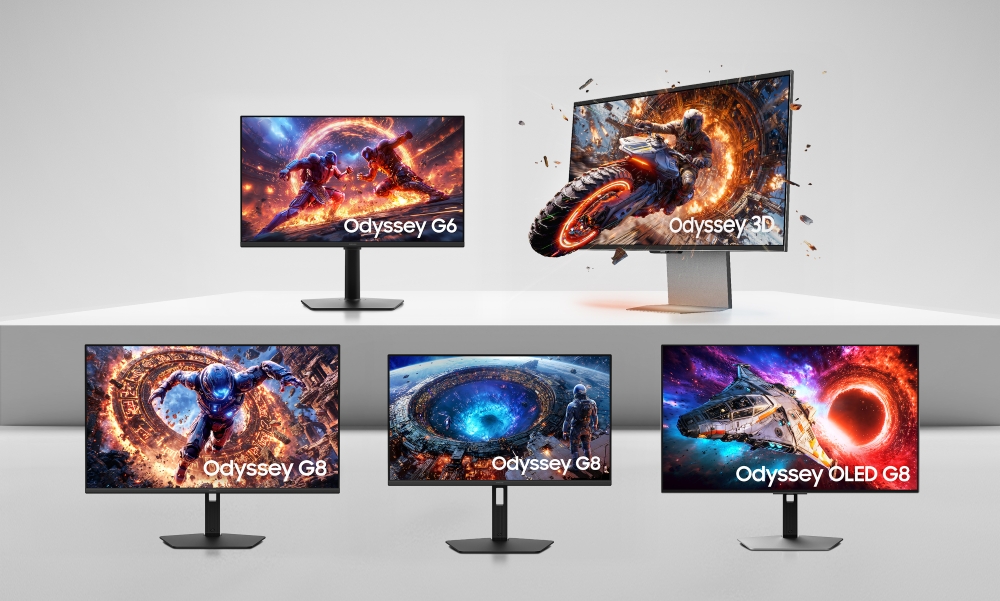
Odyssey is Samsung's gaming monitor line. It runs from ordinary 27-inch desk monitors up to 49-inch ultrawides you have to rearrange a desk for, and the panel inside changes as you climb: IPS at the high-resolution end, QD-OLED where contrast matters, and Quantum Mini LED on the largest curved flagships. What holds the line together is the order of priorities rather than any single specification. Odyssey monitors are built refresh rate first, response time second, and everything else after that. Because the line spans several panel technologies and two aspect ratios, choosing one is less about finding the best Odyssey than working out which trade-off you want to live with.
How the Odyssey names work
The number after the G is the tier. A G3 or G5 is the entry end, a G6 or G7 sits in the middle, a G8 is near the top and a G9 is the very wide flagship. A word in front of the number tells you the panel. Neo means the Quantum Mini LED backlight Samsung also uses in its televisions, and Samsung's own listing for the 57-inch Odyssey Neo G9 puts dual 4K resolution, 240Hz and a 1000R curve behind that name. OLED means a QD-OLED panel. The trailing letters mark the generation, so the 2026 Odyssey OLED G8 is the G80SH. It is worth reading the full model code before buying, because two monitors both sold as a G8 can be very different screens.
Panel choice is the real decision
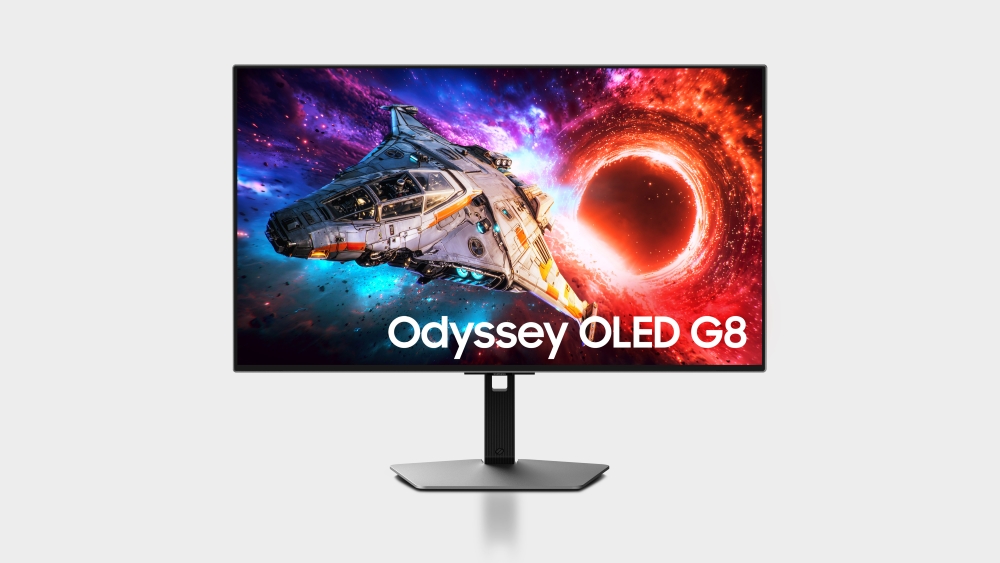
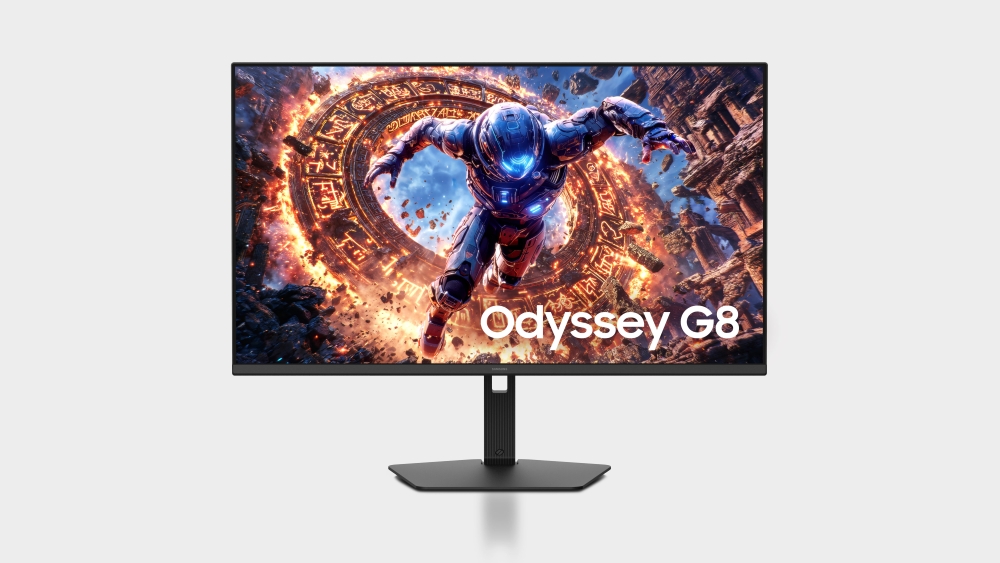
Samsung's 2026 announcement makes the fork clear. The IPS G8 models chase pixel density: a 27-inch at 5K and a 32-inch at 6K, running at 180Hz and 165Hz respectively. The OLED G8 goes the other way, 4K at 240Hz on a QD-OLED panel. IPS gives you sharper small text, higher sustained brightness across a full white window, and no burn-in question to think about. QD-OLED gives you black that is properly black, colour that stays saturated at low brightness, and pixel response fast enough that motion looks different in kind rather than merely better. Mini LED on the Neo models sits between the two, buying brightness and contrast without the burn-in worry. If you spend most of the working day in documents and code, the IPS panels are the safer choice.
Refresh rate and Dual Mode
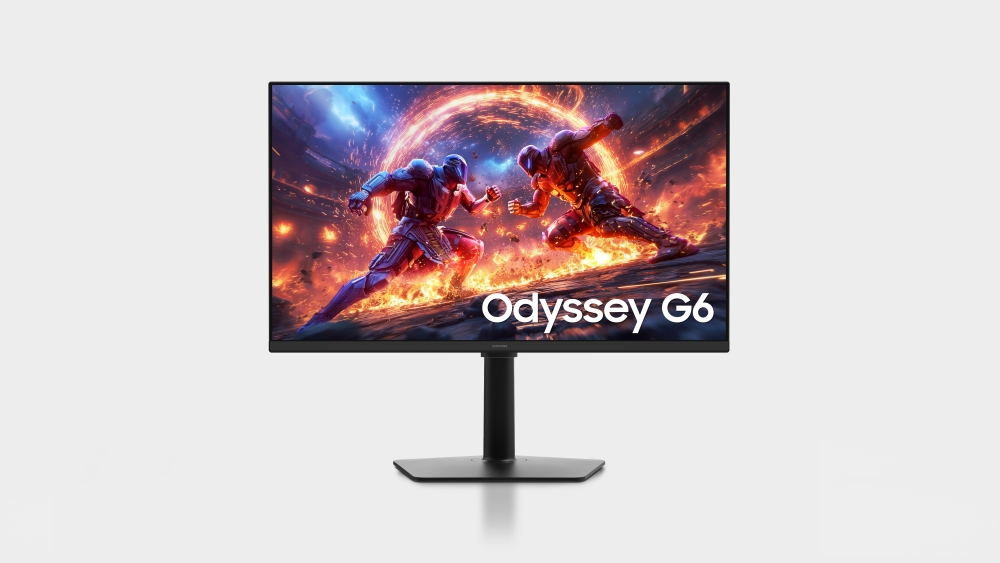
Recent Odyssey monitors quote two refresh rates, and the difference between them matters. The 2026 Odyssey G6 is a 27-inch QHD panel at 600Hz natively, and Samsung quotes 1040Hz in Dual Mode, which reaches that figure by dropping to a lower resolution. The 6K G8 does the same thing, 165Hz natively and 330Hz at 3K. Dual Mode is a real feature for anyone who plays competitive shooters and also works at high resolution on the same screen. But the headline number is not one you get at the resolution you bought the monitor for, so read the two figures as a pair rather than taking the larger one.
The ultrawides
The 32:9 models are what most people picture when they hear Odyssey. The 49-inch OLED G9 is 5120 by 1440 at 240Hz on an 1800R curve, and Tom's Hardware described it as taking up roughly four feet of desk. In a full-screen game the shape works well and gives you peripheral vision a 16:9 panel cannot. For work it replaces two or three monitors without a bezel down the middle, and the same review found small text stayed clean. The caveats are real. Some games letterbox rather than fill the screen, window management needs software help, and the curve that suits gaming can make straight lines awkward to judge in design work.
What to weigh against the rivals
Several competing gaming monitors are built on QD-OLED panels of the same generation, so picture quality is often close and the decision moves to the parts around the panel. Samsung's advantage is that its monitors carry the smart platform from its television line, with streaming apps and cloud gaming built in, which suits a screen doing double duty in a small room. Its recurring weakness is the menu system: reviewers of the OLED G9 found settings scattered across overlapping interfaces that overlap and contradict each other. Check the port list as well, because DisplayPort 2.1 is not on every model in the line and it is the connection the highest-resolution panels want.
Who should buy something else
If you mainly do colour-critical design or photo work, buy a monitor sold for that job, because Odyssey tuning is aimed at games and some models have shipped without a proper sRGB mode. If your desk is shallow or shared, skip the 49-inch ultrawides; the width is not negotiable and the curve makes them awkward to place against a wall. If you leave static toolbars and dock icons on screen for eight hours a day, prefer an IPS or Mini LED model over QD-OLED, and read the burn-in terms of the warranty before you decide. And if you play at 1080p on a mid-range graphics card, the top of the range is wasted money, because a G5 or G6 class panel will already run ahead of what the card can feed it.
Reviews
No reviews yet
Nobody has reviewed Odyssey here yet.