About Microsoft PowerPoint
Microsoft PowerPoint is the presentation application in the Microsoft 365 family. It is used to create slide-based presentations, combine text with images and charts, rehearse delivery, and collaborate on decks across supported desktop, web and mobile experiences. Within Microsoft 365, PowerPoint can work with OneDrive and SharePoint for cloud storage and sharing, while Copilot features are available only for eligible subscriptions, licenses, platforms and organization settings.
What it does
Creation
| Presentation format | Slide-based presentations with text, images, charts, diagrams, audio, video and animations. |
|---|
Collaboration
| Cloud collaboration | Supported Microsoft 365 workflows can use OneDrive or SharePoint for sharing and collaborative editing. |
|---|
AI
| Copilot | Eligible users can create, edit, summarize and ask questions about presentations with Copilot in supported PowerPoint experiences. |
|---|
Platforms
| Availability | PowerPoint is available across Windows, Mac, web and mobile, with some feature differences between platforms. |
|---|
What is Microsoft PowerPoint used for?
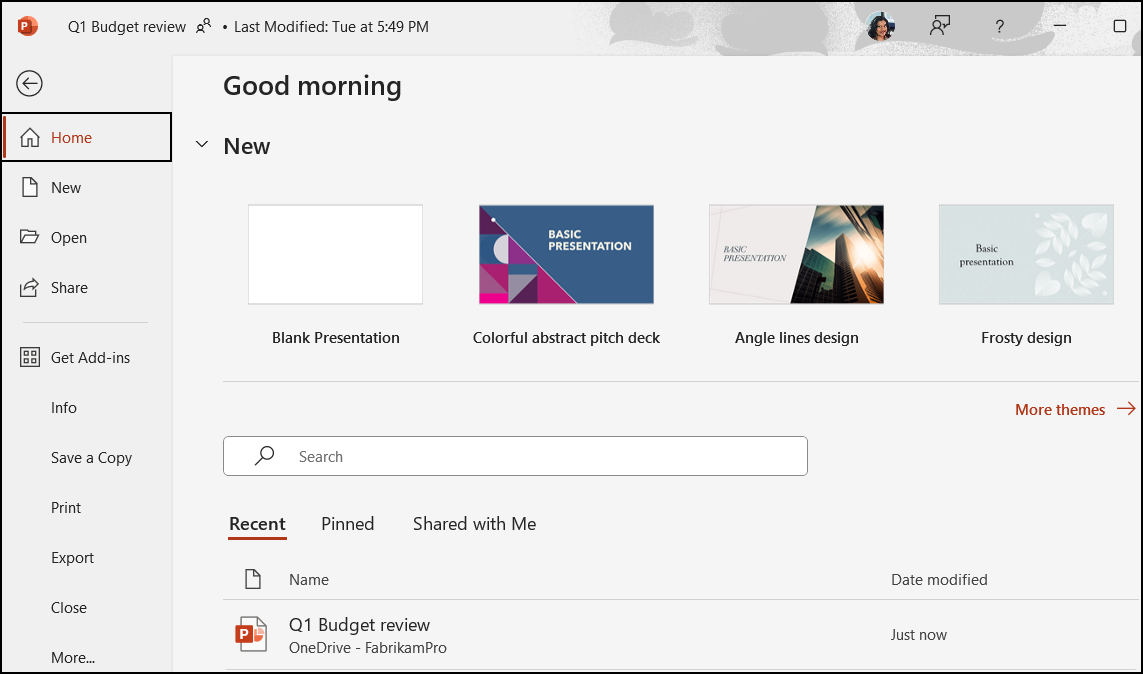
PowerPoint is designed for presentations that need a visual sequence rather than a long-form document. Common uses include sales decks, project updates, training materials, classroom presentations, conference talks, internal briefings and proposal presentations. Users can combine text, images, charts, diagrams, audio, video and animations, then present the result as a slide show.
The application is useful when a message benefits from pacing and visual structure. It is less suitable for content that needs continuous reading, heavy spreadsheet analysis or complex page-layout production. Those jobs are usually better handled in Word, Excel or dedicated publishing tools.
How does collaboration work in PowerPoint?
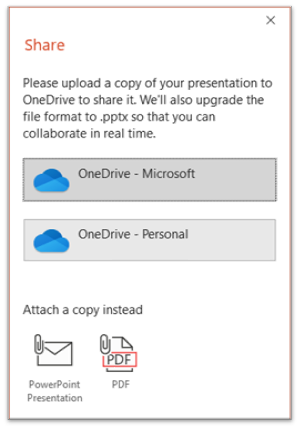
PowerPoint supports collaborative editing in Microsoft 365 workflows when presentations are stored in supported cloud locations. Teams can share a presentation, work on the same deck and review changes without maintaining separate attachment copies. This is especially useful when several people contribute content, data or design to one presentation.
Organizations should still test their exact workflow. Collaboration behavior can depend on the version of PowerPoint, storage location and platform. A team using local file shares or another cloud provider may not get the same co-authoring and version-history experience as a team using OneDrive or SharePoint.
What can Copilot do in PowerPoint?
Microsoft documents Copilot in PowerPoint as an assistant that can help create, edit and understand presentations. Eligible users can ask Copilot to build a draft presentation from a prompt, add slides, reorganize content, summarize a deck and answer questions about presentation content. Microsoft also documents image-generation and editing assistance in supported experiences.
Copilot should not be treated as universally included with PowerPoint. Microsoft states that availability depends on subscription, Copilot licensing, organizational settings and platform. Buyers should verify the exact license they plan to use before treating AI-assisted presentation creation as a standard PowerPoint entitlement.
How does PowerPoint differ across platforms?
Microsoft maintains separate PowerPoint experiences for Windows, Mac, the web and mobile devices, and its own comparison documentation shows that feature support is not identical across those platforms. Audio handling, design features, object insertion, collaboration functions and slide-show capabilities can vary.
This matters for teams that rely on advanced presentation features. A presentation created on desktop may contain behaviors that are limited or handled differently on the web or mobile. Before standardizing on a browser-first or mobile-heavy workflow, organizations should test the features they rely on most instead of assuming full desktop parity.
What are PowerPoint's main limitations?
PowerPoint is flexible, but it is easy to use it for jobs better suited to other tools. Large data models belong in Excel or analytics software. Long reports are easier to maintain in Word. Highly detailed print layouts may require design or publishing applications, and live collaborative whiteboarding can be more natural in tools built for free-form canvases.
Presentation quality also depends heavily on structure and editing. Copilot and templates can accelerate drafting, but generated slides still need factual review, visual cleanup and audience-specific refinement. A presentation that is technically complete can still be ineffective if it contains too much text, inconsistent layouts or unsupported claims.
Who should choose something else?
Teams that rarely present and mainly share written documents may not need PowerPoint as a central tool. Organizations already standardized on another productivity ecosystem may prefer its native presentation application to reduce file-conversion and identity overhead. Designers producing highly branded or interactive experiences may also prefer specialist presentation or design platforms.
PowerPoint makes the most sense when compatibility with Microsoft 365, familiar slide workflows, collaboration and broad presentation-format support are important. The choice should be based on how presentations are created, reviewed, shared and delivered across the whole team.
Reviews
No reviews yet
Nobody has reviewed Microsoft PowerPoint here yet.