About Microsoft OneNote
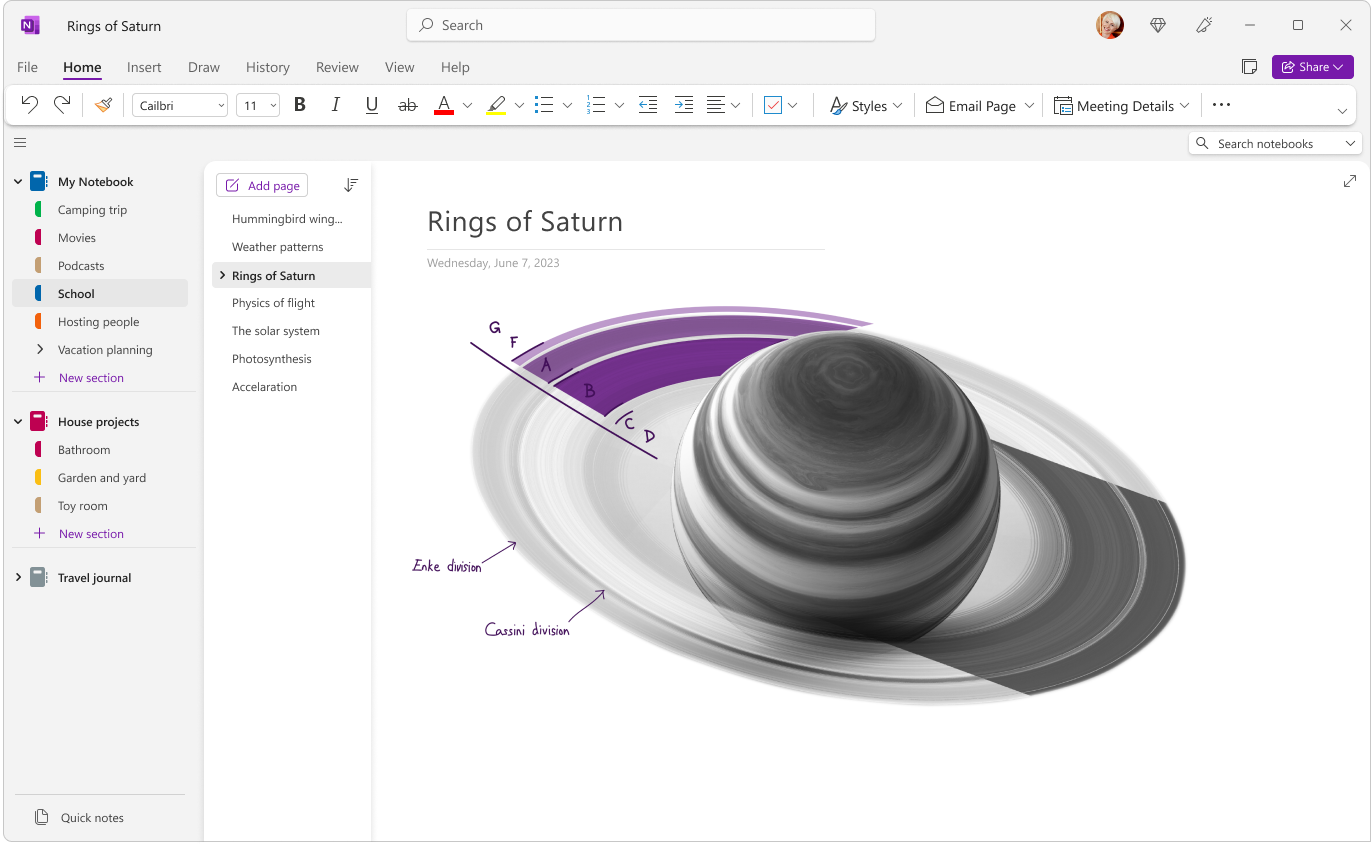
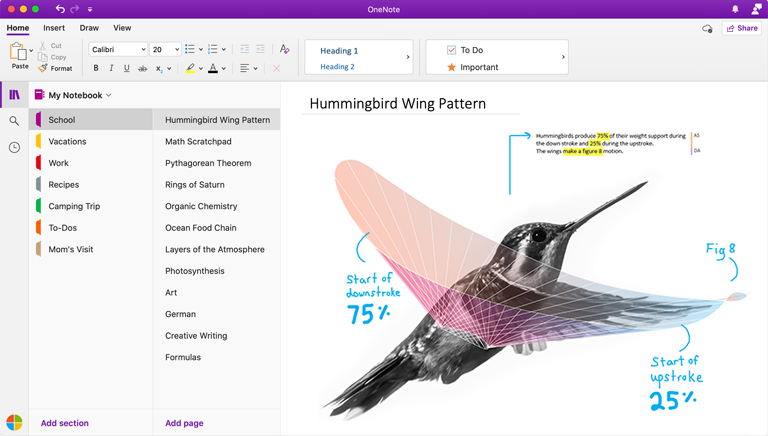
Microsoft OneNote is the digital note-taking application in the Microsoft 365 family. It organizes information into notebooks, sections and pages, and supports typed notes, handwriting, drawings, images, links, tables and attachments. OneNote can synchronize notebooks across supported devices and the web, which makes it useful for personal reference, meeting notes, research, class notes and ongoing project information. Buyers should distinguish the current OneNote app from the retired OneNote for Windows 10 app, which reached end of support on October 14, 2025 and became read-only.
What it does
Organization
| Notebook structure | Notes are organized into notebooks, sections and pages for flexible personal or team information capture. |
|---|
Sync
| Cross-device synchronization | Supported cloud notebooks synchronize across OneNote experiences on Windows, Mac, mobile and the web. |
|---|
Storage
| Microsoft cloud storage | OneNote notebooks can use Microsoft cloud storage such as OneDrive and SharePoint, depending on account and organizational setup. |
|---|
AI
| Copilot | Eligible users can use Copilot to summarize, organize, draft and work with notebook content, with features varying by license and platform. |
|---|
Windows
| Supported Windows app | Microsoft directs users to the current OneNote app; OneNote for Windows 10 reached end of support on October 14, 2025 and is read-only. |
|---|
What is Microsoft OneNote used for?
OneNote is designed for information that benefits from a flexible notebook rather than a rigid document or spreadsheet. Users can keep separate notebooks for projects, clients, classes or personal topics, divide them into sections, and create pages for individual notes. Pages can combine normal text with lists, screenshots, drawings, links, tables, files and handwritten ink, so a note does not have to follow a fixed page layout.
This makes OneNote useful for meeting notes, research collections, study material, brainstorming, project reference, checklists and personal knowledge capture. It is less suitable when the final output needs formal pagination, tightly controlled document formatting or structured records. Word, a database or a dedicated knowledge-management product may be a better fit for those jobs.
How do OneNote notebooks sync and where are they stored?
Microsoft documents automatic synchronization for shared OneNote notebooks across supported Windows, Mac, mobile and web experiences. Cloud-saved notebooks can be opened on more than one device, and users can also trigger a manual sync when they need to confirm that recent changes are uploaded before going offline or switching devices.
Storage location matters. Microsoft has long used OneDrive and SharePoint as cloud locations for OneNote notebooks, which ties notebook access to Microsoft accounts, permissions and organizational storage policies. Teams should confirm where business notebooks are stored, who owns them and how access will be handled when people change roles. A shared notebook that contains important organizational knowledge should not rely on one person's unmanaged account.
What changed with OneNote for Windows 10?
OneNote buyers and administrators should be careful with Microsoft's Windows naming because two different applications existed side by side for years. Microsoft states that OneNote for Windows 10 reached end of support on October 14, 2025. The old app moved to read-only mode, so users can view existing notes but can no longer create, edit or sync content in that application.
Microsoft now directs Windows users to the current OneNote app, available through Microsoft 365 and the Microsoft Store. For migrations, Microsoft recommends confirming that notebooks from OneNote for Windows 10 have fully synchronized before uninstalling or abandoning the old app. Unsynced local changes may not appear in the supported OneNote app, so organizations should verify notebook contents rather than assuming the transition is only an application replacement.
What can Copilot do in OneNote?
Microsoft is expanding Copilot features in OneNote for eligible users. Current Microsoft support material describes Copilot capabilities for summarizing notes, creating plans and lists, generating ideas, organizing information and working with content already stored in notebooks. Microsoft is also rolling out a Take notes with Copilot feature that can pull relevant information from Microsoft 365 documents, messages and email into a OneNote canvas using natural-language prompts.
Copilot availability is not identical for every OneNote user. Microsoft documents license, platform and notebook requirements for specific features, and some capabilities are still rolling out. Buyers should therefore verify the exact OneNote client, Microsoft 365 subscription and Copilot entitlement they plan to use rather than treating every AI feature shown in Microsoft documentation as universally included.
How does OneNote compare with Word, Loop and dedicated knowledge tools?
OneNote sits between a traditional document editor and a lightweight personal knowledge workspace. Compared with Word, it is better suited to continuously growing notes that do not need a formal document structure. Compared with Microsoft Loop, OneNote is notebook-centered, while Loop is more focused on collaborative workspaces and portable components that can appear across supported Microsoft 365 experiences.
For organization-wide knowledge bases, documentation portals or strongly structured content, a dedicated wiki, SharePoint site or knowledge-management platform may provide better publishing, governance and navigation. OneNote is strongest when users want flexible capture and retrieval without designing a formal information architecture first.
What are OneNote's main limitations and deployment considerations?
OneNote's flexibility can also make large notebook collections difficult to govern. Without naming conventions, ownership rules and a clear section structure, users can accumulate duplicate pages, abandoned notebooks and information that is hard for colleagues to find. Search helps, but it does not replace basic organization for business-critical notes.
Platform and feature differences also matter. OneNote is available across several environments, but not every feature is identical on Windows, Mac, web and mobile. Organizations that rely on advanced ink, add-ins, local workflows, printing or specialized integrations should test those requirements on the exact client mix they intend to support. Cloud synchronization also means that connectivity, storage permissions and account lifecycle are part of the deployment design.
Who should choose something else?
People who mainly produce formal reports, proposals or controlled business documents should generally use Word rather than making OneNote the final publishing tool. Teams that need database-like records, structured workflows or strict field validation should consider a list, database or dedicated business application. Organizations building a company-wide knowledge base may also prefer SharePoint or a specialist wiki when ownership, navigation, publishing and retention need tighter control.
OneNote is a stronger fit for flexible note capture, personal and team reference, research, handwritten input and notebooks that evolve over time. The best choice depends on whether the information is primarily working knowledge that needs to be captured quickly or formal content that needs structured publishing and governance.
Reviews
No reviews yet
Nobody has reviewed Microsoft OneNote here yet.