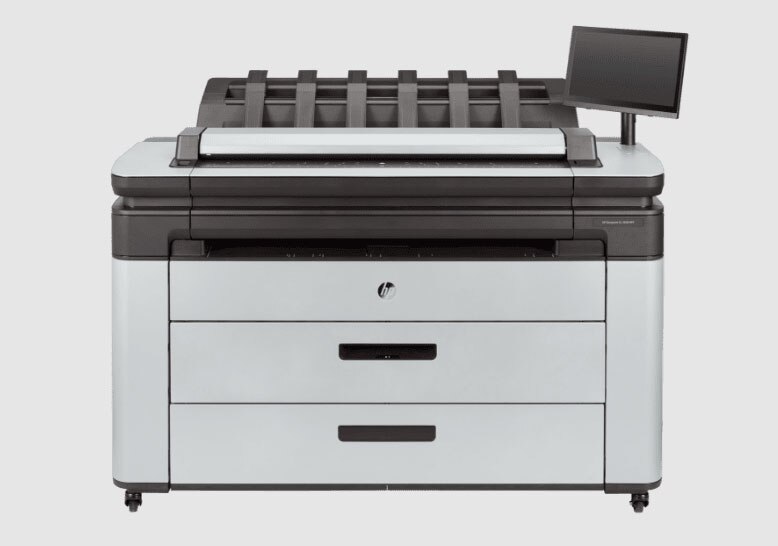
About HP DesignJet
HP DesignJet is HP's large-format inkjet range: the roll-fed machines that print drawings, plans, maps and posters at sizes an office printer cannot touch. HP introduced the DesignJet in 1991, using thermal inkjet to replace the pen plotters that architects and engineers had been drawing on since the 1970s, and the name has stayed on the category ever since. It is not one printer. It covers small 24 in units that sit on a desk, 36 in and 44 in floor-standing plotters for CAD and GIS teams, multifunction models with a scanner built in for copying old drawings, and a separate set of graphics and photo machines under the Z badge. What they share is the roll of paper and the job: technical output that has to be dimensionally accurate at a size nobody folds.
Key specifications
Line
| Format | Large-format, roll-fed |
|---|---|
| Print technology | Thermal inkjet |
| Introduced | 1991 |
| Roll widths in the technical plotter families | 24 in, 36 in and 44 in |
| Main uses | CAD and GIS drawings, construction documents, posters and renders |
What a DesignJet is actually for
The core customer has not changed in thirty years: architecture, engineering and construction. Site drawings, floor plans, elevations, survey sheets, GIS maps, and the print-and-mark-up loop that still happens on paper because a wall of A0 shows a whole building at once and a monitor does not. Print-shop work sits next to it, posters and renders and presentation boards, which is what the Z series exists for. The RIBA Journal, marking the line's thirtieth year, traced DesignJet output through work on the Sagrada Familia, the Tamayo Museum competition and the design phase of Shanghai Disneyland, which is a fair picture of who buys these and why.
How the range breaks down
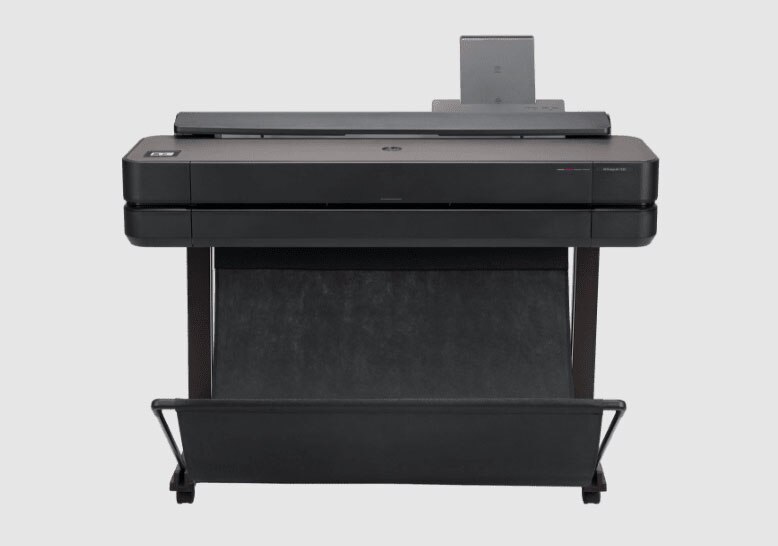
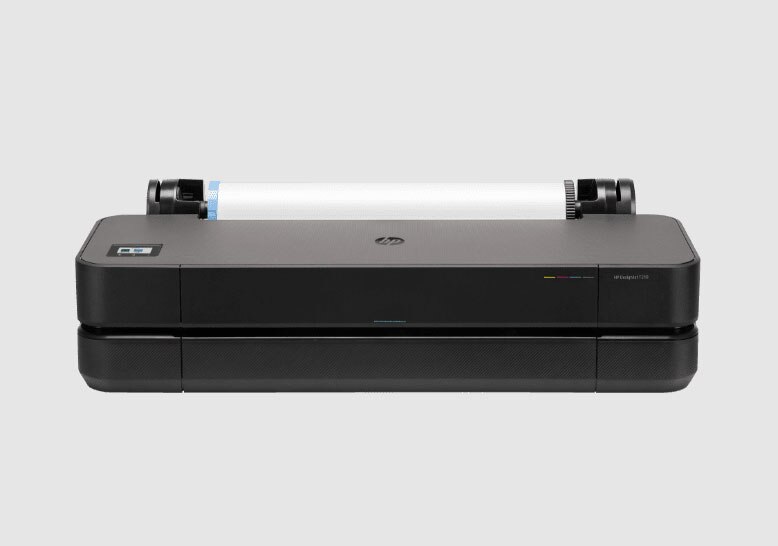
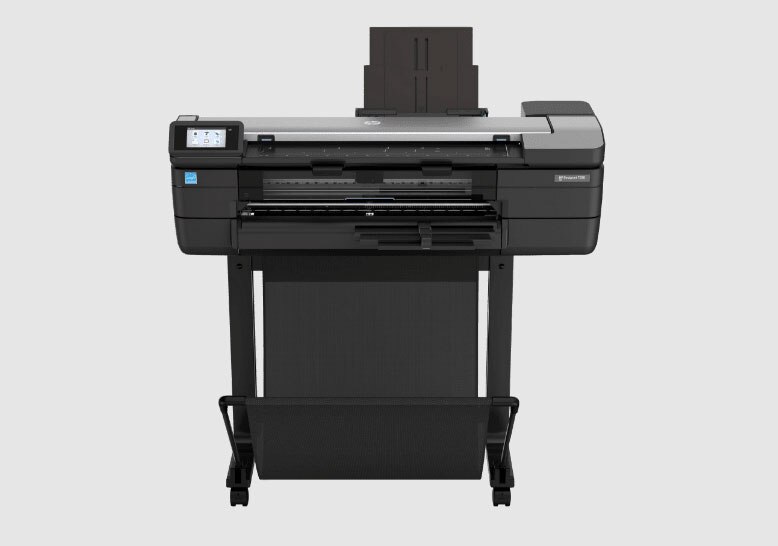
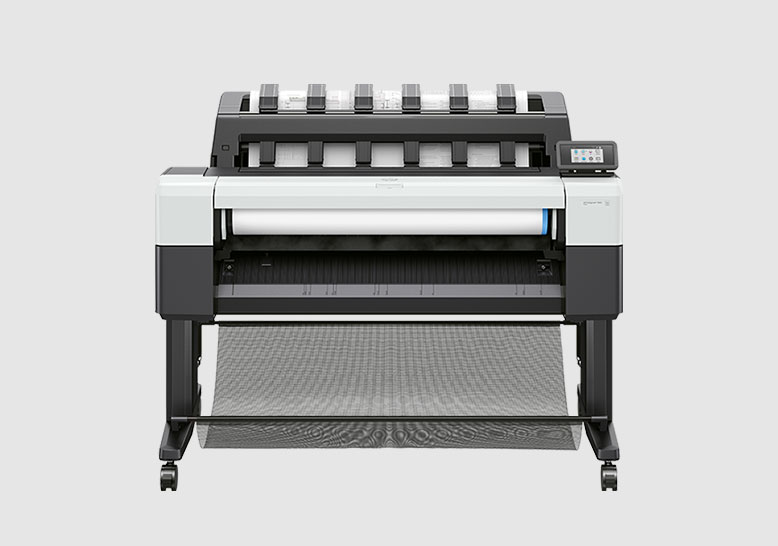
HP splits the technical plotters roughly by workgroup size. The T200 series is the entry point at 24 in, aimed at home offices and one-person practices. The T600 series covers 24 in and 36 in for small offices and adds a sheet feeder and media bin. The T800 family, now built around the T850 and T950 that AEC Magazine reported in October 2023 as replacements for the long-running T830, targets workgroups of roughly ten architects or engineers and offers multifunction versions with a scanner. Above that, the T1600, T2600 and T1700 serve mid-size CAD and GIS teams with six-ink sets, dual-roll options and PostScript variants running the Adobe PDF Print Engine. The XL 3600 and XL 3800 are the enterprise machines, built for IT-managed departments with integrated scanners and higher throughput. The Z6 Pro, Z9 Pro and Z6810 sit apart from all of it, tuned for colour rather than line work.
Single roll, dual roll, and whether you need a scanner
Three choices decide most of the price. Width comes first: 24 in handles A1 comfortably, 36 in gives you A0, 44 in gives you headroom for oversize and graphics work. Dual roll, marked dr on the model number, lets the printer hold two media types or two widths and switch without anybody walking over to it, which matters more than it sounds when a team is printing mixed sets all day. The multifunction models add a scanner sized to the printer, which is the only practical way to digitise existing drawings without sending them out. PostScript and the Adobe print engine matter if your files come out of graphics software rather than CAD. Ink count matters if colour fidelity does: the mid-range technical models carry six inks including grey and two blacks, while the fastest enterprise mono-focused machine carries four.
What to weigh against the alternatives
Canon and Epson are the two names you will price against. Canon's imagePROGRAF TX and TM plotters and Epson's SureColor T range cover the same widths and the same buyers, and on any given quarter the deciding factor is usually local dealer support, consumable pricing and whether your CAD software has a driver somebody has already tested. Compare running cost per square metre rather than headline speed, because ink is where the money goes over a five-year life, and compare service response times, because a plotter down on a deadline day stops a whole office rather than one desk. Inside HP's own range, the honest comparison is between one fast shared machine and two cheaper ones: a 36 in T650 in the corner and a second unit near the site team often beats a single enterprise plotter for real-world availability.
Who should buy something else
If you print a handful of A1 sheets a month, buy nothing. A local reprographics bureau will do it cheaper than a plotter you leave idle, and idle inkjets waste ink on maintenance cycles whether you print or not. If your output is photographic prints for sale, look at HP's own Z series or a dedicated photo printer rather than a technical plotter, which is tuned for line accuracy over tonal depth. If you need banners, signage, vinyl or anything that goes outdoors, this is the wrong family entirely; that work belongs to HP Latex or a solvent machine. And if the real problem is that people cannot find the current drawing, a plotter will not fix it. Sort the document management first, then size the hardware.
What has changed lately
The recent direction has been less about speed and more about the things procurement asks about. HP has pushed recycled content in the hardware, quoting 40 percent recycled plastic on the T850 and T950 generation. It has layered its Wolf security tiers across the range, Essential on the entry models, Pro in the middle, Enterprise on the XL 3800. And it has added software around the printer rather than inside it, including cloud workflow tools for construction teams and raster-to-vector conversion on multifunction models. If you are replacing a plotter bought before 2020, most of what is new sits in those three areas rather than in print quality, which was already good.
Reviews
No reviews yet
Nobody has reviewed HP DesignJet here yet.