About iPad Pro
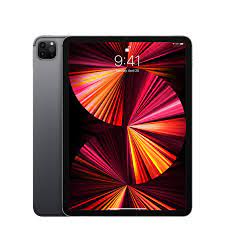
The iPad Pro is the top of Apple's tablet range and the place new display and silicon technology arrives first. It is sold in two sizes, and it is the only iPad that gets the Ultra Retina XDR panel, Thunderbolt, Face ID and the M series chip generation Apple has most recently shipped. This entry covers the line rather than one year of it, so there is no single screen size, chip or price that describes every iPad Pro. The constant is the position: whatever the newest tablet hardware Apple has is, the Pro gets it, and everything below it in the range gets a version of it a year or two later at a lower price. That makes the iPad Pro easy to recommend on specification and hard to recommend on value, which is the tension every buyer of one has to settle for themselves.
Where the iPad Pro sits in the iPad range
Apple sells four iPad lines. The standard iPad is the cheap one that most schools and households buy. The iPad mini is the small one. The iPad Air is the middle, and it now uses M series silicon too, which has narrowed the gap considerably. The iPad Pro is the top, and it is the only one that carries the display technology Apple reserves for it.
The important thing about this arrangement is that the Pro is no longer the only fast iPad. When the Air moved to M series chips, the argument for the Pro stopped being raw speed and became the screen, the ports and the extras around them. MacRumors puts the practical difference as Face ID and a LiDAR scanner against the Air's Touch ID, Thunderbolt against plain USB-C, Wi-Fi 7 against Wi-Fi 6E, and more memory in the Pro across every storage tier.
What the current generation is
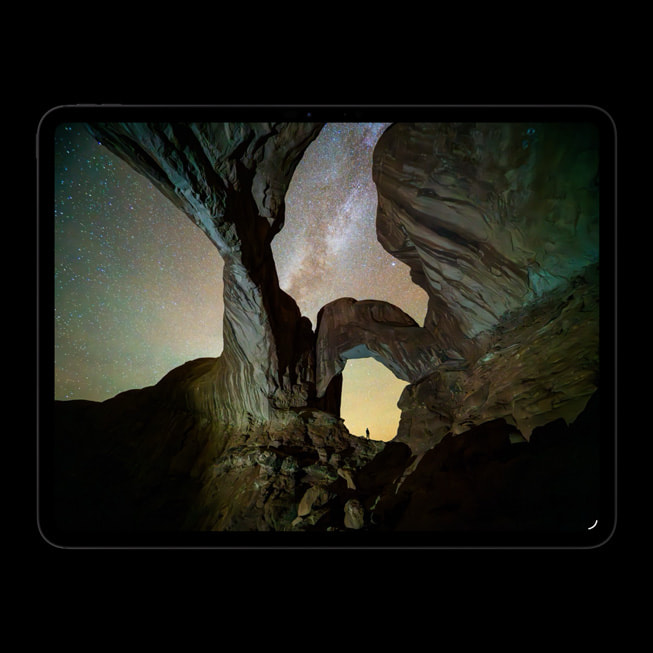
Apple's specification page for the current iPad Pro lists 11 inch and 13 inch sizes, both using an Ultra Retina XDR display built on Tandem OLED with ProMotion running from 10Hz to 120Hz. The chip is the M5, with a 9 core CPU on the 256GB and 512GB models and a 10 core CPU with more unified memory on the 1TB and 2TB models. Storage runs 256GB, 512GB, 1TB and 2TB on both sizes.
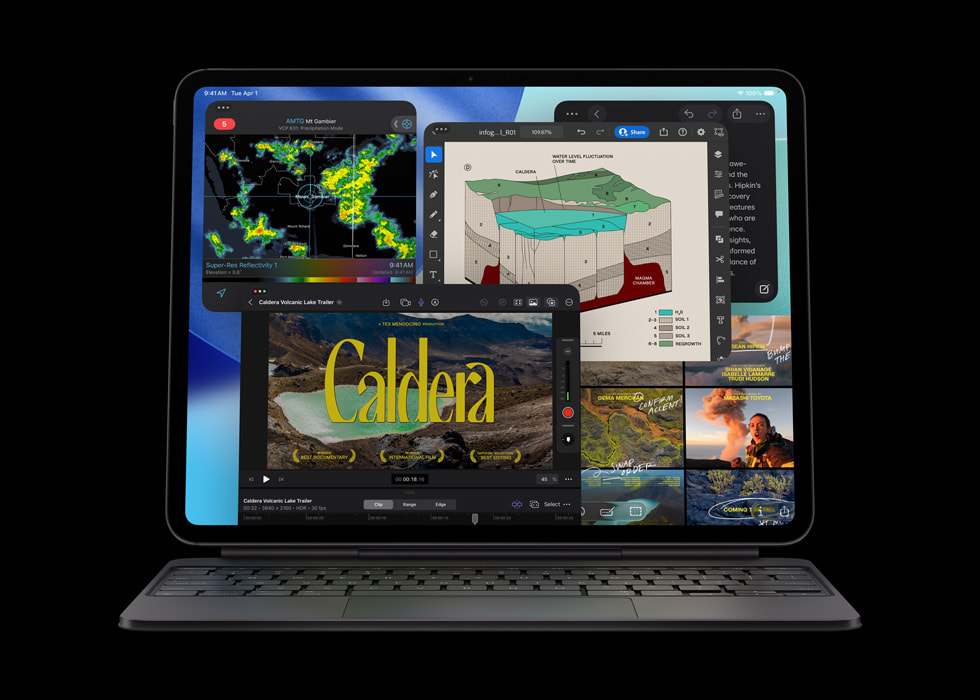
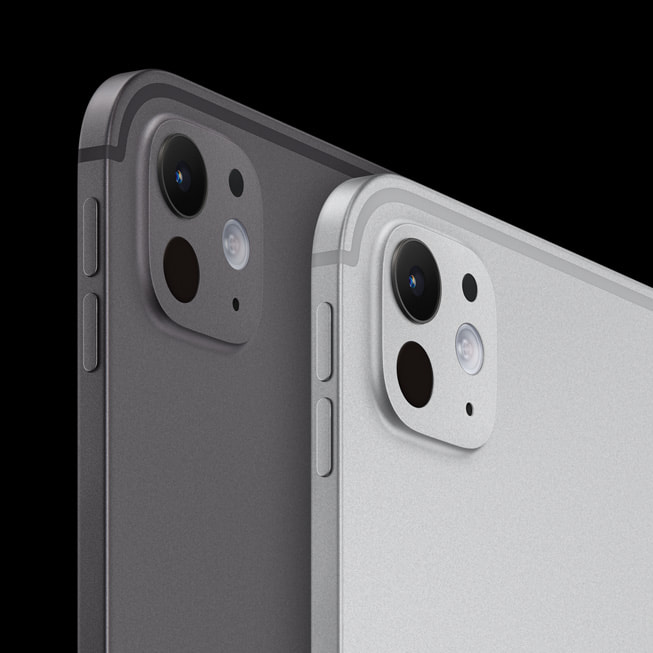
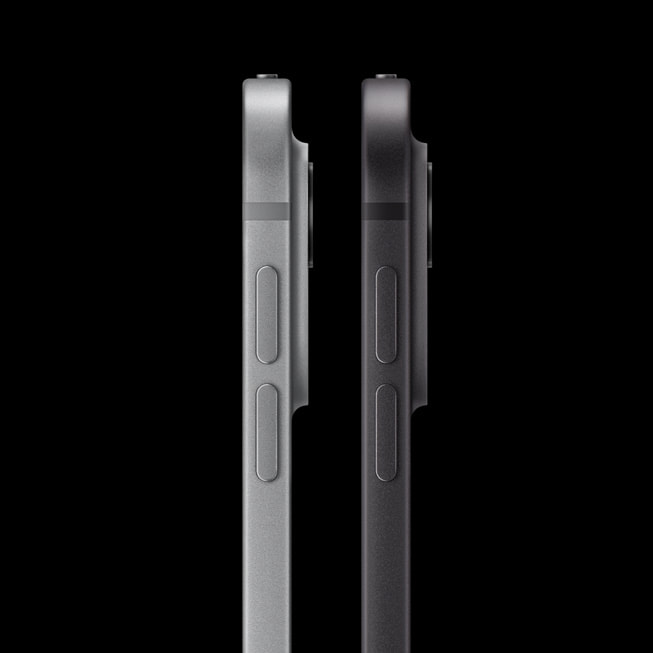
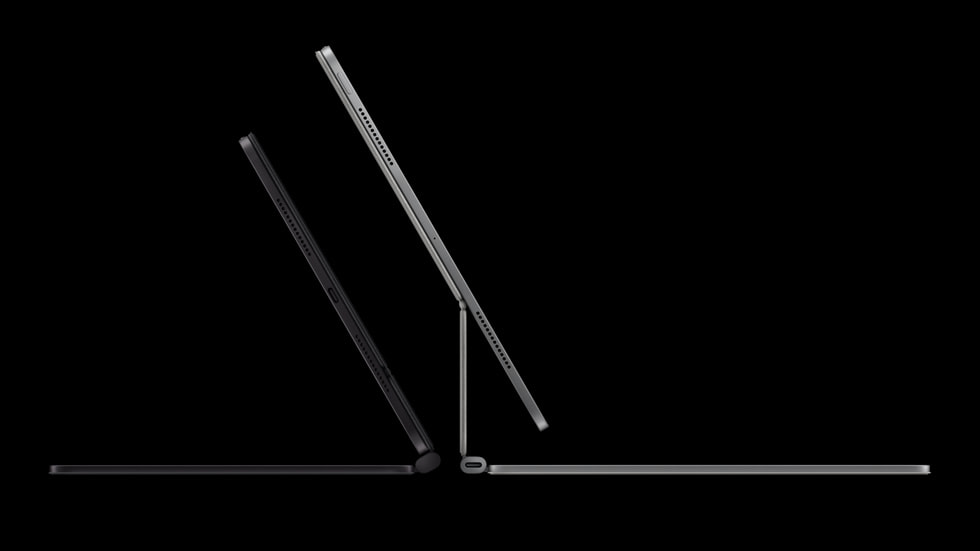
The rear camera is a single 12MP wide unit at f1.8 with digital zoom up to 5x, and the front camera is a 12MP Center Stage unit mounted on the long side of the tablet rather than the short one, which matters more than it sounds if you use the tablet in a keyboard case for video calls. The port is Thunderbolt and USB 4, which carries DisplayPort out and external drives at speeds the rest of the range cannot reach. Apple gives the 11 inch model as 5.3 mm thick at about 444 grams and the 13 inch as 5.1 mm at about 579 grams. Both take the Apple Pencil Pro and the USB-C Apple Pencil, and both have the Smart Connector for keyboard accessories.
Who the iPad Pro is for
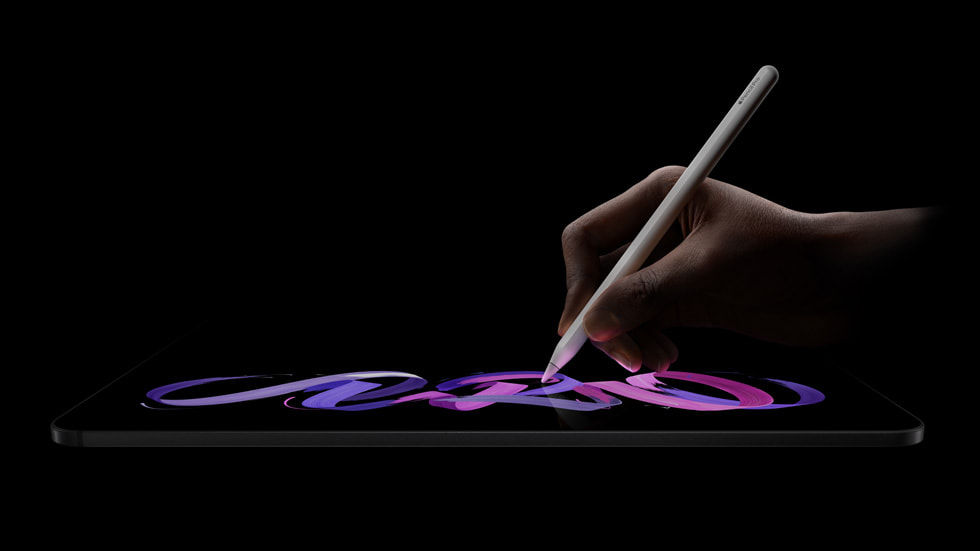
Three groups get their money back on this tablet. The first is people who draw or paint on it professionally, where the refresh rate, the pressure and hover behaviour of the Apple Pencil Pro, and the colour accuracy of the OLED panel are working tools rather than nice extras.
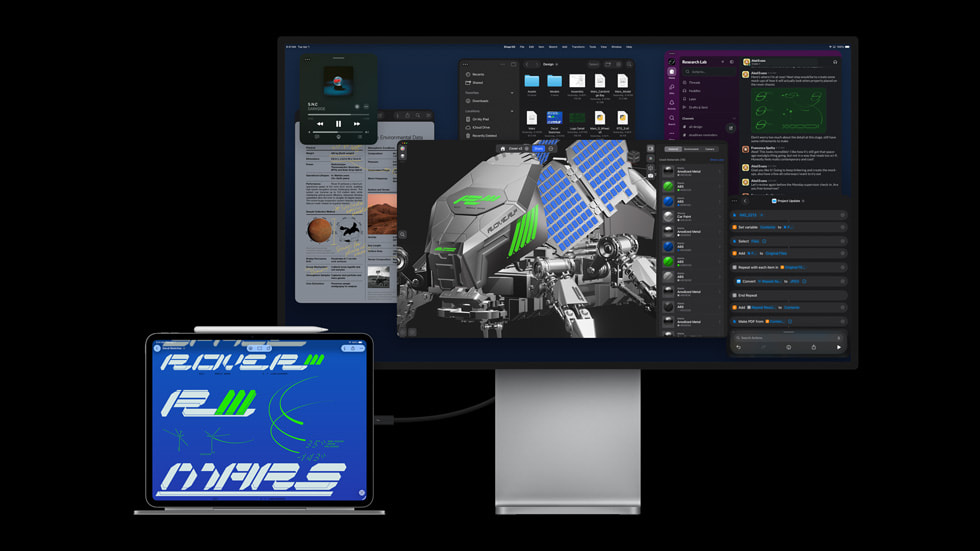
The second is video and photography people who need to pull footage off a fast external drive, colour grade against a display with real HDR range, and drive an external monitor from the same port. Thunderbolt is the reason, and it is the difference the specification sheets understate.
The third is people who genuinely use a tablet as their main computer, spend most of the day in it, and want the largest and best screen available for that. If you are going to hold something for eight hours a day, the panel is not a luxury.
Everybody else is buying a very good tablet with headroom they will not use, which is a legitimate thing to want but worth naming honestly.
iPad Pro against the iPad Air
This is the comparison that decides most purchases, and both of the independent guides consulted here land in the same place. MacRumors says the Air is the better option for the majority of users purely on value for money, and reserves the Pro for people who specifically need more memory and storage, the matte display option, Thunderbolt, and OLED for HDR work. 9to5Mac is blunter: the Air is probably great for most people, and the Pro is the pick if you care about the display above everything else.
The numbers behind that verdict are a Tandem OLED panel at roughly double the brightness of the Air's LED backlit IPS screen, 120Hz against 60Hz, four speakers against two, and a chip generation ahead. The chip gap is the least important of those. 9to5Mac notes the benchmark lead is large on paper and close to invisible in ordinary use.
If you cannot name which of the Pro's specific advantages you would use, that is the answer.
iPad Pro against a laptop
The iPad Pro with a keyboard costs about what a laptop costs, and the comparison is fair to make. What you get over a laptop is a touchscreen, pencil input, cellular options, and a device you can detach and read on the sofa. What you give up is a desktop operating system, and that gap has narrowed without closing.
The practical test is whether the software you need for work exists as a good tablet application. If it does, the iPad Pro is a pleasant machine to work on all day. If your job depends on one desktop tool with no real tablet equivalent, no amount of Pro hardware fixes that, and a MacBook is the cheaper and better answer.
Who should buy something else
Buy the iPad Air instead if you cannot articulate a specific reason for the Pro. This is the most common correct answer, and both independent guides consulted for this page say so directly.
Buy the standard iPad instead if the tablet is mostly for video, browsing, reading and light note taking, or if it is going to a child. The Pro's advantages are invisible in those uses and its repair costs are not.
Buy a MacBook instead if you want one machine for everything and your work lives in desktop applications. The keyboard accessories push the iPad Pro into laptop money without turning it into a laptop.
Wait rather than buy if a new generation has just been announced or is close. The Pro is the line where the newest hardware lands, which also means it is the line where this year's model is most quickly made to look old.
And look at Android or Windows tablets instead if you want a file system you can treat like a computer's, multiple user accounts on one device, or the ability to run desktop software directly. Those are real limitations of this tablet and no configuration of it removes them.
Where to buy
Links go to the seller, not through us. We take no commission and these are not affiliate links, so the order below says nothing about who pays what. Prices and stock change constantly, so check on the day.
Reviews
No reviews yet
Nobody has reviewed iPad Pro here yet.