About iPad Air
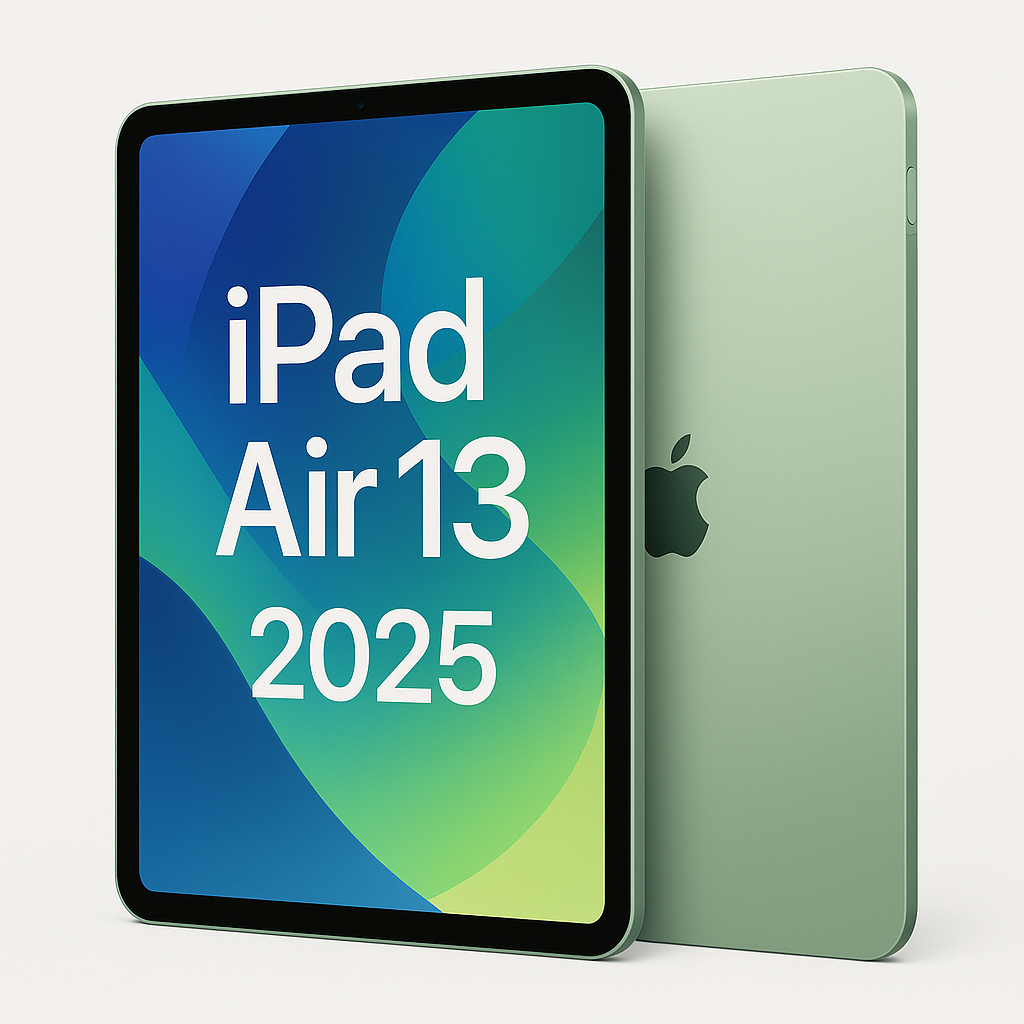
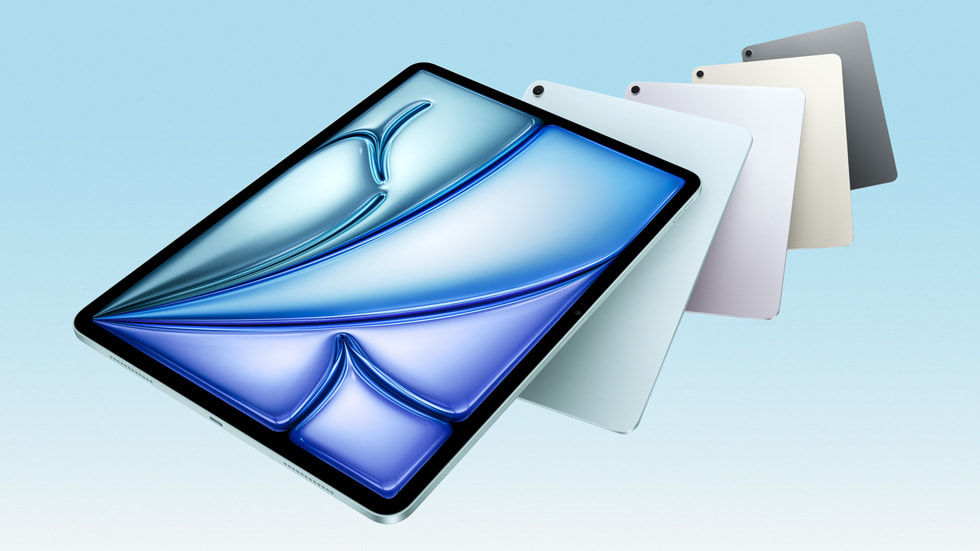
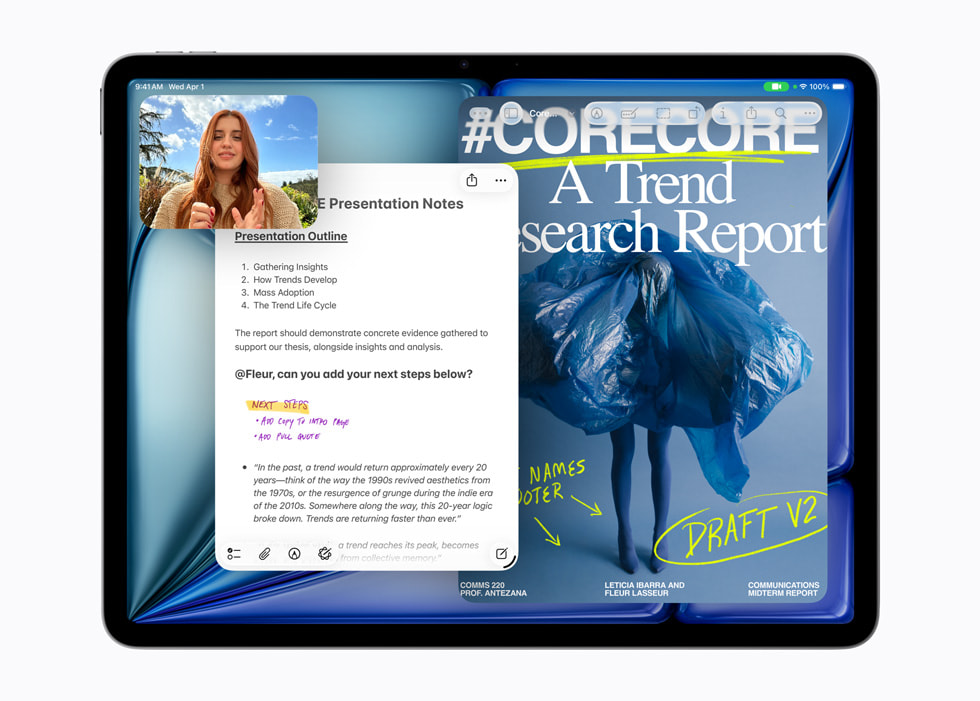
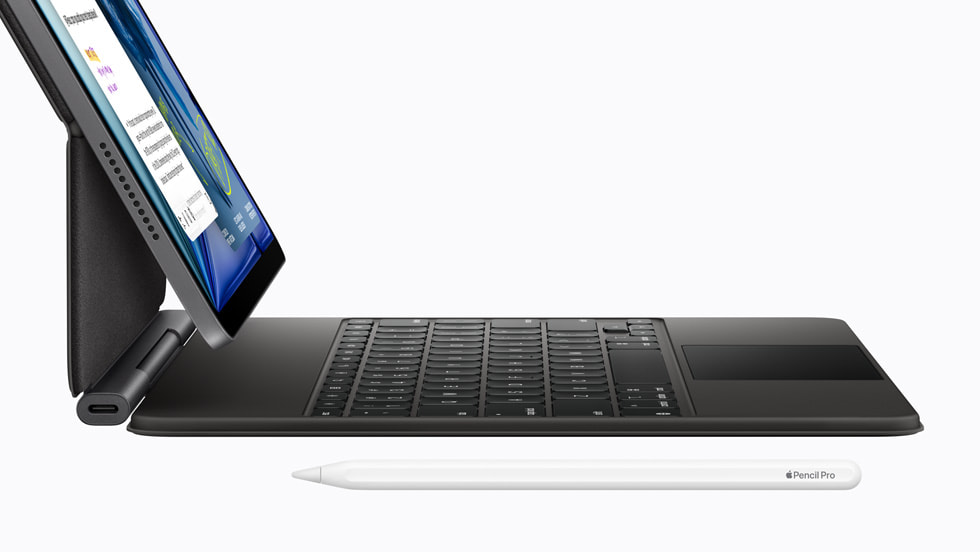
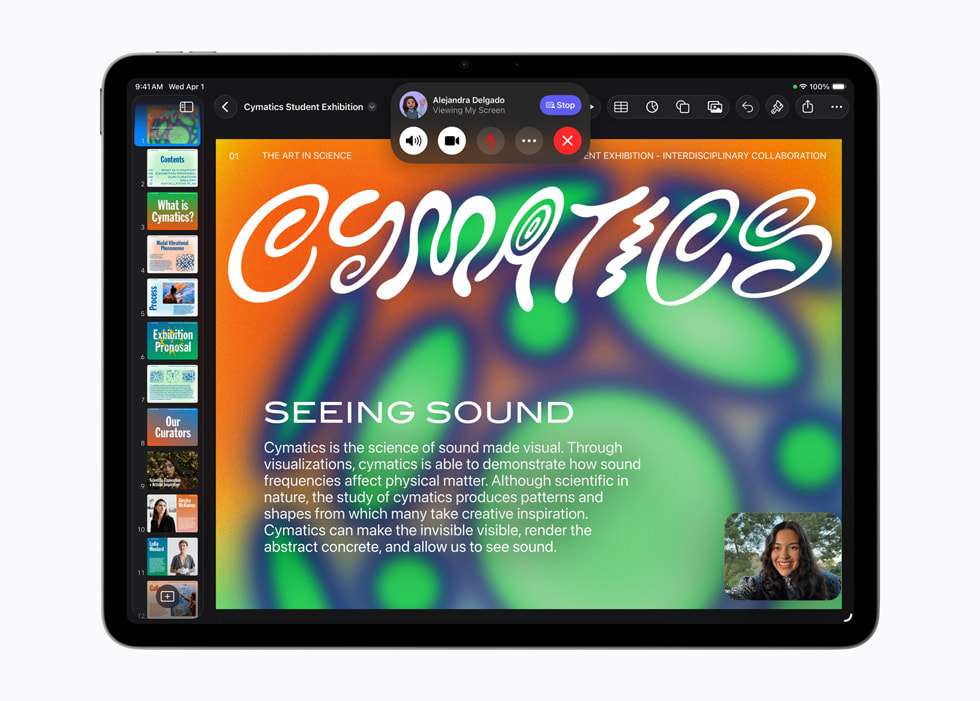
The iPad Air is the middle of Apple's tablet range: the same laptop-class M-series chip the Pro carries, fitted behind an ordinary LCD screen and sold for less. It comes in two sizes, 11 inches and 13 inches, in space grey, blue, purple and starlight, and it takes the Apple Pencil Pro and the Magic Keyboard made for it. Apple has refreshed the line roughly once a year since moving it to Apple silicon, and the current generation runs the M4. The shape has not changed in several revisions: flat sides, a USB-C port, Touch ID built into the top button, and a front camera on the long edge, so you sit centred in a video call when the tablet is docked on a keyboard.
Key specifications
Display
| Sizes | 11-inch and 13-inch Liquid Retina, LCD |
|---|---|
| Refresh rate | 60Hz, no ProMotion |
| Colour | True Tone and P3 wide colour, fully laminated |
Security
| Biometrics | Touch ID in the top button |
|---|
Connectivity
| Connector | USB-C |
|---|---|
| Cellular | Optional 5G models using eSIM |
Accessories
| Pencil support | Apple Pencil Pro and Apple Pencil (USB-C) |
|---|---|
| Keyboard | Magic Keyboard for iPad Air |
Camera
| Front camera | 12MP Center Stage on the long edge |
|---|
Design
| Finishes | Space grey, blue, purple, starlight |
|---|
Where the Air sits between the iPad and the iPad Pro
Apple sells four tablet lines. The standard iPad is the cheap one and runs a phone-class chip. The iPad mini is the same idea in a size you can hold in one hand. The iPad Pro is the thin OLED one with the fastest chip and the highest price. The Air is the one that takes most of the Pro's usefulness and steps the screen technology down to hold the price. In practice it runs the same software at close to the same speed, supports the same pencil and the same class of keyboard, and looks slightly less impressive doing it. For most buyers the Air is the default and the other three lines are the exceptions.
Who the iPad Air is for
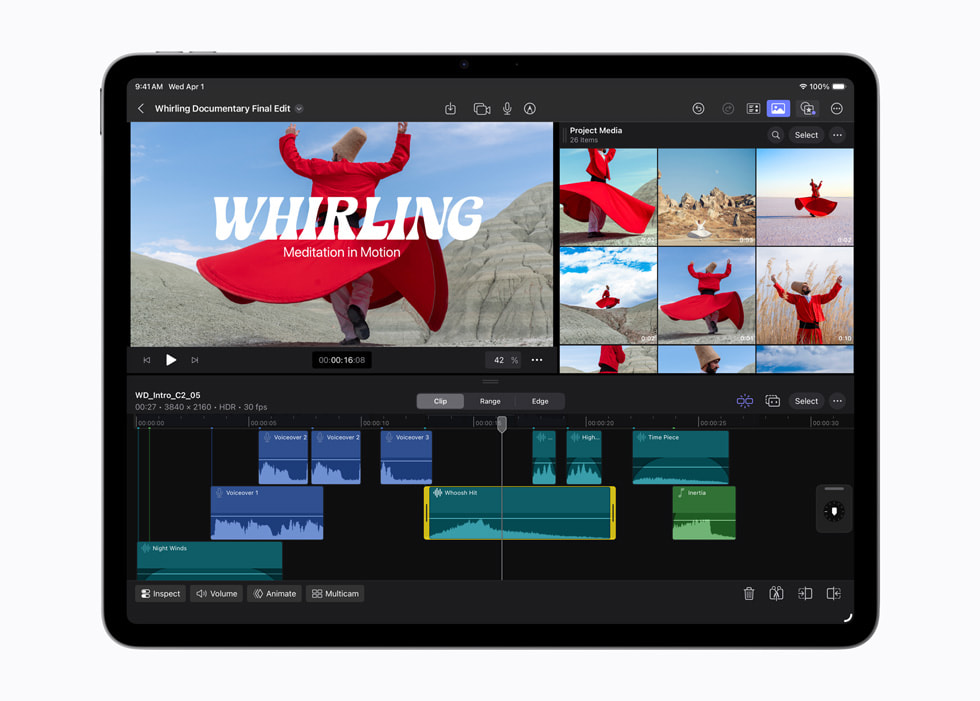
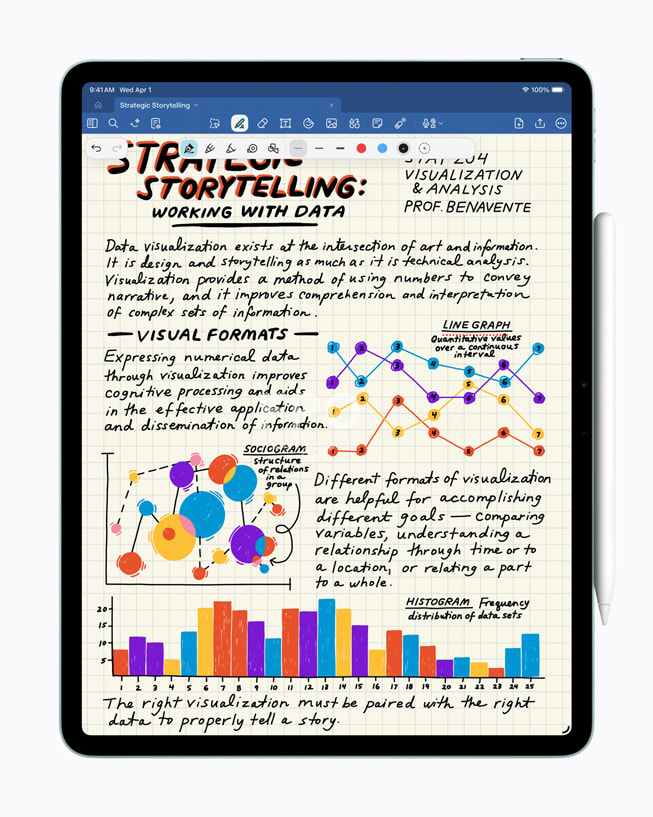
The Air suits somebody who uses a tablet for several hours a day and wants it to be the main machine for at least part of the work. Students taking handwritten notes, illustrators who want pressure and tilt from a pencil, people who read and mark up documents, anyone who watches a lot on a screen bigger than a phone. It is also the sensible choice for a household tablet that has to last years, because an M-series chip gives it a longer runway of software support than the standard iPad has. What it is not is a laptop replacement for everybody. iPadOS still handles windows and files differently from macOS, and that difference, rather than the hardware, is what sends people back to a Mac.
What you give up against the iPad Pro
Three things, and only one of them matters to most people. The screen is an LCD running at 60Hz, where the Pro has an OLED panel with a variable refresh rate up to 120Hz, so scrolling and pencil strokes look smoother on the Pro and its blacks are properly black. The Air is thicker and heavier, and its bezels are wider. And it uses Touch ID in the top button rather than Face ID, which is a preference rather than a downgrade. Raw speed is not on the list. Reviewers who benchmark the two put the Air close enough that the chip is rarely the reason to move up.
The accessories cost more than people expect
The Air is the cheaper half of a purchase that is usually not cheap. The Apple Pencil Pro and the Magic Keyboard for iPad Air are sold separately, and together they can add a large fraction of the tablet's own price. Anybody weighing an Air against a laptop should price the keyboard in from the start, because a tablet without one is a different product. Note also which pencils this line takes: the Apple Pencil Pro and the Apple Pencil with a USB-C port. Older Apple Pencils are not supported, which catches out people upgrading from an early iPad.
Choosing between the 11-inch and the 13-inch
Both sizes run the same chip and the same software, so this is a decision about where the tablet spends its time. The 11-inch is the one you hold. It fits a small bag, it is comfortable to read on in a chair, and it is the better travel machine. The 13-inch is the one that sits on a desk or a lap with a keyboard attached. It gives a usable amount of room to two apps side by side and it is clearly better for drawing and for film. It is also heavier, and weight matters more than it sounds when a tablet is held up for an hour.
Who should buy something else
Buy the standard iPad if the tablet is for browsing, video, email and a school-issued app or two. It does those jobs and the money saved is real. Buy the iPad mini if it will be read on a train or carried in a coat pocket. Buy the iPad Pro if you edit video on it, if you work to a colour standard, or if you will notice a 60Hz screen every day. Those buyers exist and they are not being sold something they do not need. And buy a MacBook Air instead if the work is spreadsheets, long documents, code, or anything that needs several windows at once, because a tablet plus a keyboard lands close in price and further from the job.
Where to buy
Links go to the seller, not through us. We take no commission and these are not affiliate links, so the order below says nothing about who pays what. Prices and stock change constantly, so check on the day.
Reviews
No reviews yet
Nobody has reviewed iPad Air here yet.