About Zoom Workplace
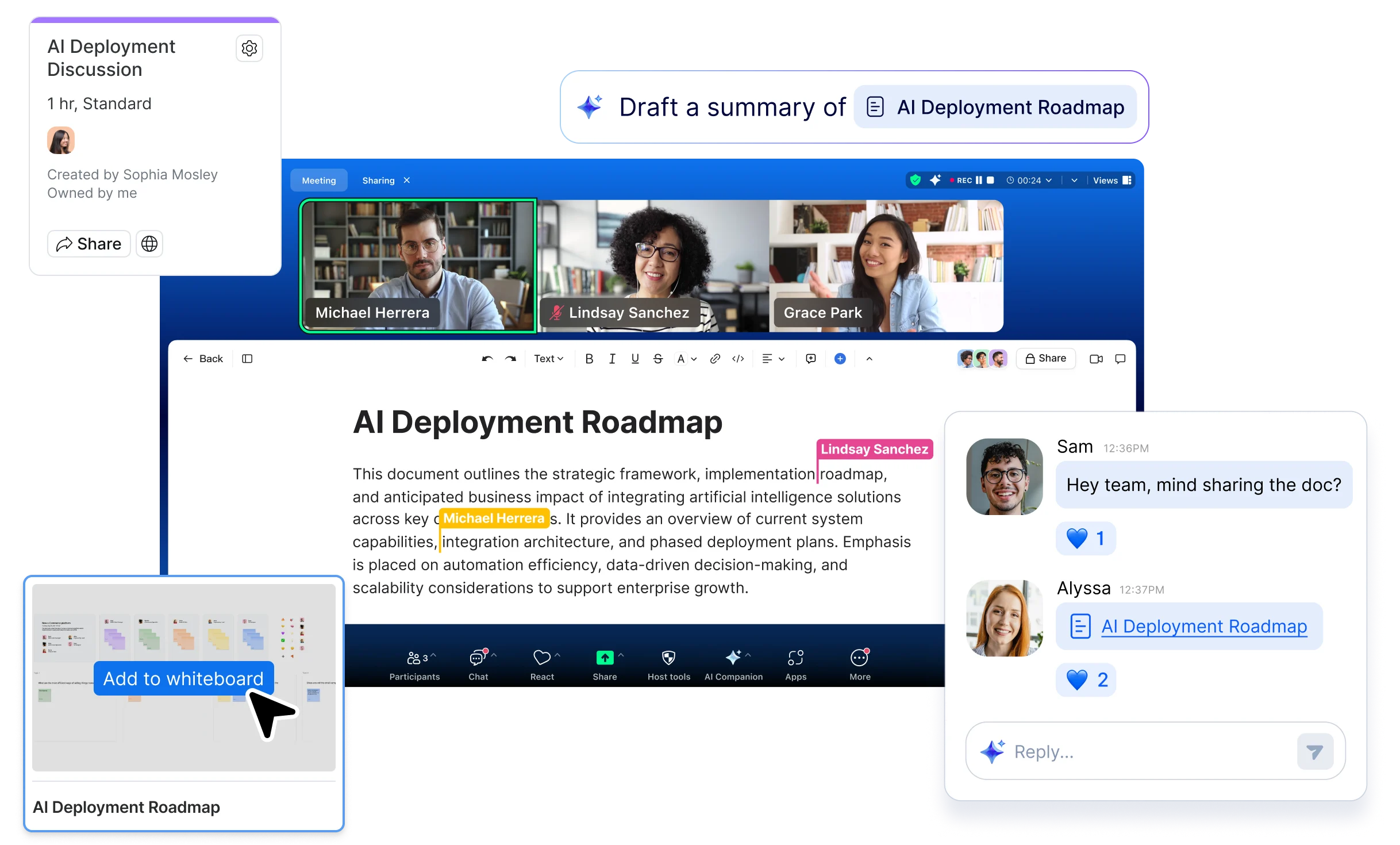
Zoom Workplace is Zoom's collaboration platform for meetings, messaging, calling, scheduling, shared work, and AI-assisted follow-up. It combines Zoom Meetings and Chat with tools such as Phone, Mail and Calendar connections, Scheduler, Canvas, Whiteboard, Clips, Tasks, Notes, Hub, and related workplace capabilities. This page focuses on the released Workplace product, its current plan structure, included AI functions, limitations, and alternatives. ZoomMate is treated separately because Zoom now packages it as a newer agentic product rather than simply another name for the AI features included in Workplace.
What is included in Zoom Workplace?
Zoom Workplace brings communication and productivity tools into one account and application. Core collaboration includes Zoom Meetings, Zoom Chat, Mail and Calendar connections, Scheduler, Canvas, Whiteboard, Clips, Tasks, Notes, and Hub. Depending on plan and add-ons, organizations can also add Zoom Phone, Rooms, Workspace Reservation, Visitor Management, and other services.
Zoom's current support documentation makes an important licensing point: Workplace is the platform name, not one premium tier. Basic, Pro, Business, and Enterprise are all Zoom Workplace plans. Feature availability depends on the selected plan, add-ons, account settings, region, and permissions.
How do meetings and team communication work together?
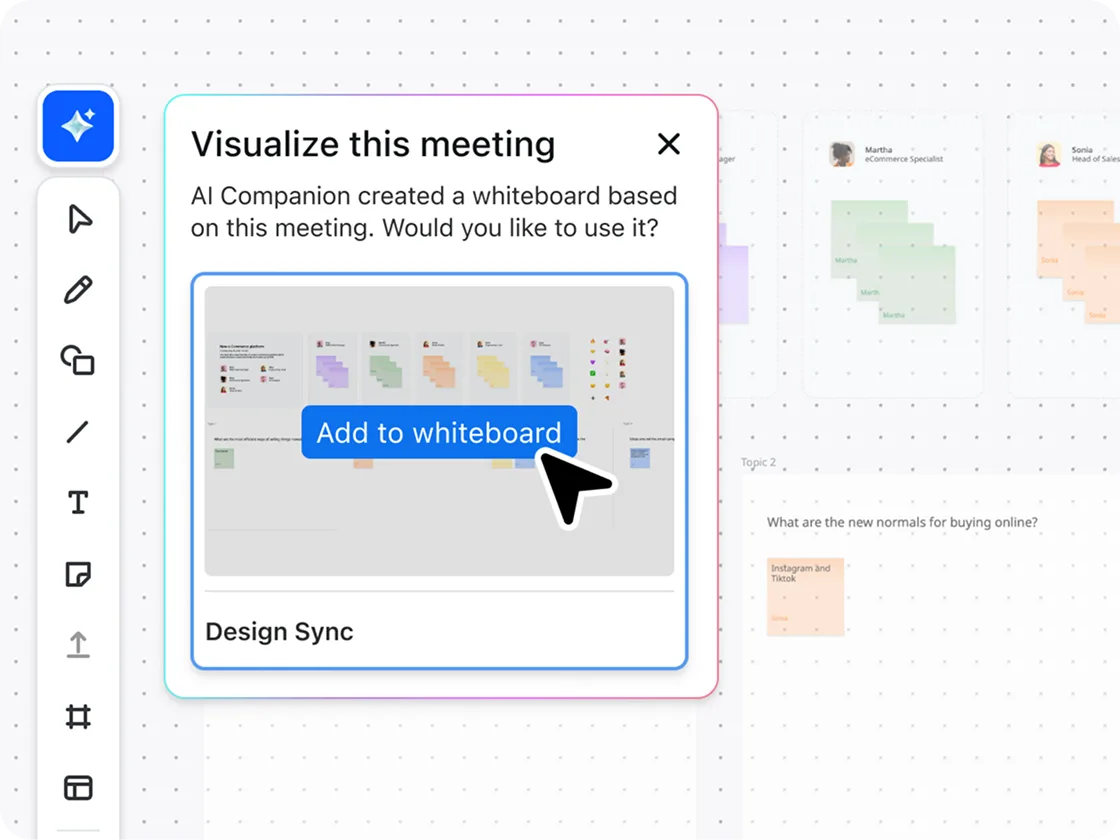
Meetings remain central to Zoom Workplace, but the product is designed to keep work moving after a call ends. Basic supports meetings up to 40 minutes with up to 100 participants. Paid plans extend meeting duration and add broader collaboration, storage, support, and administration. Zoom Chat provides persistent messaging, while Canvas, Whiteboard, Clips, Tasks, and Notes give teams places to capture decisions, share asynchronous updates, and organize follow-up work.
That combined model is most useful when teams want fewer handoffs between a meeting service and separate communication or follow-up tools. It is less valuable when an organization already has deeply adopted equivalents inside Microsoft 365, Google Workspace, or another collaboration suite.
What AI capabilities are included in Zoom Workplace now?
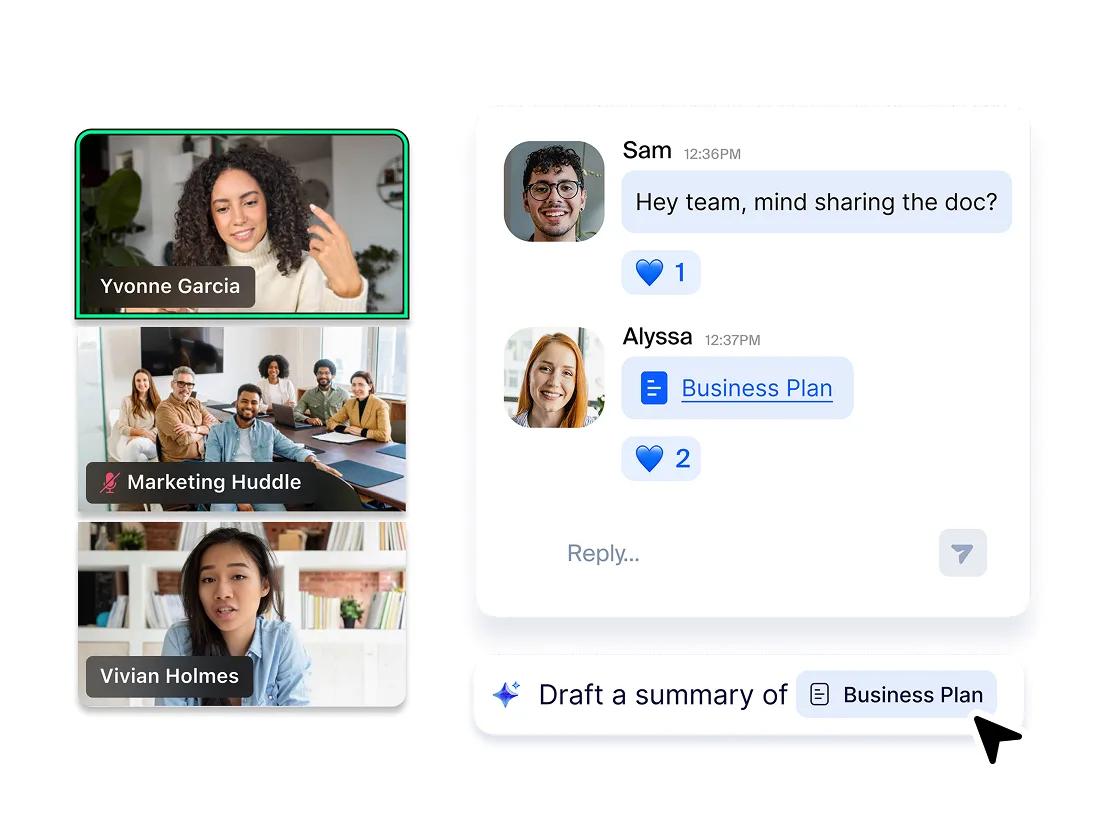
Zoom changed its AI packaging in June 2026. Features that previously carried the AI Companion name, including meeting summaries, smart compose, transcription, call summaries, and voicemail prioritization, remain available in eligible paid Workplace plans. Zoom now increasingly presents these by their functional names rather than treating AI Companion as a separate standalone product.
Current paid Workplace plans also include AI-assisted note-taking and other collaboration features at no additional AI add-on cost, subject to plan, region, industry, and administrator settings. Zoom states that it does not use customer audio, video, chat, screen sharing, attachments, or similar communications content to train Zoom or third-party AI models.
How is ZoomMate different from the AI included in Workplace?
ZoomMate is a separate newer agentic product built on top of Zoom's broader AI direction. While included Workplace AI handles tasks such as summaries, drafting, and transcription inside specific Zoom experiences, ZoomMate is intended to search across Zoom and connected systems, execute workflows, create deliverables, and complete follow-up work.
This distinction matters for buyers because ZoomMate should not be assumed to be included simply because a user has a paid Workplace seat. ZoomMate uses its own plan and AI-credit model. Organizations interested mainly in meetings, chat, and built-in assistance may not need it, while teams seeking cross-application agentic workflows should evaluate ZoomMate separately.
How much does Zoom Workplace cost in August 2026?
Pricing was checked against Zoom's official US product pages on August 22, 2026. Workplace Basic is free. Zoom's current Meetings pricing page lists Workplace Pro at $14.16 per user per month when billed annually and $16.99 when billed monthly. Workplace Business is listed at $18.33 per user per month when billed annually and $21.99 when billed monthly. Enterprise uses sales-assisted pricing.
Zoom also runs temporary promotions and some dedicated product pages can surface different promotional or checkout figures. Buyers should therefore confirm the final amount in Zoom's current pricing page or checkout before purchase rather than treating a temporary discount as the permanent list price.
What changes between Basic, Pro, and Business?
Basic is designed for individual or light use and currently includes 40-minute meetings for up to 100 participants, limited AI usage, limited note-taking, Chat, basic Scheduler, limited Whiteboard and Clips, and other entry-level collaboration capabilities. Pro extends meetings up to 30 hours, retains the standard 100-participant limit, adds 10 GB of cloud recording storage per license, unlimited AI note-taking, broader Canvas and Clips use, and live chat support.
Business raises the standard meeting participant limit to 300 and adds broader administration and collaboration capabilities, including unlimited Whiteboards and additional Scheduler and policy features. Exact security, support, and administration entitlements should still be checked against the current plan comparison because Zoom changes packaging over time.
What integrations does Zoom Workplace support?
Zoom is designed to connect with external systems rather than require every workflow to move into Zoom. The current product ecosystem includes integrations with Microsoft, Google, Salesforce, ServiceNow, Oracle, Atlassian, and many other business applications through the Zoom App Marketplace and APIs.
Integration quality matters more than the raw count. Buyers should verify the actions a connector can perform, which data it reads or writes, whether a separate subscription is required, how identity is handled, and whether the integration is maintained by Zoom or a third party.
What should enterprise buyers check before standardizing on Zoom Workplace?
Enterprise evaluation should cover identity and access management, recording retention, data residency, encryption options, regional media routing, regulatory requirements, telephony needs, emergency calling, AI governance, connected-app permissions, support commitments, and business continuity. Teams using Zoom Phone, Rooms, or workplace-space products should also account for hardware, local calling requirements, regional service availability, and operational ownership.
Consolidating several collaboration tools can reduce administrative overhead, but it also makes Zoom more operationally important. Resilience, incident response, export options, and exit planning deserve more attention when meetings, calling, and collaboration depend on one vendor.
What are Zoom Workplace's main limitations?
Zoom Workplace can overlap significantly with software an organization already licenses. Microsoft 365 and Google Workspace customers may already have meetings, messaging, documents, calendars, storage, and AI features. In that situation, adding Zoom as another broad collaboration suite can increase duplication unless Zoom replaces enough existing tools or solves external-meeting and communications needs better.
Teams that need deeply structured project management may still require Jira, Asana, monday.com, or another work-management platform. Contact-center-heavy organizations should evaluate Zoom CX separately because Workplace itself is not a substitute for every specialist customer-service workflow.
How does Zoom Workplace compare with Microsoft Teams, Google Meet, and Webex?
Microsoft Teams can be the most natural fit for organizations centered on Microsoft 365, Entra identity, and Office workflows. Google Meet and Chat can be simpler for organizations standardized on Google Workspace. Cisco Webex remains a direct enterprise communications alternative with meetings, calling, devices, and contact-center options.
Zoom Workplace is particularly attractive when external meetings, cross-company collaboration, familiar meeting workflows, and the ability to add Zoom Phone, Rooms, or other Zoom services are important. The right choice depends on the surrounding productivity suite, telephony strategy, security requirements, user familiarity, and how much platform consolidation is actually desirable.
Who should choose something else?
A small team that only needs occasional video calls may not need a paid Workplace plan. Organizations already committed to Microsoft Teams or Google Workspace should calculate whether Zoom replaces enough existing tools to justify another suite. Teams whose main problem is project planning rather than communication may get more value from dedicated work-management software.
Zoom Workplace makes the strongest case when meetings, chat, scheduling, asynchronous updates, and AI-assisted follow-up genuinely benefit from sharing one environment. Teams primarily seeking agentic cross-application automation should evaluate ZoomMate separately instead of assuming Workplace alone provides the full agentic product.
Reviews
No reviews yet
Nobody has reviewed Zoom Workplace here yet.