About Samsung Wallet
Samsung Wallet is the app Samsung ships on Galaxy phones and watches to hold the things people used to carry loose: debit and credit cards, loyalty and membership accounts, boarding passes, event tickets, and in a growing number of markets digital identity documents and keys to cars and buildings. It also folds in Samsung Pass, which stores passwords, usernames and sign-in details. The line matters less for any single capability than for where it sits. It is a first-party wallet that runs only on Samsung hardware, which is why it can reach parts of the phone a cross-platform wallet cannot, and also why it is not an option for most Android owners. Availability differs sharply by country, so what the app does in one market is a poor guide to what it does in another.
What Samsung Wallet holds
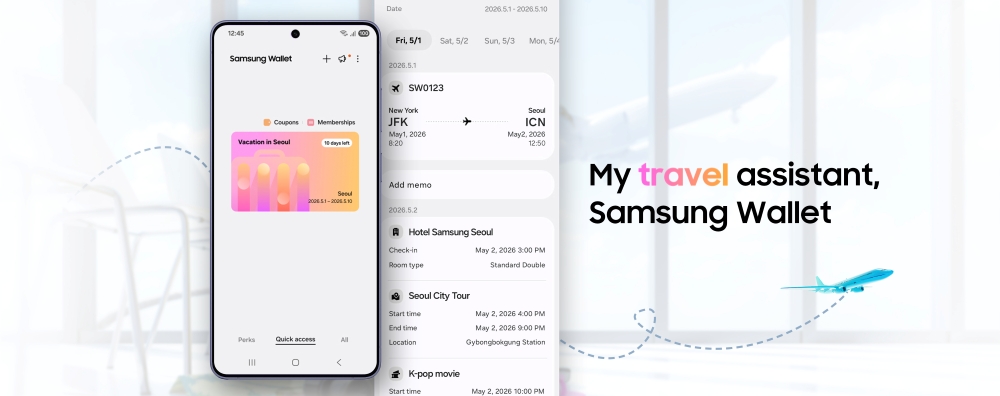
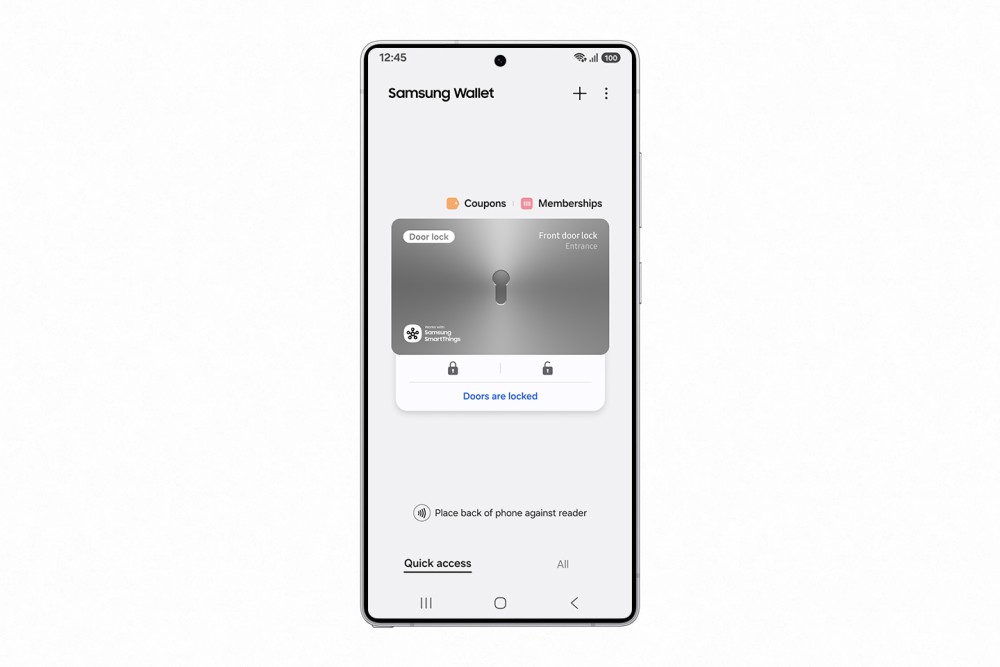
Samsung's own page for the app groups the contents into payment cards, loyalty and membership accounts, boarding passes, digital IDs such as a student ID, driver's licence or company ID, and digital keys for a home or a car. Samsung Pass sits inside the same app and keeps passwords, usernames and sign-in details. Samsung states that the app is protected by Samsung Knox, with data stored and encrypted on the device, and that access is gated behind a fingerprint or a PIN.
What that list does not convey is how uneven it is in practice. Samsung's US page notes that its mobile driving licence works only for TSA identity checks, and only for residents of Arizona and Iowa at selected airports and checkpoints in those two states. A category appearing in the marketing copy is not the same as that category working where you live.
How it compares with Google Wallet
On a Galaxy phone both wallets are present and both work, so the comparison is a question of division of labour rather than of a winner. Android Police puts the split plainly: Samsung Wallet runs only on Galaxy handsets because it depends on Samsung-specific hardware and software, while Google Wallet runs on any Android phone. Samsung also supported MST, the magnetic signal that let a phone work at an older card terminal, although that has been dropped from more recent models. Google Wallet is NFC only.
On the things most people use daily, which is cards, loyalty accounts, transit and boarding passes, the two overlap almost completely. The differences show up at the edges: ticketing partners, identity documents, and how tightly each ties into the rest of its ecosystem. Android Police's advice is short. If you own a Samsung phone, use Samsung Wallet. If you do not, the question does not arise.
Digital keys are the most market-dependent part
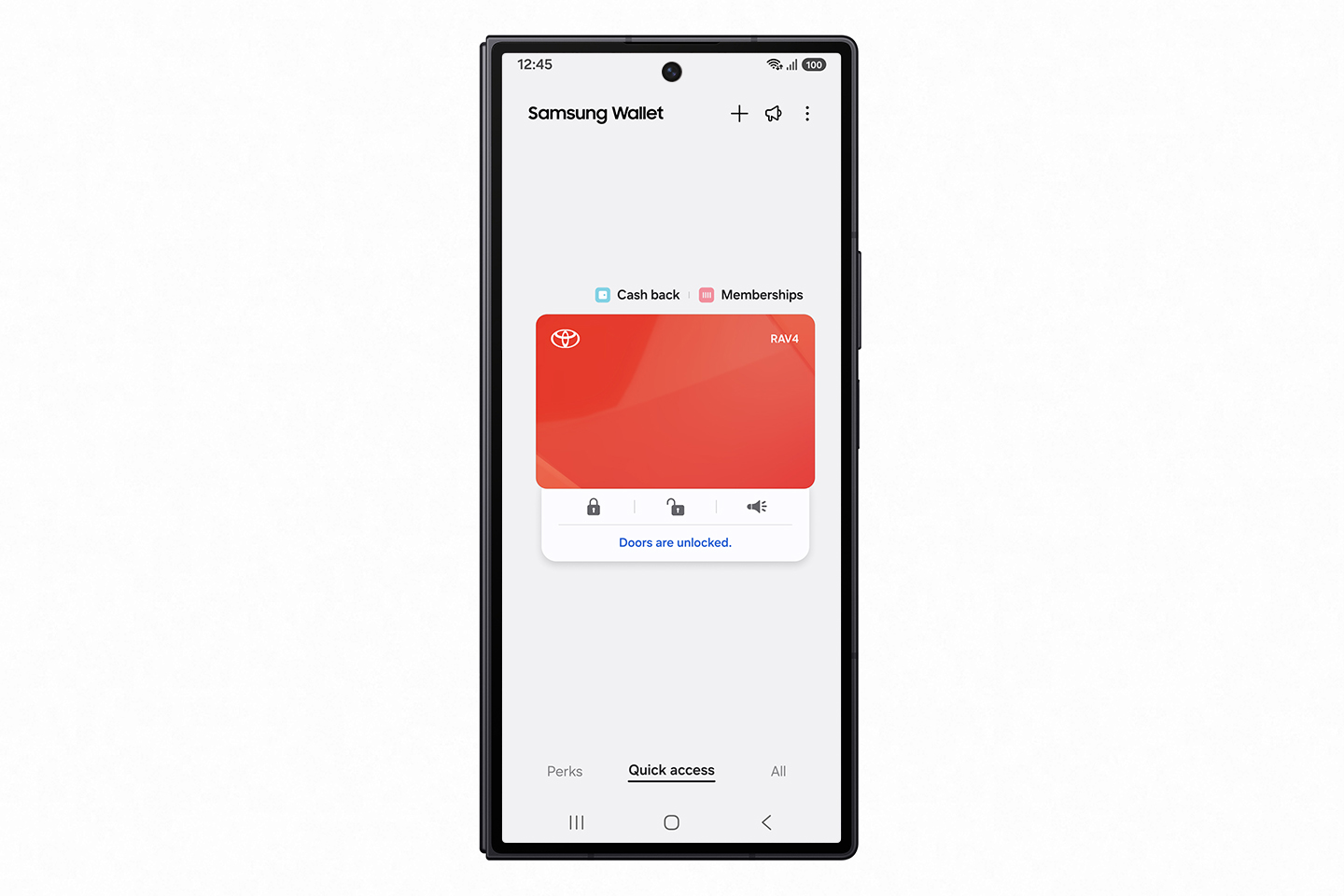
The car key feature is the clearest reason this page describes a line rather than a specification sheet. Support has been added carmaker by carmaker and model by model rather than arriving whole. Android Central reports the digital key working with vehicles from BMW, Kia, Genesis and Audi before support extended to Volvo and Polestar, and in each case the announcement named specific models rather than entire ranges. Samsung's own press site has since announced digital key access for selected Toyota vehicles.
Two technologies are involved. NFC gives tap to open and start at the door handle. UWB lets the car respond without the phone leaving a pocket. Which of the two you get depends on both the car and the handset. Anybody weighing this as a reason to choose a Galaxy phone should check their exact vehicle and model year against Samsung's current list first.
Who it is for
Samsung Wallet suits a Galaxy owner who wants one place for cards and passes and who accepts that some of the advertised feature list will not apply to them. It is strongest for somebody already inside Samsung's ecosystem: a Galaxy phone paired with a Galaxy Watch, Samsung Pass handling sign-ins, and a home market where Samsung has done the local work on identity documents or transit.
It is also a reasonable default for a duller reason. It is preinstalled and wired into the lock screen and the side key, which removes the friction that otherwise stops people reaching for a wallet app at a till at all.
Who should use something else
Anybody not on a Galaxy phone. The app is not available to them, and the nearest equivalent is Google Wallet, which covers the same everyday ground on any Android handset.
Somebody who changes phone brand often should think twice as well. Passes, keys and stored credentials held in Samsung Wallet do not travel to a non-Samsung device, and a digital car key can only be shared with other Galaxy devices. That is a real cost at trade-in time.
Anyone whose main reason for wanting a wallet is a specific identity document or ticket should check before committing. If your state or country is not one where Samsung has launched a mobile driving licence, or your ticket vendor is not a Samsung partner, the app will not solve that problem whichever phone you hold. In those cases the vendor's own app, or Google Wallet, is the safer choice.
What to check before relying on it
Three things settle whether this line is right for a given person, and none of them are printed on a box.
First, country. The feature set Samsung advertises in one market is regularly absent in another, and Samsung's regional sites are the only dependable statement of what is live where you are.
Second, the specific card, carmaker or venue, because support is granted one partner at a time rather than by category.
Third, the handset itself. Features such as MST have been removed from newer models, and features such as UWB were never present on older ones. Check all three against Samsung's current pages rather than against a review written for a different market.
Reviews
No reviews yet
Nobody has reviewed Samsung Wallet here yet.