About Galaxy Tab S
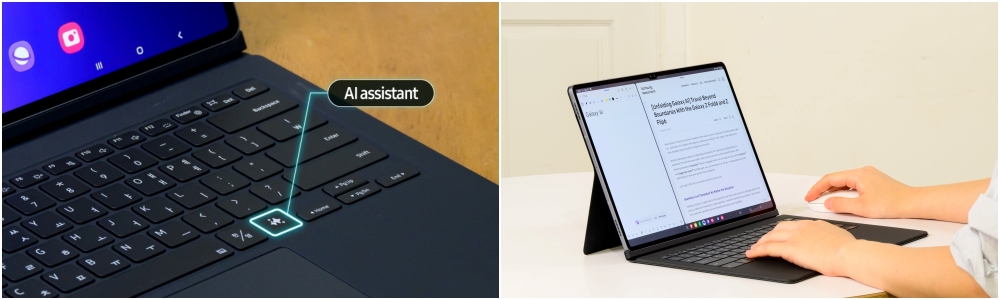
Galaxy Tab S is Samsung's premium tablet line, the range it positions against the iPad Pro rather than against budget Android slates. Samsung describes the line as built for power users, creators and professionals, and gives it the most processing power and the largest screens in its tablet range. Two things separate it from the cheaper Galaxy Tab A line in every generation: the S Pen stylus ships in the box rather than as a paid accessory, and the display is AMOLED at 120Hz rather than LCD. The line also carries Samsung DeX, the desktop mode that rearranges Android into resizable windows, either on the tablet itself or on a monitor plugged into it. This is the tablet Samsung expects you to attach a keyboard to and work on.
Key specifications
Input
| Stylus | S Pen included in the box |
|---|
Display
| Panel | AMOLED with 120Hz refresh rate |
|---|
Software
| Desktop mode | Samsung DeX |
|---|---|
| Operating system | Android with Samsung One UI |
How the Galaxy Tab S line is structured
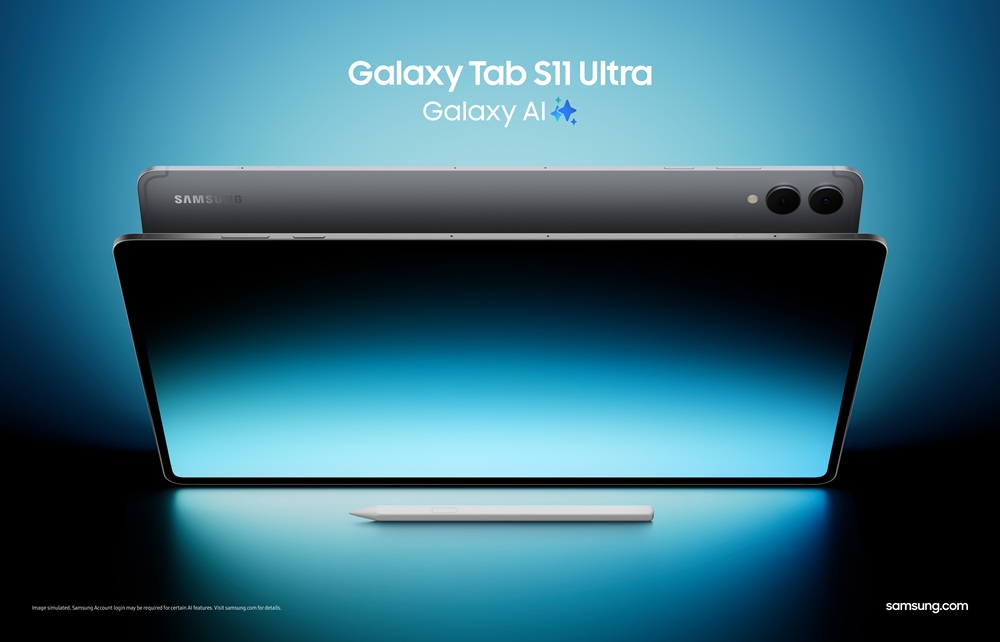
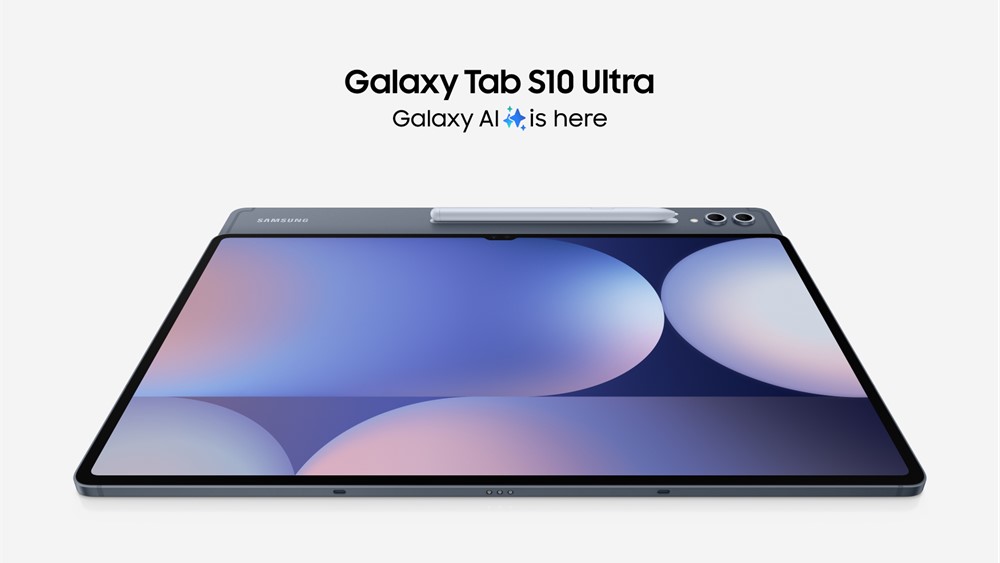
The Tab S line splits into tiers rather than a single model, and the tiers move between generations, so it is worth checking which sizes are current before you shop. The Tab S11 generation, unveiled on 4 September 2025 and released on 20 September 2025, is made up of two tablets: an 11 inch Galaxy Tab S11 and a 14.6 inch Galaxy Tab S11 Ultra. That is a change from the generation before it. The 12.4 inch Plus tier was dropped, and the 11 inch base model was brought back after being absent. Both S11 models use a MediaTek Dimensity 9400+ built on a 3nm process, which Samsung notes is the first time it has brought that class of processor to a Galaxy Tab. The Ultra measures 5.1mm thick, which Samsung calls its thinnest tablet.
What the S Pen and DeX are for
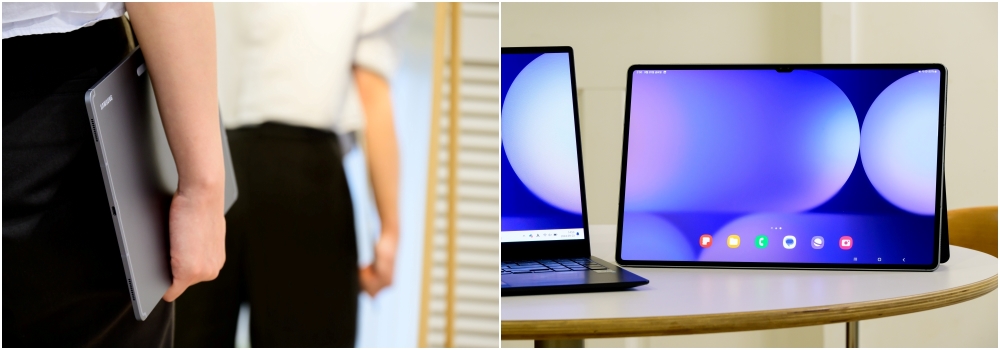
The S Pen is the reason most people choose this line over a cheaper tablet. It is passive, so there is no battery to charge and nothing to pair, and it is included rather than sold separately. Samsung redesigned it for the S11 generation with a hexagonal grip closer to a wooden pencil and a more conical nib, though reviewers at Engadget found it no better in use than rival styluses. DeX is the other half of the argument. It turns One UI into a windowed desktop, and on the S11 generation an Extended Mode drives an external monitor as a genuine second screen with up to four customisable workspaces. The line can also act as a second display for a Galaxy Book laptop. If you want neither the pen nor the desktop mode, most of the price premium over a Tab A goes unused.
Who the Galaxy Tab S is for
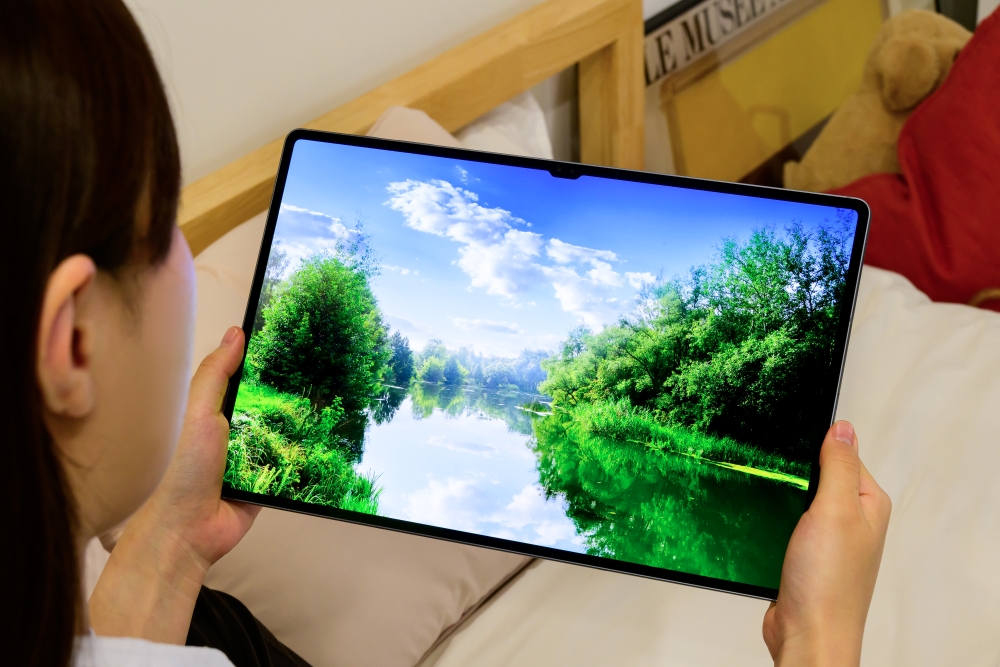
This suits people already inside Samsung's ecosystem who want one screen that handles reading, drawing, note taking and a real amount of desk work. Illustrators and note takers get the most from it, because the pen and the AMOLED panel are the parts that are unambiguously good. It is also a strong media tablet: the S11 panels reach 1600 nits, the Ultra carries an IP68 rating, and TechRadar measured about eleven hours of video playback. Anyone who wants a large Android screen for games and video, and who values screen area over raw processing speed, is buying the right thing. The Ultra in particular has no real Android rival at 14.6 inches.
What to weigh against the iPad Pro
The iPad Pro is the direct comparison and it wins on two counts. Apple's M series silicon is materially faster than the MediaTek part Samsung chose, and the software you would buy a pro tablet to run is more mature on iPadOS than on Android. TechRadar called the chip choice disappointing at the price and concluded the iPad Pro is better value even where the two lines start at similar money. What Samsung has instead is size and inclusion. The Ultra offers roughly 65 percent more screen area than the iPad Pro, and the pen is in the box rather than an extra purchase. Set against that, the keyboard folio is sold separately on both, and on the Tab S it is expensive enough to push the total close to laptop money. Decide whether you are buying screen area or processing headroom, because you are not getting both.
Who should buy something else
If you want a tablet for streaming, browsing and keeping children occupied, buy a Galaxy Tab A. Samsung positions that line as the portable companion at a lower price, and none of the Tab S features you are paying for apply to that use. If you need a laptop replacement for serious work, buy a laptop, or a Galaxy Book: reviewers are consistent that Android tablets still stop short of that, whatever DeX does. If you want a Tab S but not the newest one, look at the previous generation, which usually sells at a meaningful discount and keeps the pen, the AMOLED panel and DeX. And if raw performance is what you are paying for, the iPad Pro is the more direct answer at this end of the market.
Where to buy
Links go to the seller, not through us. We take no commission and these are not affiliate links, so the order below says nothing about who pays what. Prices and stock change constantly, so check on the day.
Reviews
No reviews yet
Nobody has reviewed Galaxy Tab S here yet.