About Azure Web PubSub
Azure Web PubSub is Microsoft's managed real-time messaging service for applications that need large numbers of WebSocket connections and publish-subscribe communication without operating the connection infrastructure themselves. It can deliver messages from servers to individual users, groups, or all connected clients, receive client events at low latency, and let authorized clients publish directly to groups. It is aimed at chat, live dashboards, collaborative apps, multiplayer experiences, notification systems, AI token streaming, and other workloads where polling would add delay and unnecessary requests.
What is included
Messaging
| Transport | WebSocket with REST and supported SDK integration |
|---|---|
| Patterns | Broadcast, user, group, client pub-sub, and client-to-server messaging |
Scale
| Connections per paid unit | 1,000 concurrent connections |
|---|---|
| Maximum Premium P2 units | 1,000 units per instance |
Reliability
| Geo-replication | Premium tier, up to eight replicas per primary resource |
|---|---|
| Availability Zones | Supported with Premium in supported Azure regions |
Pricing
| Included paid-tier messages | 1,000,000 messages per unit per day before additional message billing |
|---|
Security
| Access options | Client access tokens, Microsoft Entra ID, managed identities, network controls |
|---|
Integration
| SDK languages | C#, Java, JavaScript, and Python |
|---|
What does Azure Web PubSub do?
Azure Web PubSub keeps long-lived WebSocket connections open between applications and clients, then handles connection routing and message delivery at Azure scale. Microsoft supports broadcast, user targeting, group targeting, client-to-client publish-subscribe, and client-to-server messaging patterns. Applications can use server and client SDKs for C#, Java, JavaScript, and Python, or use standard WebSocket and REST APIs when a different language or framework is preferred.
This makes the service useful when a development team wants real-time transport but does not want to build and operate a large WebSocket gateway fleet. The application still owns business logic, authorization decisions, message schemas, reconnect behavior, and any durable data that must survive a disconnect.
How is Azure Web PubSub different from Azure SignalR Service?
Azure Web PubSub and Azure SignalR Service overlap in real-time application scenarios, but Microsoft positions them for different development models. SignalR Service is the stronger fit when an application already uses ASP.NET or ASP.NET Core SignalR, relies on the SignalR protocol, needs SignalR client libraries, or wants the connection-lifecycle behavior provided by that framework.
Azure Web PubSub is the more general choice when the design is based directly on WebSockets or publish-subscribe over WebSockets. It also fits teams that want custom subprotocols, client pub-sub, lightweight application servers, or technology stacks that do not center on the .NET SignalR ecosystem. Buyers should choose based on the application protocol and development model, not because one service is newer than the other.
What tiers and scale options are available?
Microsoft currently offers Free, Standard, and Premium tiers. The Free tier supports 20 concurrent connections per unit and one unit. Standard and Premium support 1,000 concurrent connections per unit. Standard and Premium P1 can scale to 100 units per instance, while Premium P2 supports 100 to 1,000 units per instance. Microsoft documents the Premium P2 architecture as supporting up to one million concurrent connections in a single Web PubSub resource.
The Free tier is suitable for learning and small tests. Standard is the normal paid tier for production workloads that do not need Premium-only resilience features. Premium adds Availability Zone support in supported regions, managed autoscaling, custom domains, and geo-replication.
How does Azure Web PubSub pricing work?
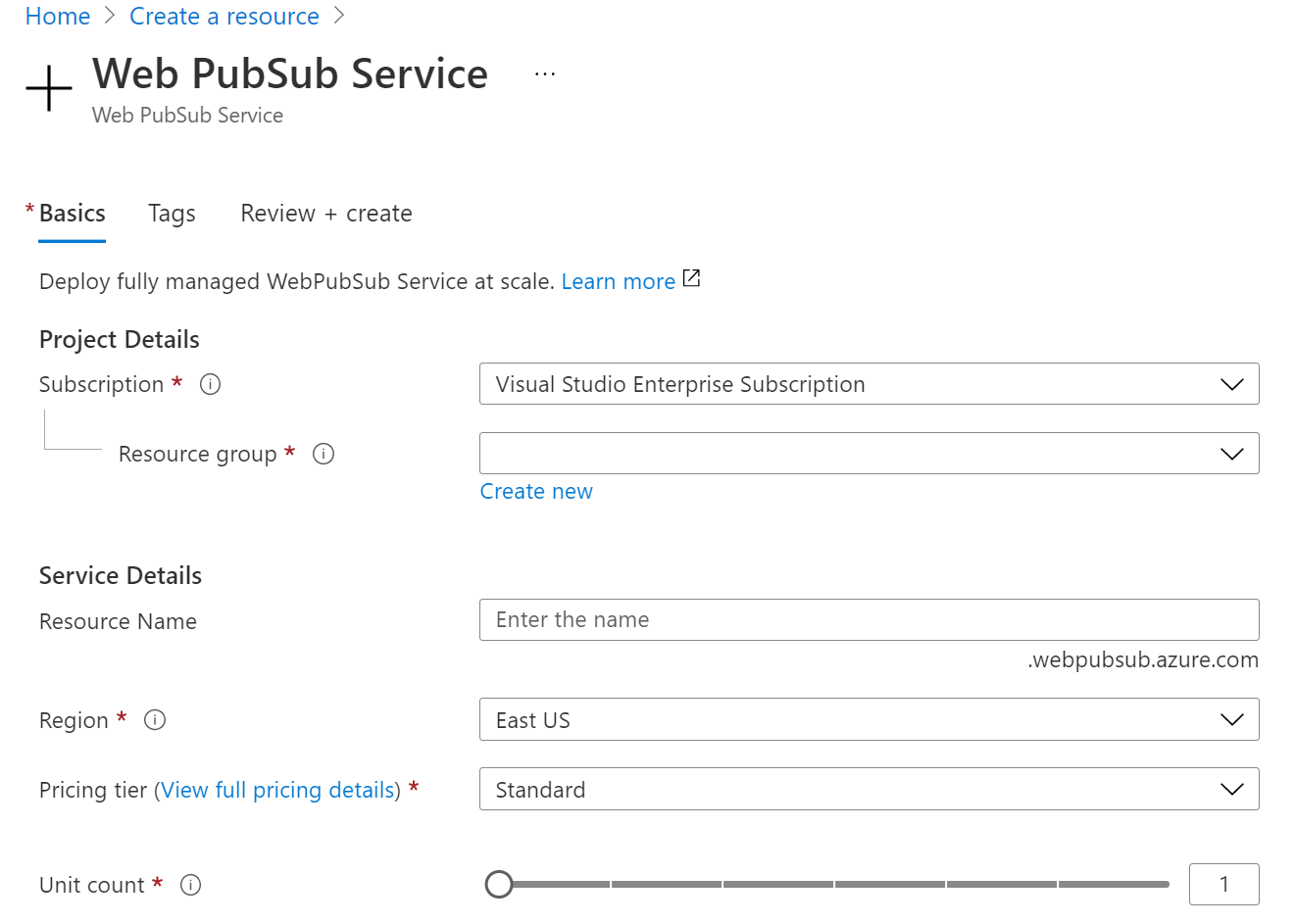
Pricing was checked on August 27, 2026. Microsoft prices Web PubSub through service units plus message usage rather than a fixed per-user subscription. Free includes 20,000 messages per unit per day. Standard and Premium include the first 1,000,000 messages per unit per day, with additional outbound messages billed after the included allowance. Microsoft counts only outbound messages for message billing and measures larger payloads in 2 KB message units.
The actual paid unit and message rates vary by Azure region, agreement, and currency, so BrandLigo does not present one universal monthly dollar amount. Premium geo-replication creates separately billed replicas, and each replica has its own units and outbound-message allowance. Buyers should estimate peak concurrent connections, message fan-out, average payload size, replica count, and expected regional traffic.
What reliability features should production teams plan for?
Microsoft recommends Premium for production workloads that require stronger resilience. Premium supports Availability Zone resilience in supported regions and can use geo-replication for regional failure scenarios. Microsoft currently allows up to eight replicas for a primary Web PubSub resource. Geo-replication uses a shared endpoint and routes clients toward a healthy regional replica.
Connection recovery is still an application responsibility. Zone failovers, regional failovers, maintenance events, and transient network faults can drop active WebSocket connections. Client applications should reconnect safely and restore any application state they need. Microsoft also states that Web PubSub is stateless and does not provide backup or restore for client messages.
What security and networking controls matter?
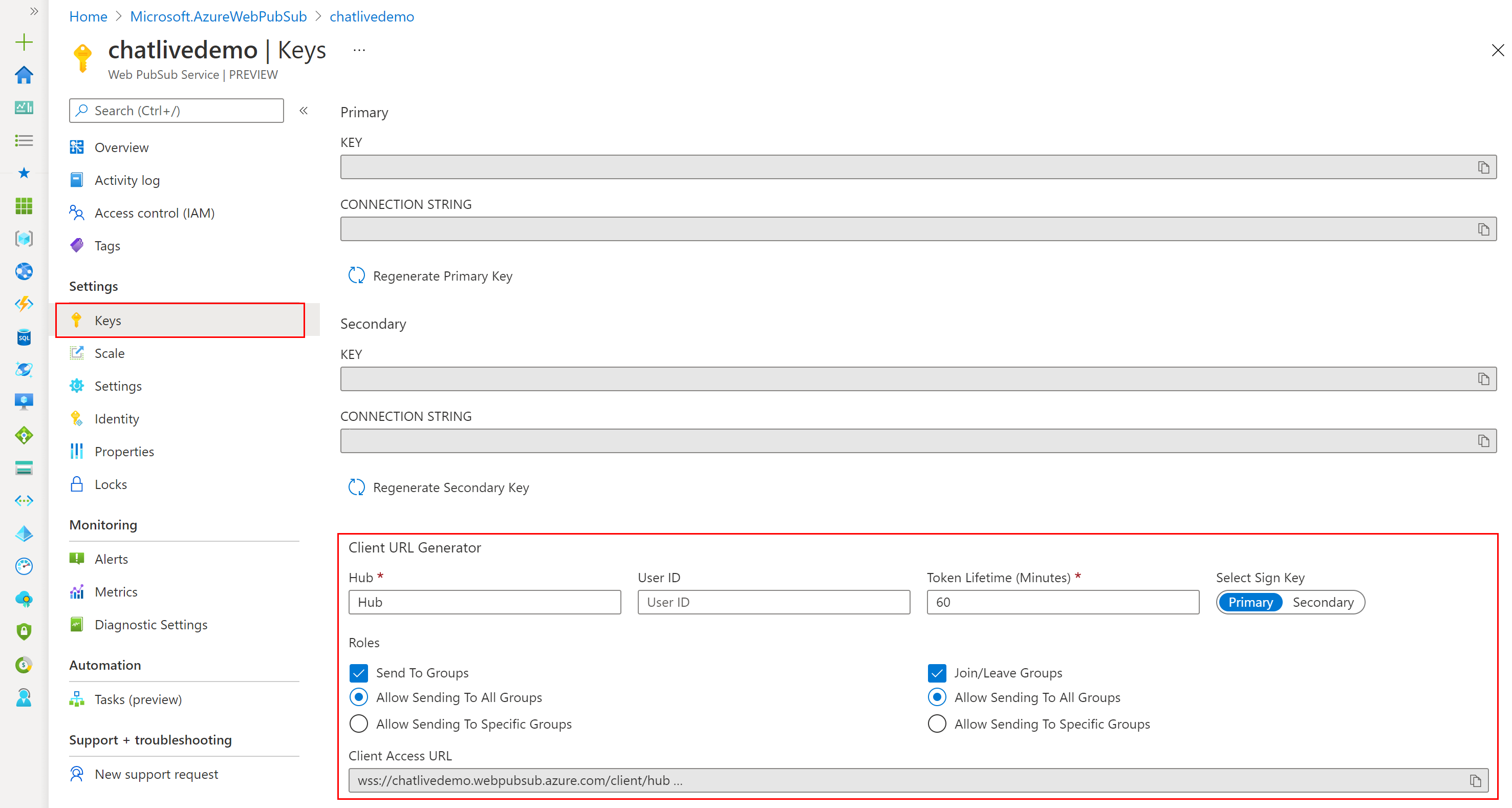
Applications should treat the client access URL and its token as short-lived credentials rather than hard-coding them into public code. Production designs can generate client access URLs through trusted application logic and assign only the roles each client needs. Microsoft also supports Microsoft Entra ID for service-side authorization scenarios, managed identities for supported Azure integrations, private endpoints, network access controls, and diagnostic logging.
Web PubSub secures transport and connections, but it does not decide whether an application user should see a particular business event. The application must define identities, group membership, authorization, tenant isolation, data retention, and abuse controls.
What are the main limits and operational tradeoffs?
Standard and Premium currently support 1,000 concurrent connections per unit. Standard and Premium P1 support up to 100 units per instance, while Premium P2 supports up to 1,000 units. Azure also applies subscription and regional service-unit quotas, so large deployments should validate quota early instead of assuming capacity will be available automatically.
Web PubSub is optimized for active real-time delivery, not durable event storage. If a client is offline, the base service does not act like a retained message queue. Message throughput also depends on payload size, fan-out pattern, group size, connection mix, and server load. Teams should load-test their own pattern rather than sizing only from the connection count.
When should buyers choose another Azure service?
Choose Azure SignalR Service when an application is already built around ASP.NET Core SignalR, Blazor, SignalR clients, or SignalR's established protocol and transport behavior. Choose Azure Service Bus when business messages must be durable and processed even if consumers are offline. Choose Azure Event Hubs when the main requirement is high-volume retained event streaming and replay. Choose Azure Event Grid when the requirement is event routing and notification between services rather than persistent client connections.
Azure Web PubSub is a strong fit when direct WebSocket flexibility, large numbers of connected clients, and low-latency publish-subscribe delivery are central requirements. It is a weaker fit when the application mainly needs durable queues, event retention, traditional request-response APIs, or a complete collaboration product rather than real-time messaging infrastructure.
Reviews
No reviews yet
Nobody has reviewed Azure Web PubSub here yet.