About Azure File Sync
Azure File Sync is a Microsoft Azure hybrid file service that centralizes Windows Server file shares in Azure Files while allowing users and applications to keep accessing local Windows file servers. Each registered server synchronizes with an Azure file share that acts as the cloud endpoint. Organizations can keep full local copies or enable cloud tiering so frequently used files stay cached on the server while colder files remain in Azure. This makes Azure File Sync useful for branch offices, file server modernization, multi-site collaboration, and migration projects where replacing local file servers immediately would be disruptive.
What is included
Architecture
| Cloud endpoint | Azure file share in a sync group |
|---|---|
| Server endpoint | Folder on a registered Windows Server |
Caching
| Cloud tiering | Optional local caching with colder file content tiered to Azure Files |
|---|
Synchronization
| Multi-site sync | Changes synchronize through the central Azure file share to other registered servers |
|---|
Operating systems
| Supported Windows Server versions | Windows Server 2016, 2019, 2022, and 2025 |
|---|
Networking
| Sync transport | Outbound HTTPS over TCP port 443 |
|---|
Pricing
| Billing model | Per sync server plus Azure Files usage, file operations, and applicable outbound transfer |
|---|---|
| Included server | One sync server at no charge per Storage Sync Service |
What is Azure File Sync used for?
Azure File Sync is designed for organizations that still need Windows Server file services but want Azure Files to become the central copy of their shared data. Microsoft documents common benefits including cloud tiering, multi-site synchronization, disaster recovery, cloud-side backup, and background migration from existing file servers.
A common deployment keeps local file servers close to users while Azure Files acts as the hub. Changes made at one registered server synchronize through the Azure file share and can then reach other registered servers. This avoids requiring direct server-to-server connectivity between branch offices and can provide a practical transition path toward cloud-based file services.
How do sync groups, cloud endpoints and server endpoints work?
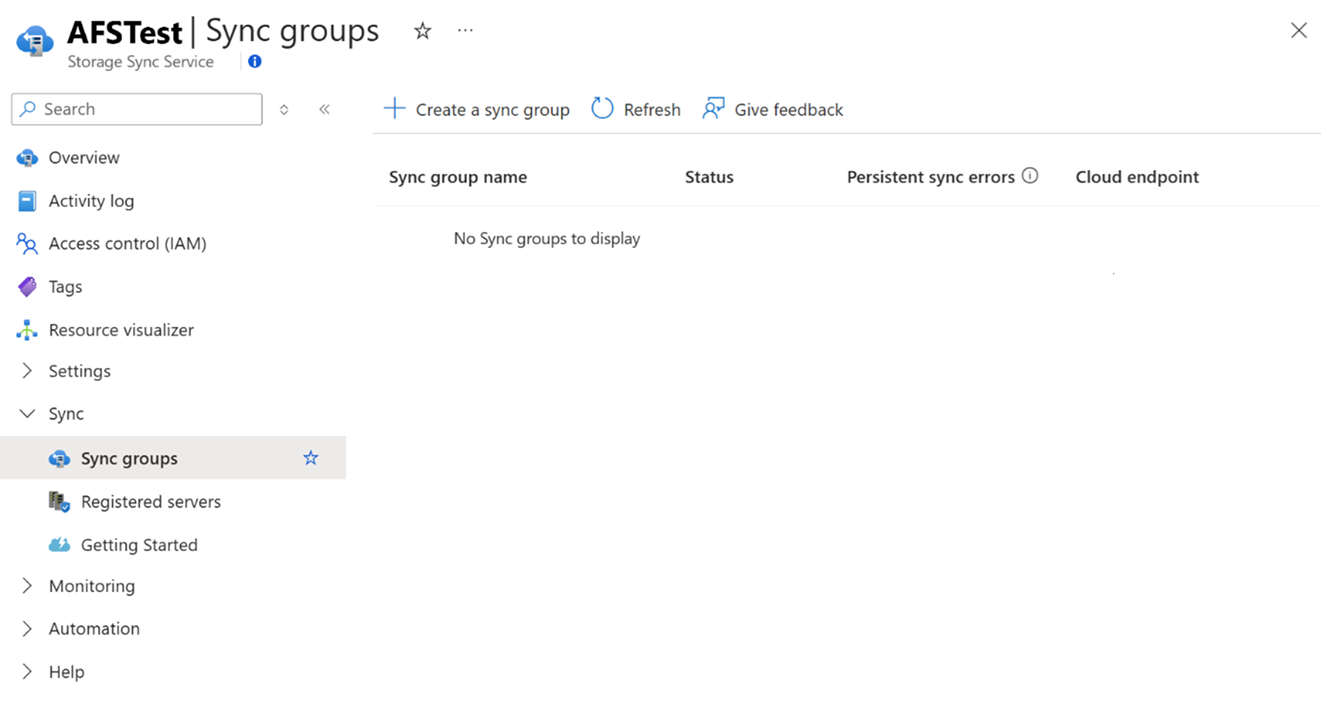
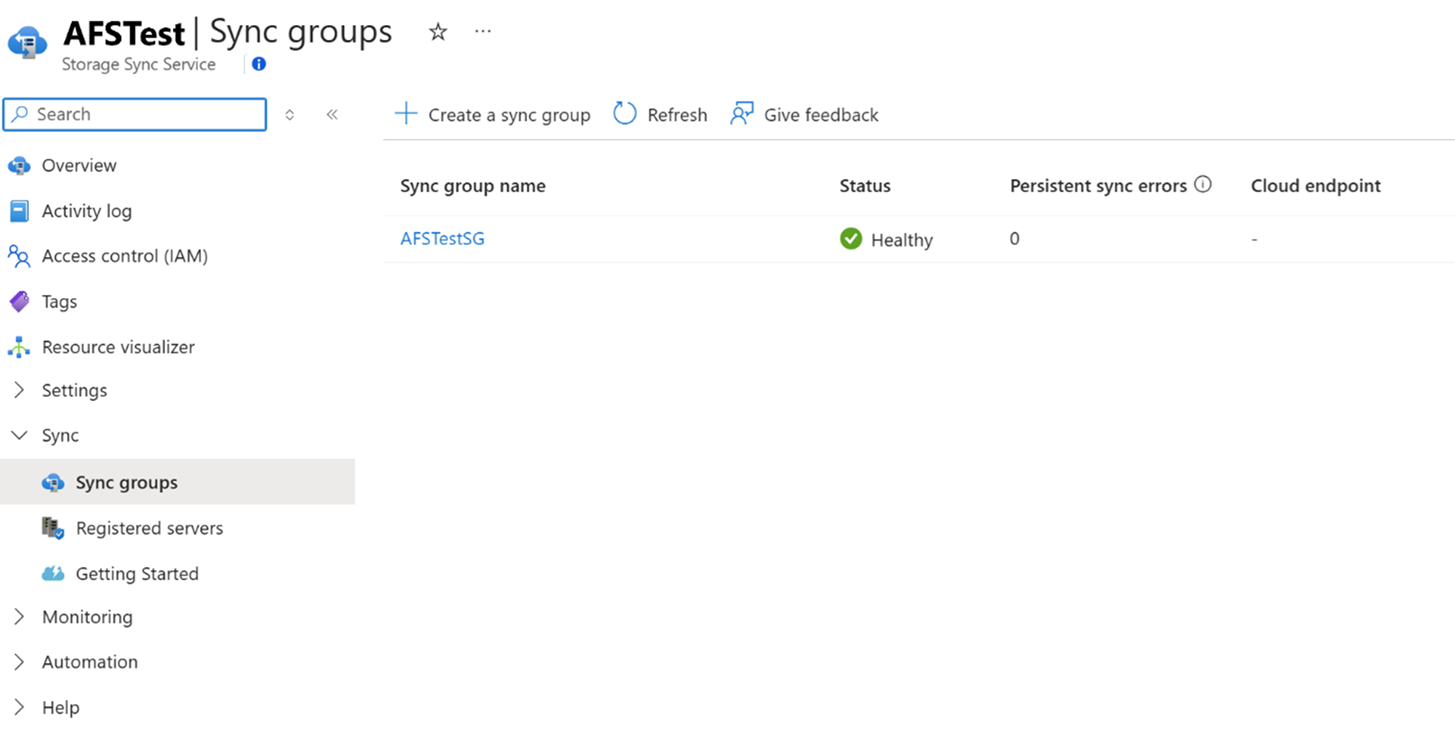
Azure File Sync uses a Storage Sync Service resource to manage trust relationships with registered Windows Servers. Administrators create a sync group that defines the synchronization topology. The Azure file share is the cloud endpoint, while a folder on a registered Windows Server becomes a server endpoint.
Microsoft states that a server can be registered to only one Storage Sync Service. Servers in different Storage Sync Services cannot synchronize with each other, so organizations should plan the service boundary before deploying many sites. The cloud endpoint and server endpoints should also be designed around the file shares and business groups that actually need to stay synchronized.
How does cloud tiering reduce local storage requirements?
Cloud tiering lets a Windows Server keep the full file namespace visible while storing only selected file content locally. Frequently accessed files can remain cached on local disks, while less active files are tiered to Azure Files and recalled when a user or application opens them.
This can reduce the amount of storage required at branch offices without changing the familiar file share experience. Cloud tiering is optional, so organizations that require full local copies can leave it disabled. Buyers should still plan for recall behavior, available network bandwidth, and the effect of large working sets on local cache requirements.
Which Windows Server versions and protocols are supported?
Microsoft's current planning documentation supports Windows Server 2016, 2019, 2022, and 2025 for Azure File Sync, with both full and Server Core deployment options depending on the Windows Server edition. The Azure File Sync agent must be installed on each participating server.
Users can continue accessing the local Windows Server through protocols available on that server, including SMB and other Windows Server file access methods. The synchronization path itself is different: Microsoft states that Azure File Sync moves file data and metadata over HTTPS and requires outbound TCP port 443. Azure services do not initiate inbound connections to the File Sync agent.
How does Azure File Sync pricing work?
Pricing was checked on September 3, 2026 against Microsoft's Azure Files pricing information. Microsoft prices File Sync using a fixed monthly charge per sync server, with one sync server included at no charge for each Storage Sync Service. The current Microsoft pricing page displays a USD 5 monthly sync-server charge in the referenced regional price table.
That server charge is only part of the total cost. Customers also pay the underlying Azure Files storage and access charges, file operations generated by synchronization, and applicable outbound data transfer. The number of file changes and the number of servers kept in sync can therefore affect transaction costs even when the per-server File Sync fee is predictable.
What should buyers plan before deployment?
A production deployment should account for the number of files, rate of change, local disk capacity, network throughput, site topology, backup strategy, permissions, and recovery requirements. Microsoft notes that larger deployments require more server resources and that the number of objects and the amount of dataset churn influence scale.
Network design also matters. The File Sync agent initiates outbound HTTPS connections, so standard deployments usually need outbound port 443. Microsoft documents support for private networking patterns and ExpressRoute or VPN scenarios where organizations require more restrictive routing. Administrators should avoid hardcoding storage account IP addresses because Azure storage endpoints can change.
How is Azure File Sync different from Azure Files?
Azure Files is the managed cloud file-share service that stores the data. Azure File Sync is the synchronization and caching layer that links Windows Servers to an Azure file share. They are related but serve different buyer needs.
A company that can move users and applications directly to Azure Files may not need File Sync. A company that must keep local Windows Server access, branch-office caching, or a staged migration path can use File Sync to bridge its existing file-server environment with Azure Files. Keeping these products separate on Brandligo avoids treating a hybrid synchronization service as if it were the storage platform itself.
Who should choose something else?
Organizations that no longer need local Windows file servers should compare direct Azure Files access before adding a synchronization layer. Teams running Linux-first environments should also review whether Azure File Sync fits, because the server-side synchronization agent is built around supported Windows Server versions.
Workloads that need object storage rather than shared file semantics are better suited to Azure Blob Storage. Very high-performance file workloads can warrant Azure NetApp Files or Azure Managed Lustre instead. Azure File Sync is strongest when the requirement is specifically to preserve Windows file-server access while centralizing data in Azure Files and optionally reducing local storage through cloud tiering.
Reviews
No reviews yet
Nobody has reviewed Azure File Sync here yet.