About Azure Machine Learning
Azure Machine Learning is Microsoft's managed Azure service for building, training, tracking, deploying and operating machine learning models. It gives data science, ML engineering and platform teams a shared workspace for jobs, models, environments, data assets, compute and deployment resources, with MLOps controls across the lifecycle. The service is best understood as a managed machine learning platform rather than a single training engine because it coordinates development, experimentation, production inference, governance and Azure infrastructure while supporting open-source frameworks such as PyTorch, TensorFlow, scikit-learn and MLflow.
What is included
Lifecycle
| Primary role | Managed machine learning lifecycle platform for training, tracking, deployment and MLOps. |
|---|
Workspace
| Assets | Tracks models, environments, data assets, components, jobs and related workspace resources. |
|---|
Compute
| Training compute | Supports compute instances, managed compute clusters, serverless compute and other supported targets. |
|---|
MLOps
| MLflow | Azure Machine Learning workspaces are MLflow compatible for experiment tracking and model lifecycle workflows. |
|---|
Deployment
| Inference | Supports standard deployments, managed online endpoints and batch endpoints for different inference patterns. |
|---|
Limits
| Endpoints per subscription | Default 100 across endpoint types; supported quota increases can be requested. |
|---|---|
| Deployments per subscription | Default 500; supported quota increases can be requested. |
| Deployments per endpoint | Default 20; supported quota increases can be requested. |
| Kubernetes online endpoints | 60 endpoints per cluster. |
Online endpoints
| Default concurrency per instance | max_concurrent_requests_per_instance defaults to 1 and should be tuned using load testing. |
|---|
Tooling
| SDK v1 support | Python SDK v1 support ended June 30, 2026; Microsoft recommends migration to SDK v2. |
|---|---|
| CLI v1 support | Azure Machine Learning CLI v1 support ended September 30, 2025. |
Security
| Azure controls | Integrates with Azure RBAC, managed identities, networking and workspace security controls. |
|---|
What is Azure Machine Learning used for?
Azure Machine Learning is designed for teams that need to move machine learning work from experimentation into repeatable production workflows. Microsoft documents support for cloud development environments, training jobs, reusable pipelines, model registration, online and batch deployment, monitoring and MLOps. Teams can work through Azure Machine Learning studio, the Azure CLI, the Python SDK and REST APIs.
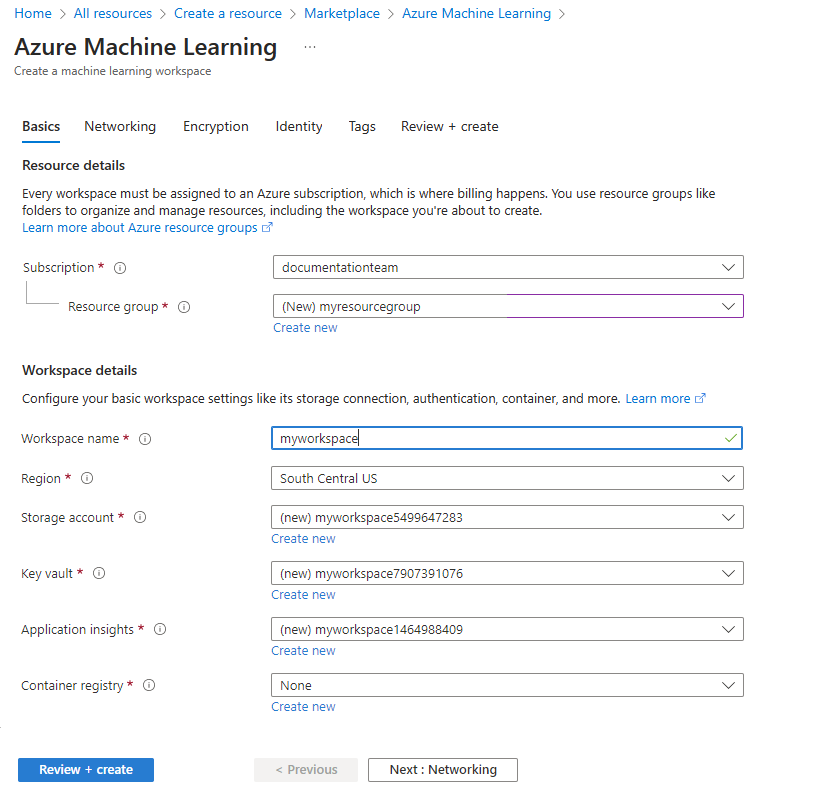
The workspace is the main organizational resource. It keeps references to compute and datastores and tracks assets such as models, environments, data assets, components and jobs. This structure helps multiple data scientists, ML engineers and platform teams apply shared access controls, preserve experiment history and manage deployment processes without relying on isolated local notebooks.
How do training, compute and scaling work?
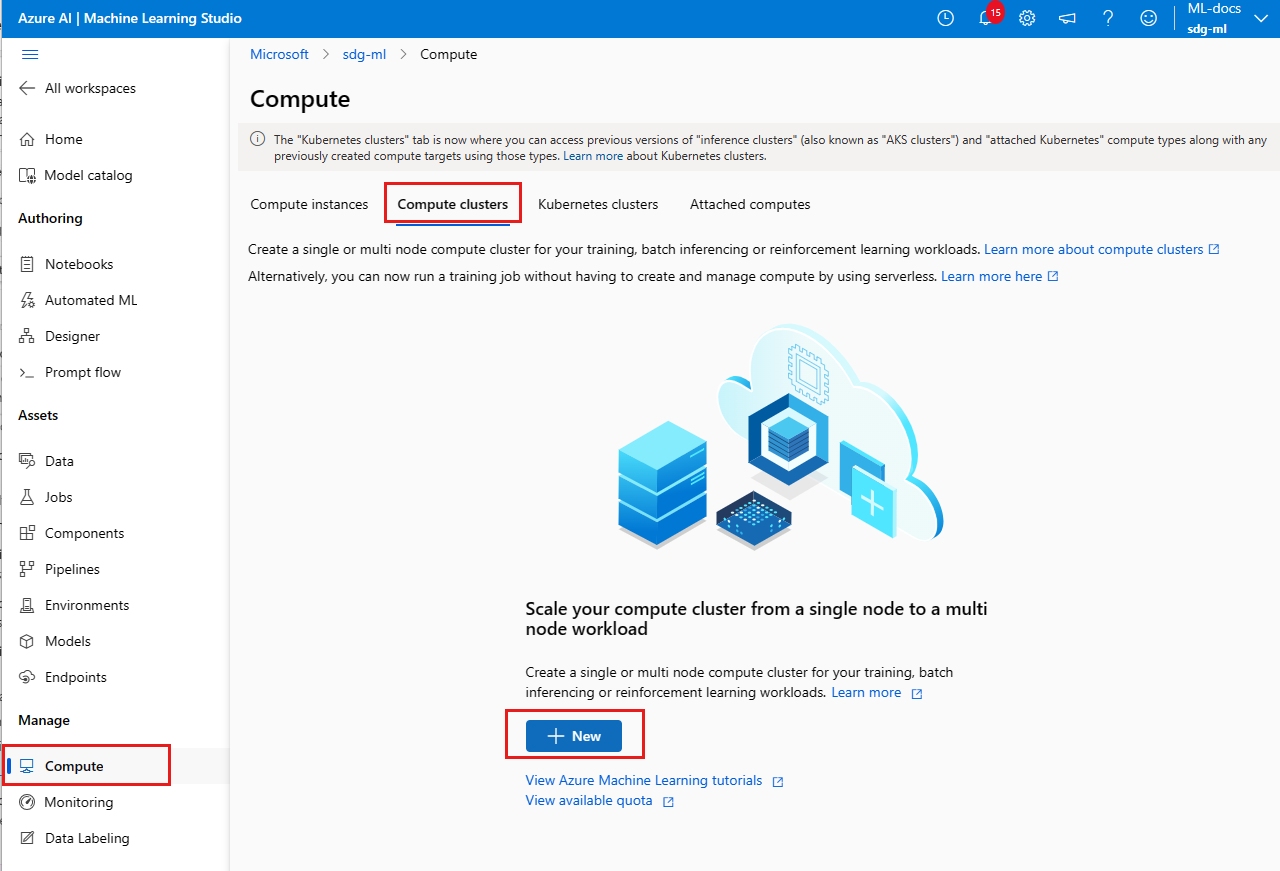
Teams can train models on managed compute clusters, compute instances, serverless compute and other supported targets. Compute clusters can scale nodes up for submitted jobs and scale down when idle. Microsoft recommends using a minimum node count of zero where persistent warm capacity is not required so unused cluster nodes can deallocate and reduce compute spend.
Compute instances are managed development workstations for notebooks and interactive tooling. Compute clusters are a better fit for shared training, batch inference and distributed workloads. GPU and specialist VM families remain subject to Azure regional quota and capacity, so teams planning large training runs should validate both quota and actual regional capacity before depending on a specific hardware family.
How does Azure Machine Learning support MLOps and MLflow?
Azure Machine Learning tracks jobs, inputs, outputs, code snapshots and run history, while MLflow can be used for experiment tracking and model lifecycle workflows. Azure Machine Learning workspaces are MLflow compatible, which lets teams use familiar MLflow APIs without operating a separate tracking server.
The service also supports reusable pipeline components, model registration, managed online endpoints and batch endpoints. These capabilities help with promotion and deployment, but the platform does not define an organization's release policy. Teams still need evaluation gates, rollback plans, production ownership, monitoring thresholds and approval controls.
What inference deployment options are available in 2026?
Microsoft's current Azure Machine Learning documentation separates production inference into standard deployments, online endpoints and batch endpoints. Standard deployments and online endpoints target real-time inference, while batch endpoints target long-running asynchronous jobs.
Standard deployments are intended for supported foundation models and do not consume the customer's subscription compute quota. Managed online endpoints are designed for synchronous, low-latency inference and can support multiple deployments, traffic splitting and custom model stacks, but they consume provisioned compute resources. Batch endpoints are intended for long-running asynchronous inference over larger datasets or pipelines and use job-oriented execution.
How should teams choose between standard, online and batch endpoints?
Standard deployments are a strong fit when a supported foundation model is available and the team wants managed real-time inference without consuming subscription compute quota. Online endpoints are better when a custom inference stack, custom model, low latency, multiple deployments or staged traffic rollout is required. Batch endpoints are better for asynchronous scoring, large file sets, long-running pipelines or work that can tolerate queue-based execution.
The cost and operating model differ materially. Online deployments incur compute charges while instances are provisioned. Batch endpoints charge for resources used by jobs rather than merely for the existence of the endpoint. Standard deployments use managed model-serving infrastructure and standard deployment billing. Buyers should choose based on latency, customization, scale requirements, quota constraints and whether requests are interactive or asynchronous.
What endpoint limits should production teams plan for?
Microsoft's current Azure Machine Learning quota documentation lists a default limit of 100 endpoints per subscription across endpoint types, with increases available by request. It also lists 500 deployments per subscription and 20 deployments per endpoint, again with quota increases available for supported limits. Kubernetes online endpoints have a separate limit of 60 endpoints per cluster.
Naming limits also matter during automation. Endpoint and deployment names must begin with a letter, be 3 to 32 characters long and use letters and numbers. For Kubernetes endpoints, the combined endpoint and deployment name must be 6 to 62 characters. These limits are easy to overlook in CI/CD naming schemes that append environment, region, branch or model identifiers.
How should teams size managed online endpoint traffic?
Managed online endpoint capacity depends on the deployment's instance count and the concurrency that the model can actually handle. Microsoft's deployment schema exposes max_concurrent_requests_per_instance and advises setting it to the number of requests the model can process concurrently on one node. Setting it too high can increase latency, while setting it too low can underuse nodes and contribute to rejected requests.
The current schema uses a default max_concurrent_requests_per_instance value of 1. Production sizing should therefore be based on load testing rather than a generic concurrency assumption. Teams should benchmark representative payloads, model size, CPU or GPU utilization and response latency, then combine instance scaling with a concurrency setting the scoring stack can sustain.
What does Azure Machine Learning cost?
Pricing was checked on September 5, 2026. Microsoft currently states that there is no additional charge simply for using the Azure Machine Learning service. Customers pay for the Azure resources consumed by their workloads, including virtual machines and related services such as Blob Storage, Key Vault, Container Registry and Application Insights.
Microsoft's current pricing page supports pay-as-you-go compute, Azure savings plans for eligible compute and Azure Reserved Virtual Machine Instances for qualifying stable workloads. Actual spend therefore depends on VM family, CPU or GPU use, training duration, endpoint capacity, storage, networking and supporting services. Autoscaling training clusters down when idle and stopping unused compute instances remain practical cost controls.
What changed for SDK v1 and CLI v1 support?
Azure Machine Learning's older v1 tooling is no longer the supported production path. Microsoft deprecated the Python SDK v1 on March 31, 2025 and documented June 30, 2026 as its end-of-support date. The Azure Machine Learning CLI v1 reached end of support earlier, on September 30, 2025.
Existing v1 workflows can continue to run after the support date, but Microsoft warns that they can be exposed to security risks or breaking changes if the service architecture changes. Teams that still use azureml-core or old v1 automation should migrate to the current SDK v2 and CLI v2 interfaces rather than treating continued execution as continued support. The workspace itself does not need to be recreated simply because client tooling moves from v1 to v2.
What other quotas should teams plan for?
Azure Machine Learning relies on Azure subscription and regional quotas for managed compute, endpoints and related resources. Dedicated core quotas vary by subscription and VM family, and GPU families may require an explicit quota request before capacity can be used.
Quota should not be confused with guaranteed supply. A subscription can have sufficient quota while a particular region still lacks the required hardware capacity at deployment time. Production teams should therefore plan alternative regions or VM families for critical training and inference workloads, especially where specialist accelerators are required.
How does Azure Machine Learning differ from Microsoft Foundry?
Azure Machine Learning remains centered on the machine learning lifecycle: training, experiments, models, MLOps, compute and deployment. Microsoft Foundry is the broader current platform for generative AI applications, agents and managed model experiences. The two can overlap around models and inference, but they address different primary workflows.
Teams focused on classical machine learning, custom training, experiment tracking, reusable pipelines and mature MLOps generally have a clearer fit with Azure Machine Learning. Teams starting with hosted foundation models, agent workflows or generative AI application development should compare the current Foundry resource and deployment model before adopting Azure Machine Learning as the primary workspace.
What are the main operational limitations?
Azure Machine Learning reduces the work of building an internal ML platform, but it does not remove the complexity of machine learning operations. Teams still manage data quality, access controls, model evaluation, environment dependencies, quota, regional availability, endpoint security, monitoring and cost. Workspaces also depend on or integrate with other Azure services, so governance can extend across storage, identity, networking, logging and container infrastructure.
Real-time inference requires deliberate capacity planning. Managed online deployments use provisioned compute, and endpoint throughput depends on both the number of instances and how much concurrency the scoring stack can sustain. Standard deployments reduce infrastructure management for supported foundation models, but they do not support every model or custom inference stack.
Who should choose something else?
A team that only needs hosted access to foundation models or a managed generative AI application environment may be better served by Microsoft Foundry rather than the full Azure Machine Learning lifecycle stack. A team already standardized deeply on Azure Databricks for data engineering, training and MLflow may also prefer to keep its ML lifecycle there instead of splitting ownership across platforms.
Very small teams with occasional experimentation can find Azure Machine Learning heavier than a managed notebook or simpler hosted ML service. Azure Machine Learning is a stronger fit when reproducibility, governed compute, shared assets, MLOps, production endpoints and Azure integration justify the additional platform structure.
Reviews
No reviews yet
Nobody has reviewed Azure Machine Learning here yet.