About Jira
Jira is Atlassian's work management application for planning, tracking and coordinating projects and ongoing work. It supports software, product, marketing, operations and other teams that need structured work items, configurable workflows, several planning views and reporting. This page focuses only on Jira's capabilities, pricing, administration and buyer fit. Atlassian's corporate profile and broader app portfolio are covered separately.
What work can teams manage in Jira?
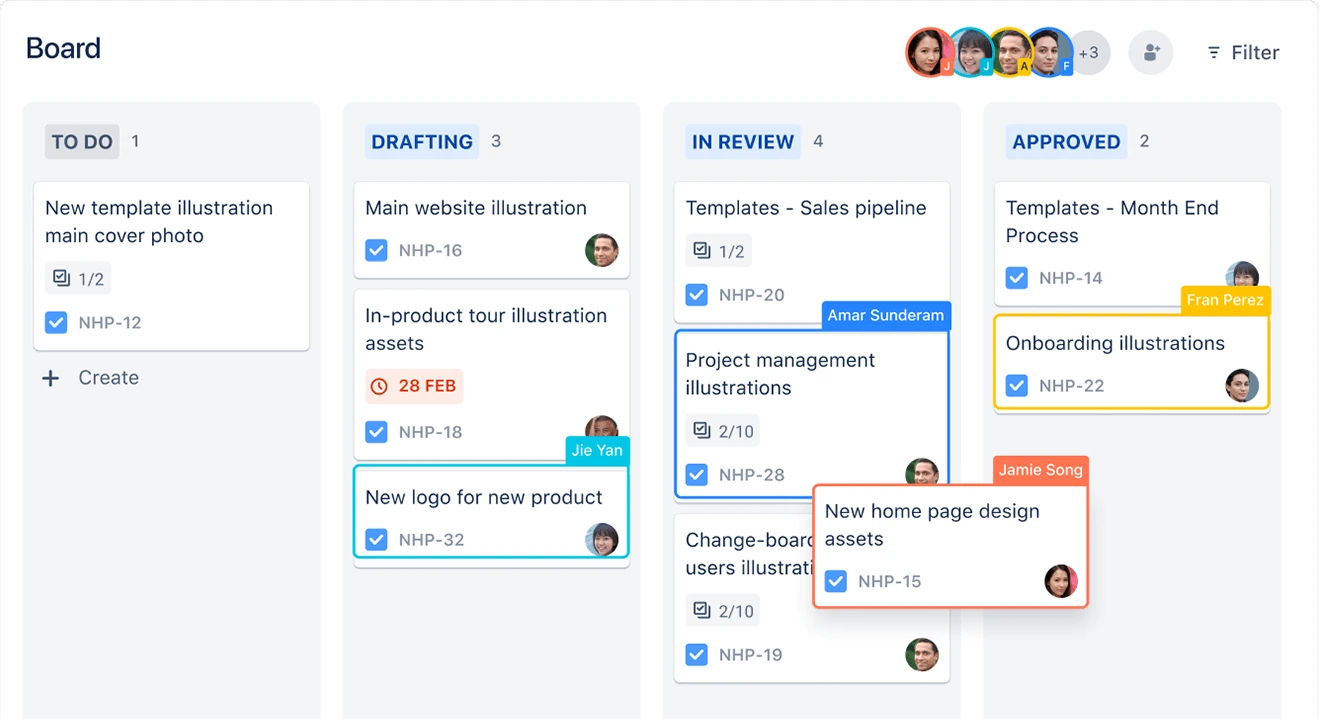
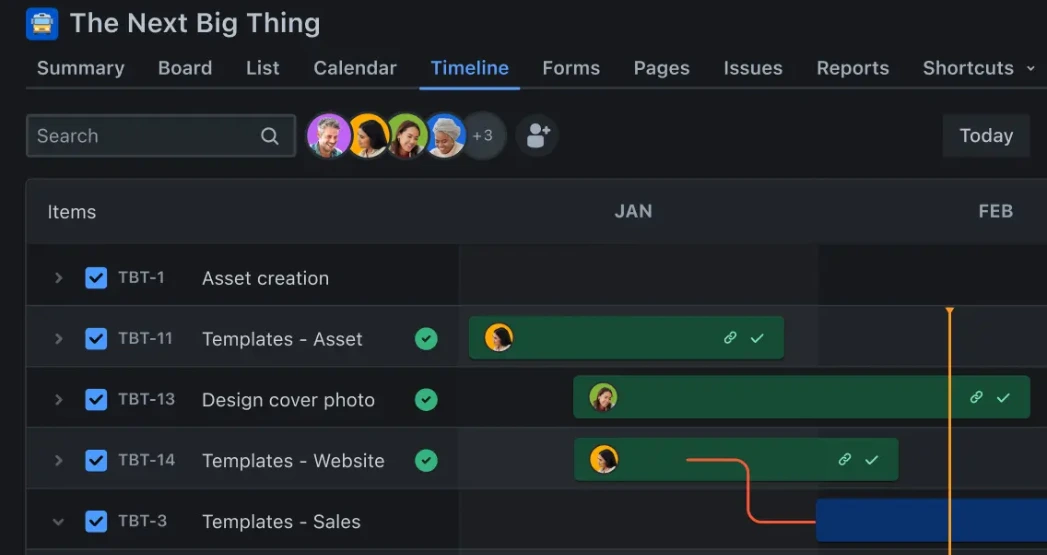
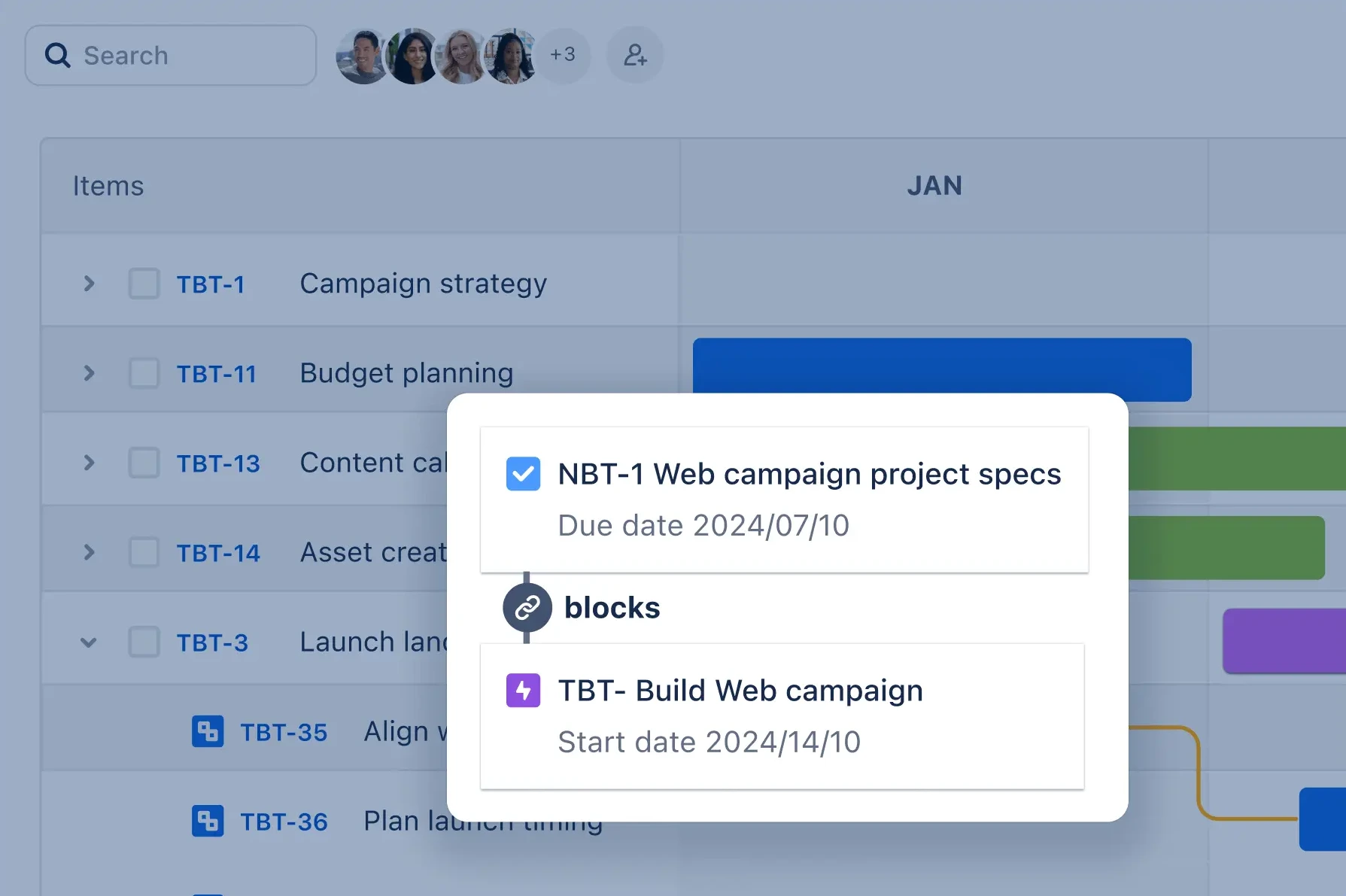
Jira organizes work into trackable items that can be assigned, prioritized, linked and moved through a defined workflow. Teams can use a backlog, list, board, timeline, calendar and summary views, then choose the view that fits the type of work being managed. Atlassian provides templates for agile sprints, marketing campaigns and other project types, so Jira can support both technical and business teams without requiring every group to work from the same layout.
Forms can collect incoming requests, while reports and dashboards show progress and workload. Goals can be connected to projects and work items so teams can see how day-to-day execution relates to larger outcomes. The practical advantage is structure: Jira is useful when work has owners, status changes, dependencies, approvals or reporting needs that would be hard to manage in a simple shared checklist.
How configurable are Jira workflows?
Jira allows teams and administrators to define statuses, fields, permissions, workflows and automation rules. That flexibility supports very different operating models, from a software sprint to an approval process or cross-functional launch plan. Jira also includes global and project-level configuration, privacy controls and APIs for teams that need deeper customization.
The same flexibility creates an administration cost. Large environments can accumulate too many custom fields, workflow variants and local conventions. Before scaling Jira across many teams, organizations should decide which configurations can be standardized, who owns changes and which exceptions are worth maintaining. Governance is often more important to long-term usability than adding another custom field or workflow state.
What does Rovo AI do inside Jira?
Rovo AI is built into current Jira cloud experiences. Atlassian's Jira feature pages show AI-assisted work creation, natural-language automation, contextual planning, risk identification and reporting. Rovo can also use the current Jira view or selected work items as context for chat and analysis.
Agents in Jira became generally available during 2026. Atlassian documents that users can assign supported AI agents to work items, mention agents in comments and trigger agents through workflow transitions. Jira can therefore track work performed by both people and agents inside the same work item history. These capabilities require the relevant Rovo and AI settings to be enabled, and some functions can depend on plan, rollout status or administrator configuration.
How much does Jira cost in August 2026?
Pricing checked on August 21, 2026 against Atlassian's official Jira pricing page. Jira Free is $0 for up to 10 users and includes core work views, reports, dashboards, 100 automation rule runs per month and 2 GB of storage. Jira Standard is listed at $7.91 per user per month and adds Rovo Search, Chat and Agents, 1,700 automation rule runs per month, 250 GB of storage and expanded support. Jira Premium is listed at $14.54 per user per month and adds cross-team planning, dependency management, customizable approvals, per-user automation limits, unlimited storage, 24/7 support for critical issues and a 99.9 percent uptime SLA. Enterprise uses annual, sales-assisted pricing rather than one public flat monthly rate.
These are current headline prices, not a guaranteed total for every organization. User volume, billing cycle, Marketplace apps and enterprise requirements can change the effective cost. Buyers should use Atlassian's current calculator for the exact team size and billing term rather than treating one displayed per-user figure as a universal quote.
What integrations does Jira support?
Jira connects with tools teams already use rather than requiring all work to begin inside Jira. Atlassian's current feature page highlights integrations with Slack, Figma, Gmail, Microsoft Teams, Salesforce, Miro and GitHub, and states that more than 3,000 integrations are available through the Atlassian Marketplace. APIs also support custom connections and internal automation.
Integration quality matters more than the raw count. Buyers should confirm that a required connector supports the specific actions they need, check whether it is maintained by Atlassian or a third party, review its permissions and determine whether it adds a separate subscription. A marketplace connector that only copies links is different from an integration that synchronizes status, identity or development activity.
What should Jira Data Center customers plan for?
Jira Software Data Center is included in Atlassian's Data Center end-of-life program. Atlassian states that new Data Center subscriptions for new customers stopped on March 30, 2026, existing customers can continue certain purchases and expansions until March 30, 2028, and affected Data Center products reach end of life on March 28, 2029. At that point subscriptions and associated Marketplace apps expire and the environment becomes read-only.
For current Data Center customers, migration is therefore part of the Jira buying decision rather than a distant roadmap issue. Organizations should inventory Marketplace apps, custom workflows, integrations, authentication requirements, data residency needs and feature differences before choosing a cloud migration path. The work involved can be substantial for long-running Jira instances with years of customization.
What are Jira's main limitations?
Jira can be more complex than teams need. A small group that only wants a visual board, personal task list or simple campaign tracker may spend more time configuring Jira than the workflow justifies. New users can also find terminology, permissions and project configuration harder to understand in a heavily customized environment.
Cost can rise as teams move from Free to Standard or Premium, add Marketplace apps or expand usage across departments. AI and automation also introduce governance questions around permissions, data access and usage controls. Jira is strongest when its structure solves a real coordination problem; it is less compelling when teams mainly need a lightweight shared list.
How does Jira compare with alternatives?
Linear is a strong alternative for software and product teams that prefer a more opinionated, streamlined workflow with less administration. Asana, Monday.com and ClickUp can be easier for cross-functional teams that prioritize quick setup and broad task management. Azure DevOps can fit organizations whose development lifecycle already depends heavily on Microsoft's engineering stack.
The comparison should be based on workflow depth, reporting, administration, integrations and team composition rather than brand recognition. Jira has an advantage when teams need configurable processes, many work views and a large integration ecosystem. A narrower tool can be a better choice when speed of adoption and lower administrative overhead matter more than deep configuration.
Who should consider another product instead of Jira?
Teams should consider another product if their work is intentionally simple, if they do not have anyone willing to own workflow governance, or if most users would only use basic task assignment and status changes. Small visual-planning teams may prefer Trello, fast-moving software teams may prefer Linear, and organizations already standardized on another work platform may reduce duplication by staying there.
Jira is a better fit when teams genuinely need configurable workflows, dependencies, reporting, automation and structured coordination at scale. The decision should come from the work model, not from the assumption that a widely used tool is automatically the right tool for every team.
Reviews
No reviews yet
Nobody has reviewed Jira here yet.