About Azure Key Vault Managed HSM
Azure Key Vault Managed HSM is Microsoft's fully managed, single-tenant hardware security module service for organizations that need dedicated HSM-backed cryptographic key management. It sits beside Azure Key Vault rather than replacing it. Key Vault is designed for secrets, certificates and keys across a wider set of application scenarios, while Managed HSM focuses on cryptographic keys that need dedicated HSM boundaries, local HSM role controls and stronger key sovereignty requirements. Microsoft states that Managed HSM uses FIPS 140-3 Level 3 validated hardware and that each instance is dedicated to one customer.
What is included
Security
| HSM validation | FIPS 140-3 Level 3 validated hardware |
|---|
Tenancy
| Service model | Single-tenant managed HSM instance |
|---|
Recovery
| Soft-delete retention | 7 to 90 days; 90 days default |
|---|
Scale
| Keys per HSM instance | Up to 5,000 keys |
|---|---|
| Versions per key | Up to 100 versions |
| HSM instances per subscription per region | Up to 5 |
Access
| Role model | Managed HSM local RBAC with HSM- and key-level scopes |
|---|
Activation
| Security-domain quorum | Minimum 3 and maximum 10 RSA key pairs supported |
|---|
Pricing
| Billing model | Hourly usage fee per Managed HSM pool; related Azure services billed separately |
|---|
What is Azure Key Vault Managed HSM used for?
Managed HSM is designed for regulated and security-sensitive workloads that need hardware-protected keys without operating physical HSM appliances. Typical uses include customer-managed encryption keys, signing keys, key-encryption keys and cryptographic controls for financial services, government, defense, manufacturing and other environments with strict separation or compliance requirements.
Microsoft manages HSM provisioning, patching, maintenance and hardware healing. The customer manages the keys, role assignments, security domain and application integration. This division matters because Managed HSM removes appliance operations, but it does not remove the need for key lifecycle governance, access reviews, backup planning and application retry logic.
How is Managed HSM different from Azure Key Vault Premium?
Azure Key Vault Premium can store secrets, certificates and HSM-protected keys in a multitenant vault service. Managed HSM is a dedicated single-tenant HSM service focused on keys. Organizations should not choose Managed HSM simply because they need one HSM-backed application key.
Managed HSM is better suited when dedicated HSM boundaries, local HSM role-based access control, larger key estates or stricter compliance expectations justify the additional cost and operational responsibility. Key Vault Premium is usually simpler when a team also needs secrets and certificates, has a smaller key estate, or does not require a dedicated HSM instance.
What security controls does Managed HSM provide?
Microsoft states that Managed HSM uses FIPS 140-3 Level 3 validated hardware and a single-tenant architecture. Access to the HSM data plane is governed through Managed HSM local RBAC rather than the same authorization model used by an ordinary Key Vault data plane. Built-in roles separate administrative and cryptographic duties, and role assignments can be scoped to the HSM or to individual keys.
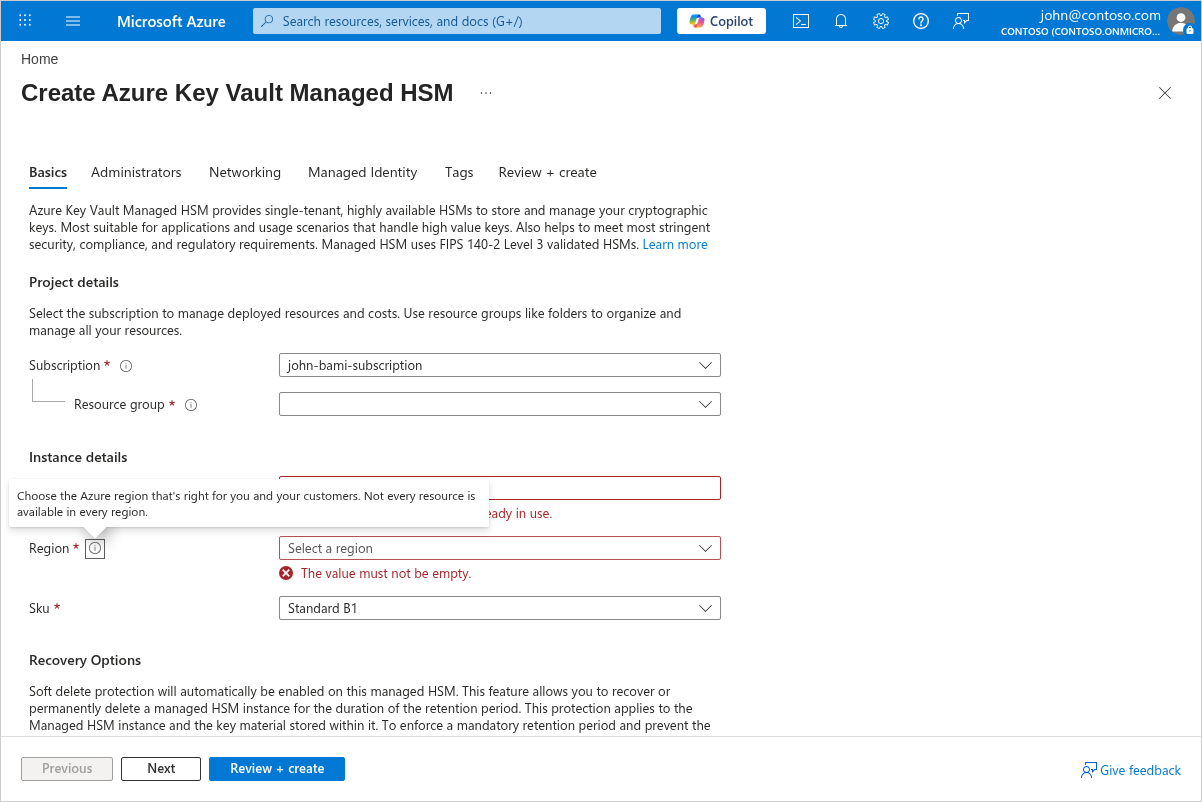
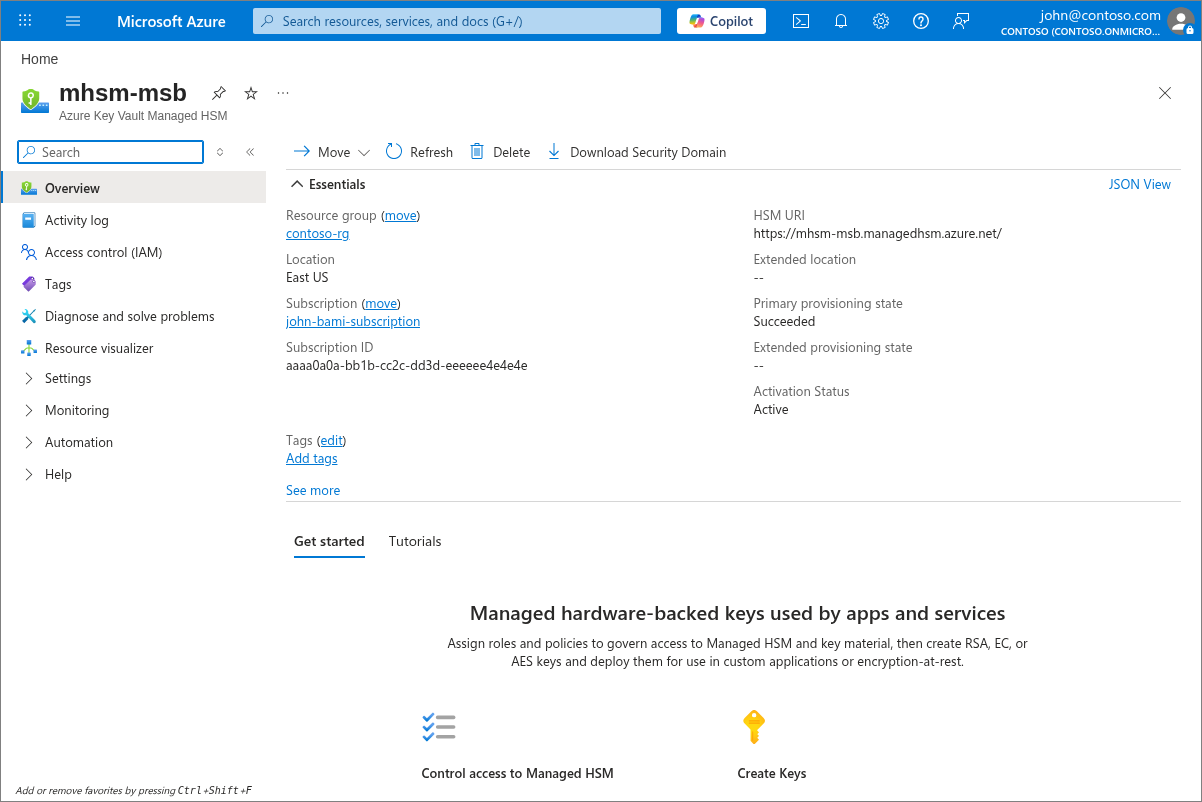
Provisioning and activation are separate steps. After the HSM resource is created, administrators activate it by downloading the encrypted security domain. Microsoft currently requires at least three RSA key pairs and supports up to ten for the security-domain quorum process. Losing the security domain and required private keys can result in permanent loss of access, so they must be stored separately and protected as recovery material.
How do backup, soft delete and purge protection work?
Managed HSM supports full backup and restore of keys, key versions, attributes, tags and role assignments. Backups are stored in Azure Storage and are encrypted using cryptographic material tied to the HSM security domain. Microsoft states that a backup can only be restored into a Managed HSM that uses the same security domain.
Soft delete is always enabled and cannot be turned off. The retention period is configured when the HSM is created and can be set from 7 to 90 days, with 90 days as the default. Purge protection is optional, but once enabled it prevents permanent deletion until the retention period expires and cannot be bypassed by an administrator or by Microsoft. A soft-deleted Managed HSM continues to incur its hourly charge until it is purged.
What are the current Managed HSM service limits?
Microsoft's current service limits document a default maximum of five Managed HSM instances per subscription per region. Each HSM instance supports up to 5,000 keys and up to 100 versions per key. The current limits also include 50 custom role definitions per HSM instance, 50 role assignments at HSM scope and 10 role assignments at each individual key scope.
These limits are important for key-estate design. Large organizations should model key counts, rotation frequency and role-assignment patterns before choosing how many HSM instances they need. Capacity planning should also account for transaction throughput and application retry behavior rather than treating object-count limits as the only scaling constraint.
How does Azure Key Vault Managed HSM pricing work?
Pricing was checked on August 28, 2026. Microsoft currently lists Managed HSM under Azure Key Vault pricing with an hourly usage fee per Managed HSM pool. The service is provisioned as dedicated capacity, so the HSM accrues charges while it exists rather than only when a key operation occurs.
A particularly important cost rule is that soft-deleted Managed HSM resources continue to be billed at the full hourly rate until they are purged or their retention period ends. Customers should therefore treat test deployments and deletion policies carefully. Related costs can also include Azure Storage for backups, networking, logging and other Azure services used around the HSM. Microsoft exposes the actual hourly rate according to billing region, currency and agreement, so there is no single universal price that should be copied onto the page.
What networking and reliability choices should buyers review?
Managed HSM is designed as a highly available service and Microsoft handles routine maintenance and hardware healing. Microsoft states that routine maintenance keeps at least two of three partitions available, but client applications should still implement retry logic for brief interruptions. Multi-region replication can improve resilience where the feature is supported and appropriate.
Teams should also plan network exposure and private connectivity. Production deployments commonly combine Managed HSM with restricted network access, private endpoints and carefully scoped administrative paths. Reliability planning should include backup storage, security-domain custody, restore testing and the possibility that application dependencies fail even while the HSM service itself remains available.
When should you choose Azure Cloud HSM instead?
Azure Cloud HSM targets customers that need a different level of control over dedicated HSM infrastructure and customer-managed HSM administration. Managed HSM is the more integrated Azure key-management service when teams want Microsoft to operate the HSM platform while preserving dedicated single-tenant key protection and Azure-native management.
Organizations evaluating both services should compare operational control, compliance requirements, supported cryptographic workflows, networking, administrator responsibilities and application integration rather than choosing by the word HSM alone.
Who should choose something else?
Choose Azure Key Vault Standard or Premium when you need secrets, certificates and application keys but do not require a dedicated single-tenant HSM instance. Key Vault Premium can provide HSM-protected keys with a simpler cost and administration model for many application workloads.
Choose Azure Cloud HSM when your requirements call for more direct HSM administrative control than Managed HSM provides. Organizations with a very small number of low-volume keys should also compare total hourly Managed HSM cost against Key Vault Premium before committing. Managed HSM is most compelling when dedicated hardware boundaries, strong key sovereignty, local HSM RBAC and regulated key-management requirements justify the dedicated service.
Reviews
No reviews yet
Nobody has reviewed Azure Key Vault Managed HSM here yet.