About HP Z desktop workstations
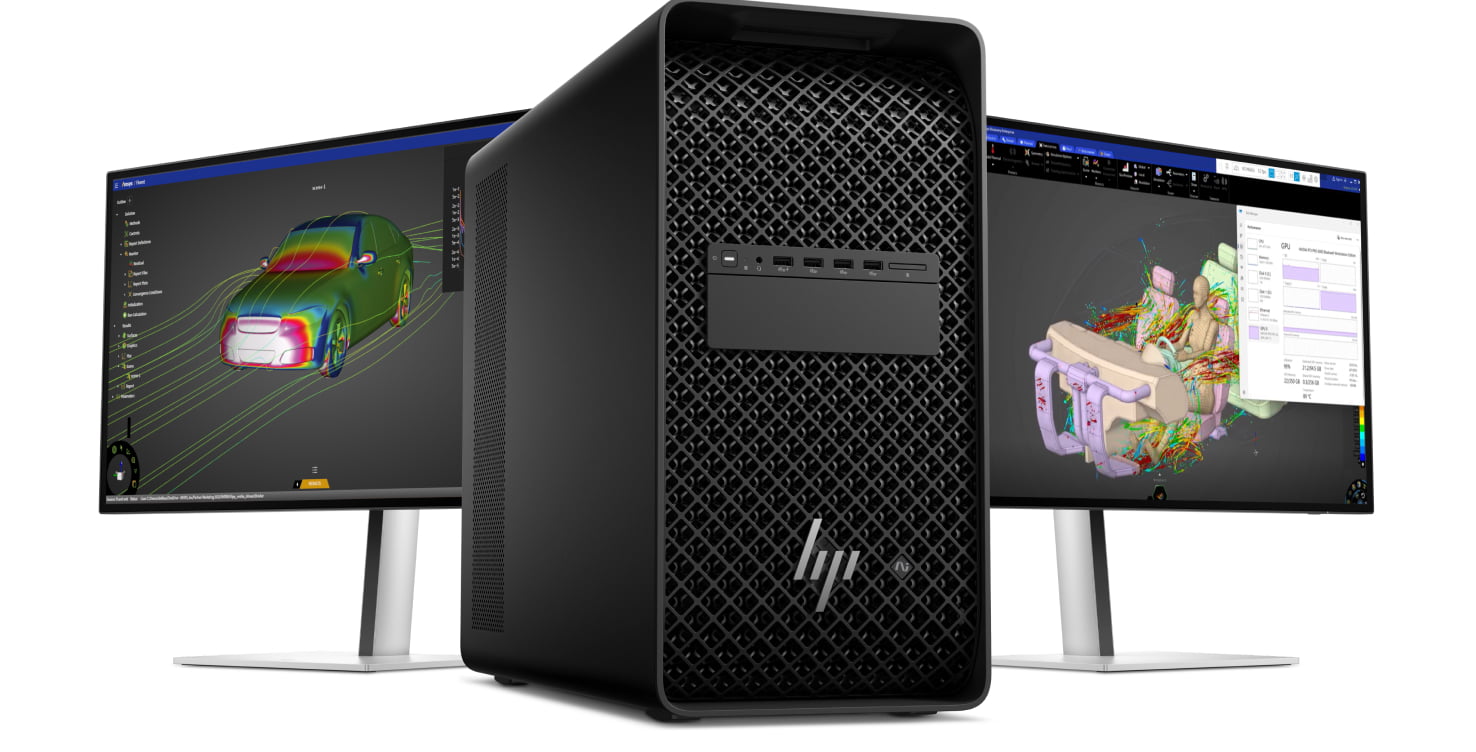
HP Z is HP's line of professional desktop workstations, and the important thing to understand before shopping it is that the badge covers an enormous span. At one end sits a machine small enough to bolt behind a monitor. At the other sits a dual-height tower that will take four professional graphics cards, two terabytes of error-correcting memory and enough power supply capacity to need a second unit. They share a name, a service model and the software certification that separates a workstation from a fast office PC, and almost nothing else. Choosing well means picking the tier, not the brand, so most of what follows is about where the boundaries between tiers actually fall.
How the HP Z desktop tiers differ
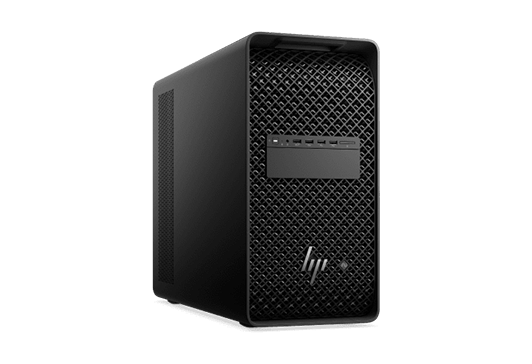
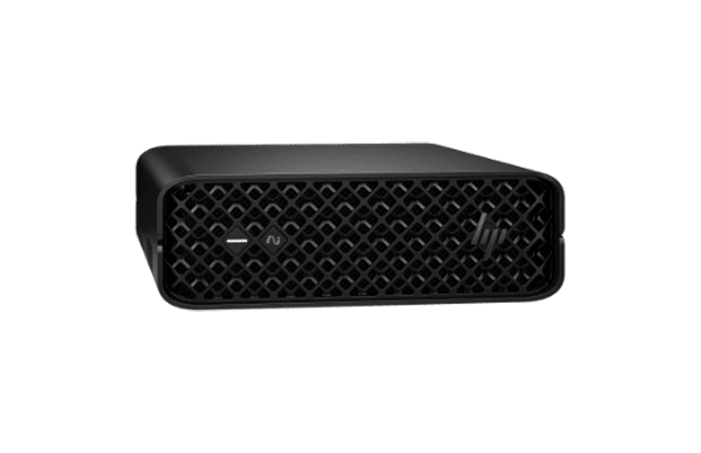
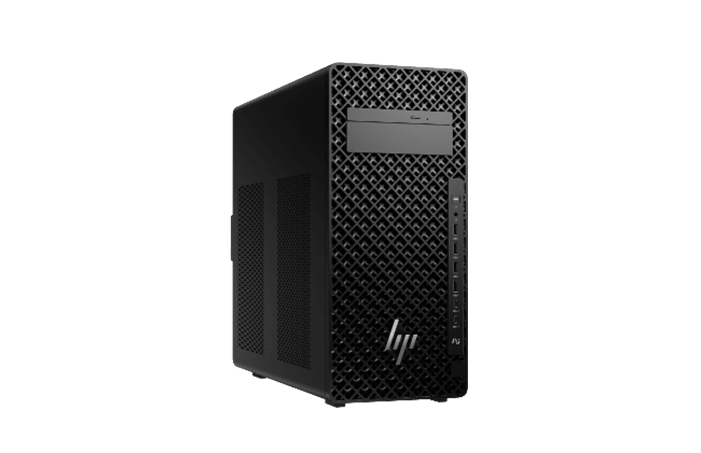
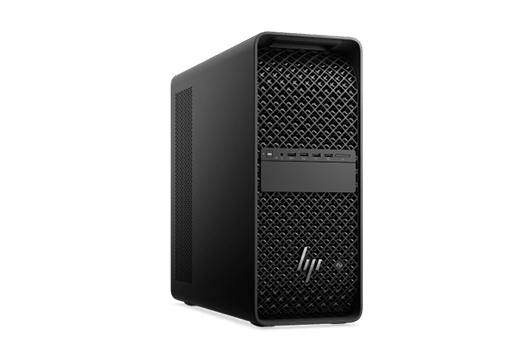
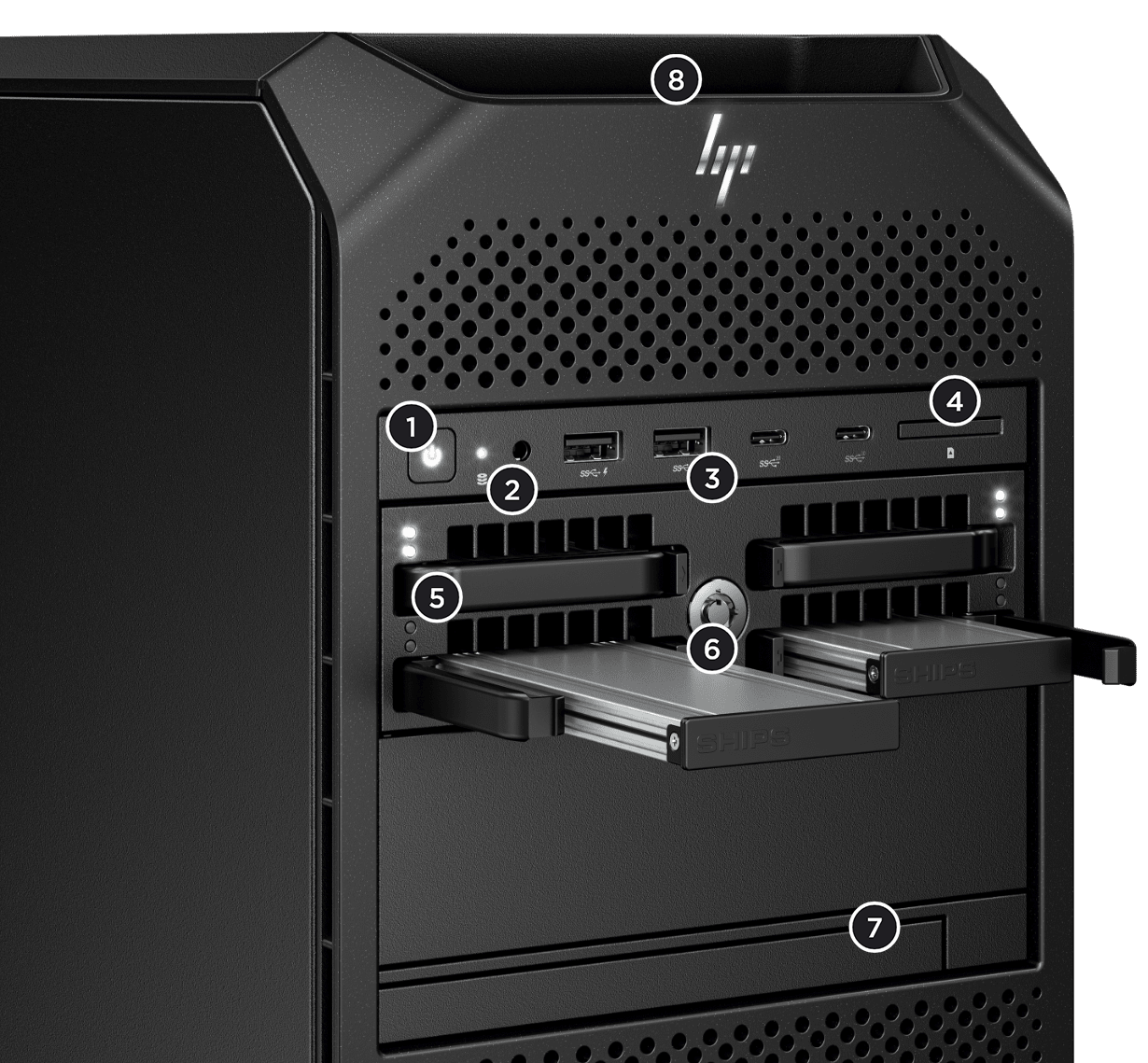
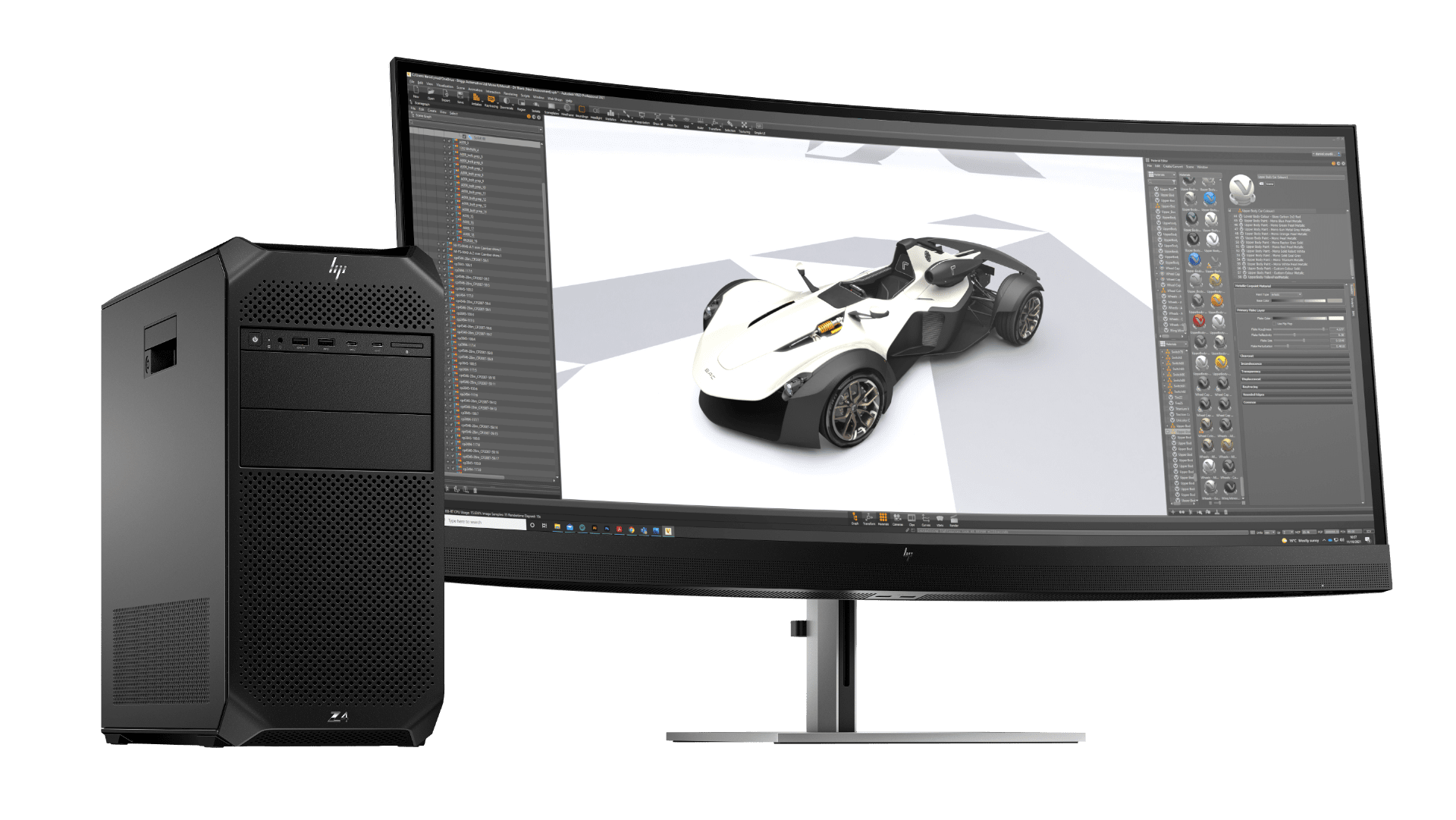
The entry rungs are the Z1 Tower and the Z2 family, all built on Intel Core Ultra processors rather than Xeon. The Z2 Mini is the small one, a couple of inches thick, taking a single PCIe slot and graphics up to the RTX 4000 SFF Ada class. A variant of the Mini runs an AMD Ryzen AI Max Pro chip with integrated Radeon graphics and unified memory instead of a discrete card. The Z2 small form factor and Z2 Tower trade size for headroom, reaching 256 GB of memory and, in the tower, a single very large card. Above them the numbering switches to Xeon and Threadripper Pro silicon and the machines start being defined by slots. The Z4 takes up to two professional cards and 512 GB. The Z6 offers six PCIe Gen 5 slots, up to three cards and a terabyte of memory, in an Intel version and an AMD version whose selling point is core count rather than clock speed. The Z8 is the dual-socket machine. The Z8 Fury is the single-socket monster above it, with up to four cards, up to nine PCIe slots and up to 2 TB of memory. There is also a rack-mounted Z4 for teams that keep the hardware in a cupboard and the people at thin clients, and a small NVIDIA-based AI station that sits beside the range rather than in it.
Which tier fits which workload
HP maps this fairly honestly on its own pages, and the mapping is worth reading against your actual job rather than your ambitions. Two-dimensional drafting, BIM authoring on ordinary-sized models and standard video editing sit comfortably on Z2 hardware, and buying above that tier for this work mostly buys idle silicon. The step up to Z4 and Z6 is bought for one of three reasons: a second or third graphics card, memory beyond 256 GB, or the PCIe bandwidth that fast storage and capture hardware consume. Real-time ray tracing, virtual production, simulation and local model training are where those reasons appear. The Z8 and Z8 Fury exist for the small number of workflows where a single machine has to hold a scene, a dataset or a model that will not fit anywhere smaller, and where the cost of splitting the job across machines is worse than the cost of the machine.
What a workstation buys that a fast desktop does not
Three things, and only one of them is speed. The first is independent software vendor certification: guides aimed at CAD and BIM buyers note that HP Z, Dell Precision and Lenovo ThinkStation are all tested and certified against Autodesk, Bentley and similar applications, which buys tested driver combinations and a supported path when something breaks. The second is error-correcting memory on the Xeon and Threadripper tiers, which matters when a simulation runs for days. The third is serviceability. An independent teardown review of the Z8 Fury praised tool-free component access, dedicated thermal zones for slots, processor and memory, and how quiet the machine stayed under load, while criticising HP for poorly documented expansion modules, a complaint carried over from the previous generation. If none of those three things matters to your work, you are paying for them anyway.
What to weigh against Dell Precision and Lenovo ThinkStation
These are the direct rivals and the honest summary is that at equivalent tiers the hardware is close and the decision usually turns on things outside the specification sheet: your existing support contract, lead times, how your reseller behaves, and remote-access tooling. Independent buying guides tend to put Lenovo ThinkStation ahead on price for equivalent configurations and Dell Precision ahead at the very top for the widest processor choice. HP's answers are the small form factors, where the Z2 Mini has few real equivalents, and the remote and rack options for studios that separate operators from hardware. Be wary of comparisons published by resellers who partner with one vendor: the conclusions track the partnership more often than the hardware.
Who should buy something else
Anyone whose work is not certified-application work. If you are gaming, developing software, or doing machine learning on frameworks that do not care about certified drivers, a self-built machine or a consumer prebuilt gives more compute per pound and you lose nothing you were using. If your budget is fixed and modest, a Lenovo or Dell equivalent will usually be cheaper at the same specification. If you need dual graphics cards, do not buy into the Z2 tier to save money: buying guides flag the single full-height slot and lower memory ceiling as the wall you will hit, and moving up later costs more than starting higher. If you want the Z8 Fury, understand what the top of that range costs once configured, because a full build runs into six figures and the reviewers who have handled one say plainly that it is a niche machine. And if your team is remote and the work is bursty, renting cloud compute avoids owning a depreciating asset that idles most of the week.
Reviews
No reviews yet
Nobody has reviewed HP Z desktop workstations here yet.