About Gmail
Gmail is Google's email service for personal users and organizations, with the business version delivered through Google Workspace. For organizations, Gmail provides custom-domain email, centralized administration, Google Workspace integration, security controls and Gemini-powered assistance. This page focuses on Gmail itself: email workflow, AI capabilities, security, plan-dependent business features, migration considerations and alternatives. Broader Workspace pricing and suite architecture are covered on the Google Workspace brand page.
What does Gmail provide for business users?
Business Gmail adds custom email addresses on an organization's domain, group mailing lists, centralized user administration and ad-free email within Google Workspace. Gmail also connects directly with other Workspace services: users can start Google Meet calls, open Google Chat, check Calendar, manage Tasks and work with shared files without treating email as a completely separate system. Google states that Gmail supports migration from legacy environments, and its Workspace plans provide administrative tooling for organizations moving from other mail platforms.
How does Gemini work inside Gmail in 2026?
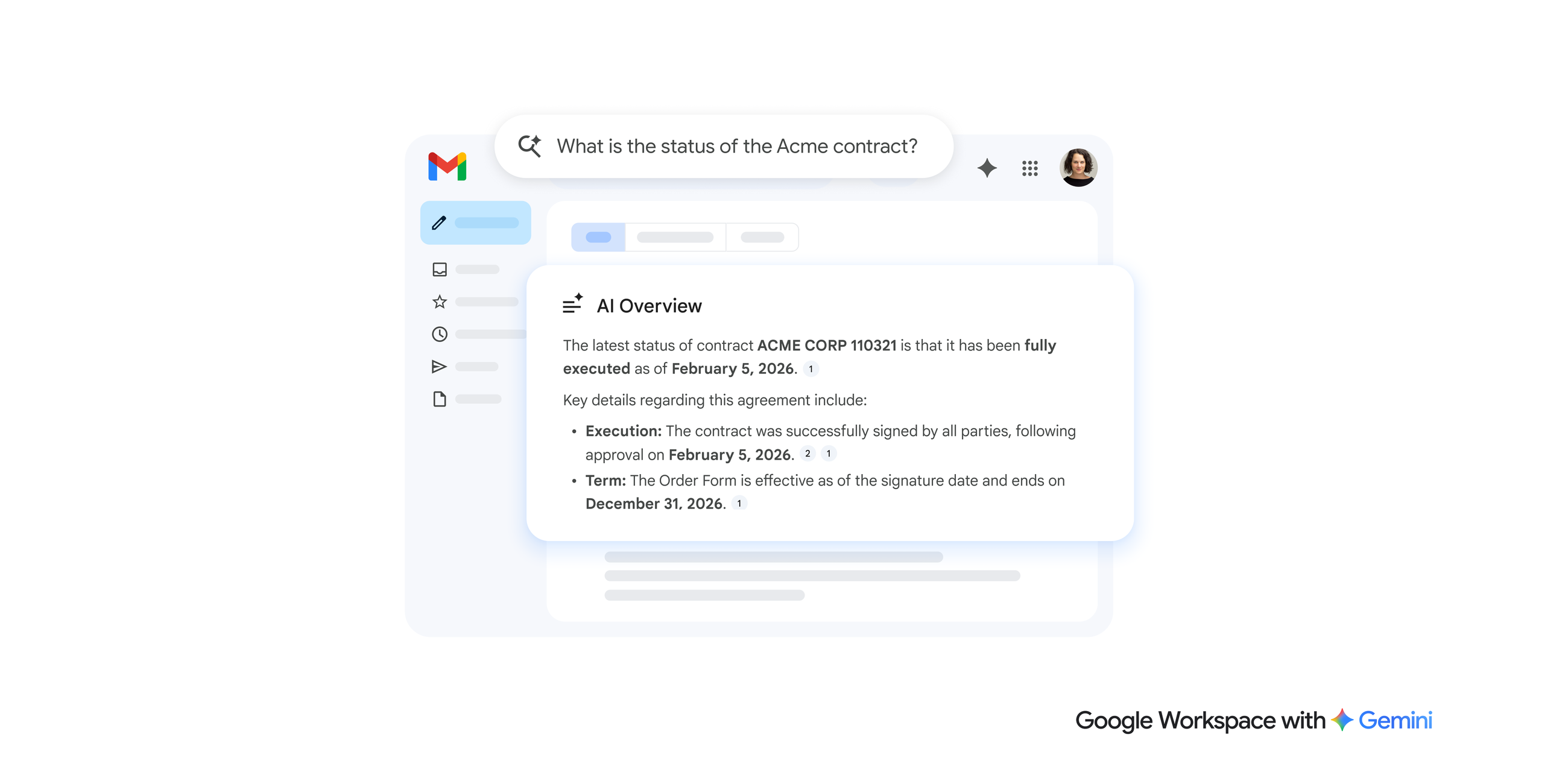
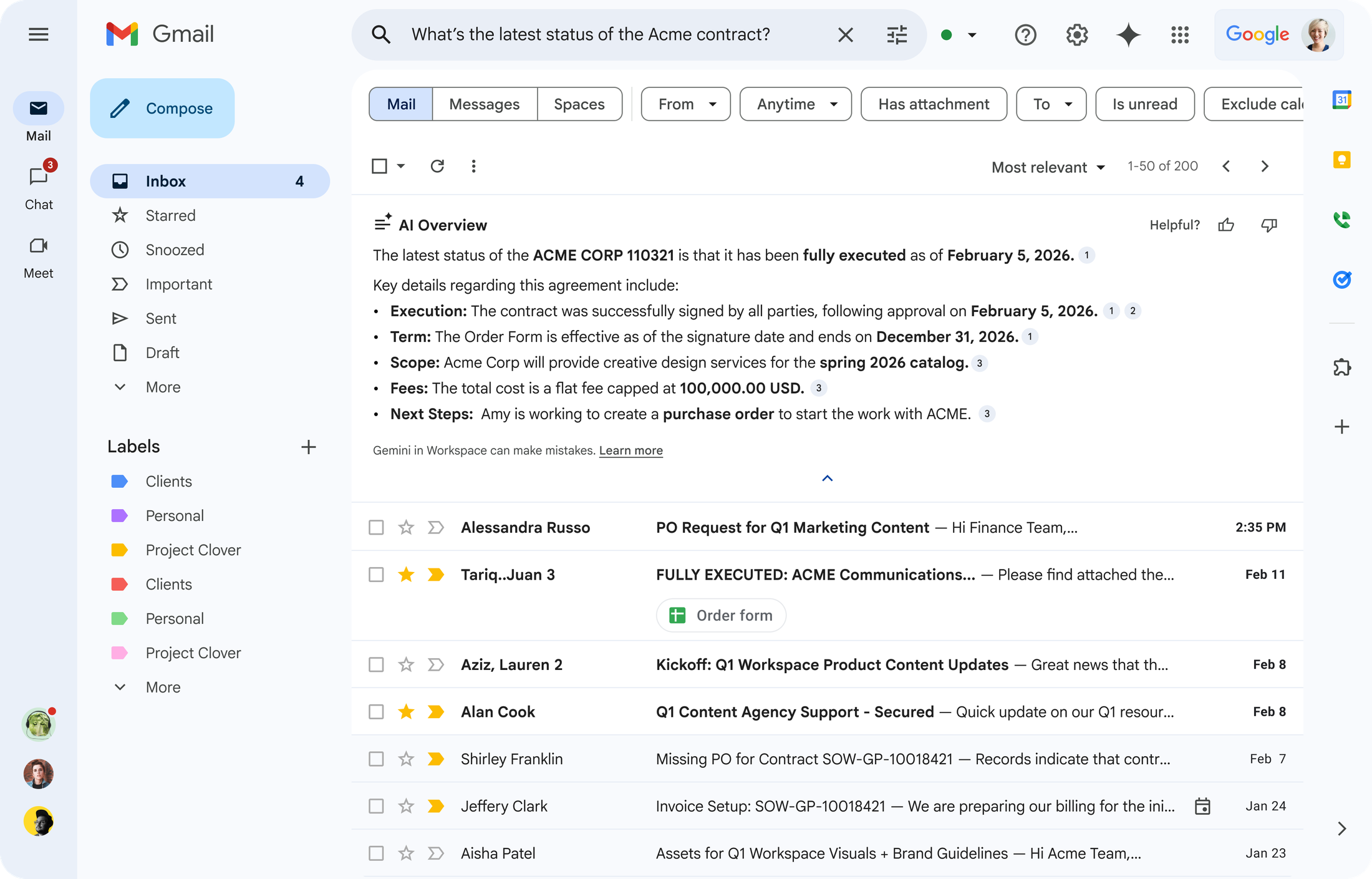
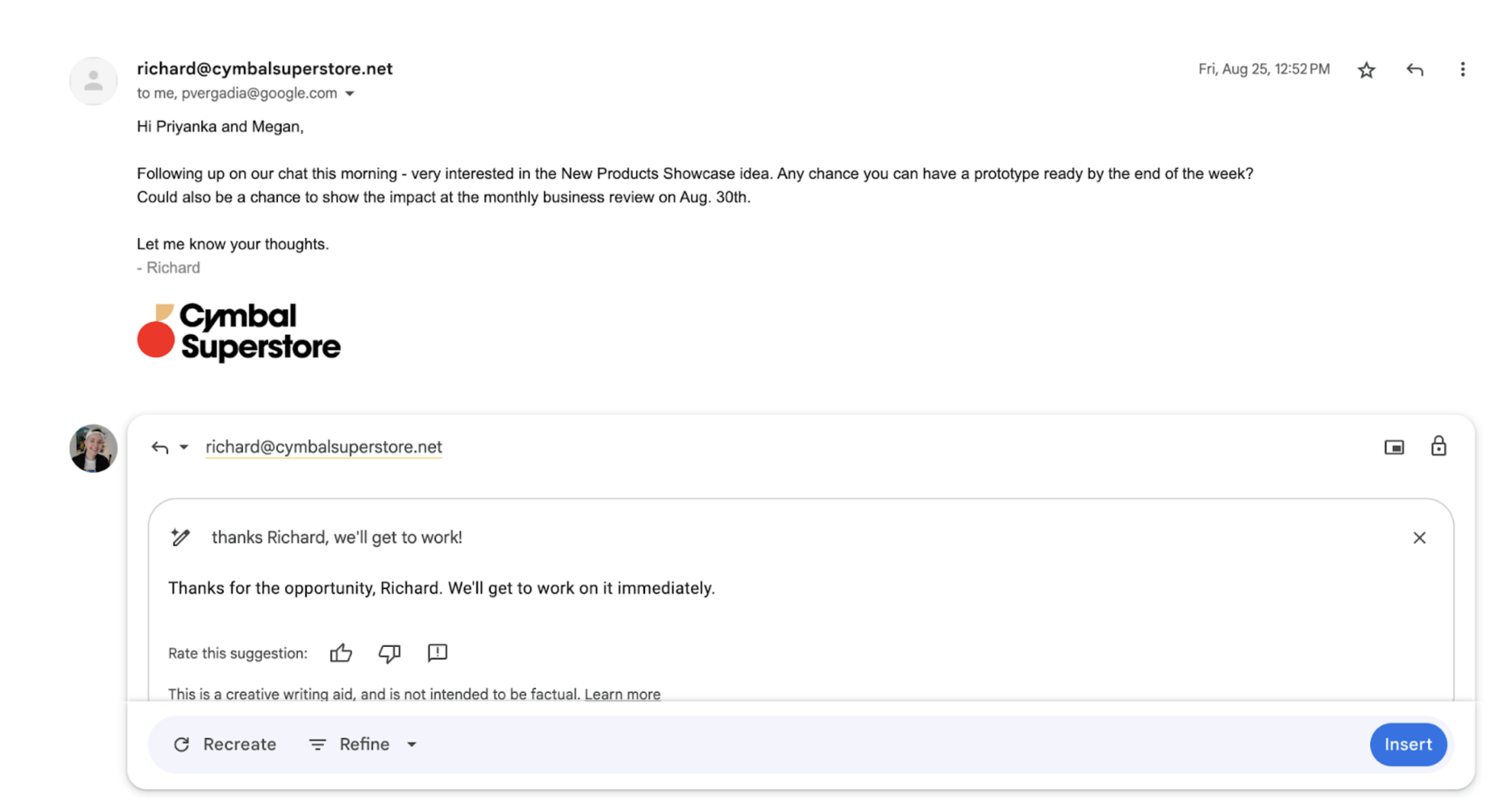
Gemini now appears across several Gmail workflows. Eligible Workspace users can summarize email threads, draft or refine messages, suggest replies, find information from previous email, use information from permitted Google Drive files, inspect Calendar context and create Calendar events. Google's current Gmail documentation also describes AI Overviews in Gmail search, where natural-language questions can produce a summarized answer from relevant messages. Availability is not uniform: some features vary by Workspace edition, language, country, administrator settings or rollout status. Buyers should verify the specific feature matrix for their users instead of assuming every Gemini function is included everywhere.
What changed in Gmail AI during 2026?
Google expanded Gmail's AI direction materially during 2026. In February, Google announced more personalized and proactive Gmail assistance for business customers, including AI Overviews in search and richer drafting that can use relevant context from email, Chat and Drive for supported users. In June, Google improved Help me write so users can revise an AI-generated draft with follow-up instructions instead of starting over. Google is also moving some AI experiences from a separate side panel toward inline Gmail interactions. These changes make Gmail more useful as an information-retrieval and drafting surface, but organizations should still evaluate AI output and access controls rather than treating generated summaries or drafts as authoritative.
How much does business Gmail cost?
Gmail for a custom business domain is purchased through Google Workspace rather than as a standalone business-email seat. Pricing checked August 22, 2026. On Google's Annual or Fixed-Term plan, Business Starter costs $7 per user per month, Business Standard $14, and Business Plus $22. Flexible monthly pricing is $8.40, $16.80 and $26.40 respectively. Enterprise uses sales-assisted pricing. Temporary introductory discounts can appear on Google's pricing page, so the standard rates are more useful for long-term comparison than a short promotion.
Which Gmail capabilities change by Workspace plan?
Business Starter includes secure custom business email and Gemini assistance in Gmail. Business Standard adds email features such as custom layouts and mail merge alongside broader Workspace AI and storage benefits. Business Plus adds compliance-oriented capabilities through the wider suite, including eDiscovery and Google Vault. Enterprise can add further controls such as S/MIME encryption depending on edition. The correct plan therefore depends on more than mailbox size: organizations should evaluate retention, discovery, encryption, identity, endpoint management, storage and AI access together.
How strong are Gmail's security and privacy controls?
Google states that Gmail blocks more than 99.9 percent of spam, phishing attempts and malware from reaching users. Gmail also uses encryption in transit and provides additional organization-level controls through Google Workspace. Google's consumer Gmail documentation states that Gmail content is not used to personalize ads. For enterprise buyers, security decisions should go beyond headline filtering rates and include authentication, admin roles, retention, data loss prevention, client-side encryption where required, device management, third-party add-ons and how Gemini is allowed to retrieve organizational data. Google documents that Gemini can only retrieve content the user is permitted to access, so existing sharing permissions remain an important part of AI governance.
How does Gmail integrate with the rest of Google Workspace?
Gmail is most valuable to organizations already using Google's collaboration environment. Calendar invitations and scheduling can flow from email, Meet and Chat are accessible from the interface, Tasks can capture follow-up work, and Drive files can be shared without sending duplicate attachments. Gemini can also use permitted context from other Workspace services in supported workflows. This reduces context switching, but it can deepen dependence on Google's identity, storage and administration model. Organizations should design account lifecycle, shared-drive ownership and retention rules before migrating a large user base.
What should organizations plan before migrating to Gmail?
A migration should account for historical mail, aliases, groups, calendars, contacts, mobile devices, desktop mail clients, retention policies and user training. Google supports migration from several legacy environments, but the effort depends on source-system complexity and the number of integrations surrounding email. Teams that rely on Microsoft Outlook, Exchange-specific workflows, shared mailboxes, add-ins or compliance tooling should test those requirements carefully before a full cutover. Mail delivery, DNS changes and authentication policies should also be planned so the move does not interrupt business communication.
What are Gmail's main limitations and trade-offs?
Gmail's browser-first design can be a benefit, but organizations accustomed to Microsoft Outlook and Exchange may find some workflows different. Advanced records-management, encryption or retention requirements can push buyers toward higher Workspace editions. AI features also introduce governance questions around permissions, smart-feature settings, regional availability and user expectations about generated content. Finally, Gmail is usually bought as part of Workspace, so an organization that only needs hosted email may be paying for a broader suite it does not intend to use.
Who should consider an alternative to Gmail?
Microsoft Exchange Online or Microsoft 365 can be a better fit for organizations deeply standardized on Outlook, Windows and Microsoft's identity and compliance stack. Zoho Mail may suit smaller organizations that want lower-cost hosted business email, while specialist providers can appeal to teams prioritizing a narrower privacy or email-only model. Gmail is strongest when an organization also values Drive, Docs, Meet, Calendar, Chat and Google's shared administration. If those adjacent tools will not be used, buyers should compare the total suite cost against a dedicated mail service.
Reviews
No reviews yet
Nobody has reviewed Gmail here yet.