About Gemini app
The Gemini app is Google's general-purpose AI assistant for web, Android, iOS and supported desktop experiences. It handles conversation, writing, research, file analysis, image and media creation, voice interaction and connected-app tasks. This page focuses on the end-user Gemini app. Developer API pricing and coding products are separate parts of the wider Gemini brand.
What can the Gemini app do in 2026?
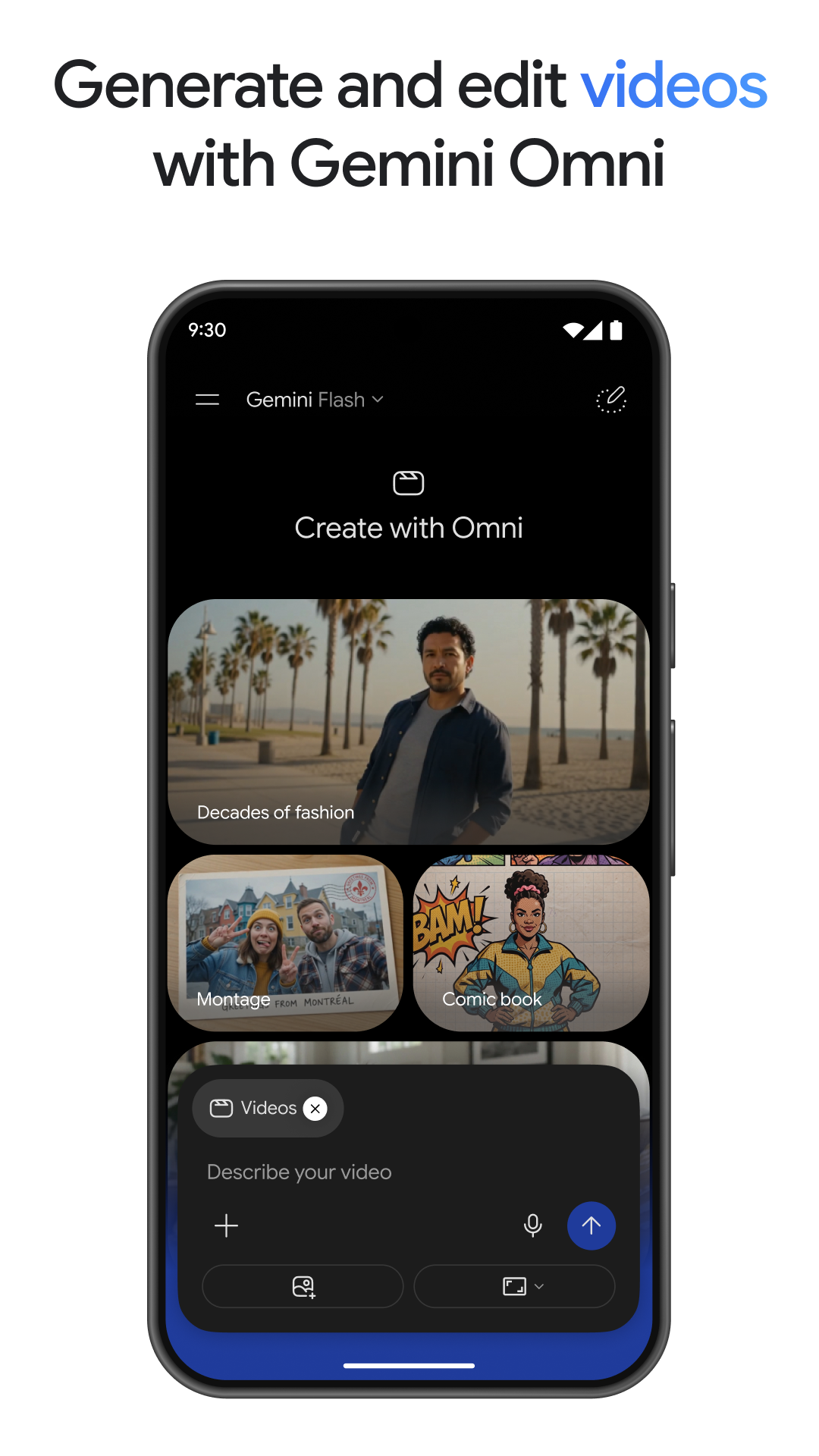
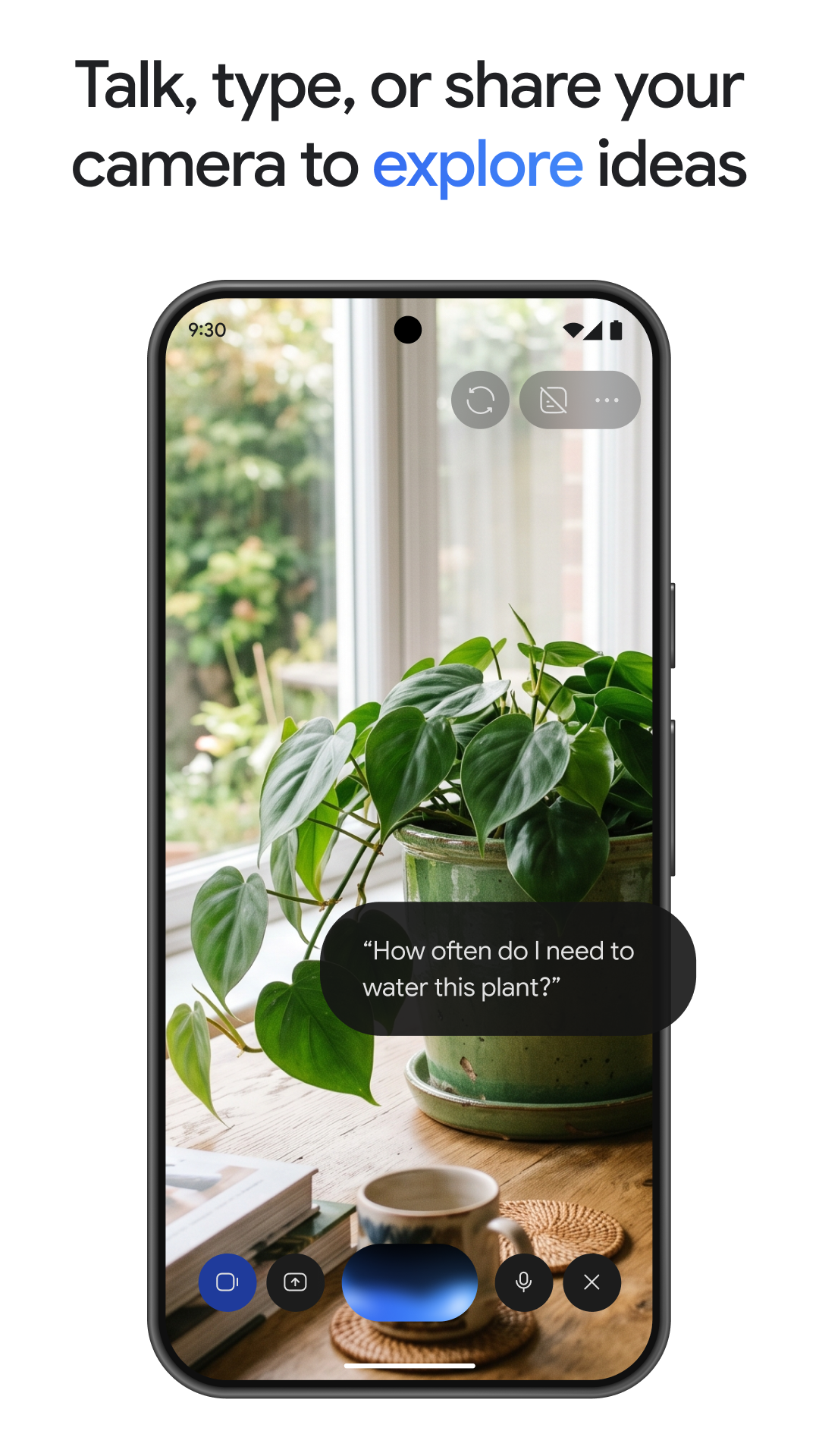
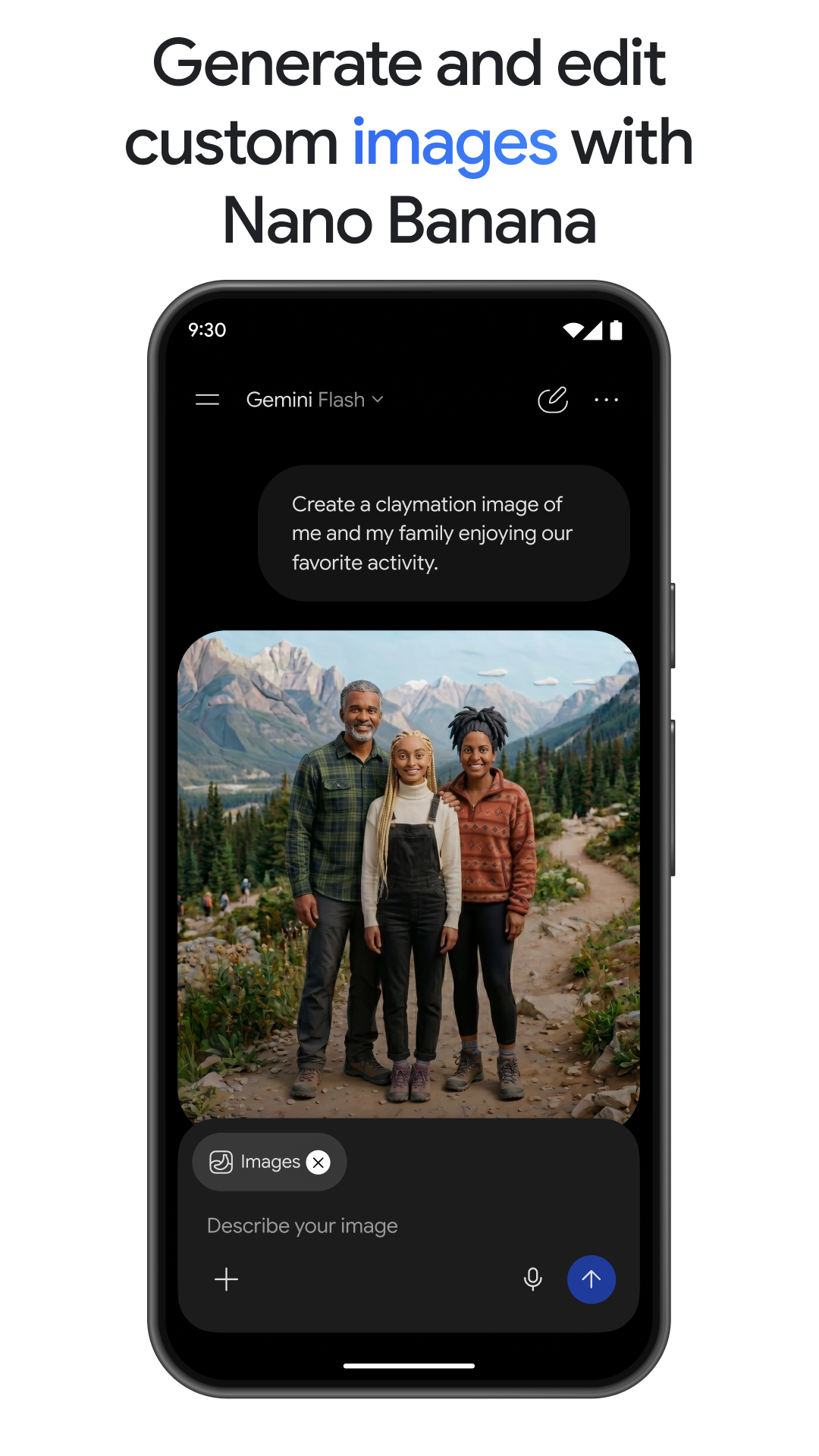
The current Gemini app supports text and voice conversations, file uploads, document and spreadsheet analysis, image generation and editing, video and audio creation on eligible plans, research workflows and interactive outputs. Gemini Live supports natural voice conversation and can use camera or screen sharing on supported devices so users can discuss what they are seeing in real time.
The app has also moved beyond plain chat responses. Google now uses richer response formats that can include images, timelines and interactive visual material. Users can turn prompts into prototypes, study materials and other artifacts, while Canvas provides a workspace for creating and refining longer outputs. Exact media-generation models and limits change frequently, so users should check the current in-app model and plan information before relying on a specific generation quota.
What are Daily Brief and Gemini Spark?
Daily Brief is a proactive Gemini experience that can assemble a morning digest from connected information such as Gmail and Calendar when the user opts in and the feature is available. It is intended to surface priorities and suggested next steps instead of waiting for a new prompt each time.
Gemini Spark is Google's more agentic personal-assistant experience. Spark can continue selected tasks in the background, work across supported connected services and handle multi-step workflows. During 2026 Google expanded Spark beyond its initial rollout, including Chrome-assisted web errands and additional connected apps. Availability still varies by subscription and geography, and Google keeps users involved for sensitive actions such as purchases or sending communications.
How do Deep Research, Gems and connected apps work?
Deep Research is designed for multi-step research rather than a quick answer. It can use Google Search by default and can incorporate additional sources such as Gmail, Drive, uploaded files and NotebookLM notebooks when the user chooses them and the account is eligible. Paid Google AI plans receive higher research limits, while all users can have access subject to current limits and age requirements.
Gems are reusable customized versions of Gemini that follow a defined set of instructions for recurring tasks. Connected apps extend the assistant into other services. Google supports connections to its own products and has been expanding third-party connections in areas such as productivity, travel, local services and entertainment. The practical value depends on permissions and on whether the connected service supports the action a user wants Gemini to perform.
How much does the Gemini app cost?
The Gemini app has a free tier, while higher limits and additional capabilities are bundled through Google AI subscriptions. Pricing checked August 23, 2026 against Google's current US Google One plan page. Google AI Plus is listed at $9.99 per month and includes 2 TB of Google One storage with higher Gemini usage than a non-AI plan. Google AI Pro is listed at $19.99 per month and includes 5 TB of storage, higher Gemini limits, Pro-model access and additional AI benefits.
Google AI Ultra remains Google's highest personal AI tier. Current Google documentation presents multiple Ultra usage levels and storage configurations, so buyers should confirm the exact Ultra option and checkout price available to their account and country instead of assuming one universal rate from older articles. Google also allows eligible Pro and Ultra users to purchase additional AI credits for supported products when included usage is exhausted. Consumer subscriptions do not replace separate Gemini API billing.
What usage limits should buyers expect?
Gemini does not use one simple unlimited-message rule. Google says the app uses compute-based limits that take account of prompt complexity, selected models, feature use and conversation length. Limits can refresh over shorter periods while also being constrained by broader weekly allowances.
Context windows also vary by plan. Google's current support documentation lists 32,000 tokens without an AI plan, 128,000 for AI Plus, and up to 1 million tokens for AI Pro and AI Ultra when working with supported Gemini app experiences. Media creation, Deep Research and advanced reasoning can have their own separate limits. This makes plan comparison more useful than treating the monthly subscription alone as the full capacity specification.
What privacy and permission issues should users review?
Gemini can become more useful when it has permission to use connected Google services, but that also increases the amount of context available to the assistant. Personal Intelligence and connected-app features are opt-in, and users can manage connected services in Gemini settings. Google documents separate privacy terms for Gemini Apps and notes that behavior differs for personal accounts, Workspace accounts and other managed environments.
Users should review activity settings, connected apps, saved information, file uploads and any background agent permissions before using Gemini with sensitive data. Organizations should use the controls and contracts associated with their managed Google environment rather than assuming consumer-account privacy settings are equivalent to enterprise governance.
Where is the Gemini app available?
Gemini is available on the web and through supported Android and iOS apps, with additional experiences on macOS, Chrome, Android Auto, Maps and other supported Google surfaces. Feature availability differs by device, language, country, age and account type. The Android app can replace Google Assistant as the primary assistant when a user opts in, although Google still documents some Assistant capabilities that may not have direct Gemini equivalents.
The app has grown rapidly: Google reported on August 11, 2026 that Gemini had surpassed one billion monthly users. That is a Google-reported adoption figure, not an independent quality benchmark, so it should be interpreted as scale rather than evidence that Gemini is the best fit for every user.
What are the Gemini app's main limitations?
Gemini can produce incorrect or incomplete answers, and advanced features remain dependent on model availability, usage limits and regional rollout. Agentic features introduce additional failure modes because an assistant may need to interpret instructions, navigate services and decide among multiple actions. Users should verify important research, financial, legal, medical or operational outputs rather than treating generated responses as authoritative.
The broad Google integration can also be unnecessary for people who want a narrowly scoped assistant. Some users may prefer a product centered on another productivity suite, another model provider, local processing, coding, research or enterprise governance.
Who should consider another AI assistant instead?
A different product may be a better fit when the main requirement is tightly integrated Microsoft 365 work, source-grounded research in a dedicated notebook, a coding-first agent, a specific third-party model, or an enterprise platform with a different data and administration model. ChatGPT, Claude, Microsoft Copilot and specialist research or coding tools are relevant comparisons depending on the workflow.
Gemini is most compelling for users who want one assistant closely connected with Google's search, productivity, Android and consumer-service ecosystem. Buyers should choose based on the actual data sources, workflows, model access, governance and usage limits they need rather than comparing only headline model names.
Reviews
No reviews yet
Nobody has reviewed Gemini app here yet.