About PowerLite L270F
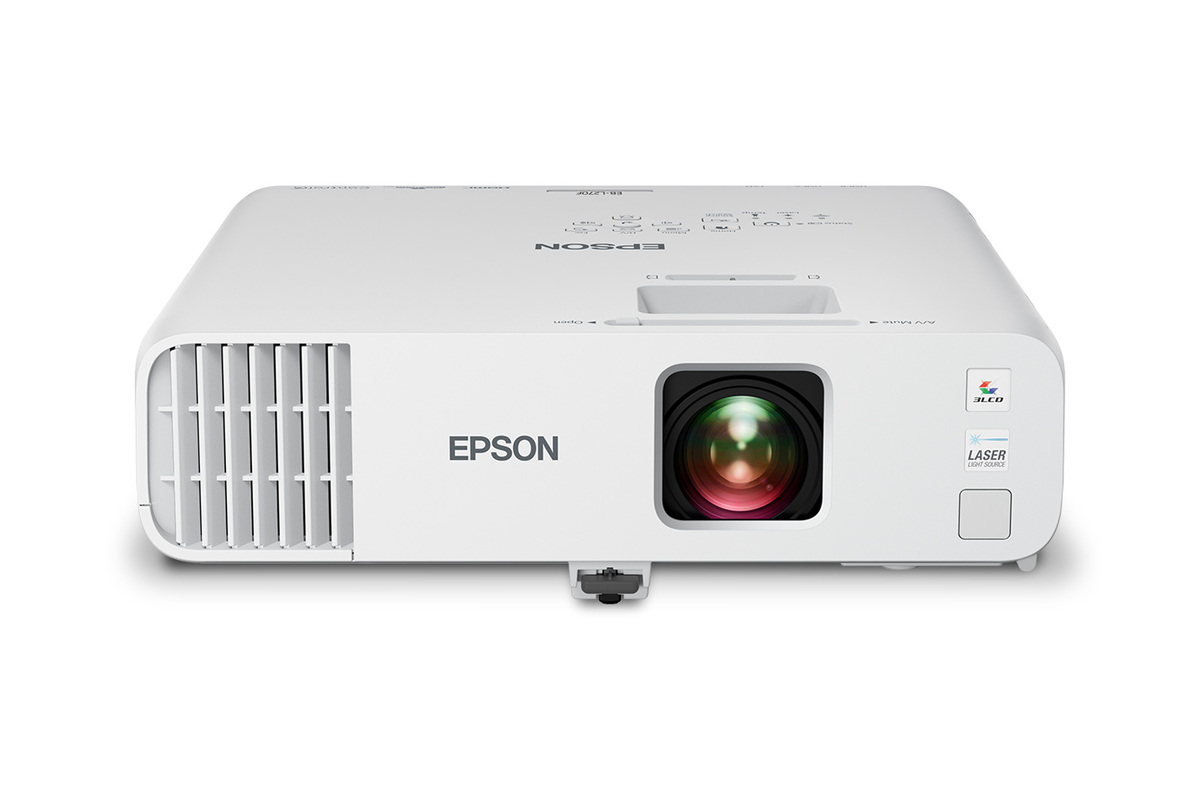
Epson PowerLite L270F is a standard-throw laser projector introduced as part of Epson's 2026 PowerLite L-Series expansion. It is built for classrooms, conference rooms and other shared spaces that need a bright Full HD image without moving into the higher cost of a 4K-enhanced model. Epson rates it at 5,200 lumens of both color and white brightness, with a solid-state laser light source and a display that can reach 310 inches. The L270F is especially relevant for organizations replacing older lamp projectors because it combines familiar installation controls with much lower light-source maintenance.
Key specifications
Picture
| Native resolution | Full HD 1080p |
|---|---|
| Display technology | 3-chip 3LCD |
Brightness
| Color brightness | 5,200 lumens |
|---|---|
| White brightness | 5,200 lumens |
Display
| Maximum image size | Up to 310 inches |
|---|---|
| Widescreen format | Up to 16:6 aspect ratio |
Light source
| Type | Solid-state laser |
|---|---|
| Rated life | Up to 30,000 hours in ECO Mode |
Lens
| Optical zoom | 1.6x |
|---|
Connectivity
| HDMI | Two HDMI inputs |
|---|
Networking
| Wired network | RJ45 Ethernet built in |
|---|---|
| Wireless | Optional wireless LAN module required |
Audio
| Speaker | Built-in 16 W speaker with Audio Out |
|---|
Management
| Fleet management | Epson Projector Management supports up to 2,000 networked projectors |
|---|
Warranty
| US limited warranty | 3 years |
|---|
Who is the PowerLite L270F designed for?
The L270F is aimed at schools, offices and organizations that need a permanent or semi-permanent projector for presentations, lessons and shared content. Its 5,200-lumen output gives it enough brightness for many rooms where some ambient light remains on during use.
It is not positioned as a home cinema projector. The emphasis is on dependable business and education features, network management, flexible installation and a large readable image rather than deep black levels, built-in streaming apps or cinema-focused HDR processing.
How large can the PowerLite L270F image get?
Epson specifies an image size up to 310 inches for the L270F. It also supports widescreen layouts up to a 16:6 aspect ratio and split-screen viewing, which can be useful for side-by-side teaching material, dashboards or meeting content.
A maximum image-size figure is not a recommendation for every room. Screen size should be chosen around viewing distance, available brightness and the content being shown. Text-heavy presentations often benefit more from a well-sized bright image than from pushing the projector to its largest possible diagonal.
What picture quality does the L270F provide?
The projector uses Epson's 3-chip 3LCD system and has native Full HD 1080p resolution. Epson also says it can accept 4K content, but buyers should understand that this is a 1080p display rather than one of the L-Series models with Epson's 4K Enhancement technology.
That makes the L270F a practical choice for presentation, education and general video use. Buyers who regularly display fine 4K detail, engineering visuals or high-resolution creative work should compare it with the L370E or L370EG before deciding.
How much maintenance does the laser light source need?
The L270F uses a solid-state laser light source, so there is no projector lamp to replace. Epson rates the light source for up to 30,000 hours in ECO Mode before brightness declines to the stated threshold under its test conditions.
That can simplify fleet ownership compared with older lamp projectors, especially in schools with many rooms. It does not mean the entire projector is maintenance-free forever. Filters and other parts can still require attention, and operating environment affects service intervals.
What installation controls are included?
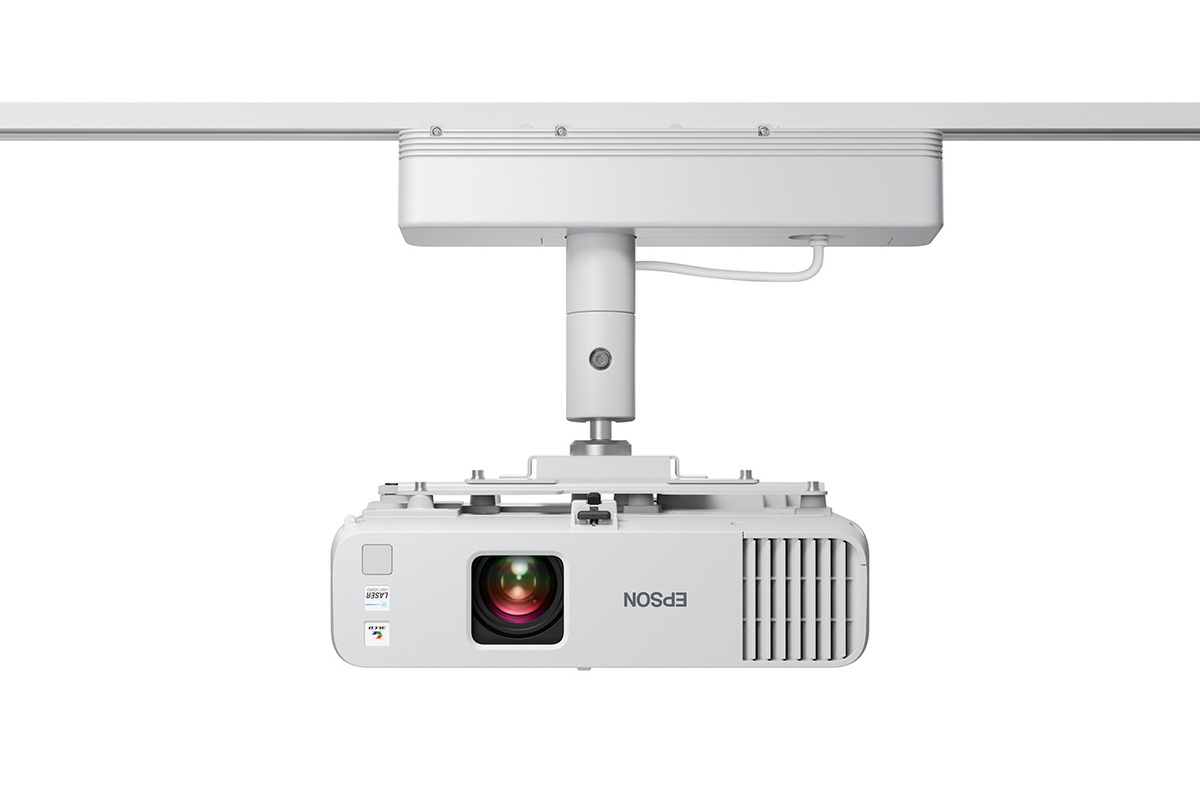
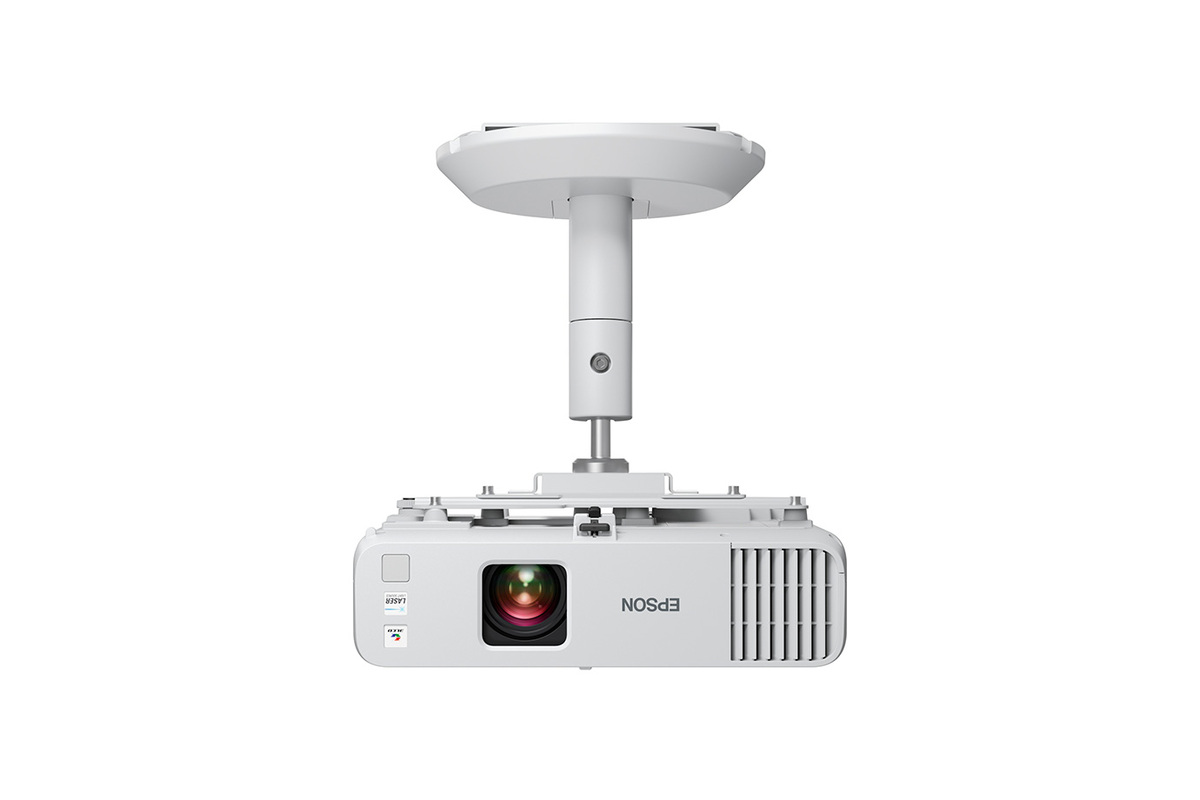
Epson gives the L270F a 1.6x optical zoom plus horizontal and vertical keystone correction and Quick Corner adjustment. These controls make it easier to replace an existing classroom or meeting-room projector without redesigning the whole installation.
The projector is standard throw, so it still needs suitable distance from the screen. For spaces where people frequently walk through the beam, or where the projector must sit close to the wall, Epson's PowerLite 700E and 800E ultra-short-throw models are more appropriate.
How does wireless casting work on the L270F?
Wired networking is built in through RJ45 Ethernet, while wireless connectivity is optional. Epson requires a separate wireless LAN module for Miracast and Epson iProjection wireless use on this model.
This distinction matters when budgeting. The L270F should not be described as having built-in Wi-Fi just because it supports wireless features. Organizations that expect every room to cast wirelessly should include the optional module in the deployment cost or consider another model with integrated wireless hardware.
What connections and audio does it provide?
The L270F includes two HDMI inputs for switching between high-definition sources and a built-in 16-watt speaker. Audio Out is also available when a room needs external speakers or an installed sound system.
For managed deployments, Epson Projector Management software can monitor and control large projector fleets over the network. Epson states support for managing up to 2,000 networked projectors, which is more relevant to schools and enterprises than consumer smart-TV features would be.
PowerLite L270F vs L370E and L370EG
The main reason to choose the L270F is value. It provides 5,200-lumen brightness and Full HD resolution for organizations that do not need Epson's 4K Enhancement. The L370E and L370EG move up the range for buyers who want higher apparent resolution and newer feature combinations.
The L270F is therefore easier to justify for standard classroom slides, video, conferencing and office presentations. If small text, detailed visualizations or premium image quality are central to the purchase, compare the higher-tier models rather than choosing only by lumen rating.
Who should buy something else instead?
Choose a PowerLite 780E, 870E or 875E if ultra-short-throw placement, very large immersive images and broader installation formats are more important. Buyers who need interactive classroom tools should look at BrightLink rather than paying for separate interaction hardware around the L270F.
Home-theater buyers should choose Epson's Home Cinema range, while people who need portable entertainment with streaming and integrated audio are better served by Lifestudio. The L270F is strongest when the requirement is straightforward: a bright, large, network-manageable Full HD laser display for work or education.
Reviews
No reviews yet
Nobody has reviewed PowerLite L270F here yet.