About BrightLink 870Ei
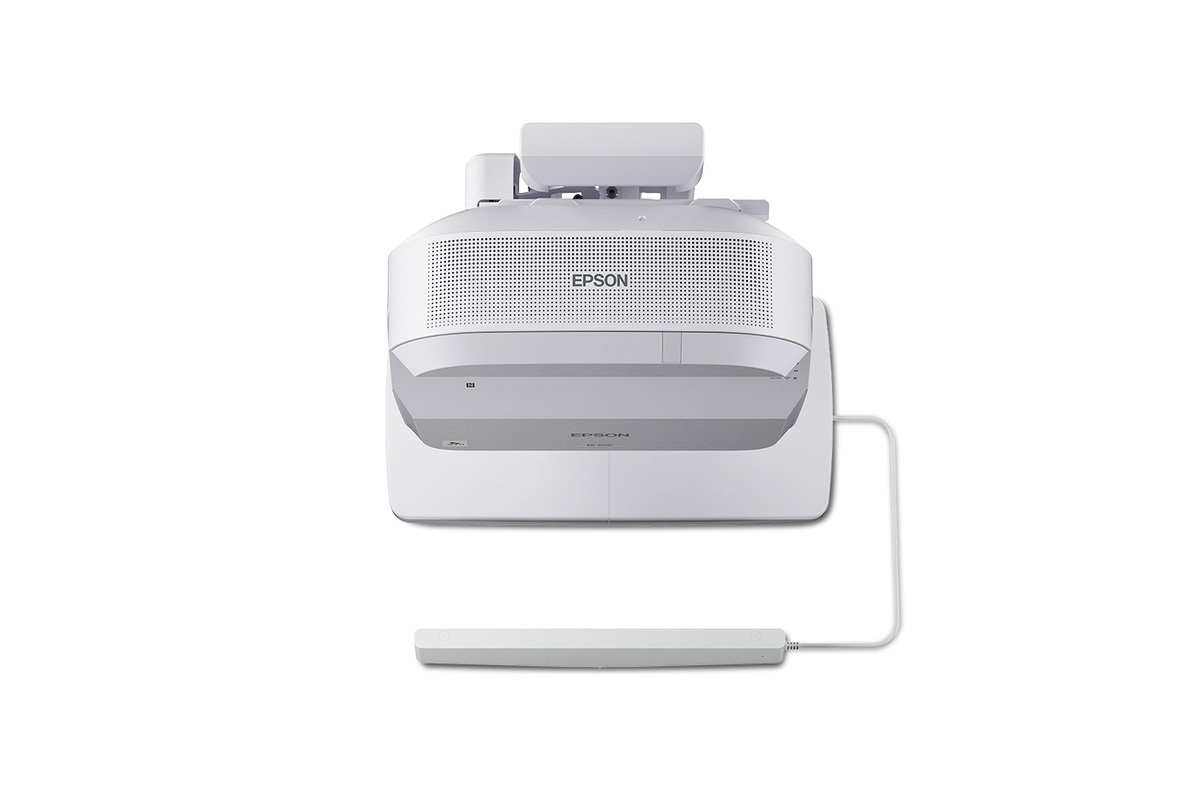
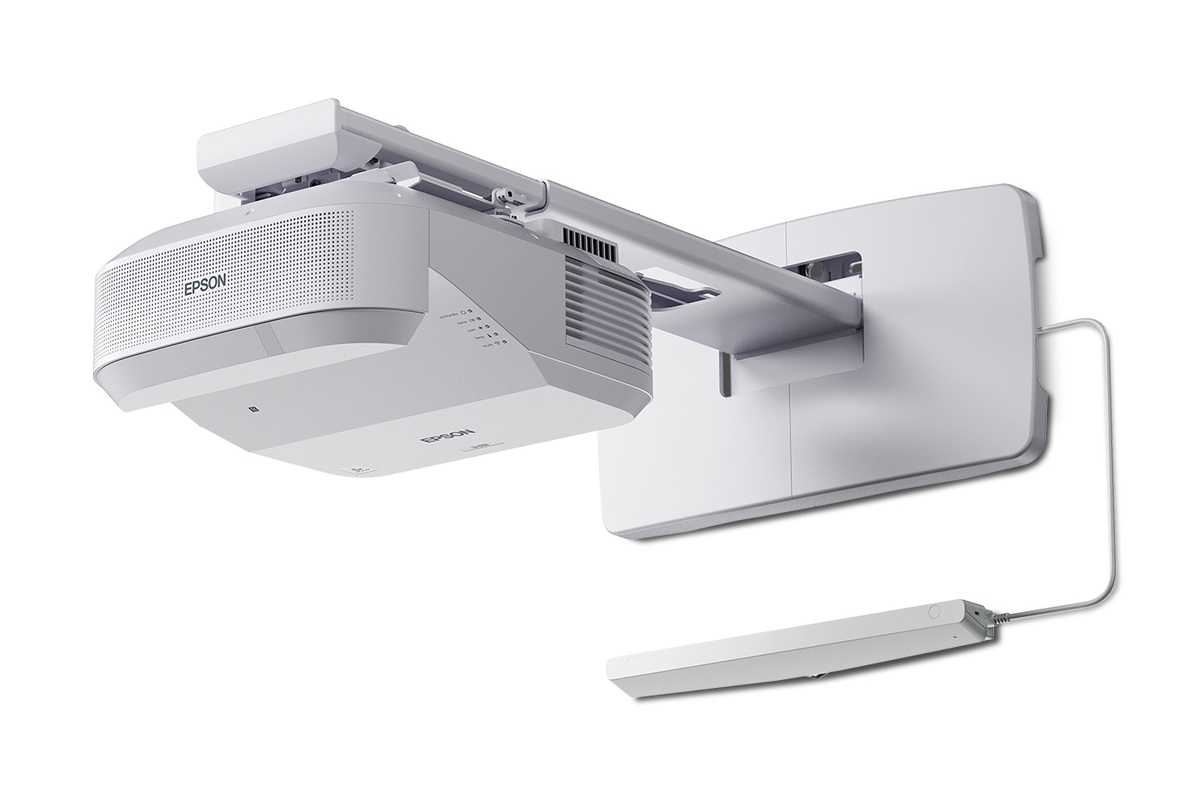
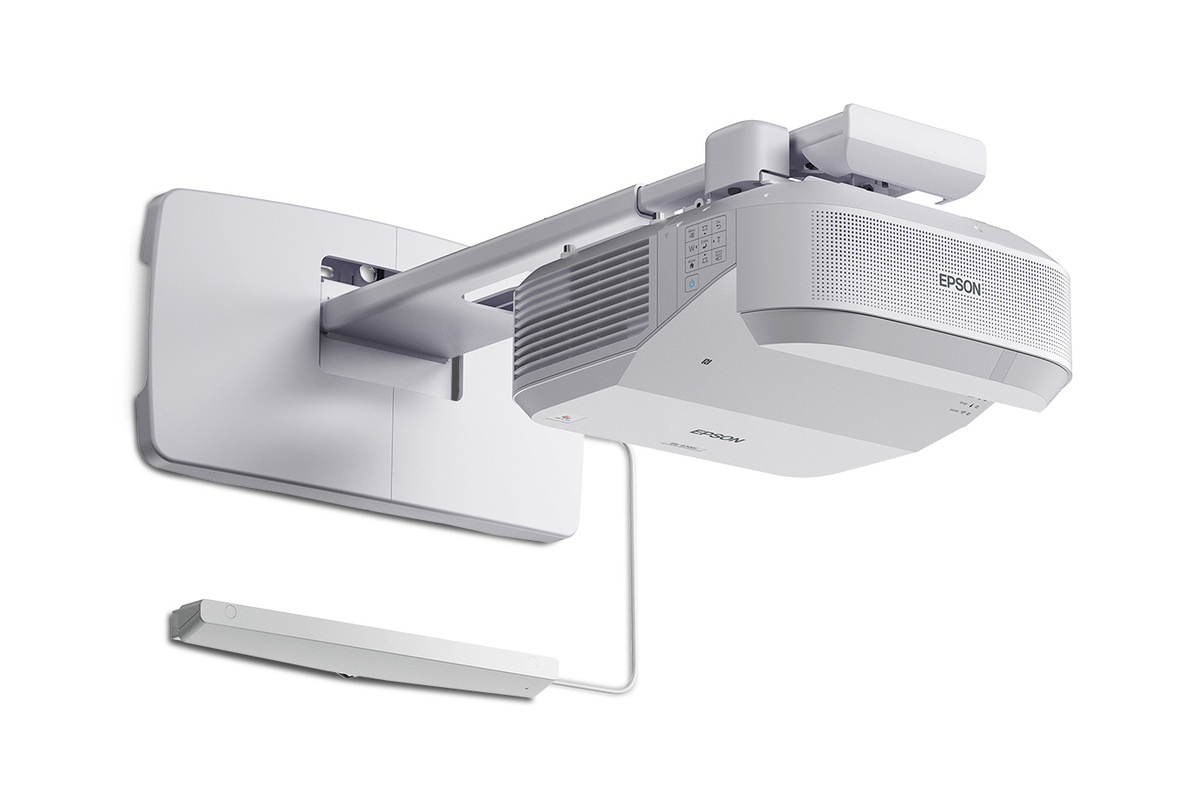
The Epson BrightLink 870Ei is an ultra-short-throw interactive display built for classrooms that need a large collaborative canvas without giving up wall space to a fixed flat panel. Epson pairs 5,000 lumens of equal color and white brightness with 4K Enhancement and a scalable image up to 130 inches. The result is aimed at teaching spaces where text clarity, visibility from across the room, annotation and flexible device sharing matter more than having a conventional television-style display.
Key specifications
Imaging
| Projection technology | 3-chip 3LCD |
|---|---|
| Color brightness | 5,000 lumens |
| White brightness | 5,000 lumens |
| Resolution technology | 4K Enhancement Technology |
Display
| Maximum interactive image size | Up to 130 inches |
|---|
Interaction
| Interactive pen | Rechargeable interactive stylus |
|---|---|
| Finger touch | Included on BrightLink 870Ei |
Connectivity
| Apple AirPlay | Supported |
|---|---|
| Miracast | Supported |
Collaboration
| Productivity compatibility | Google Workspace and Microsoft 365 |
|---|
Deployment
| Fleet configuration | NFC tag technology |
|---|
Light source
| Laser light source life | Up to 30,000 hours in long-life operation |
|---|
What makes the BrightLink 870Ei different?
The 870Ei sits at the top of Epson's new 2026 BrightLink classroom pair. Its main advantage over the 780Ei is brightness: Epson rates the 870Ei at 5,000 lumens, while the new 700-series platform is positioned at a lower brightness tier. It also includes the finger-touch module, while Epson says touch is optional on the 780Ei. That makes the 870Ei the more complete choice for schools that expect students and teachers to interact directly with the projected surface.
The projector uses Epson's 3-chip 3LCD system and 4K Enhancement Technology. Epson describes the enhancement system as delivering twice the resolution of Full HD on screen. For classrooms, that matters most with smaller text, detailed diagrams, spreadsheets and multi-window lessons rather than movie-style resolution claims.
How large is the classroom display?
Epson specifies an interactive image up to 130 inches. The company compares that with a 75-inch flat panel and notes that the BrightLink image provides substantially more visible working area. Because it is ultra short throw, the projector is installed close to the wall rather than at the back of the room. This helps reduce the shadows and direct projector glare that can make conventional classroom projection awkward during board work.
A scalable projected image also gives schools more freedom when room sizes differ. The tradeoff is that projection still depends on the installation surface, room layout and alignment. A purpose-built screen or suitable wall remains important when image uniformity is a priority.
How does interaction and collaboration work?
The 870Ei is designed as an interactive teaching system rather than simply a projector with a bright image. Epson includes a newly designed rechargeable interactive stylus and finger-touch capability. Teachers can annotate content and use the display with common productivity environments including Google Workspace and Microsoft 365.
Epson Classroom Connect adds another useful layer for mixed-device classrooms. Epson says the software can support up to 50 connected devices, with moderator controls allowing content from up to four devices to be displayed at once. With supported BrightLink models, teachers can annotate displayed material and save files locally or to services including OneDrive and Google Drive.
What wireless and device options are included?
Epson lists Apple AirPlay and Miracast support for straightforward casting from compatible devices. The wider 2026 BrightLink platform is intended to work across PCs, Macs, Chromebooks and iOS devices through Epson's classroom software. This can be useful in schools where students bring different device types and teachers do not want every lesson to depend on an HDMI cable.
The redesigned control setup also includes USB-C connectivity and convenient PC charging, according to Epson's 2026 education showcase. For IT teams managing many rooms, Epson adds NFC-based configuration and its Setting Assistant tools to reduce repetitive setup work.
What should schools know about maintenance and installation?
Epson rates the laser light source for up to 30,000 hours in its long-life operating mode, which removes routine lamp replacement from normal classroom maintenance. Epson also promotes a one-person mounting approach and NFC configuration for fleet deployment. Those details matter more in a district with dozens or hundreds of rooms than they do for a single installation.
Schools replacing selected older Epson ultra-short-throw models can also consider Epson's ELPPT10 replacement adapter. Epson says it is designed for upgrades from models including the BrightLink 1480Fi and 1485Fi series to the new BrightLink 780Ei and 870Ei, reducing the need to reposition an existing wall plate.
BrightLink 870Ei vs BrightLink 780Ei
Both 2026 models provide 4K Enhancement, interactive images up to 130 inches, rechargeable pen interaction and the same general classroom collaboration direction. The 870Ei is the stronger fit when the room needs the 5,000-lumen brightness tier or when built-in finger touch is important. The 780Ei is worth considering where those extras are not required and the school wants to stay within the same current BrightLink generation.
This distinction is useful because buying the highest model for every classroom can waste budget. A smaller or more controlled-light room may not benefit enough from the 870Ei's additional capability to justify standardizing on it.
Who should buy something else?
A conventional commercial flat panel may be better for a small meeting room where users want television-like operation, do not need a 100-inch-plus image and prefer a display with no projection surface considerations. A non-interactive PowerLite 780E or 870E is a better match when the goal is a large ultra-short-throw image but pen and touch collaboration are unnecessary.
For auditoriums, gyms and large venues, the BrightLink 870Ei is not the right class of projector. Epson's higher-output PowerLite and professional large-venue ranges are designed for longer throws, larger spaces and more demanding installation requirements. The 870Ei makes the most sense when interactivity is central to the room rather than an occasional extra.
Is the BrightLink 870Ei a good fit in 2026?
For schools refreshing interactive classrooms in 2026, the 870Ei is one of Epson's most current education-focused display options. It combines the large-image advantage of ultra-short-throw projection with a modern connectivity set and classroom-specific interaction tools. Epson showcased the model at ISTELive 26 and InfoComm 2026, and it received multiple industry awards during the summer.
The strongest reason to choose it is not simply brightness or resolution. It is the combination of a large 130-inch interactive canvas, 5,000-lumen output, finger and pen input, wireless casting and tools intended for managed classroom fleets. Schools that will use those capabilities regularly can make a stronger case for it than buyers who only need a screen for occasional presentations.
Reviews
No reviews yet
Nobody has reviewed BrightLink 870Ei here yet.