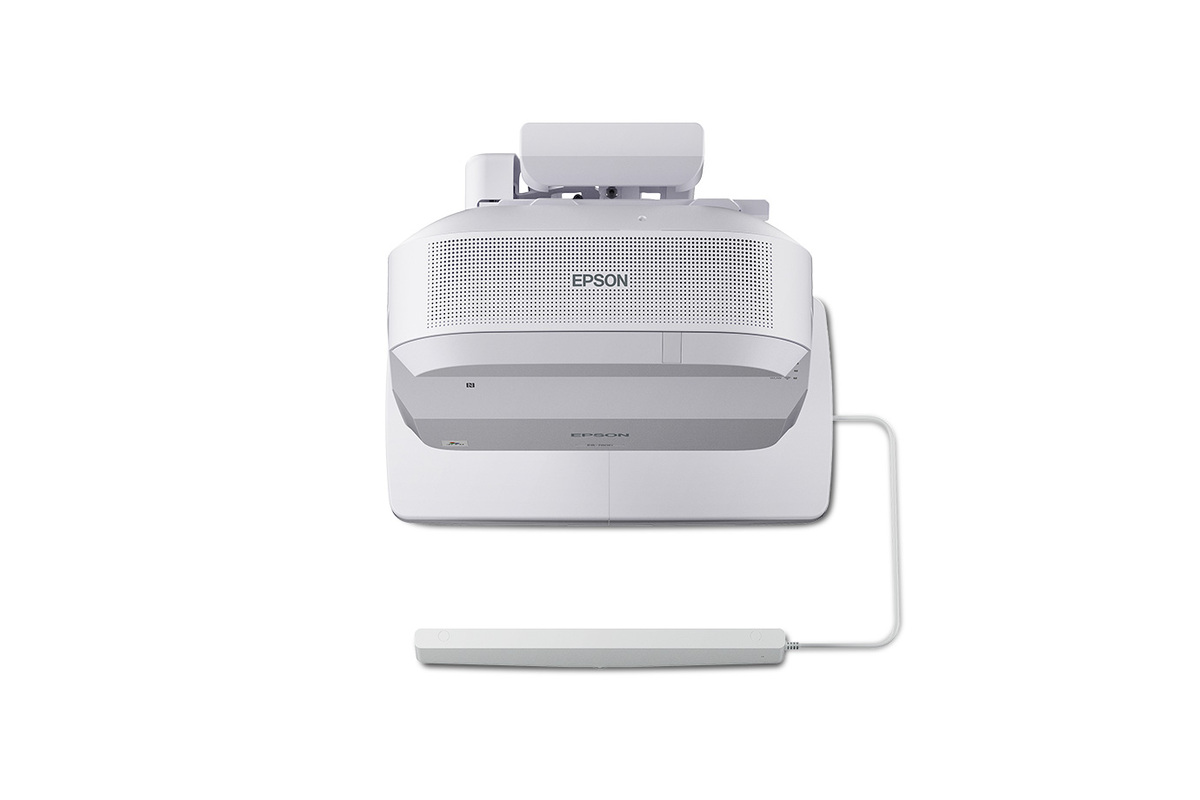
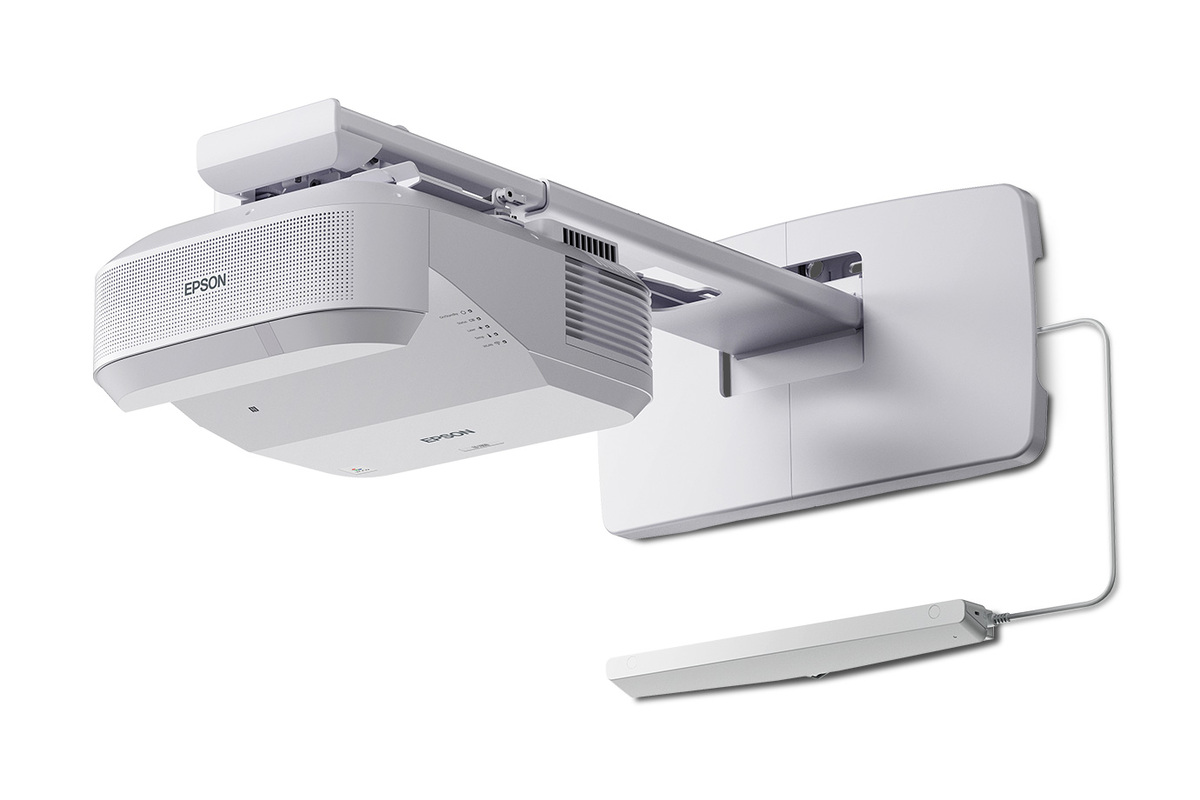
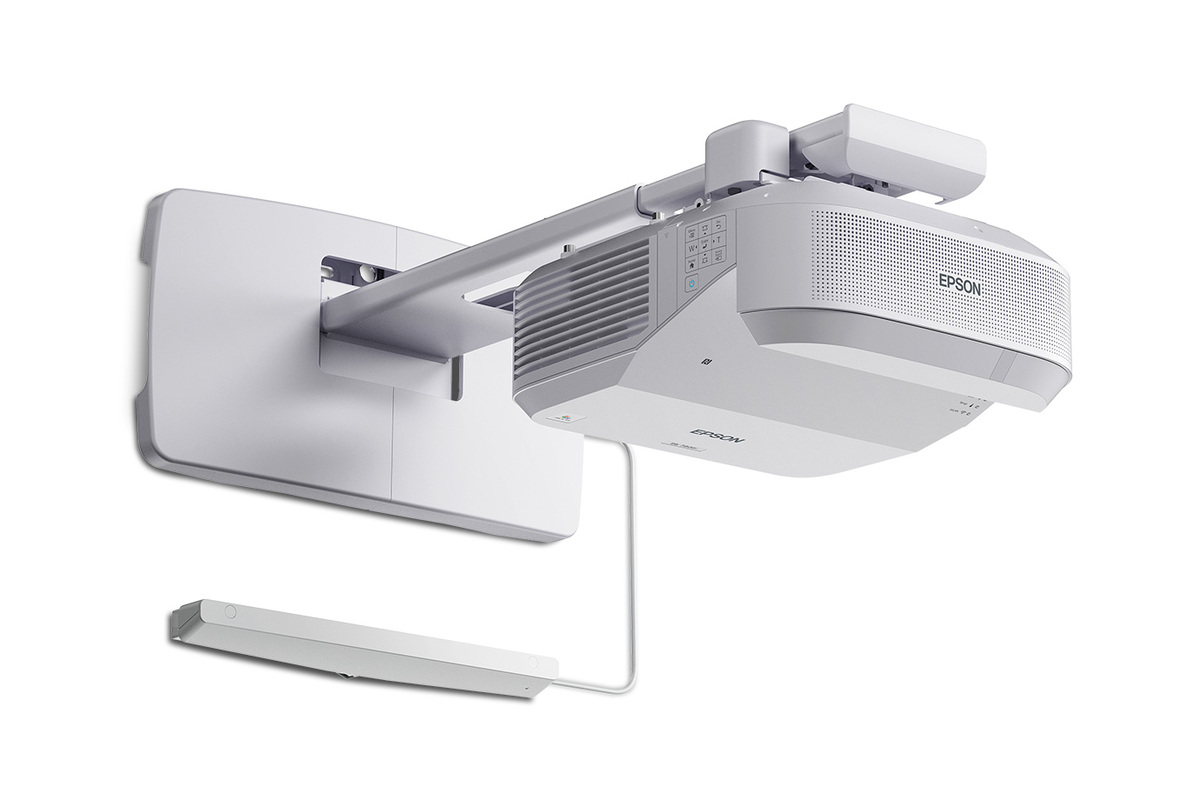
About BrightLink 780Ei
The Epson BrightLink 780Ei is an ultra short throw interactive display built for classrooms that need a large collaborative canvas without moving to a fixed flat panel. Introduced in Epson's May 2026 classroom and business projector refresh, it combines 4K Enhancement, 4,200 lumens of equal color and white brightness, 3-chip 3LCD imaging and an interactive image that can scale up to 130 inches. It sits below the brighter BrightLink 870Ei in Epson's current interactive range and is the more natural choice when 4,200 lumens is sufficient and schools do not need the 870Ei's included finger touch module. Its mix of scalable projection, wireless sharing and education-focused interaction makes it particularly relevant to schools replacing older interactive projectors while keeping a familiar wall-based teaching workflow.
Key specifications
Image
| Color brightness | 4,200 lumens |
|---|---|
| White brightness | 4,200 lumens |
| Projection technology | 3-chip 3LCD |
| Resolution technology | 4K Enhancement; twice the resolution of Full HD on screen |
Display
| Maximum interactive image size | Up to 130 inches |
|---|
Installation
| Throw type | Ultra short throw |
|---|
Interaction
| Interactive pen | Rechargeable interactive pen included |
|---|---|
| Finger touch | Supported with optional finger touch module |
Collaboration
| Productivity compatibility | Google Workspace and Microsoft 365 |
|---|
Wireless
| Casting | Apple AirPlay and Miracast support |
|---|
Management
| Configuration | Epson Setting Assistant app and NFC tag technology |
|---|
Light source
| Normal Mode life | Up to 20,000 hours |
|---|---|
| Extended Mode life | Up to 30,000 hours |
What makes the BrightLink 780Ei useful in a classroom?
The 780Ei is designed around visibility and participation. Epson says its image can reach 130 inches, giving a class substantially more display area than a common 75-inch panel. Because it is ultra short throw, the projector mounts close to the wall rather than sending light across the room from a distant ceiling position.
Its 4,200 lumens of color and white brightness are intended to keep lesson material readable in normal classroom conditions. Epson uses 3-chip 3LCD technology, so color and white brightness are rated equally rather than relying on a single-chip color wheel design.
How sharp is the 780Ei image?
Epson equips the 780Ei with 4K Enhancement Technology, which shifts pixels to produce twice the resolution of Full HD on screen. That is useful for classrooms showing detailed diagrams, spreadsheets, browser text and presentation material where readability matters across a large projected surface.
Buyers should understand the wording correctly: Epson describes this as 4K Enhancement, not a native 4K imaging panel. The practical benefit is increased displayed detail over Full HD while retaining Epson's 3LCD projection architecture.
How does interaction and annotation work?
The BrightLink 780Ei includes a rechargeable interactive pen for writing and annotation. Epson also supports touch functionality, but the finger touch module is optional on the 780Ei. That differs from the BrightLink 870Ei, where Epson includes the finger touch module.
This distinction matters when budgeting a classroom rollout. A school that primarily expects teachers to annotate with the supplied stylus may not need the extra touch hardware. A deployment that expects frequent finger-driven interaction should account for the optional module or compare the total installed cost with the 870Ei.
What wireless sharing options are available?
The 780Ei supports Apple AirPlay and Miracast, helping teachers and students share compatible device screens without making a wired HDMI connection the default workflow. It is also designed to work with Google Workspace and Microsoft 365 environments.
Epson Classroom Connect extends the collaboration side of the system. Epson says the software can support up to 50 connected devices with moderator control and can show content from up to four devices at once. With supported BrightLink 700 and 800 Series models, users can annotate and save material locally or to services including OneDrive and Google Drive.
How difficult is installation and fleet management?
Epson designed the 2026 BrightLink generation with school-wide deployment in mind. The 780Ei supports the Epson Setting Assistant app and NFC configuration, which can reduce repetitive setup work when an IT team is installing or maintaining multiple units.
The laser light source is another operational advantage. Epson rates it for up to 30,000 hours in Extended Mode or 20,000 hours in Normal Mode before brightness is expected to fall to half of its initial level under Epson's stated test conditions. Other components can still require service sooner, so this should not be read as a blanket 30,000-hour maintenance guarantee.
BrightLink 780Ei vs BrightLink 870Ei
The most important difference is brightness. The 780Ei is rated at 4,200 lumens, while the 870Ei reaches 5,000 lumens. Both offer 4K Enhancement and interactive images up to 130 inches. Epson includes the finger touch module with the 870Ei but makes it optional for the 780Ei.
Choose the 780Ei when its brightness is adequate for the room and pen interaction covers the core requirement. The 870Ei deserves the extra consideration in brighter spaces, where the additional output provides more headroom, or when included finger touch is important to the planned classroom workflow.
Who should buy something else?
Schools that do not need annotation or interaction should compare Epson's PowerLite 780E instead. It belongs to the same 2026 ultra short throw generation but removes the interactive focus and can produce images up to 180 inches, making it better aligned with large non-interactive presentation or immersive-display use.
A fixed interactive flat panel can also make more sense in smaller rooms where a very large image is unnecessary, the wall is unsuitable for projection, or the buyer prefers a self-contained panel installation. For auditoriums and large venues, BrightLink is the wrong Epson family entirely; a higher-brightness professional PowerLite or large-venue model is more appropriate.
Reviews
No reviews yet
Nobody has reviewed BrightLink 780Ei here yet.