About Zapier Agents
Zapier Agents is Zapier's AI-agent product for delegating multi-step work across connected business applications and knowledge sources. Users describe a job in natural language, connect the apps and data an agent is allowed to use, configure triggers and tools, then test and publish the agent. This page focuses on Zapier Agents itself: how it works, current pricing, activity limits, governance, practical trade-offs and alternatives.
What can Zapier Agents do?
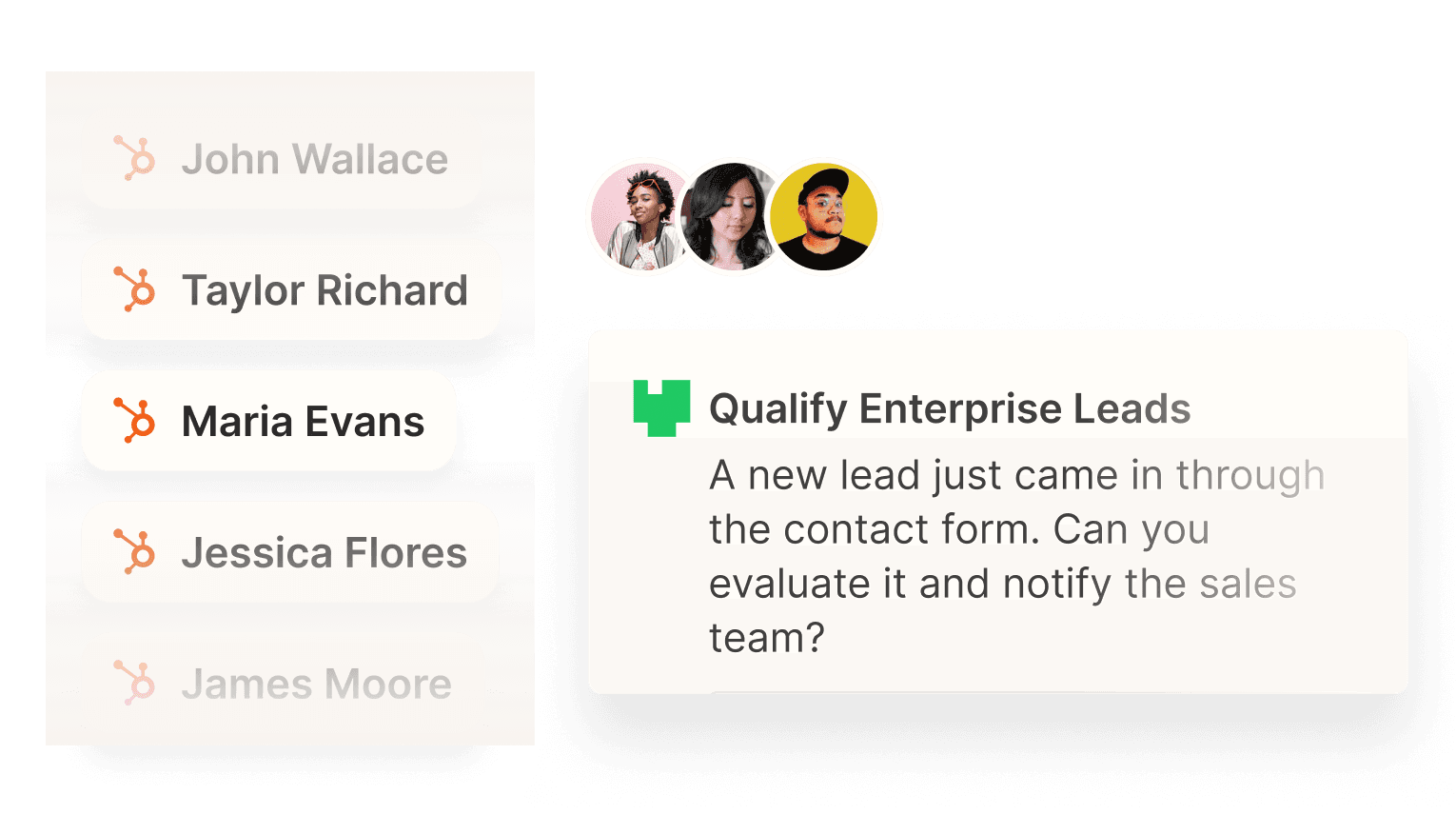
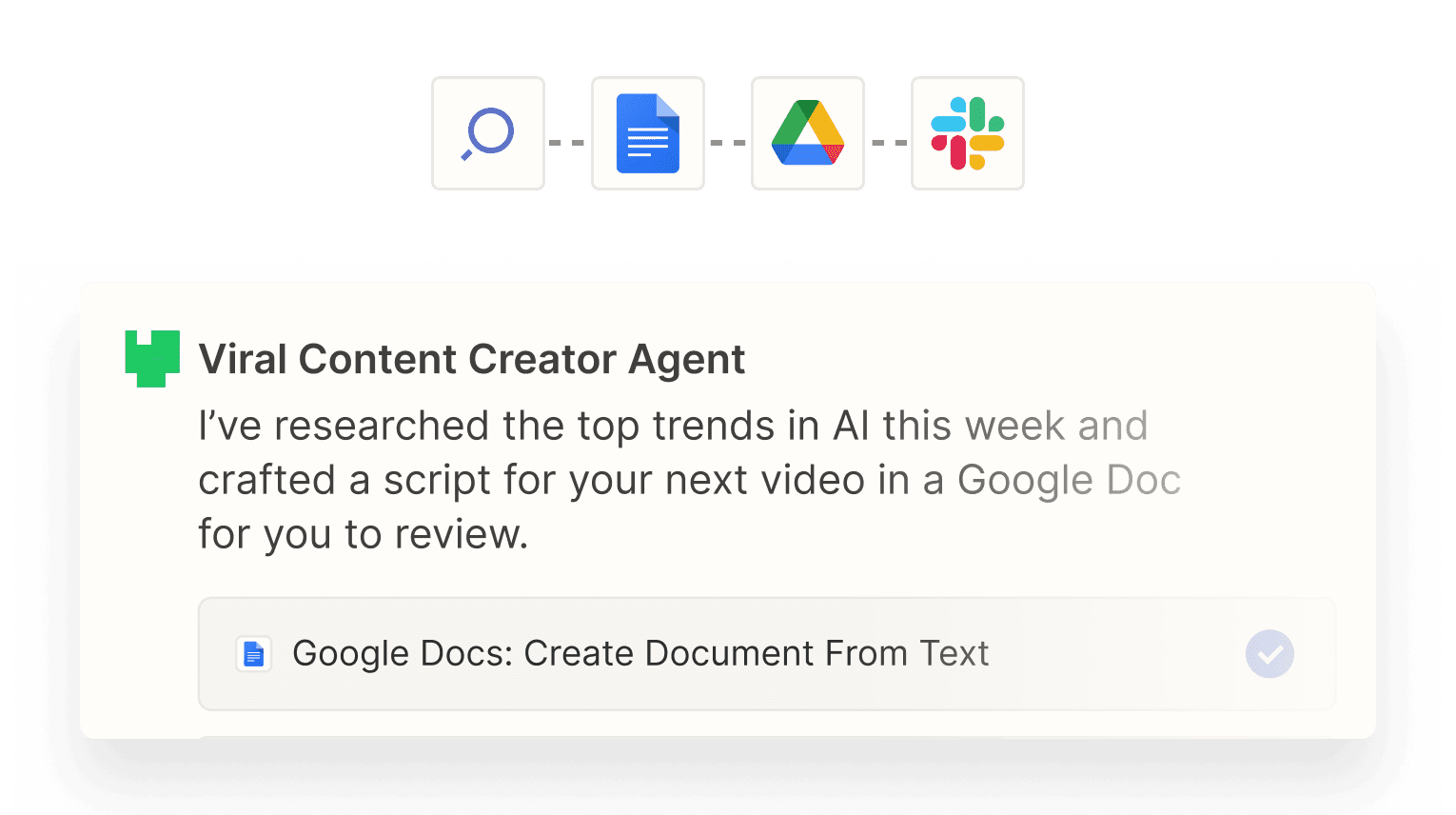
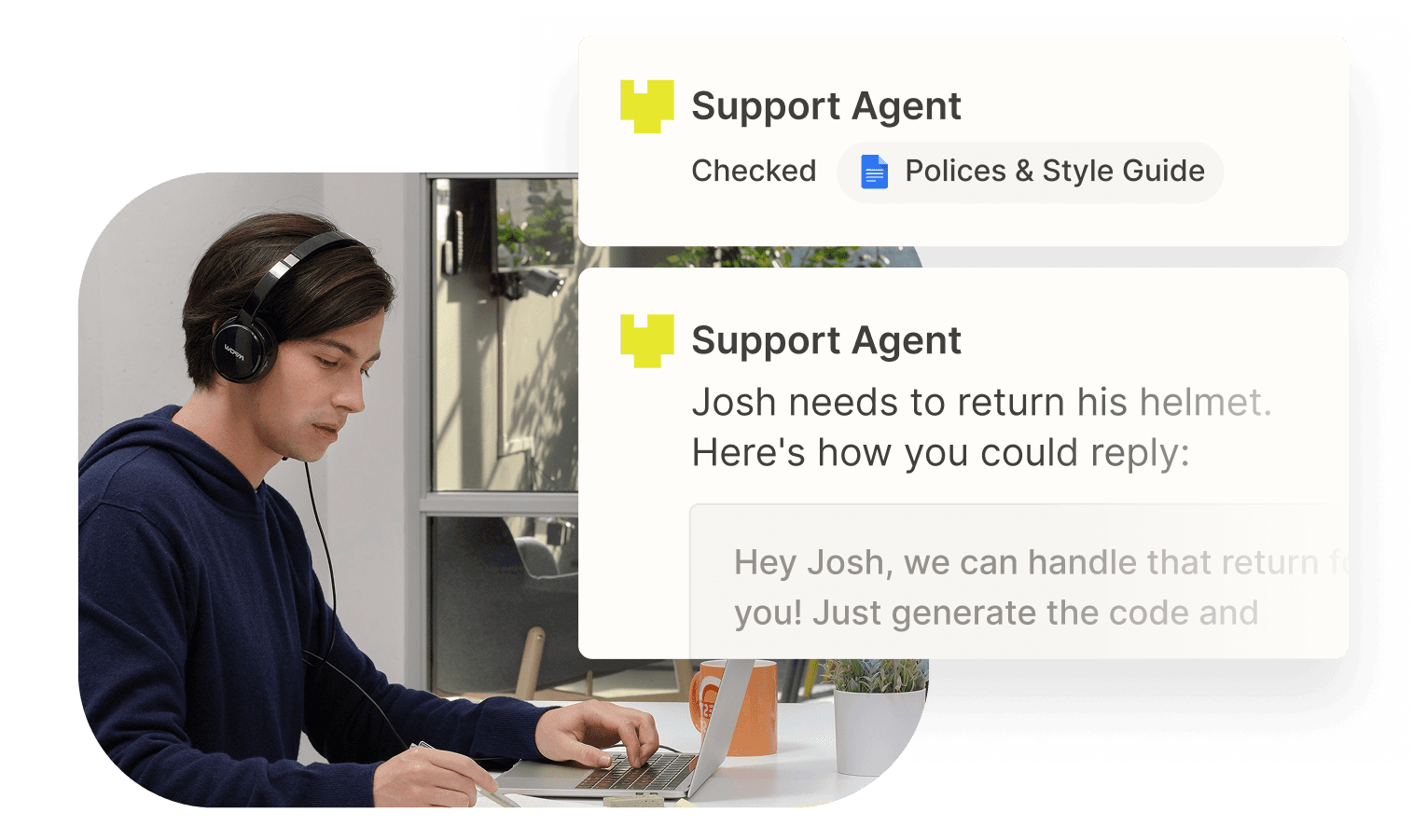
Zapier Agents can perform work on demand or in response to configured triggers. An agent can search connected knowledge, browse the web, read data from supported applications and take actions through Zapier's integration catalogue. Current examples include researching and enriching leads, preparing meeting briefs, drafting support replies, monitoring pull requests, classifying expenses and creating content workflows.
The key difference from a normal chatbot is action-taking. A chatbot may answer a question, while an agent can be configured to use tools that change data or trigger work in connected apps. Zapier currently advertises access to more than 9,000 apps, but buyers should verify the exact actions available for the systems they rely on because connector depth varies by application.
How do you build and publish an agent?
A user can start from a blank agent or a template. The setup flow asks for instructions describing the trigger, the job and the applications the agent should use. After the first draft is created, the user connects accounts, chooses actions, adds knowledge sources and tests the agent before publishing it.
Zapier Copilot can assist with configuration changes and troubleshooting. Once published, an agent can run according to its trigger or interact with a user through chat. Zapier also documents a Chrome extension for interacting with agents. The product is therefore designed for business users who want more control than a one-off AI prompt but do not necessarily want to build an agent framework from code.
How do Zapier Agents use apps and knowledge?
Agents can use app actions as tools. Zapier's current documentation separates actions that search or retrieve data from actions that change data, which helps administrators think about read and write permissions separately. Knowledge sources can provide reference information that an agent can search while completing a task.
This architecture makes connection design important. An agent should receive only the tools and data needed for its job. Giving a broad agent unnecessary write access increases the consequences of a mistaken action. Zapier's own best-practice guidance recommends keeping agents focused, writing detailed instructions, using knowledge sources deliberately and testing before deployment.
How much does Zapier Agents cost in August 2026?
Pricing checked on August 22, 2026 against Zapier's current official pricing and help documentation. Agents Free costs $0 and includes 400 activities per month. Agents Pro is listed at $400 billed annually, equivalent to $33.33 per month, and includes 1,500 activities per month. Zapier also lists an Enterprise tier with custom activity allowances and enterprise controls; buyers should confirm current availability and commercial terms directly with Zapier because enterprise packaging has been evolving.
Agents is metered separately from ordinary Zap tasks. Paying for a Zapier Professional, Team or Enterprise automation plan does not mean agent activity is unlimited. Teams evaluating Agents should estimate activity consumption in addition to their core Zapier task volume.
What counts as an activity?
Zapier measures Agents usage in activities. Current documentation counts actions such as sending a message through the Chrome extension, using a trigger, searching a knowledge source, searching the web and running an action that adds information to a knowledge source. Free includes 400 activities per month and Pro includes 1,500.
Zapier also limits the number of activities a single agent run can consume. Current documentation lists 10 activities per run on Free and 40 on Pro, with similar safeguards on higher tiers. These limits matter for long autonomous tasks because one complicated request may require several searches and actions rather than one billable event.
How do Agents work with normal Zap workflows?
Zapier lets a Zap trigger an agent. A conventional Zap can detect a known business event, then use a Run Agent action so the agent handles the part of the process that requires interpretation or tool selection. This hybrid model can be more reliable than making the entire process agentic.
For example, a deterministic Zap can ensure that every qualified form submission reaches the same handoff point, while an agent researches the prospect and prepares a recommendation. Teams should keep predictable steps deterministic when possible and use an agent where reasoning genuinely adds value.
What are the main limitations and risks?
Agent output is not deterministic. The same instructions can produce different decisions or wording, especially when web content, changing application data or generative models are involved. Zapier explicitly recommends thorough testing and narrowly scoped instructions. Business-critical workflows should include monitoring and human review where an incorrect action would have meaningful consequences.
Usage economics can also be less predictable than a fixed workflow because research and tool use consume multiple activities. Connector permissions require careful review, and external APIs can change independently of Zapier. Agents also are not the same as embeddable customer-facing chatbots; Zapier directs that use case to Zapier Chatbots.
How does Zapier Agents compare with alternatives?
Zapier Agents is strongest when a team already uses many SaaS applications and wants agents to act across them without building each integration from scratch. Its large connector catalogue can reduce integration effort compared with a custom agent stack.
Microsoft Copilot Studio may be a better fit for organizations deeply standardized on Microsoft systems and governance. OpenAI, Anthropic and Google agent tooling can offer more direct model-level control for development teams. n8n can appeal to teams that want greater workflow-hosting flexibility, while Make offers another visual automation approach. The right choice depends on required integrations, governance, model control, hosting expectations and usage economics.
Who should consider another product instead?
A team should consider another approach if its process is completely deterministic, because a normal Zap or workflow engine may be simpler to monitor and cheaper to run. Organizations with strict requirements for self-hosting, model-level controls or custom agent infrastructure may prefer developer-oriented frameworks or automation products with deployment options that better match those requirements.
Zapier Agents makes the most sense when interpretation and action-taking are genuinely needed across several connected business tools. Using an agent for a task that could be handled by a simple rule can add unnecessary variability, cost and governance work.
Reviews
No reviews yet
Nobody has reviewed Zapier Agents here yet.