About Slack
Slack is Salesforce's collaboration and work software for channels, direct messages, external collaboration, huddles, canvases, lists, workflow automation, integrations, enterprise search and AI-assisted work. Salesforce completed its acquisition of Slack in July 2021, so Brandligo now files Slack directly under Salesforce. This page focuses on the Slack product, including current plans, AI capabilities, automation, governance, limitations and alternatives.
What it does
Collaboration
| Channels and messaging | Channels, direct messages and Slack Connect external collaboration |
|---|
Meetings
| Huddles | Audio and video meetings with screen sharing |
|---|
Work management
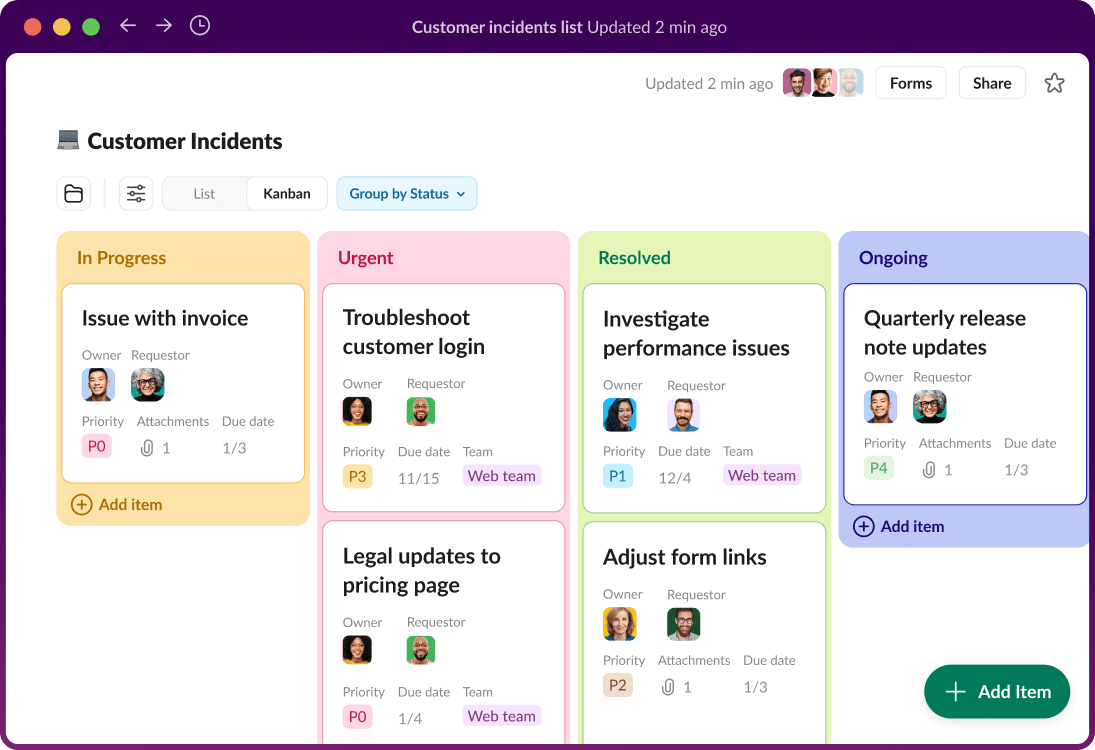
| Canvases and Lists | Shared working documents and lightweight task tracking |
|---|
Automation
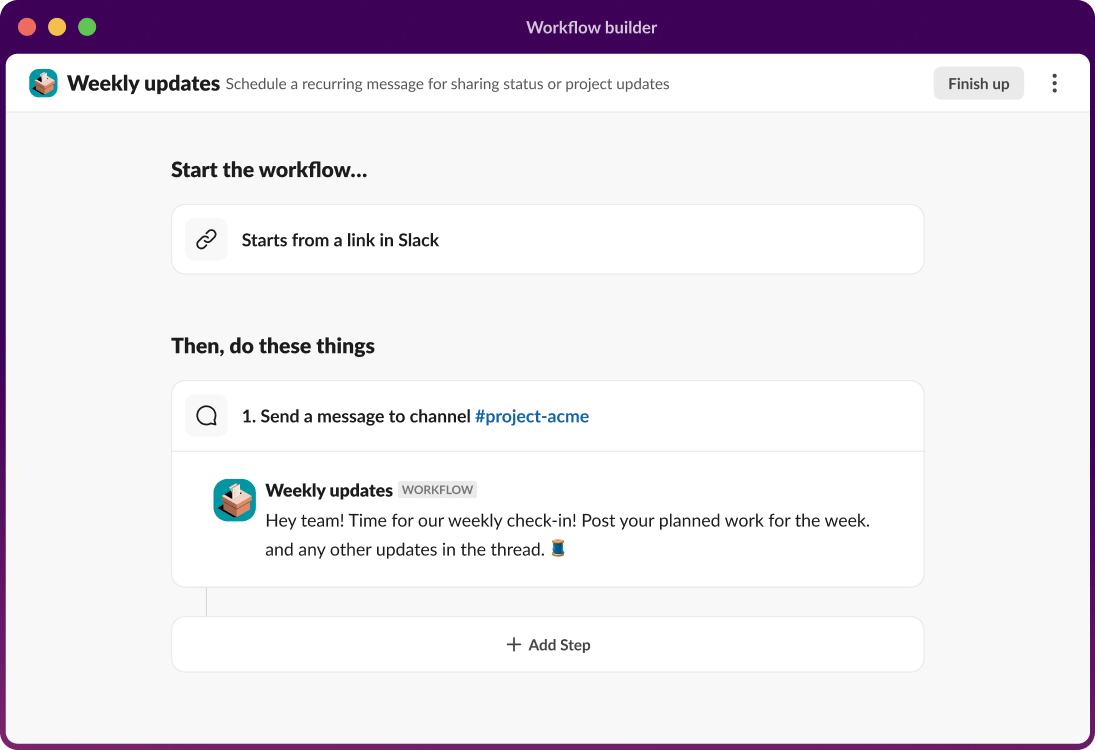
| Workflow Builder | No-code workflow automation with app and AI steps |
|---|
Pricing
| Pro | $7.25 USD per user per month on the current US pricing page, checked September 8, 2026 |
|---|---|
| Business+ | $15 USD per user per month on the current US pricing page, checked September 8, 2026 |
Enterprise
| Enterprise+ | Contact-sales pricing with broader governance and enterprise search |
|---|
What can teams do in Slack beyond messaging?
Slack centers on channels and direct messages, but it also supports meetings, lightweight documentation, task coordination and automation. Channels organize work by team, project or topic. Slack Connect lets approved external organizations collaborate in shared conversations. Huddles provide audio and video meetings, while clips support asynchronous updates.
Canvases provide shared working documents and Lists add structured task tracking. These tools can reduce the number of separate utilities a team needs for simple coordination, although complex project portfolios, resource planning or formal documentation may still belong in specialist systems.
How does Slack fit into Salesforce?
Salesforce completed its acquisition of Slack Technologies on July 21, 2021. Salesforce now presents Slack as a work surface that connects people, Salesforce applications, business data, apps and AI agents. Current Salesforce pages describe Slack as a front door to Salesforce while continuing to market Slack as its own software product.
This ownership does not mean every Slack workflow requires Salesforce CRM. Slack still integrates with many third-party systems and can be used as a collaboration product on its own. Buyers should decide how much value they expect from Salesforce-specific integrations before treating ownership as a purchasing advantage.
How does Slack use AI in 2026?
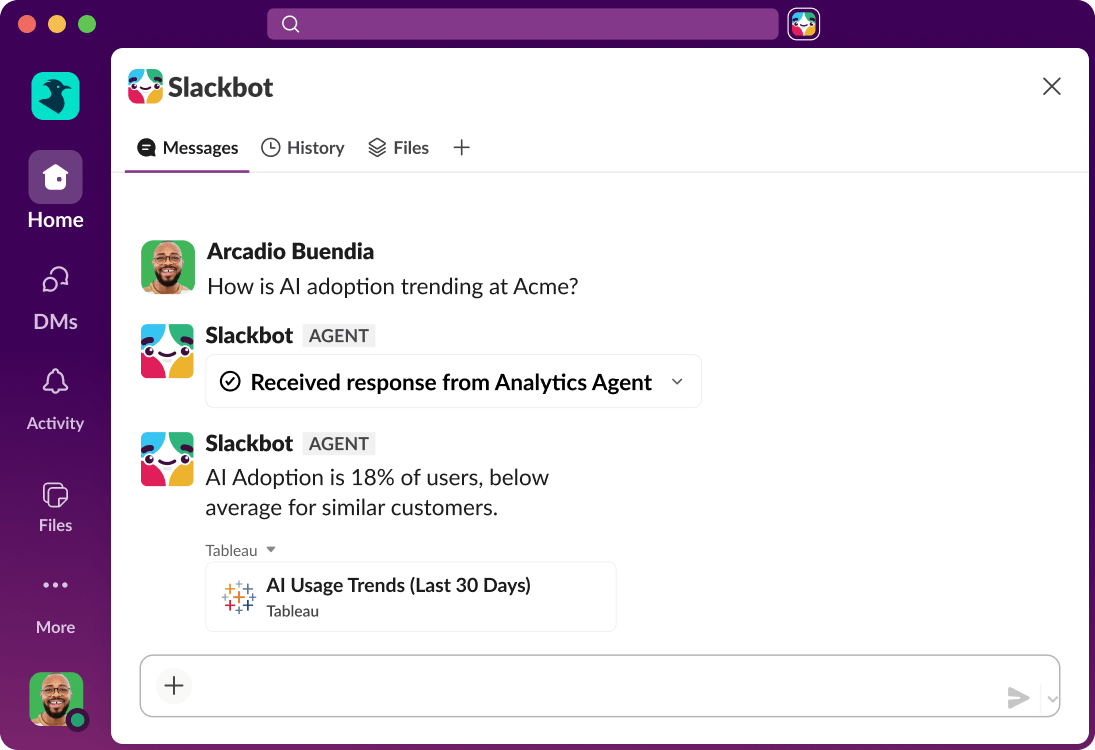
AI is integrated into Slack's current paid-plan experience. Salesforce highlights Slackbot as a personal AI agent for work, along with thread and channel summaries, huddle notes, AI-assisted workflow generation, AI search and enterprise search depending on plan.
AI usefulness depends on permissions and source quality. Teams should review what Slackbot, connected apps and agents are allowed to access, how enterprise search reaches external systems and which actions require human confirmation.
How much does Slack cost in September 2026?
Pricing checked on September 8, 2026 against Salesforce's current US Slack pricing page. Slack Pro is listed at $7.25 per user per month and Business+ at $15 per user per month. Enterprise+ uses contact-sales pricing. Salesforce also continues to offer a Free plan.
The plan table changes the available AI, Salesforce, automation, security, compliance and administration features by tier. Large organizations should compare the complete contract and expected active membership rather than treating the lowest visible seat price as total cost.
What changes between the main Slack plans?
Pro is aimed at teams that need broader collaboration and automation than the Free plan. Business+ adds more advanced AI, Salesforce functionality, identity and administration capabilities. Enterprise+ is designed for organizations that need broader governance, enterprise search, compliance controls and large-scale workspace administration.
Specific entitlements can change, so buyers should use the current Salesforce pricing table when making a purchase rather than relying on older descriptions of Slack AI add-ons or Enterprise Grid packaging.
What integrations and automations does Slack support?
Slack supports a large ecosystem of apps and custom integrations. Workflow Builder provides no-code automation, while APIs, SDKs and developer tools support custom apps and agent experiences. These platform capabilities are part of the Slack product ecosystem and do not require a separate Brandligo brand record.
Organizations should govern app permissions, authentication, data access and ownership of custom workflows. Slack can be an effective coordination layer, but critical records should still have a clearly defined system of record.
What are Slack's main limitations?
Slack can create information overload when communication norms are weak. High message volume, notification fatigue and fragmented decisions can make important work harder to find. Search, canvases, lists and summaries help, but they do not replace disciplined channel structure and documentation practices.
Cost can also rise with headcount and higher plans. A large integration footprint adds administration and security work, and some organizations may not want messaging to become the main interface for project tracking, knowledge and automated actions.
How does Slack compare with alternatives?
Microsoft Teams can be a strong fit for organizations already standardized on Microsoft 365 and Entra ID. Google Chat may suit teams centered on Google Workspace. Mattermost can appeal to organizations seeking more deployment control. Dedicated project-management products may be better when structured planning matters more than conversation.
Slack is strongest when channel-based collaboration, integrations, workflow automation, Salesforce connections and AI-assisted work create measurable value together.
Who should choose something else?
A team should consider another product if it only needs basic internal chat and already receives equivalent capabilities in another paid suite. Organizations with complex project portfolio requirements may also prefer a dedicated work-management system.
Slack makes more sense when conversations need to connect people with business systems, external partners, workflows and enterprise knowledge. The decision should follow actual workflow needs rather than brand familiarity.
Reviews
No reviews yet
Nobody has reviewed Slack here yet.