About Dynamics 365 Business Central
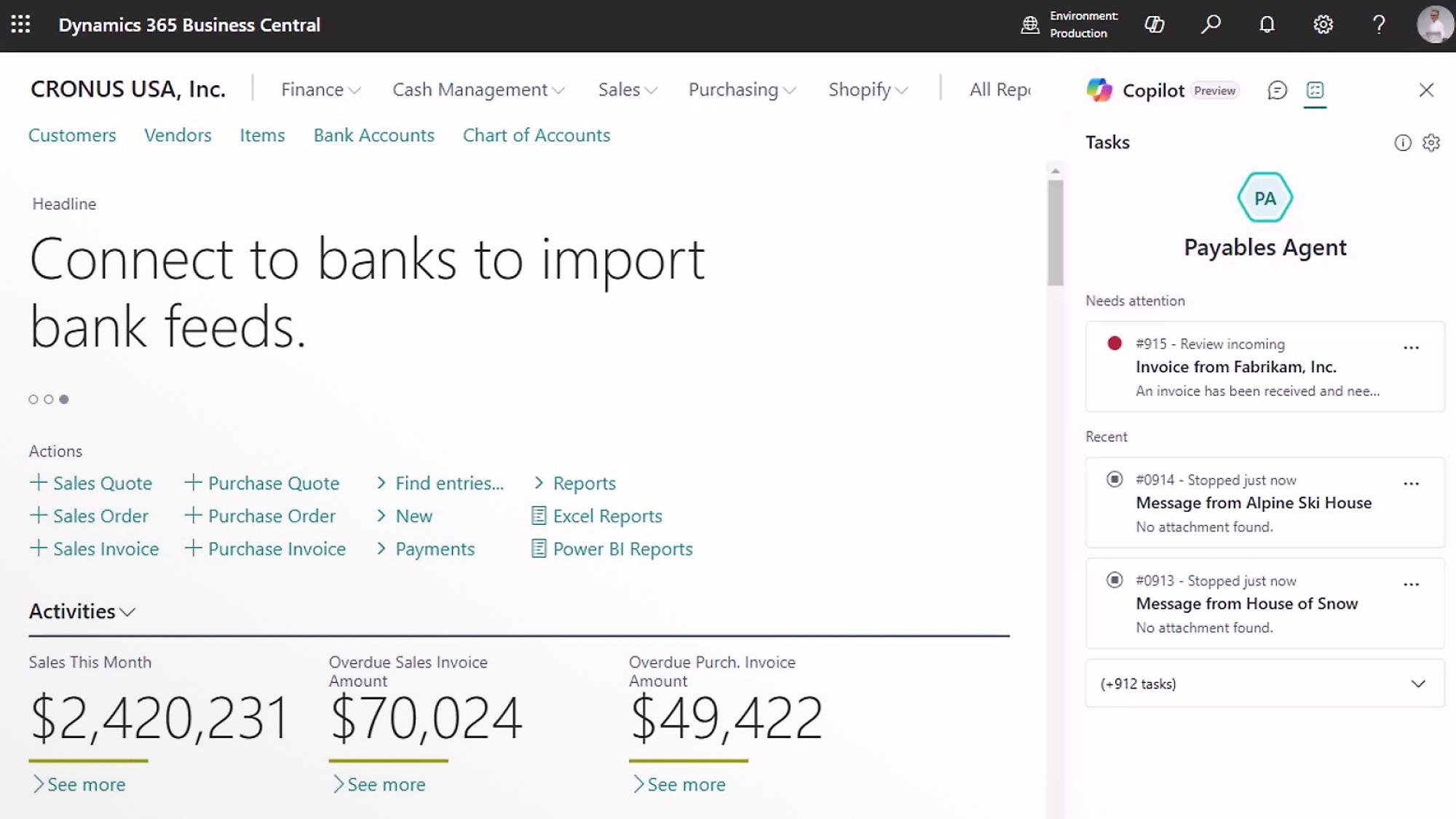
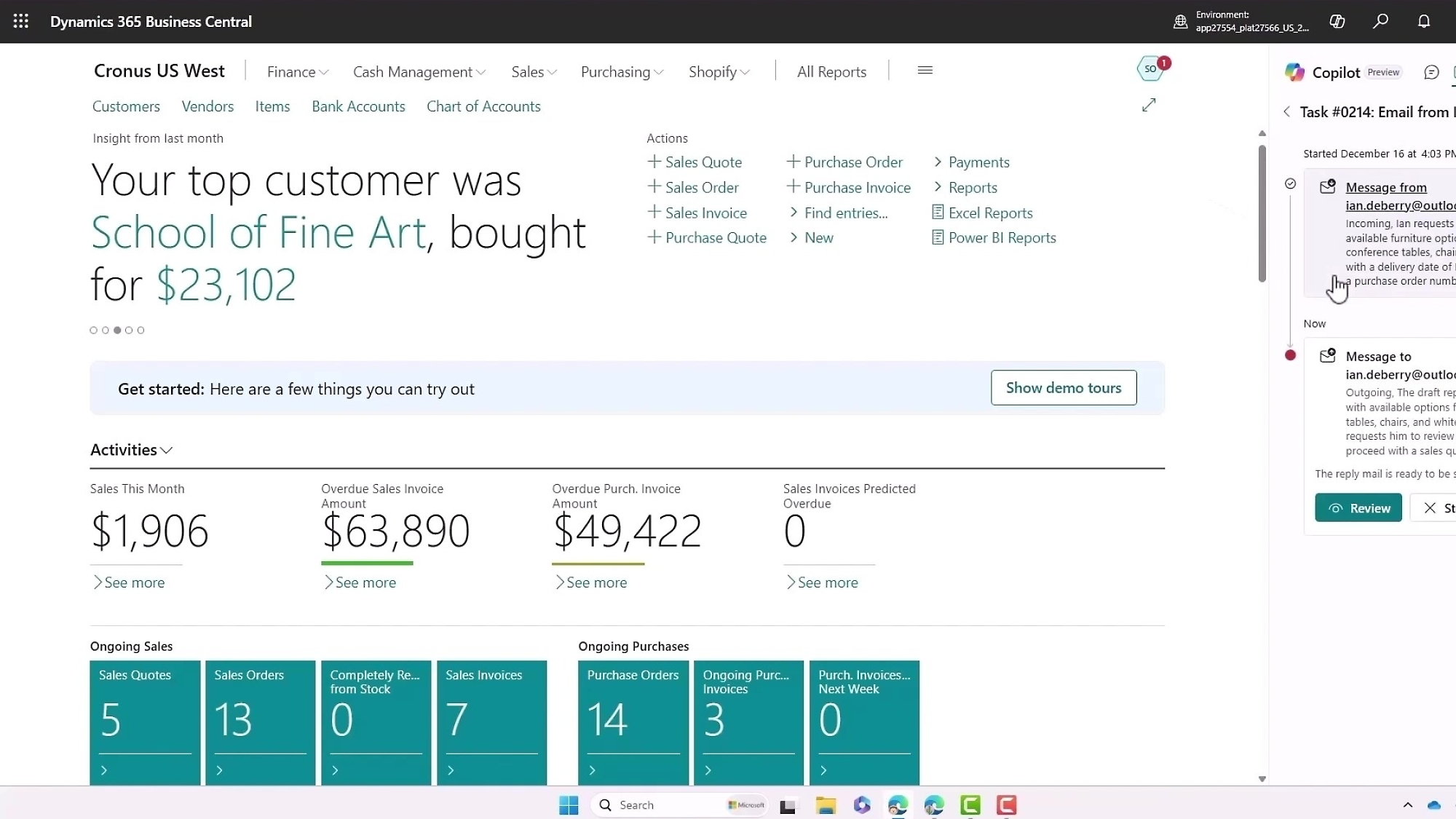
Dynamics 365 Business Central is Microsoft's ERP and business management application for small and midsize organizations. It connects finance, sales, purchasing, inventory, projects, service and operations in one system, with broader manufacturing and service management capabilities available in Premium. It sits within the Dynamics 365 family but targets smaller and midsize businesses that need an integrated ERP without the scope of Dynamics 365 Finance and Supply Chain Management.
What it does
Pricing checked September 6, 2026
| Essentials | $80 per user/month, paid yearly on Microsoft's US page |
|---|---|
| Premium | $110 per user/month, paid yearly on Microsoft's US page |
| Team Members | $8 per user/month, paid yearly on Microsoft's US page |
Plan scope
| Premium adds | Enhanced service management and manufacturing capabilities |
|---|
Product fit
| Target organization | Small and midsize businesses needing connected ERP and business management |
|---|
What does Dynamics 365 Business Central cover?
Business Central supports core business processes including financial management, sales, purchasing, inventory, project work and operational workflows. Microsoft Learn also documents more complex scenarios such as assembly, manufacturing, service management and directed warehouse management. This makes the product relevant to wholesale, professional services, distribution, light manufacturing and other small or midsize organizations that have outgrown disconnected accounting, spreadsheet and point solutions.
The product is designed around connected business records rather than isolated modules. Finance teams can work with general ledger, receivables, payables and reporting while sales and operations teams work with customers, orders, purchasing and inventory in the same application. Buyers should still confirm whether their industry-specific processes are available in the base product or require a Microsoft Marketplace extension.
How do Essentials, Premium and Team Members differ?
Microsoft currently offers Business Central Essentials, Business Central Premium and Team Members access. Essentials is the main business management plan for finance, sales and operations. Premium includes everything in Essentials and adds enhanced capabilities for service management and manufacturing. Team Members provides limited access for people who mainly need to read data, approve workflows or update selected information rather than perform full ERP work.
As checked on September 6, 2026, Microsoft's US page lists Essentials at $80 per user per month and Premium at $110 per user per month, both paid yearly. Team Members is listed at $8 per user per month, paid yearly. Microsoft notes that pricing can vary by country, region and transaction context, so buyers should verify the current local offer before budgeting.
How does Business Central work with Microsoft 365 and Power Platform?
Microsoft positions Business Central as part of its wider cloud ecosystem. The product connects with Outlook, Excel and Teams so users can work with business information from familiar productivity tools. Microsoft also points buyers to Power Platform and Marketplace apps for additional workflows, low-code extensions and industry-specific requirements.
This ecosystem fit is useful for organizations already standardized on Microsoft 365, but it can also introduce governance questions. Buyers should decide who owns extensions, Power Platform flows, integrations and data models so the ERP does not become dependent on undocumented customizations.
What should buyers plan before implementation or migration?
A successful Business Central project needs more than moving opening balances from an older accounting system. Teams should define the chart of accounts, dimensions, customers, vendors, items, inventory locations, tax setup, approval rules, user roles, reporting needs and integrations before migration. Data cleanup should happen before import because duplicated customers, inconsistent item masters and incomplete historical records become harder to fix after users begin operating in the new system.
Microsoft provides guidance for migrating from on-premises deployments to Business Central online, and partner involvement is common because Microsoft sells and supports Business Central through its partner network. Buyers should confirm implementation scope, localization requirements, extension dependencies, testing ownership, training and cutover responsibilities in writing.
Who is Dynamics 365 Business Central best suited for?
Business Central is a strong fit for small and midsize organizations that want finance and operational processes in one ERP and already use Microsoft tools. It is especially relevant when accounting software is no longer enough because the business needs stronger purchasing, inventory, project, service or manufacturing control.
Premium is more suitable when service management or manufacturing is a core requirement. Essentials is more appropriate when the main need is finance, sales and operations without those additional Premium capabilities. Team Members can reduce licensing cost for occasional users who only need limited access, but buyers should map roles carefully before assuming a large share of staff can use the restricted license.
What are the main limitations and tradeoffs?
Business Central is not the right answer for every Microsoft customer. Complex multinational finance, very large-scale supply chain operations or deeply specialized enterprise processes may fit Dynamics 365 Finance and Supply Chain Management better. Industry requirements can also depend on partner extensions, which adds another vendor and upgrade dependency to evaluate.
The Microsoft ecosystem can make integration easier, but customization still creates long-term maintenance. Organizations should prefer standard configuration where possible, document every extension and automation, and test upgrades against business-critical integrations.
Who should choose something else?
A very small business that only needs bookkeeping, invoicing and basic inventory may find Business Central more complex than necessary. At the other end, a large enterprise with sophisticated global finance, manufacturing or supply chain requirements should compare Dynamics 365 Finance and Supply Chain Management rather than assuming Business Central will scale to every process.
Organizations committed to another ERP ecosystem should also compare migration cost, retraining and integration work against the value of moving to Microsoft. If the main need is custom app development or workflow automation rather than ERP, Power Platform may be the better starting point.
Reviews
No reviews yet
Nobody has reviewed Dynamics 365 Business Central here yet.