
About Figma Design
Figma Design is Figma's core collaborative interface design and prototyping application. It gives product designers and cross-functional teams a shared browser-based canvas for creating interfaces, building design systems, testing interactive prototypes and preparing work for development. This page focuses on Figma Design itself. Figma's company history, financial scale and broader portfolio are covered separately.
What can teams create in Figma Design?
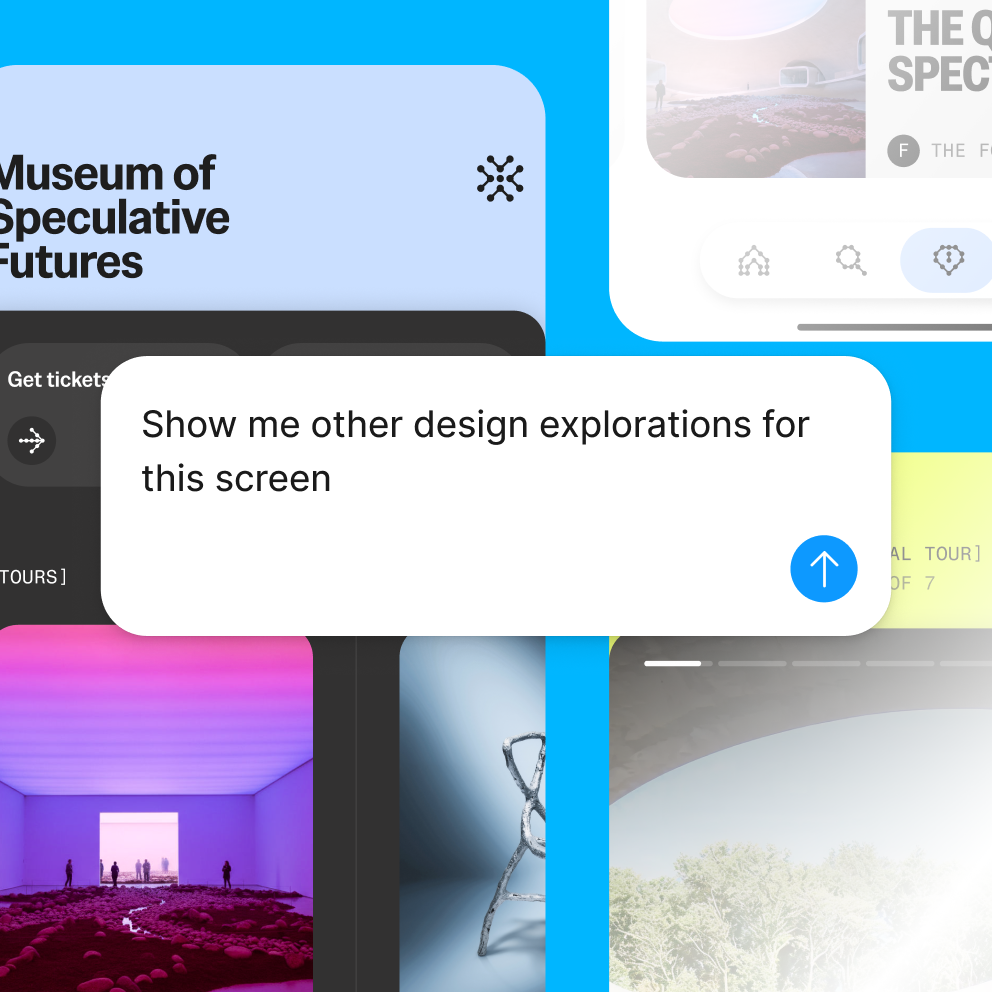
Figma Design supports interface and product-design work from early exploration through high-fidelity screens and interactive prototypes. Designers can work with frames, grids, vectors, text, components, variables, constraints, auto layout, styles and reusable libraries. Teams can build responsive interface systems rather than treating each screen as a disconnected mockup.
Prototyping tools add overlays, transitions, Smart Animate, conditional logic, multiple actions and variable-driven interactions. Video can be included in prototypes, and responsive prototype viewing helps teams review experiences across different screen sizes. These capabilities make Figma Design useful for teams that need to validate interaction ideas before engineering work is complete.
How does real-time collaboration work in Figma Design?
Multiple people can edit the same file at the same time, leave comments, follow another person's view and share links with controlled access. Cursor chat and observation features support quick collaboration without requiring every discussion to move into another tool. Viewers and commenters can participate without receiving a paid editing seat when the plan allows it.
The collaboration model is especially useful when product managers, researchers, engineers and stakeholders need visibility into current design work. The trade-off is that file organization, permissions and naming conventions become more important as the number of teams and projects grows.
How do design systems work in Figma Design?
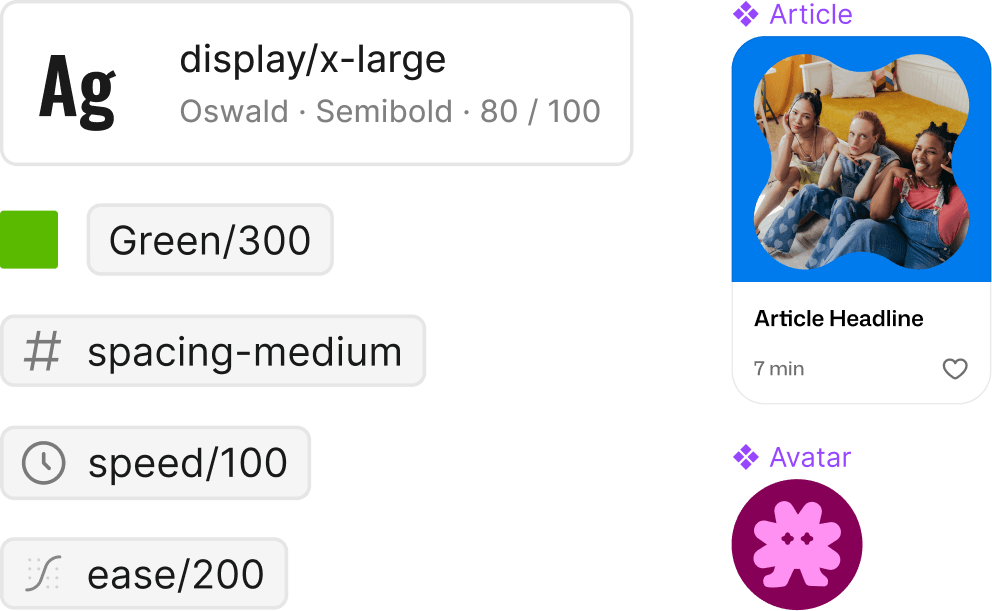
Figma Design includes components, variables, styles, libraries and modes for creating reusable design systems. Paid plans add broader team and organization features, including shared libraries, organization-wide systems, analytics and controls that help standardize assets across teams. Enterprise plans add capabilities for larger organizations such as custom workspaces and multi-brand design-system management.
A design system only creates value when teams maintain it. Components and variables can reduce inconsistency, but poorly governed libraries can become difficult to navigate. Organizations should define ownership, release practices and deprecation rules rather than assuming the software alone will keep a system healthy.
What AI features are available in Figma Design?
Figma has added AI directly to the design canvas. Current capabilities include design productivity tasks such as renaming layers and adding interactions, image editing, generative image tools and an on-canvas Figma agent. In 2026 Figma expanded the agent with skills, greater contextual awareness, connectors and generative plugins so teams can automate repetitive work or apply internal processes and standards.
AI usage is governed by credits. Included credit allowances vary by plan and seat type, and additional credits can be purchased as an add-on. Buyers expecting heavy AI usage should therefore treat credit consumption as a separate budgeting and governance question rather than assuming every AI action is unlimited.
How much does Figma Design cost in August 2026?
Pricing checked against Figma's official pricing page on August 22, 2026. Starter is free and provides limited access to Figma products. Professional lists a Full seat at $16 per month, a Dev seat at $12 per month and a Collab seat at $3 per month. Organization is billed annually and lists Full at $55 per month, Dev at $25 per month and Collab at $5 per month. Enterprise is also annual and lists Full at $90 per month, Dev at $35 per month and Collab at $5 per month.
Figma also includes different AI-credit allowances. The current page lists up to 500 AI credits per month on Starter, 3,000 on Professional Full seats, 3,500 on Organization Full seats and 4,250 on Enterprise Full seats. Dev and Collab seats on paid tiers currently show 500 credits per month. Prices and credit policies can change, so buyers should verify the live pricing page before signing or renewing a contract.
What does Figma Design offer developers?
Figma Design is closely connected with Dev Mode, which gives developers inspection, measurements, code properties, asset export and a more focused handoff workflow. Code Connect can map design-system components to real code, and the Figma MCP server can provide design context to supported agentic coding tools. The VS Code extension also lets developers access Dev Mode workflows inside their editor.
These tools can reduce the gap between design intent and implementation, but they do not eliminate engineering judgment. Teams still need to agree on component architecture, tokens, naming and production standards. Generated or inspected code should be treated as development input, not proof that a design is ready to ship unchanged.
What are the main limitations of Figma Design?
Figma Design is optimized for interface and product-design workflows, so it may not replace specialist tools for photo manipulation, advanced video editing, long-form publishing or some complex illustration tasks. Figma has expanded into drawing, motion and generative media, but buyers should compare the depth of those newer capabilities with dedicated creative applications when those workflows are central to the job.
Large Figma environments can also become difficult to govern. File sprawl, duplicate components, uncontrolled libraries and unclear permissions can create friction even when collaboration is easy. Seat costs can rise when many contributors need Full access, and AI credit consumption adds another variable to budgeting.
How does Figma Design compare with alternatives?
Sketch remains an alternative for interface design, particularly for teams comfortable with its Mac-centered workflow and established plugin ecosystem. Adobe XD is no longer a straightforward new-buyer comparison because Adobe has shifted its product strategy, while Adobe's broader creative tools remain stronger in specialist image, illustration and video workflows. Framer can appeal to teams that want design and web publishing closely connected, and Penpot is relevant to organizations prioritizing an open-source design platform.
The best comparison depends on collaboration model, operating-system requirements, design-system maturity, developer handoff, web-publishing needs and how much a team values keeping multiple product-development stages inside one platform.
Who should consider another product instead of Figma Design?
A team should consider another product if it rarely designs digital interfaces, needs only simple visual content, depends heavily on specialist print or video workflows, or prefers a fully self-hosted or open-source environment. A small marketing team may get more value from Canva, a web-design team may prefer Framer for direct publishing, and an organization with strict open-source requirements may evaluate Penpot.
Figma Design is most compelling when interface design, prototyping, feedback, design systems and developer collaboration all need to stay connected. Its value is lower when only one narrow part of that workflow is required.
Reviews
No reviews yet
Nobody has reviewed Figma Design here yet.