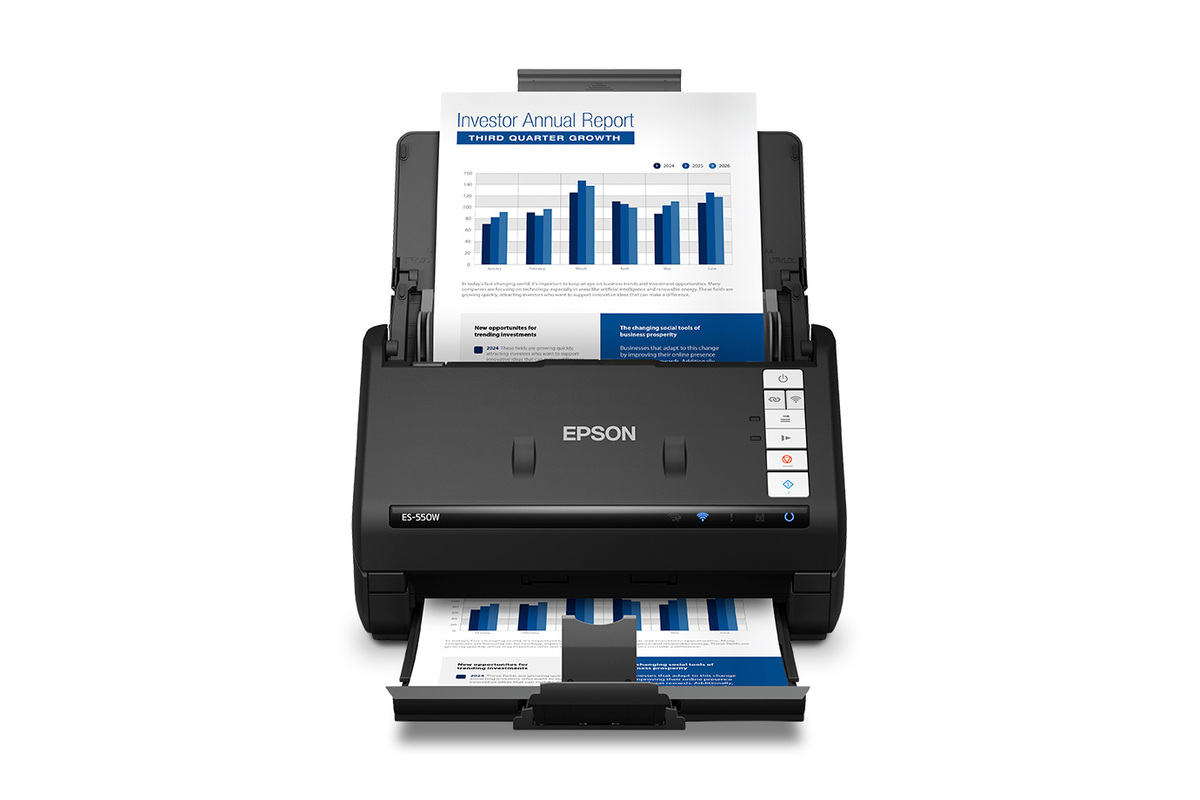
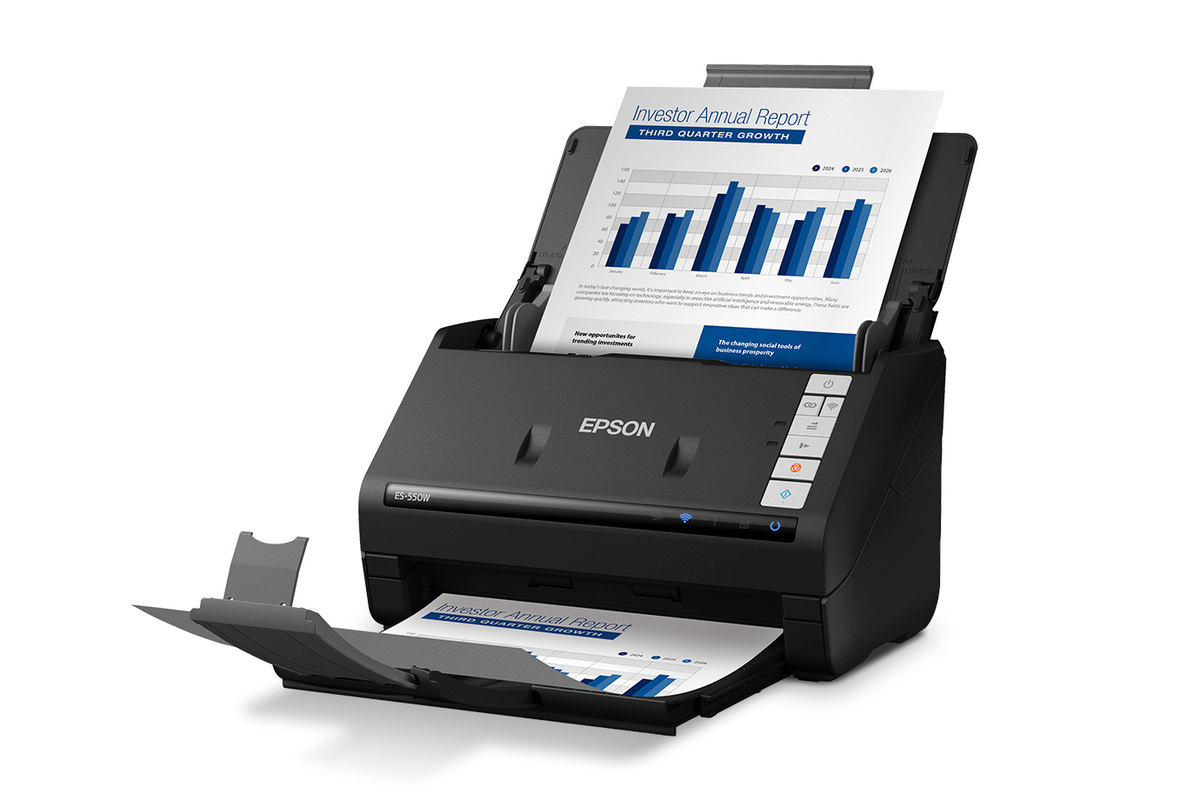
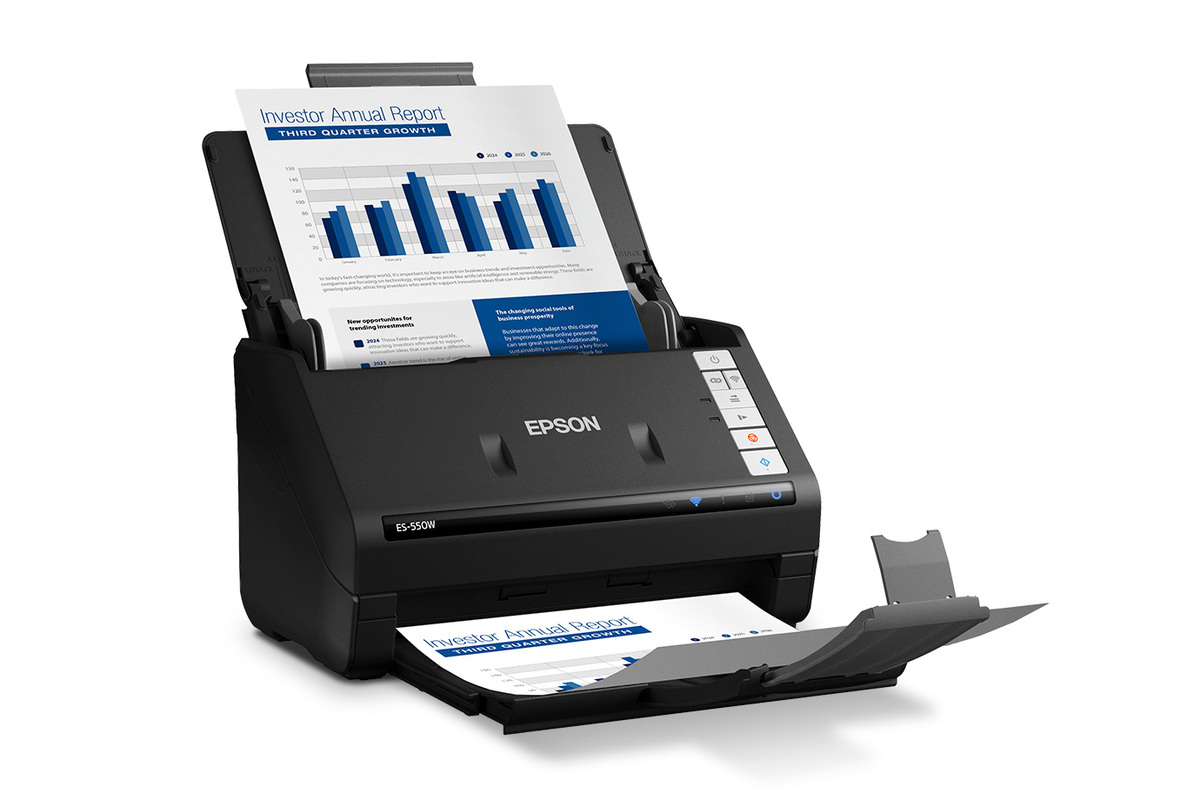
About WorkForce ES-550W
The Epson WorkForce ES-550W is a wireless desktop document scanner introduced in May 2026 for small offices, home offices and professionals who need fast two-sided scanning without paying for the touchscreen and computer-free workflow of the ES-590W. It scans letter-size documents at up to 45 ppm or 90 ipm over USB, uses a 100-sheet Auto Document Feeder, and adds Wi-Fi, Epson ScanSmart AI technology and mobile scanning. Epson launched it at a $399.99 US MSRP.
Key specifications
Scanning
| Scan speed | Up to 45 ppm / 90 ipm at 300 dpi over USB |
|---|---|
| Duplex | Single-pass double-sided scanning |
Feeder
| ADF capacity | 100 sheets |
|---|---|
| Feed technology | TrueFeed with skew correction and staple protection |
Connectivity
| Wireless | Built-in Wi-Fi with WPA2 support |
|---|---|
| Wired | USB |
Software
| Document software | Epson ScanSmart AI technology |
|---|
Mobile
| Mobile app | Epson Smart Panel for iOS and Android |
|---|
Imaging
| Image processing | HyperClear technology |
|---|
Compatibility
| Driver | TWAIN-compatible |
|---|---|
| Windows | ARM-based Windows support |
Model
| Model number | B11B287201 |
|---|
Price
| Launch MSRP | $399.99 US |
|---|
Where does the ES-550W fit in Epson's 2026 scanner range?
The ES-550W sits directly below the ES-590W in Epson's 2026 WorkForce desktop scanner lineup. The two models share the same headline scan speed, 100-sheet feeder and core document-capture technology, making the ES-550W the value-oriented choice for users who normally scan through a computer or mobile device.
The key reason to move up to the ES-590W is ScanWay computer-free scanning and its 4.3-inch color touchscreen. If those features are not important, the ES-550W keeps the core scanning performance at a lower launch price.
How fast is the ES-550W for everyday document work?
Epson rates the ES-550W at up to 45 pages per minute and 90 images per minute for letter-size documents at 300 dpi in black-and-white, grayscale or color when using USB. It captures both sides in a single pass, which is useful for contracts, invoices, application forms and other mixed office paperwork.
The 100-sheet Auto Document Feeder is a meaningful upgrade for users who regularly process stacks rather than occasional pages. TrueFeed technology adds skew correction and staple protection, helping reduce avoidable feed problems during larger jobs.
What does Epson ScanSmart AI technology actually add?
Epson ScanSmart AI technology uses OCR to turn scanned documents into searchable digital files that can be used with current AI applications. This is most useful when a business wants to move information out of paper archives and into searchable, editable workflows rather than simply save image files.
The scanner can create PDF files and export to Word and Excel with the required included software. OCR is not infallible, especially with handwriting, damaged originals, unusual layouts or very small text, so important extracted information should still be checked before it enters a business process.
How flexible is wireless and mobile scanning?
Built-in Wi-Fi lets the ES-550W scan to supported computers and mobile devices without requiring the scanner to sit beside one workstation. Epson Smart Panel for iOS and Android can be used to scan, organize and share documents from a phone or tablet. The scanner also supports USB for a direct wired connection.
Unlike the ES-590W, the ES-550W does not provide the same 4.3-inch touchscreen and ScanWay computer-free experience. Users who frequently need to walk up and send scans directly without a computer should consider the ES-590W instead.
What documents is it best suited to?
The ES-550W is designed for everyday business and personal paperwork, including office documents, records and mixed-size pages handled through its feeder. HyperClear technology supports automatic cropping, blank-page removal and other image cleanup functions that reduce manual correction after a batch is captured.
For organizations building searchable archives, the combination of duplex scanning, OCR and a large feeder is more important than photo-scanner features. This is a document productivity device, not a specialist flatbed for artwork, fragile originals or high-end photographic capture.
What are the practical limitations?
The advertised 45 ppm speed is based on Epson's stated test conditions, including letter-size scans at 300 dpi over USB. Real throughput can vary with resolution, connection, document condition, processing and the destination workflow. Wi-Fi convenience should not be confused with guaranteed maximum USB-rated performance in every environment.
There is no integrated flatbed, so books, bound material and originals that should not pass through an automatic feeder need a different scanner. Users who need unattended network destinations from a touchscreen should also budget for the ES-590W rather than expecting the ES-550W to provide the same workflow.
ES-550W vs ES-590W vs RapidReceipt RR-620W
Choose the ES-550W when fast office-document scanning, Wi-Fi and a 100-sheet feeder matter more than standalone controls. Choose the ES-590W when a 4.3-inch touchscreen and ScanWay scanning directly to destinations such as email, cloud storage or a connected USB drive justify the extra cost.
The RapidReceipt RR-620W targets financial paperwork more directly. It adds ScanSmart AI PRO features for extracting receipt and invoice data and integrating categorized information into financial workflows such as QuickBooks, TurboTax and Excel. Businesses processing expenses all day may get more value from that specialization than from a general WorkForce model.
Who should choose something else?
A light home user who scans only a few pages at a time may not need a 45 ppm scanner or 100-sheet feeder. A finance-heavy small business should compare the RapidReceipt RR-620W, while users wanting computer-free operation should step up to the ES-590W.
Organizations with much heavier centralized scanning requirements should compare Epson's higher-duty WorkForce DS models. Photographers, artists and anyone working with delicate or bound originals should look for a scanner designed around those media rather than choosing an ADF-first office scanner.
Reviews
No reviews yet
Nobody has reviewed WorkForce ES-550W here yet.