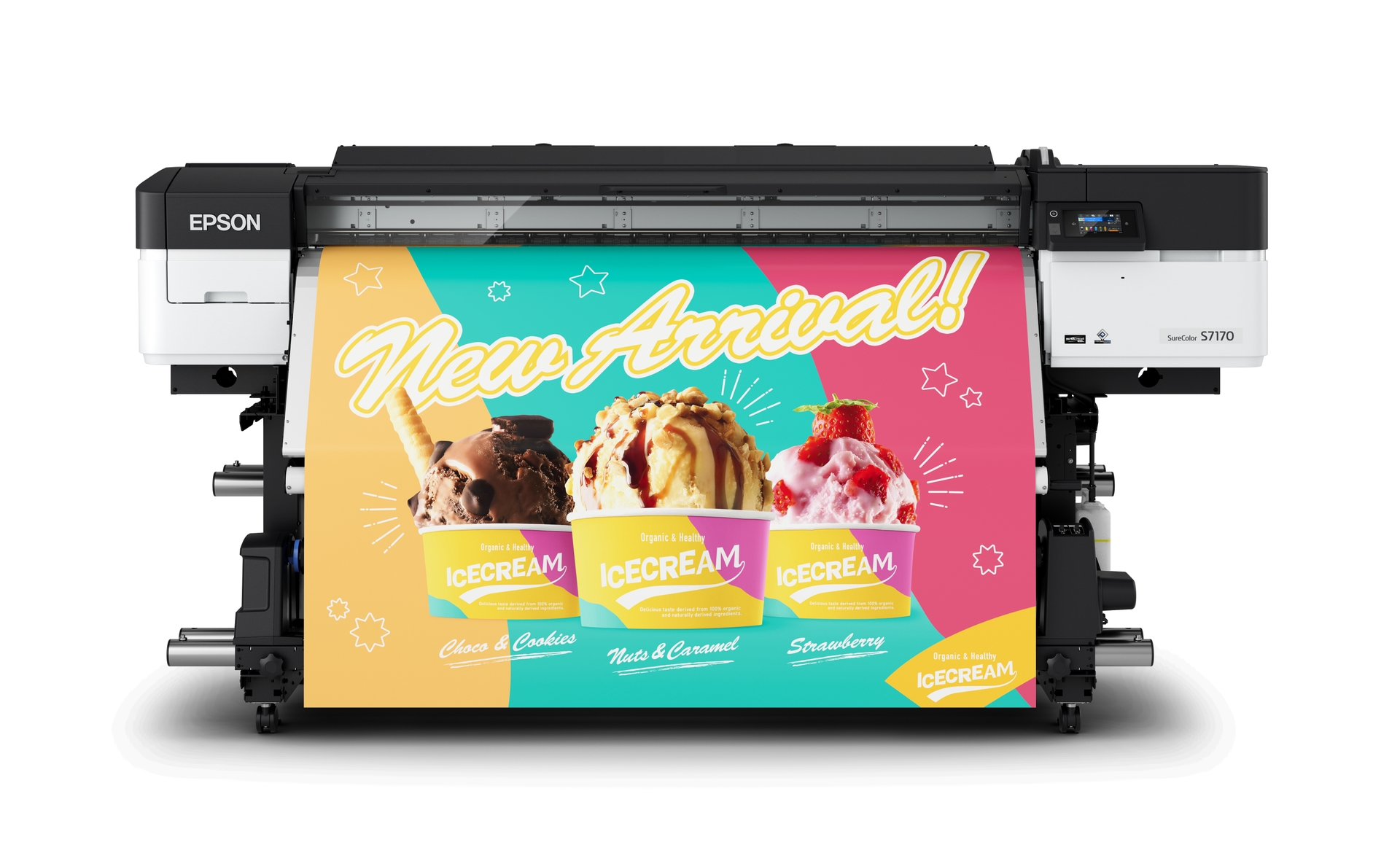
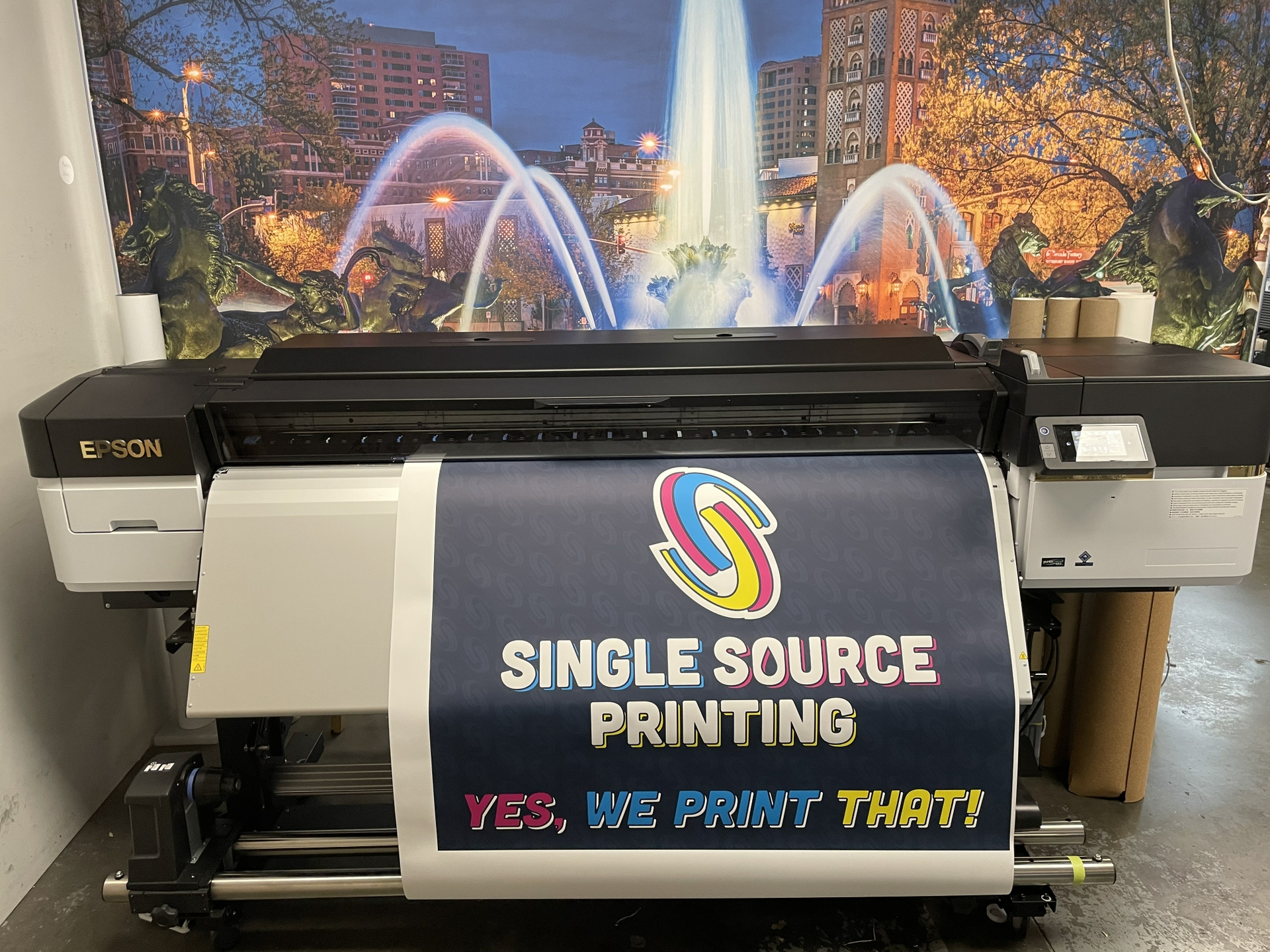
About SureColor S7170
The Epson SureColor S7170 is a 64-inch professional eco-solvent signage printer for commercial graphics production. It is the value-focused entry point in Epson's current S-Series, pairing a four-color ink system with a newer, wider printhead and high-capacity ink packs. It is built for sign shops producing indoor and outdoor signs, banners, stickers, vehicle graphics, canvas and other roll-media work. Epson lists the US MSRP at $16,595.
Key specifications
Format
| Printer type | 64-inch professional eco-solvent roll printer |
|---|
| Printhead | 1.33-inch PrecisionCore Micro TFP with Nozzle Verification Technology |
|---|
Ink
| Ink system | 4-color UltraChrome GS3 solvent ink |
|---|---|
| Ink pack capacity | 800 mL |
Applications
| Typical uses | Signs, banners, stickers, vehicle graphics, canvas and display graphics |
|---|
Software
| RIP | Epson Edge Print PRO; 1-year ONYX Go Plus subscription |
|---|---|
| Monitoring | Epson Cloud Solution PORT |
Model
| US model | SCS7170PE |
|---|
Price
| US MSRP | $16,595 |
|---|
Where this model fits in the S-Series
The S7170 prioritizes accessible investment and mainstream signage production. All three current core S-Series models use Epson PrecisionCore technology, solvent ink and a 64-inch roll-media format, but they target different production priorities. Buyers should match the printer to job volume, color requirements and the value of faster production rather than selecting on model number alone.
The S7170 is the value-oriented model, the S8170 is positioned around productivity, and the S9170 is the expanded-color option. That gives shops a useful decision path without forcing every buyer toward the most expensive machine.
Print technology and image quality
It uses a 1.33-inch PrecisionCore Micro TFP printhead designed to improve productivity over the previous generation. Epson combines the printhead with Precision Dot technology and media-handling controls intended to maintain detail and consistent output across signage jobs. The 4-color ink configuration is a major point of differentiation for this model. Sign shops should evaluate real customer files, especially brand colors, gradients and photographic work, before deciding how much color capability they need.
Print quality also depends on media, profiles, resolution choices and operator setup. A buyer producing mostly routine banners can have very different requirements from a shop selling premium retail graphics or color-critical branded work.
Media and applications
Epson positions the S-Series for commercial display graphics including adhesive vinyl, banners, stickers, vehicle wraps, canvas and other compatible roll media. That makes the printer useful for a shop serving several signage categories from one production platform. Media choice, profiles, drying, lamination and finishing still affect the delivered result, so printer capability is only one part of the production workflow.
Before buying, a shop should test the media it sells most often and confirm the complete finishing process. This is especially important for wraps, decals and laminated graphics where printing is only the first production stage.
Workflow and day-to-day production
Epson Edge Print PRO RIP software is included with the current S-Series and Epson Cloud Solution PORT can support remote monitoring. Nozzle and maintenance technologies are intended to reduce interruptions and help operators catch print-quality problems. Production planning should still account for RIP processing, media loading, drying, lamination, cutting and finishing because those stages can become bottlenecks even when the printer itself is fast.
For a growing shop, operator training and repeatable profiles can be as valuable as headline print speed. A predictable workflow reduces reprints and helps estimate delivery times more accurately.
Ink and operating costs
The 4-color system uses Epson UltraChrome GS3 solvent ink packs. Buyers should calculate cost around their actual ink coverage, media mix, maintenance, waste, finishing supplies and labor instead of treating MSRP as total cost of ownership. High-volume work can make productivity and ink handling more important than a small difference in acquisition price, while a lower-volume shop may benefit more from controlling upfront investment.
A useful comparison should use several months of real job data. Estimate sellable square footage, average ink coverage, wasted media and operator time, then compare those numbers with expected production growth.
Practical limitations
This is a professional solvent signage platform, so it needs suitable workspace, media storage, finishing equipment and operating procedures. It is not designed for office documents, direct-to-garment work or direct printing on rigid objects. A shop also needs to consider cutting and lamination separately when jobs require them. Buyers should confirm local service, media compatibility and workflow requirements before committing to production hardware.
The 64-inch format is useful for many sign applications, but it can also be more machine than a very small shop needs. Floor space, power, media inventory and finishing capacity should be planned before installation.
Comparing the current S-Series
Compared with the S7170, the S8170 adds a six-color configuration and is positioned by Epson for higher productivity. The S9170 moves further toward color-critical work with an 11-color set. SureColor S7170 should therefore be judged by the work it will actually produce rather than simply by where it sits in the range.
If most customer jobs do not benefit from the additional speed or gamut of a higher model, investing the difference in finishing equipment, media inventory or sales capacity may be more useful. Conversely, a busy shop should consider whether a lower-cost printer could become a throughput constraint.
Who should choose something else?
A buyer should compare the other current S-Series models when SureColor S7170's balance of speed, color capability and price does not fit the workload. Epson SureColor V-Series is more appropriate for direct UV printing on rigid and specialty objects, while G-Series targets direct-to-film apparel transfer production. Photo and fine-art businesses should look toward SureColor P-Series. Shops that specifically need a packaged printer-and-cutter workflow should also compare the S7170 Print Cut Edition.
The best fit comes from matching the production process, not just specifications. Shops should request samples using their own artwork and preferred media whenever possible before making a capital-equipment decision.
Reviews
No reviews yet
Nobody has reviewed SureColor S7170 here yet.