About Docker Desktop
Docker Desktop is Docker's local application for building and running containerized software on developer workstations. It bundles a graphical dashboard with Docker Engine, Docker CLI, Compose, Build, local Kubernetes support, image and volume management, extensions, and integrations with other Docker services. This page focuses on Desktop itself: what it includes, current licensing, enterprise controls, AI additions, limitations, and when another local container tool may fit better.
What does Docker Desktop include?
Docker Desktop installs and manages the components needed for a local container-development environment. The current product includes Docker Engine, the Docker CLI, Docker Compose, Docker Build, a graphical dashboard, container and image management, volumes, local Kubernetes support, extensions, and access to Docker Hub. Docker's documentation describes it as a one-click-install application for Mac, Windows, and Linux that handles much of the local setup developers would otherwise configure manually.
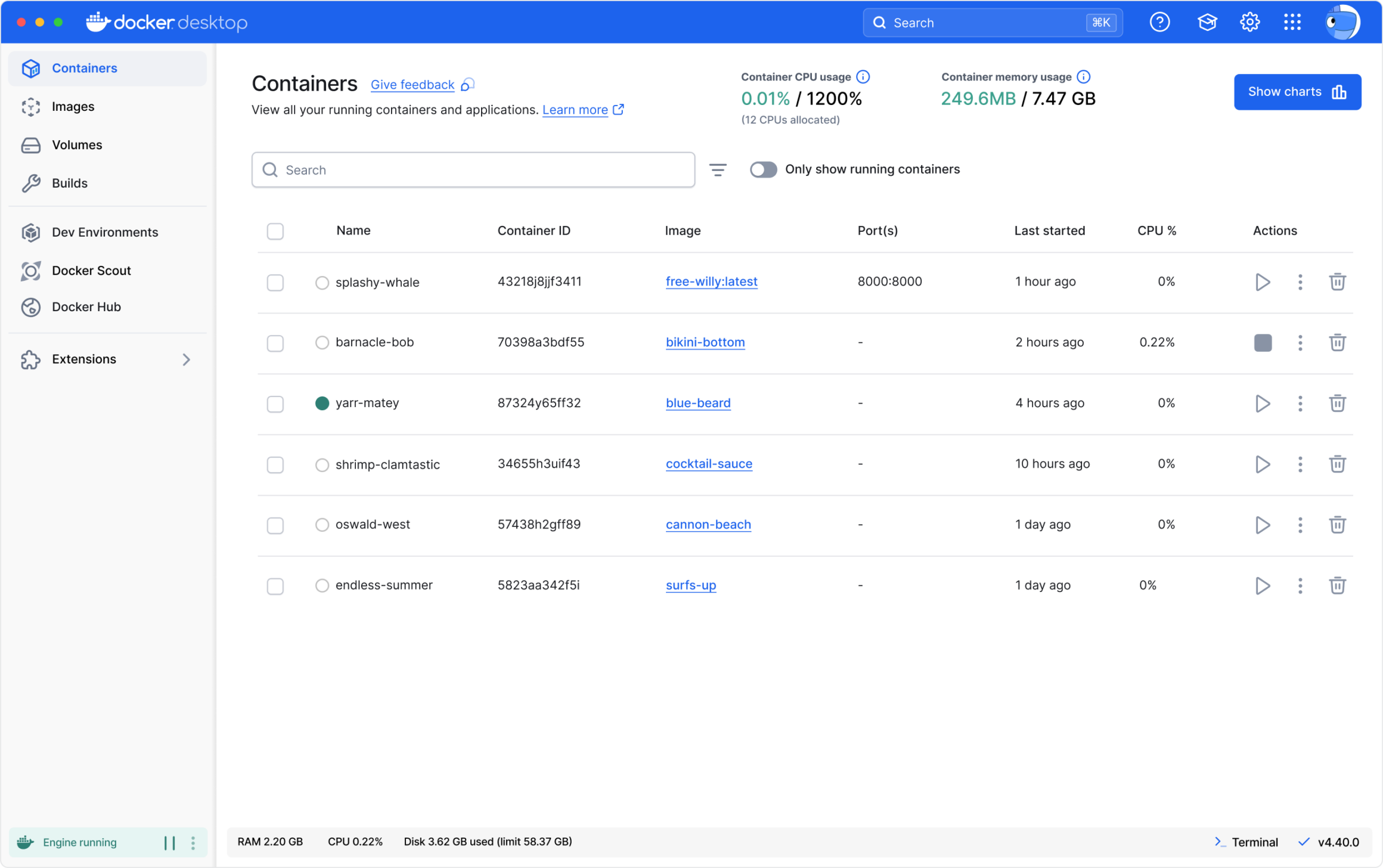
The dashboard gives teams a visual way to manage containers, images, volumes, builds, Kubernetes resources, and logs. Developers can still use normal docker commands from the terminal, so the GUI does not replace the CLI. This combination makes Desktop useful for teams that want standardized local tooling without forcing every user to understand the underlying virtual machine, networking, filesystem integration, and runtime setup before they can start.
How much does Docker Desktop cost in August 2026?
Pricing checked on August 22, 2026 against Docker's current pricing and licensing pages. Docker Desktop is included with Docker Personal at $0 for eligible use. Docker Pro is $9 per user per month when billed annually or $11 on monthly billing. Docker Team is $15 per user per month annually or $16 monthly. Docker Business is listed at $24 per user per month and adds enterprise administration, security, and support capabilities.
The important licensing rule is that free Personal use is not universal for companies. Docker states that Docker Desktop is free for personal use, education, non-commercial open source projects, and small businesses with fewer than 250 employees and less than $10 million in annual revenue. Professional use in larger organizations and government entities requires a paid Pro, Team, or Business subscription. Docker Engine and Moby open source licensing is separate, so organizations should not assume Desktop and Engine have identical commercial terms.
How does Docker Desktop handle containers, images, and volumes?
The Containers view shows running and stopped containers with resource usage, ports, image references, and actions. The Images view lets developers run an image, inspect layers, packages, history, and vulnerabilities, and pull updated images from Docker Hub. Docker Scout supplies vulnerability information inside the image experience where supported.
The Volumes view provides a graphical way to inspect and manage persistent data. Developers can see which containers use a volume, browse stored files, export volume data, and remove files or volumes. These features are useful for troubleshooting and learning because they expose local container state without requiring every inspection task to be done through separate command-line commands.
What role do Compose, Build, and local Kubernetes play?
Docker Compose is integrated for defining and running multi-container applications from Compose files. Docker Build handles image creation and can connect to Docker Build Cloud when teams want to offload builds. Docker Desktop also supports local Kubernetes so developers can test container orchestration without maintaining a separate cluster for every workstation.
Docker's current Desktop product page says Kubernetes supports multi-node clusters and developer-selected versions. The value is convenience rather than production parity. A local Desktop cluster is suitable for development and testing, but teams should still validate deployment behavior, cloud-specific services, ingress, storage, identity, and production policy against the actual environment where the application will run.
What AI features are now built into Docker Desktop?
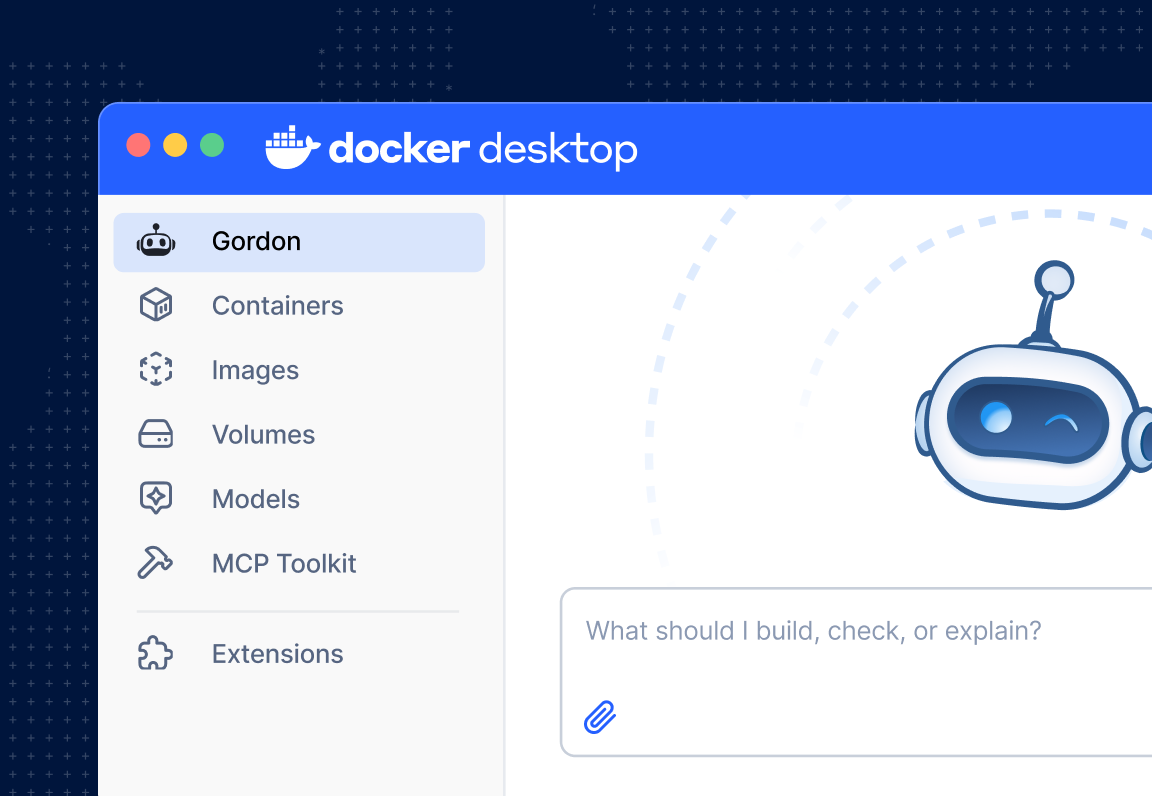
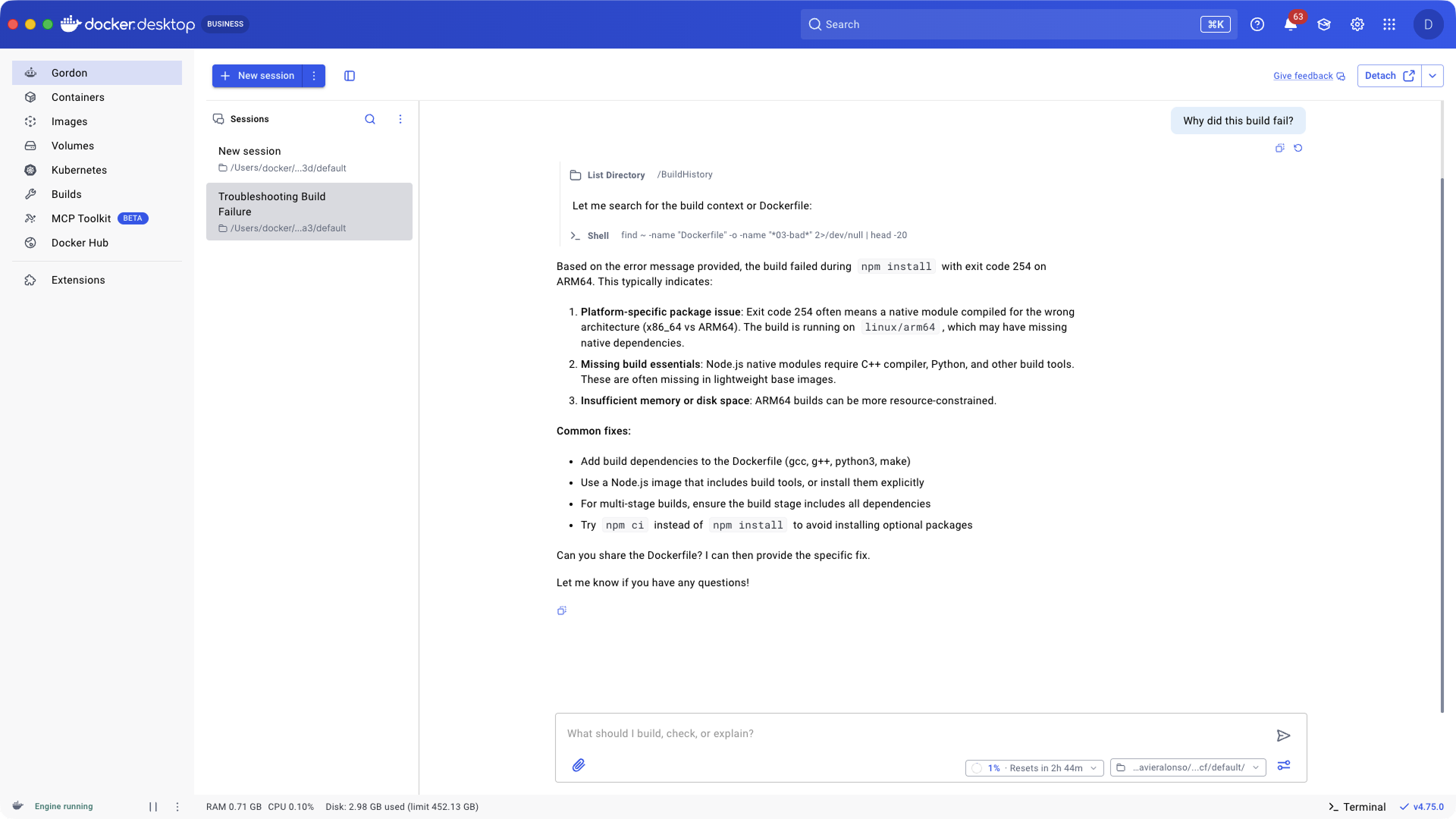
Docker has expanded Desktop into an AI development surface. Gordon is Docker's AI agent and became generally available in May 2026. Docker says Gordon is built into Desktop 4.74 and later and can inspect relevant Docker context such as containers, logs, images, Compose files, and a permitted working directory. It can propose and execute actions only after user approval. Docker also exposes Gordon through the docker ai command in the CLI.
Desktop also integrates Docker Model Runner for local model inference and Docker MCP tooling for connecting supported Model Context Protocol servers. These features can help developers build and troubleshoot AI applications without leaving the Docker environment. They also create new governance questions: Docker's current subprocessor documentation lists third-party generative AI providers for applicable AI features, so organizations should review data-processing terms before enabling AI broadly.
What changed in Docker Desktop during 2026?
Docker Desktop's 2026 releases have continued to expand beyond classic local containers. Gordon moved from beta to general availability, Docker's agent and MCP tooling became more central to the product, and Docker continued developing Model Runner for local AI workloads. Docker also announced a public beta of a rebuilt Docker VMM in August 2026 for Desktop 4.86 on Mac and Windows, intended to improve the virtualization layer underneath Docker Engine on those platforms.
These changes matter because Desktop now has two overlapping roles: it remains a local container platform, and it is becoming a broader development environment for AI-assisted and agentic workflows. Buyers who only need stable local containers can evaluate the core runtime independently from newer AI features, while teams adopting the newer functionality should track version requirements and maturity carefully.
What does Docker Business add to Desktop?
Docker Business adds enterprise controls that are not present in the free Personal tier. Current Docker documentation lists Hardened Docker Desktop, SSO, SCIM provisioning, Image and Registry Access Management, Desktop Insights Dashboard, Enhanced Container Isolation, VDI support, private extensions, and stronger support options among the Business capabilities.
These features are aimed at platform and security teams that need to standardize local development across many employees. They can help enforce which registries or images developers use and provide more control over identities and desktop settings. Organizations should still define their own endpoint, secrets, source-control, CI, and production security policies because Docker Desktop governance covers only part of the software-delivery chain.
What are Docker Desktop's main limitations and trade-offs?
Docker Desktop adds convenience by managing virtualization and local runtime details, but that convenience can use significant CPU, memory, disk, and battery resources on developer machines. Large image sets, many running services, local Kubernetes, AI models, or heavy builds can exceed what a laptop handles comfortably. Docker Offload and Build Cloud can move some work to hosted infrastructure, but those introduce network dependency and additional usage considerations.
Licensing is another trade-off. Teams may be using open source container technology yet still need paid Docker Desktop subscriptions because of organization size or government-use terms. Some organizations also prefer a more minimal or open local runtime with fewer hosted-service dependencies. Enterprise buyers should test performance on their actual Windows, macOS, Linux, and VDI environments rather than assume one developer's experience represents the whole fleet.
How does Docker Desktop compare with alternatives?
Podman Desktop can appeal to teams that prefer daemonless or Red Hat-aligned container workflows and want an open source desktop experience. Rancher Desktop is another option for local containers and Kubernetes, especially for organizations already using Rancher or SUSE tooling. Colima is popular among some macOS developers who want a lighter command-line-oriented environment. Cloud development environments can reduce local setup further by moving the entire workspace away from the laptop.
Docker Desktop has an advantage when teams value tight integration with Docker Hub, Compose, Build Cloud, Scout, extensions, Model Runner, Gordon, and Docker's enterprise controls. Another tool can be a better fit when the organization wants lower local overhead, different licensing, a stronger Kubernetes-first workflow, or less dependence on Docker-operated services.
Who should choose something other than Docker Desktop?
A developer who only needs Docker Engine on a supported Linux host may not need Desktop at all. An organization that already standardizes on Podman, Rancher Desktop, remote development environments, or another container runtime may gain little from introducing a second local platform. Teams with very constrained laptops may also prefer remote or lighter-weight development approaches.
Docker Desktop is most useful when developers need a consistent local container experience across operating systems and the organization values its integrated GUI, Compose, local Kubernetes, Docker services, and enterprise governance. The decision should be based on the actual workstation, licensing, security, and workflow requirements rather than on the assumption that Docker containers always require Docker Desktop.
Reviews
No reviews yet
Nobody has reviewed Docker Desktop here yet.