About Asana Work Management
Asana Work Management is the core Asana application for planning, assigning, tracking, automating, and reporting on work across teams. It combines tasks, projects, multiple project views, forms, dashboards, portfolios, goals, workload, resource planning, and integrations in one shared system. This page focuses on the released work-management product itself. Asana's corporate strategy and the wider AI portfolio are covered separately.
What can teams manage in Asana Work Management?
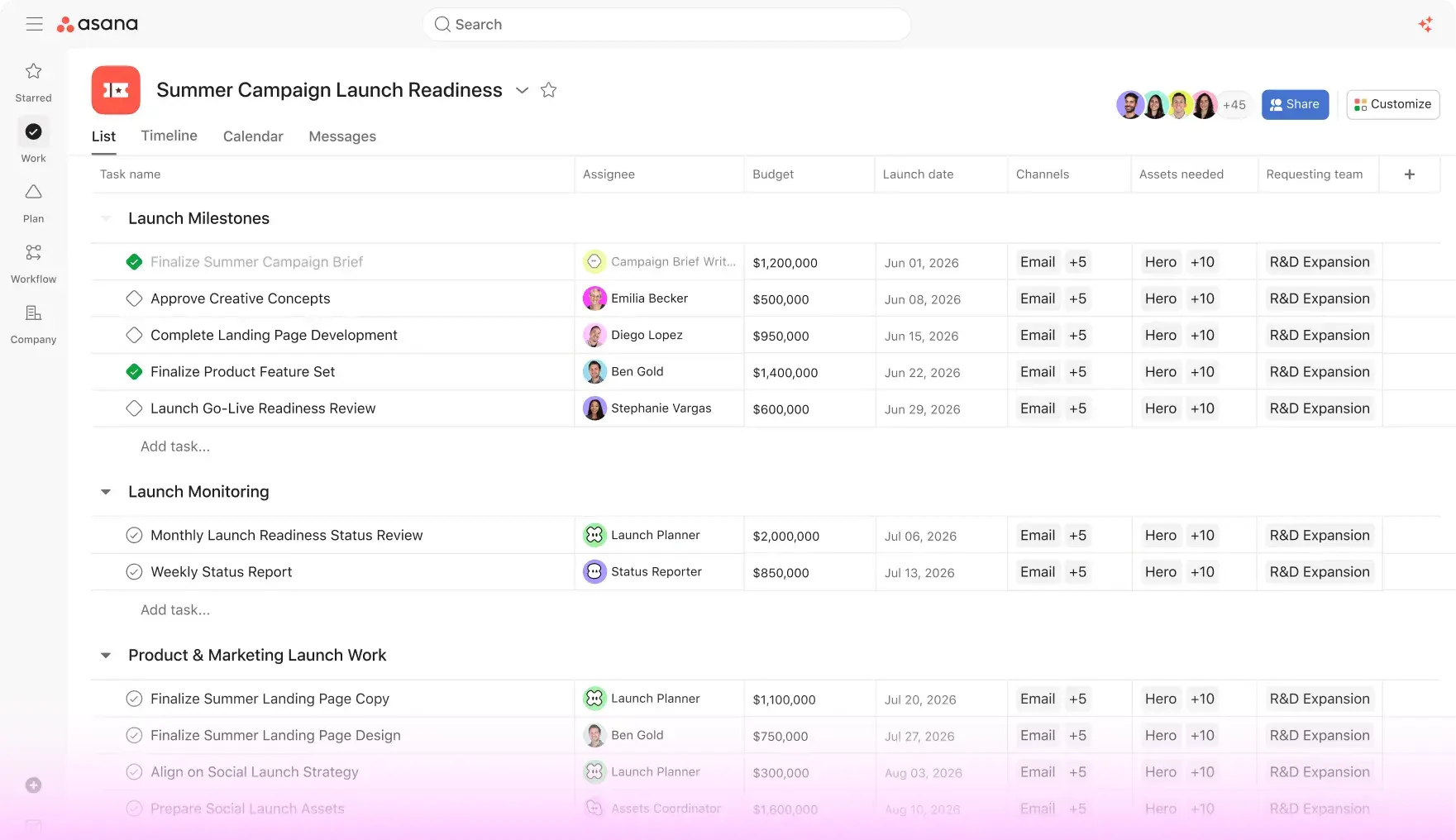
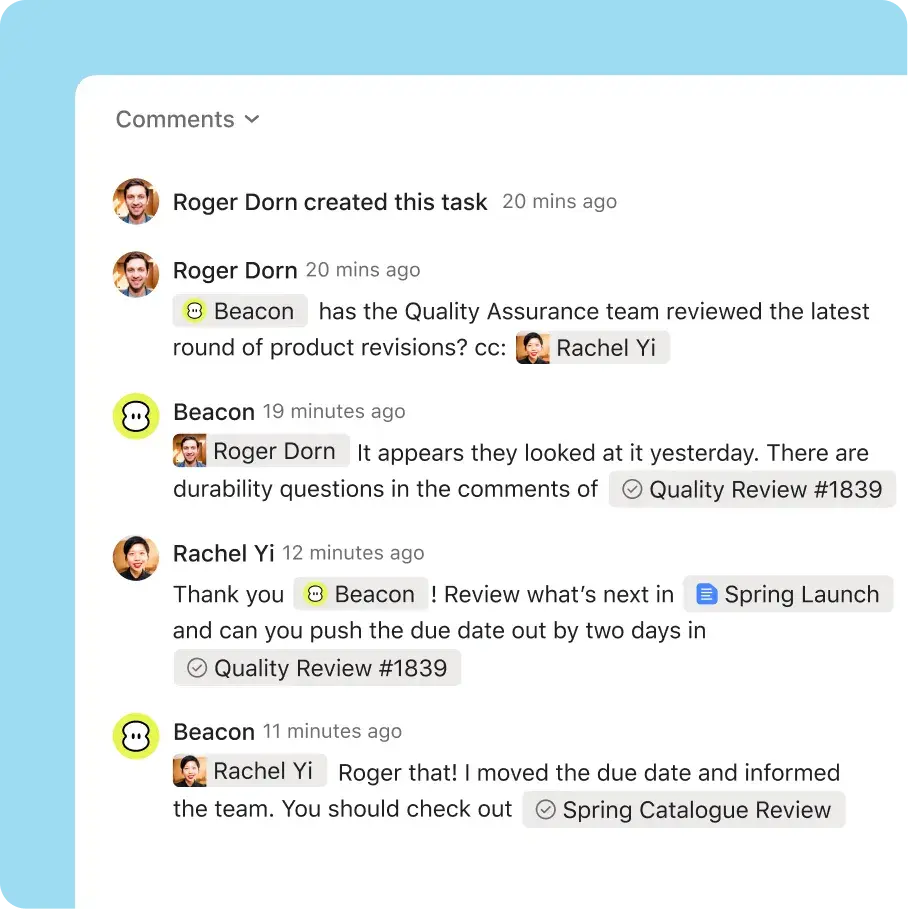
Teams can use Asana for projects, recurring processes, campaigns, launches, requests, operational work, and individual task management. Tasks have owners, due dates, descriptions, comments, attachments, dependencies, custom fields, and collaborators. A task can also appear in more than one project through multi-homing, so two teams can work from the same record instead of creating duplicate copies.
Projects can be viewed as lists, boards, calendars, timelines, and Gantt charts depending on plan and workflow. This flexibility is useful when different contributors need different views of the same underlying work. Managers can add status updates and dashboards, while individual users can organize assigned work through My Tasks.
How does Asana handle cross-project planning and goals?
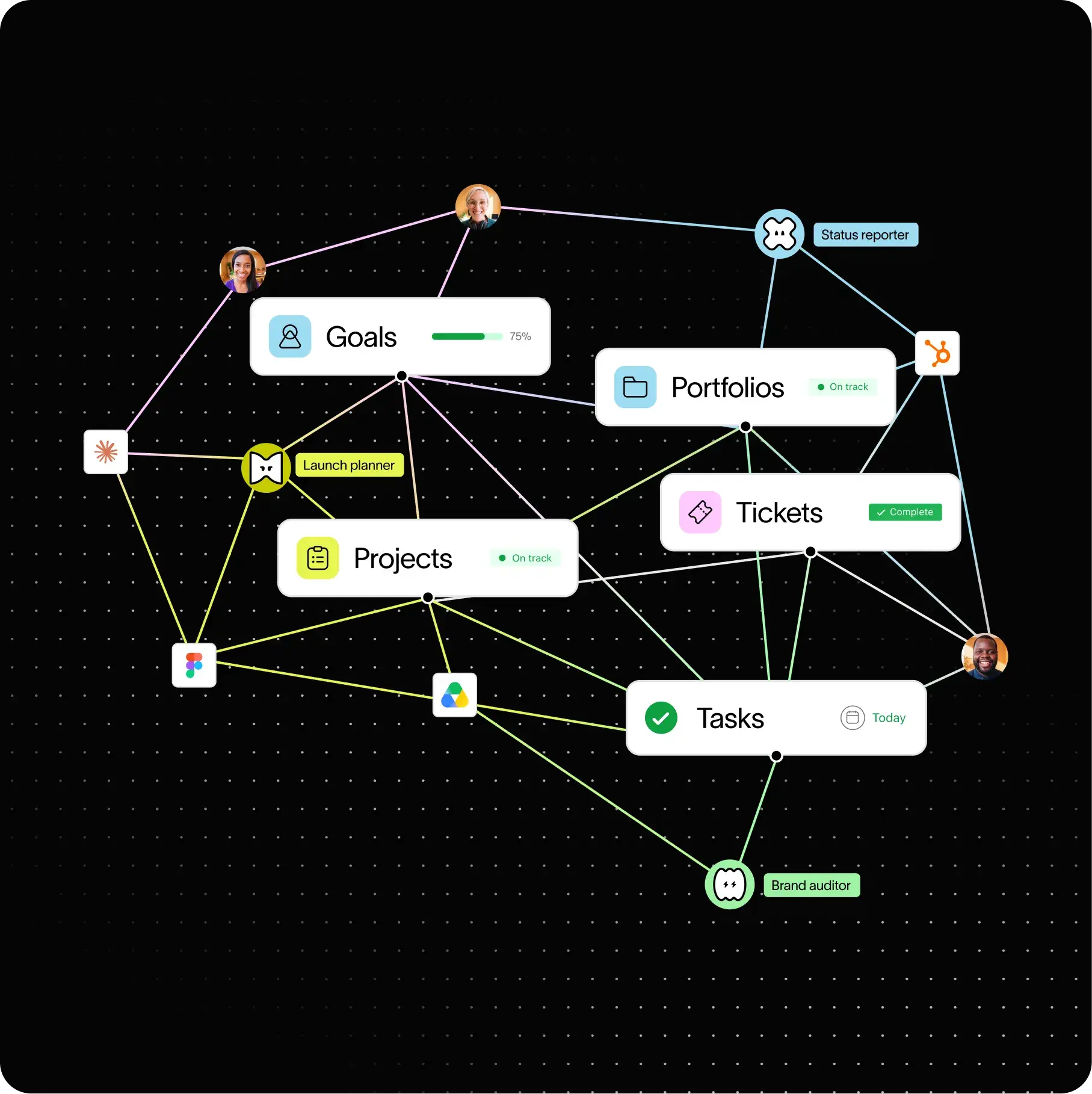
Asana's Advanced and enterprise tiers extend project management into portfolio and goal management. Portfolios group multiple projects and show their health, owners, progress, dates, and related information in one place. Goals connect higher-level objectives with the projects and work intended to achieve them, which can help leadership see whether execution is aligned with organizational priorities.
Workload and capacity-planning features support resource decisions. The exact capabilities depend on plan: Advanced includes portfolio-level Workload, while Enterprise adds Universal Workload and capacity planning across a broader organizational scope. Buyers should distinguish project reporting from portfolio and resource management because the latter capabilities sit higher in the plan structure.
What automation and AI features are included?
Starter and higher plans include unlimited automations for rules that can assign work, update fields, move tasks, or trigger other workflow actions. Paid tiers also include AI Studio Basic with monthly credit allocations that vary by plan. Asana AI features include smart chat, writing assistance, smart fields, project generation, summaries, status drafting, and risk-related insights.
AI usage is not identical to ordinary seat licensing. The pricing page currently includes AI Studio Basic credits with paid plans, while additional AI Studio usage and newer AI products can use consumption-based pricing. Teams planning high-volume automation should therefore monitor both seat costs and AI credit consumption.
How much does Asana Work Management cost in August 2026?
Pricing checked on August 22, 2026 against Asana's official pricing page. Personal is free for up to two users. Starter is $10.99 per user per month when billed annually, or $13.49 when billed monthly. Advanced is $24.99 per user per month when billed annually, or $30.49 when billed monthly. Enterprise and Enterprise+ use sales-assisted pricing.
The plan differences matter as much as the headline rate. Starter adds Timeline, Gantt, forms, dashboards, custom fields, unlimited automations, and AI Studio Basic with 50,000 monthly credits per billing account. Advanced adds unlimited portfolios, Goals, Workload, approvals, formulas, and 75,000 AI Studio Basic credits. Enterprise adds stronger administration, SAML, SCIM, service accounts, broader workload and capacity planning, plus 200,000 AI Studio Basic credits. Enterprise+ is positioned for higher security, compliance, and governance needs.
What integrations does Asana support?
Asana connects with communication, productivity, CRM, file-storage, analytics, and developer tools. Its current project-management material highlights integrations with products including Slack, Microsoft Teams, Google Drive, Gmail, Salesforce, Jira, and others. The integration catalogue is large enough that the practical question is not whether Asana has integrations, but whether the specific connector needed by a team supports the right data and actions.
Buyers should verify connector depth before rollout. Some integrations mainly surface links or notifications, while others can synchronize records or trigger workflows. Enterprise teams should also review third-party permissions, data access, app ownership, and whether a critical connector requires a separate commercial relationship.
What are the main limitations of Asana Work Management?
Asana can be more system than a very small or simple team needs. The free Personal tier is limited to two users, so even a small collaborative team may quickly need Starter. Portfolio, goal, workload, and enterprise governance features also sit in higher tiers, which can make the effective cost rise when an organization moves from basic project tracking to program or resource management.
The platform's flexibility can also create governance work. Custom fields, rules, projects, forms, and templates are useful, but inconsistent setup across departments can make reporting and administration harder. Organizations should define naming, ownership, permissions, and workflow standards before scaling broadly.
How does Asana compare with alternatives?
Monday.com and ClickUp are close alternatives for cross-functional work management and offer their own approaches to dashboards, automation, and AI. Jira is often a stronger fit where software-development workflows and issue tracking are the center of gravity. Microsoft Planner and related Microsoft 365 tools may reduce vendor sprawl for organizations already committed to Microsoft's collaboration stack.
Asana stands out when teams want structured work to connect cleanly across projects, portfolios, goals, and resource views without making software development the primary organizing model. The better choice depends on the complexity of workflows, required reporting, administration capacity, integration needs, and which suite already anchors the organization.
Who should consider another product instead of Asana?
A team should consider another product if it only needs a lightweight shared checklist, if two-user free access is too restrictive, or if most of its work already lives in another platform that provides adequate planning and reporting. Development organizations may prefer Jira or another engineering-centered system, while teams deeply embedded in Microsoft 365 may prefer to avoid another collaboration platform.
Asana is a better fit when multiple teams need a common model for tasks, projects, portfolios, goals, reporting, and increasingly AI-assisted workflows. Its value is highest when the structure reduces coordination overhead rather than simply adding another place to update status.
Reviews
No reviews yet
Nobody has reviewed Asana Work Management here yet.