About Microsoft 365
Microsoft 365 is Microsoft's productivity and collaboration suite for individuals, small businesses, enterprises, education, and public-sector organizations. This page focuses on business and enterprise use: the combination of Office apps, email, cloud storage, collaboration, identity, administration, security, and AI that organizations buy under Microsoft 365 plans. The wider Microsoft portfolio, including Azure, Dynamics 365, Power Platform, Windows, and other Copilot products, is covered separately.
What does Microsoft 365 include for business users?
Microsoft 365 combines familiar productivity applications with cloud services and administration. Depending on the plan, organizations can receive desktop, web, and mobile versions of Word, Excel, PowerPoint, Outlook, and OneNote, business email through Exchange, file storage through OneDrive, team sites through SharePoint, and communication through Microsoft Teams. Business plans also include additional services such as Planner, Forms, Bookings, Loop, and other tools according to the selected tier.
The key buying point is that Microsoft 365 is a suite, not one application. A team may use Word and Excel every day while IT relies on identity, device, security, retention, or compliance controls that are only available in higher plans. Comparing plans by app icons alone can therefore miss the features that determine whether a deployment is suitable for a regulated or security-sensitive organization.
How do the Business Basic, Standard and Premium plans differ?
Business Basic is aimed at organizations that mainly need web and mobile productivity apps, business email, Teams, cloud storage, and core services. Business Standard adds the desktop versions of the main Office applications and broader productivity capabilities. Business Premium adds stronger identity, device-management, and security features for organizations that want Microsoft 365 to cover more of their endpoint and access-control needs.
Microsoft caps these Business plans at 300 users. Larger organizations normally evaluate Enterprise plans such as Microsoft 365 E3 and E5, which have different security, compliance, analytics, telephony, and administration entitlements. Buyers should compare the exact service table rather than assuming a feature available in one Microsoft 365 tier is included everywhere.
How much does Microsoft 365 cost in August 2026?
Pricing checked on August 22, 2026 against Microsoft's current US business pricing pages after the July 1, 2026 commercial pricing update. Microsoft 365 Business Basic with Teams is listed at $7.00 per user per month when paid yearly, or $8.40 with a monthly subscription. Business Standard with Teams is $14.00 per user per month paid yearly, or $16.80 monthly. Business Premium is listed at $22.00 per user per month paid yearly.
Microsoft also sells versions without Teams in some markets and plan comparisons. For example, Business Standard without Teams is currently listed at $10.79 per user per month paid yearly. Enterprise pricing follows separate plan structures, and Microsoft announced new commercial pricing effective July 1, 2026. Existing customers can remain on earlier pricing until renewal in some cases, so procurement teams should confirm their tenant, market, contract, and renewal date before using a public list price as the expected invoice amount.
What role does Copilot play in Microsoft 365?
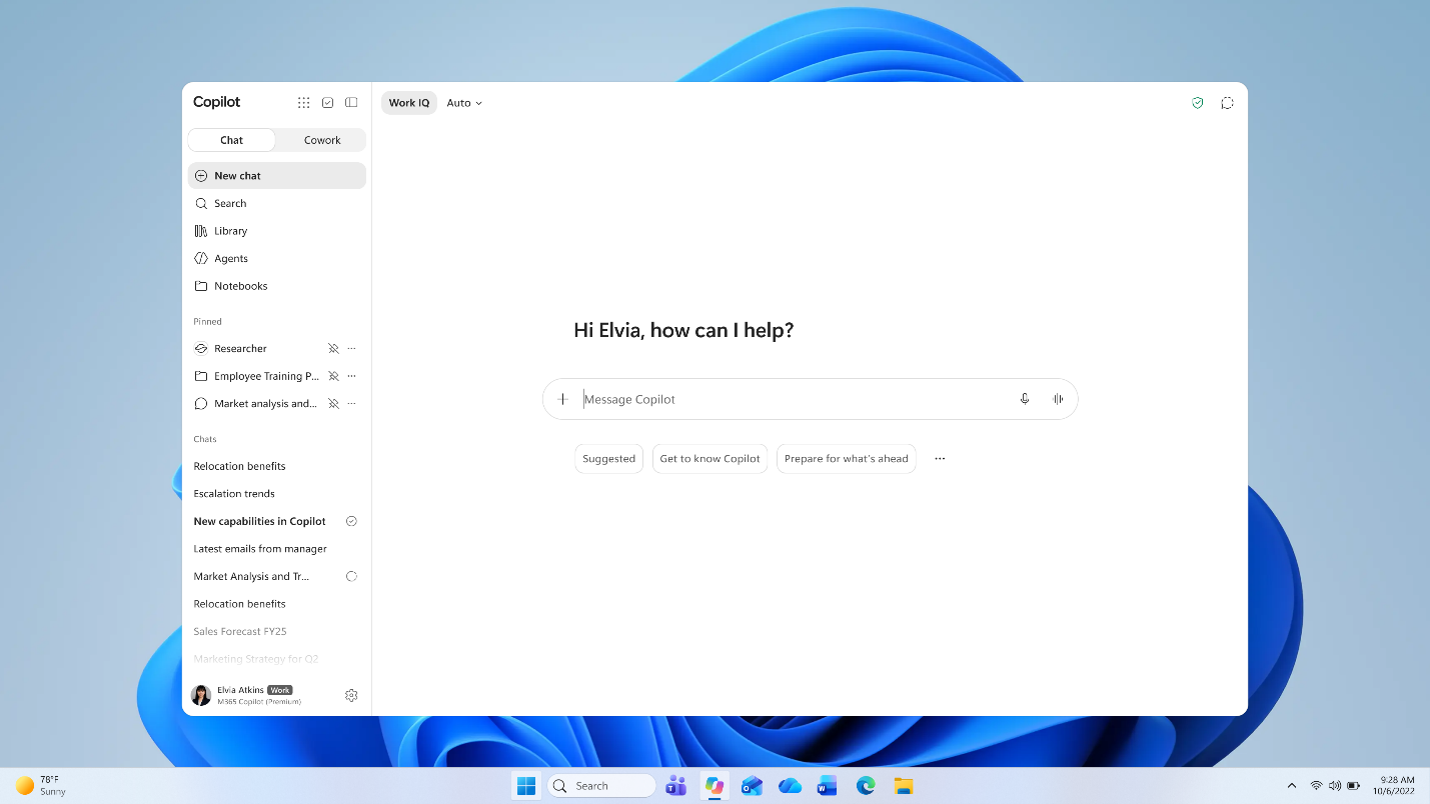
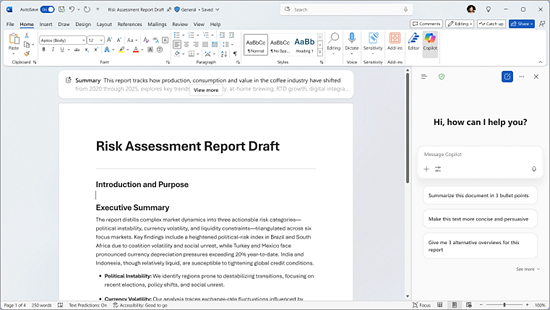
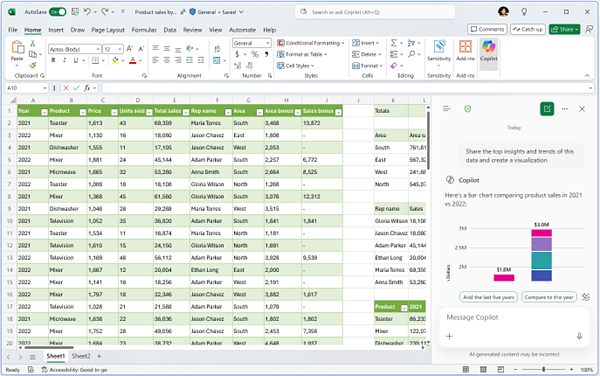
AI is increasingly embedded across Microsoft 365, but buyers need to distinguish included Copilot Chat capabilities from paid Microsoft 365 Copilot entitlements. Microsoft documents Copilot experiences inside Word, Excel, PowerPoint, Outlook, OneNote, and the standalone Copilot app, with the exact experience depending on the user's license. Microsoft 365 Copilot can combine prompts with work content that a user has permission to access through Microsoft 365 and Microsoft Graph.
In 2026 Microsoft has continued to change how Copilot appears in the apps, including new entry points and licensing labels. Organizations should therefore verify current entitlements before promising a particular AI workflow to users. They should also review data access, permissions, agent controls, model availability, and whether extra Copilot licenses or consumption-based services are required.
How do Teams, OneDrive and SharePoint fit together?
Teams is the main communication and collaboration surface for chat, meetings, channels, and many integrated workflows. OneDrive is primarily personal work storage that can also be shared, while SharePoint provides team and organizational sites, shared document libraries, and content-management capabilities. These services overlap from a user's perspective because files opened in Teams may actually be stored in SharePoint or OneDrive.
That integration is useful but can confuse governance. Organizations should decide how teams and sites are created, who can share externally, how retention works, what naming conventions apply, and how sensitive data is handled. A Microsoft 365 rollout that focuses only on installing Office apps can leave these collaboration and data-governance decisions unresolved.
What are Microsoft 365's main strengths?
The suite is strongest when an organization wants productivity, email, meetings, file collaboration, identity, endpoint management, and security to work within one administrative environment. Word, Excel, PowerPoint, Outlook, and Teams are widely used, and Microsoft 365 can connect to the broader Microsoft ecosystem through Entra, Power Platform, Dynamics, Azure, and many third-party integrations.
For IT teams, centralized administration can be as important as the user-facing apps. Higher plans can reduce the need to buy separate tools for some identity, device, security, and compliance functions, although organizations should compare feature depth and total licensing cost before assuming consolidation is automatically cheaper.
What are the main limitations and buying risks?
Licensing complexity is a major drawback. Similar plan names can have materially different entitlements, Teams-inclusive and no-Teams versions may coexist, enterprise agreements may differ from public pricing, and AI packaging is evolving quickly. Organizations can also end up paying for capabilities that some users never need if every employee receives the same broad suite.
Administration is another consideration. Microsoft 365 offers extensive configuration for identity, sharing, retention, security, devices, applications, and compliance. That flexibility is valuable at scale but requires skilled ownership. Poorly governed Teams, SharePoint sites, external sharing, or permissions can create operational and security problems even when the underlying products are working correctly.
How does Microsoft 365 compare with alternatives?
Google Workspace is the most direct broad productivity-suite alternative for organizations that prioritize browser-first collaboration and Google's application ecosystem. Zoho Workplace can suit smaller organizations looking for a lower-cost integrated suite. Some companies combine specialist tools such as Slack, Zoom, Dropbox, Notion, or standalone security products instead of standardizing completely on Microsoft.
The right choice depends on existing identity, device, document, and collaboration habits. Microsoft 365 is particularly compelling when desktop Office compatibility, Exchange email, Teams, Windows management, and Microsoft identity already matter. A browser-first company with limited dependence on Office file formats may find a competing suite simpler.
Who should consider another product instead of Microsoft 365?
Organizations should consider an alternative when they need only a narrow set of collaboration tools, want to avoid Microsoft ecosystem dependency, or primarily work in another platform such as Google Workspace. Very small teams may also find a broad Microsoft 365 deployment more administrative than necessary if they only need email, lightweight documents, and video meetings.
Microsoft 365 makes the most sense when several parts of the suite solve real problems together. The value is not simply access to Word or Excel; it comes from combining productivity apps with cloud storage, communication, identity, administration, security, and increasingly AI in a way the organization is prepared to govern.
Reviews
No reviews yet
Nobody has reviewed Microsoft 365 here yet.