About Brain²
Brain squared is ClickUp's current AI coworker inside the ClickUp Brain AI family. ClickUp launched Brain squared in June 2026 as the next major evolution of ClickUp Brain, with deeper workspace context, multi-step work, persistent memory and access to multiple AI models. It can work with tasks, Docs, Chat, Calendar and approved connected apps, then create or update work rather than only return text. This page focuses on Brain squared itself; broader AI family licensing and adjacent ClickUp AI capabilities belong on the ClickUp Brain AI family page.
What it does
Pricing
| Starting price checked Sep 8, 2026 | $9 per user per month shown by ClickUp for Brain squared / Brain AI |
|---|
AI usage
| Brain AI Super Credits | 1,500 AI Super Credits per user per month on current Brain AI packaging |
|---|---|
| Everything AI Super Credits | 5,000 AI Super Credits per user per month on current Everything AI packaging |
Context
| Workspace sources | Tasks, Docs, Chat and other permitted ClickUp workspace context |
|---|
Models
| Premium model access | Current ClickUp materials include models from OpenAI, Anthropic and Google |
|---|
Governance
| Permissions | Brain follows existing ClickUp access permissions; agent permissions are separately configurable |
|---|
What can Brain squared do?
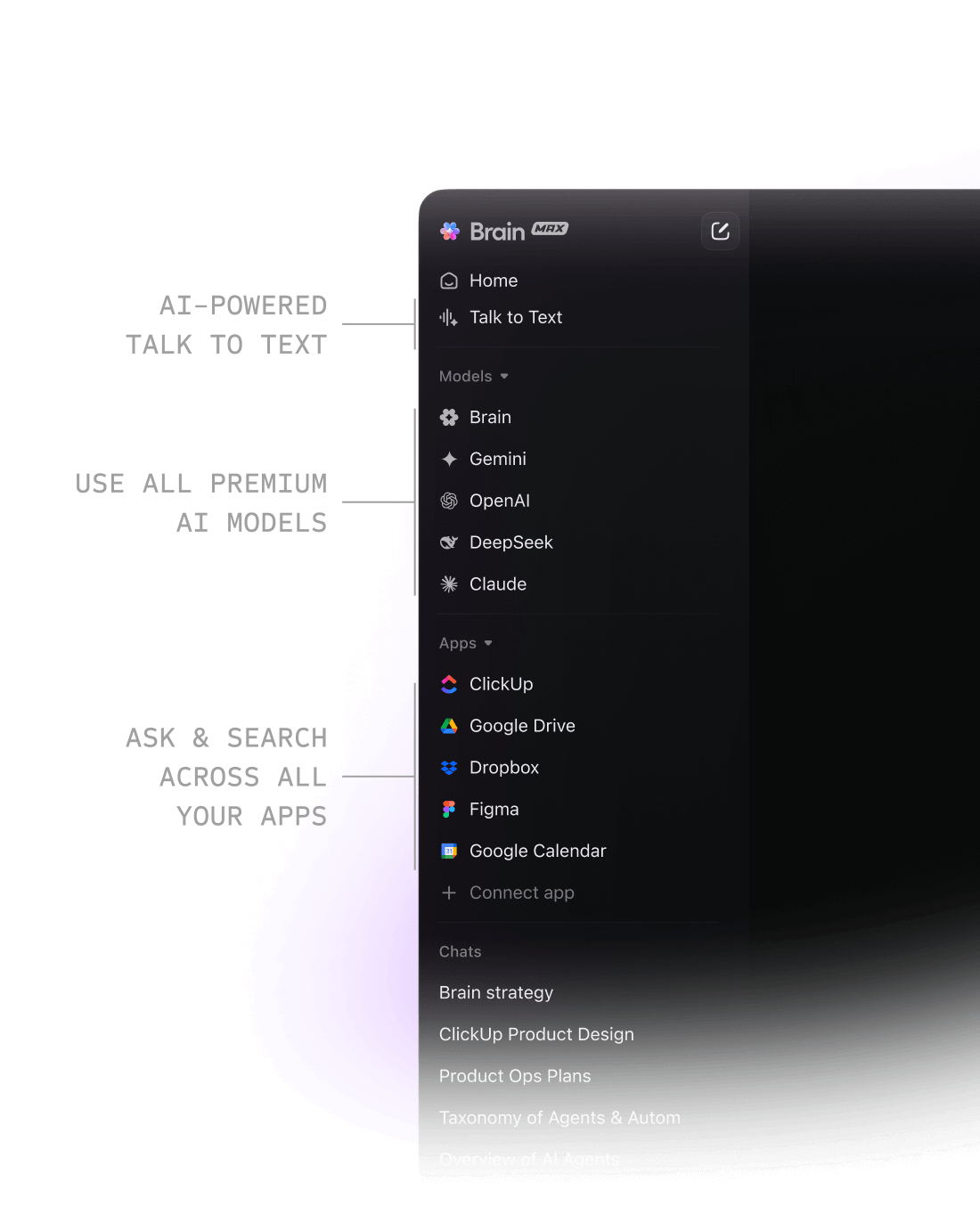
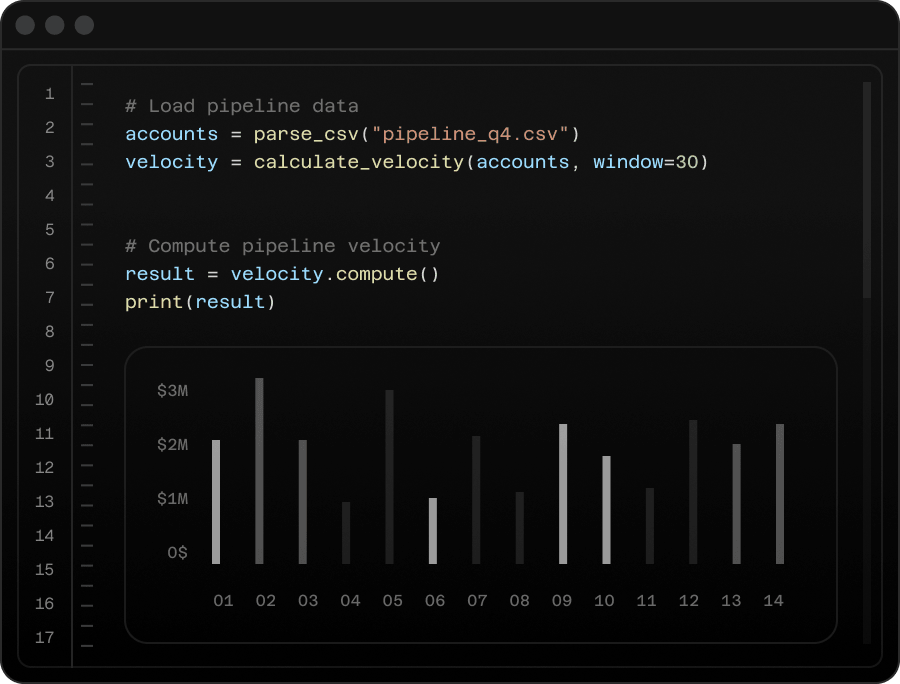
Brain squared can answer questions about company work, draft and edit content, summarize tasks and conversations, create tasks and Docs, analyze files, search the web and produce work such as presentations, dashboards and project plans. ClickUp positions the current release as an AI coworker that can complete end-to-end workflows instead of stopping at a recommendation.
Its main difference from a standalone chatbot is context. Brain squared can use the information a user already has permission to access in ClickUp, including tasks, Docs, Chat and other workspace data. That can reduce the need to explain project history in every prompt.
How does Brain squared use company context?
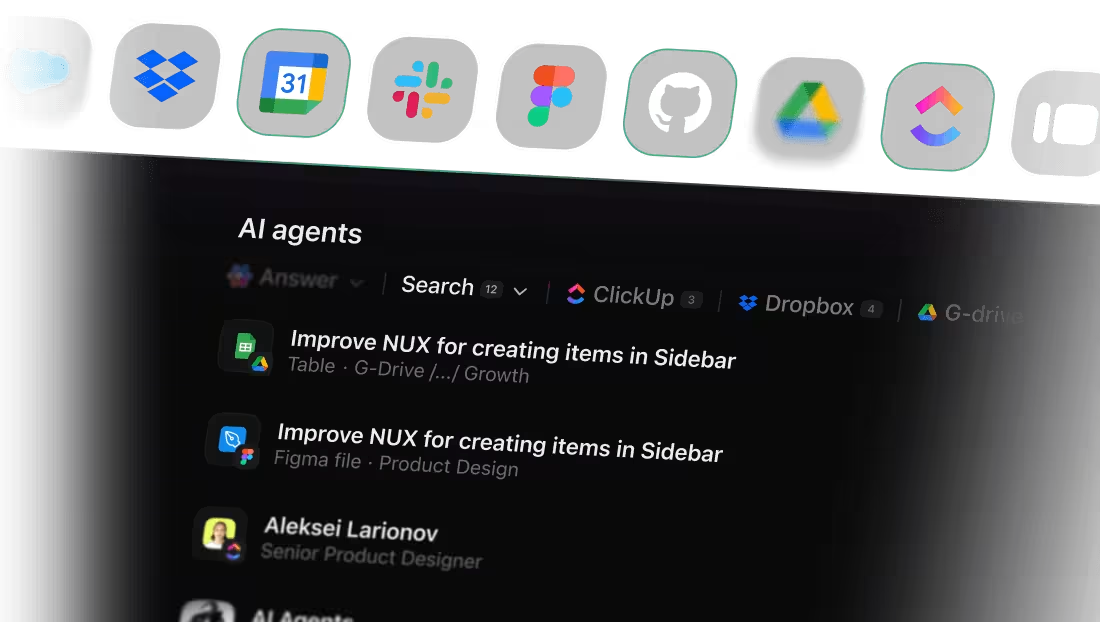
ClickUp says Brain squared works with the organization's context graph. In practical terms, it can use current workspace information and selected connected sources to understand projects, owners, dependencies, conversations and documents. The quality of that context depends on the quality of the underlying workspace.
Teams with clean task ownership, current documentation and sensible permissions are more likely to benefit. A poorly maintained workspace can give the AI incomplete or outdated source material, so AI adoption does not replace information governance.
Which AI models are available?
ClickUp markets Brain squared as one place to use multiple premium AI models instead of buying a separate subscription for each provider. Current ClickUp materials reference models from providers including OpenAI, Anthropic and Google alongside ClickUp's own AI experience.
Model availability can change, so buyers should verify the models included in their selected plan. Organizations with governance requirements should also confirm which providers administrators can enable and whether different models have different data-handling terms.
How much does Brain squared cost in September 2026?
Pricing checked September 8, 2026 against ClickUp's official Brain pages. ClickUp currently states that Brain squared starts at $9 per user per month. The current Brain pricing page also shows Brain AI at a displayed promotional $9 per user per month and Everything AI at a displayed promotional $28 per user per month.
The Brain AI option currently includes 1,500 AI Super Credits per user per month. Everything AI lists 5,000 credits per user per month and broader access to automatic AI features. ClickUp is also rolling out newer workspace plans that include more AI directly, so the exact packaging a customer sees can depend on the workspace and plan generation.
What are AI Super Credits and usage limits?
Ordinary Brain access is not the same as unlimited use of every automatic AI function. ClickUp uses AI Super Credits for selected features such as Super Agents, AI Fields, AI Assign and Prioritize, AI Cards and image generation. Credits are pooled or allocated according to the customer's plan and packaging.
Heavy agent or automation use can therefore cost more than the headline Brain squared seat price. Buyers should estimate normal chat use separately from automatic AI workflows and confirm whether optional services such as AI Notetaker or Talk to Text are included or billed separately.
How do Super Agents relate to Brain squared?
Super Agents are part of the broader ClickUp Brain AI family and use Brain capabilities to perform multi-step work. Users can assign tasks to agents, message them and allow them to use approved tools and workspace context. Administrators can control permissions and which actions agents are allowed to perform.
Brain squared is the primary AI coworker experience, while Super Agents are configured workers for repeatable or delegated processes. Teams evaluating agents should decide which actions require human approval and who is responsible for maintaining agent instructions.
What are the privacy and governance considerations?
ClickUp states that customer information is not used by third-party model providers to train their models and that Brain follows existing workspace permissions. Those protections are useful, but buyers still need their own governance review.
Organizations should confirm model-provider settings, connected-app access, retention rules, agent permissions and which users can trigger automatic actions. Sensitive or regulated workflows may require narrower access than ordinary project-management data.
What are Brain squared's main limitations?
Brain squared depends heavily on the quality and relevance of the context it can access. Incomplete tasks, outdated Docs, excessive permissions or fragmented information can reduce answer quality. AI-generated work can still contain mistakes, so important decisions and externally published material require human review.
There is also potential subscription overlap. Teams already paying for ChatGPT, Claude, Gemini, meeting transcription, enterprise search or separate automation products should calculate whether Brain squared replaces enough of those tools to justify another AI layer.
How does Brain squared compare with alternatives?
Brain squared has its strongest advantage when a team already uses ClickUp deeply because it can work with ClickUp context and take actions in the same environment. Microsoft Copilot can be a stronger fit for organizations centered on Microsoft 365. Notion AI can suit teams whose work and knowledge primarily live in Notion. ChatGPT, Claude and Gemini can be better choices when users want a broader standalone AI environment without depending on ClickUp.
The useful comparison is not only model quality. Buyers should test their own work, permissions, action capabilities, integrations, administration and total cost.
Who should choose something else?
Choose another AI product if most important company information lives outside ClickUp, if the primary need is specialist coding or scientific research, or if the organization deliberately wants AI separated from project-management permissions. A general-purpose AI subscription may also be simpler for individuals who would use Brain squared mostly as a generic chatbot.
Brain squared makes the most sense when ClickUp context and the ability to create or change work inside the same system are material advantages.
Reviews
No reviews yet
Nobody has reviewed Brain² here yet.