About Creative Cloud Pro
Adobe Creative Cloud Pro is Adobe's broad individual creative subscription for people who need several professional applications rather than one standalone app. It combines more than 20 desktop creative applications with web and mobile tools, Adobe Firefly creative AI, fonts, templates, stock assets, cloud storage and related services. This page focuses on the Pro plan itself: what is included, how its AI allowance works, current US pricing, limitations and who may be better served by a narrower plan.
What is included in Creative Cloud Pro?
Creative Cloud Pro includes more than 20 Adobe applications covering image editing, illustration, page layout, video, motion graphics, audio, photography and PDF work. Adobe's current plan page highlights Photoshop, Illustrator, Premiere, After Effects, InDesign and Acrobat Pro among the included applications. The plan also includes Adobe Express, Firefly, Adobe Fonts, Creative Cloud Libraries, templates, learning resources and 100 GB of cloud storage.
The plan is best understood as a subscription bundle rather than one application. Users install only the apps they need, and Adobe says the membership can be activated on up to two devices at a time, although the same app cannot be used simultaneously on both. That flexibility is useful for creators who move between a desktop and laptop, but organizations with multiple people need team or enterprise licensing rather than sharing one individual account.
How much does Creative Cloud Pro cost in August 2026?
Pricing checked on August 22, 2026 against Adobe's current US Creative Cloud pages. The regular Creative Cloud Pro individual price is US$69.99 per month on an annual plan billed monthly. Adobe is currently displaying a promotional price of US$34.99 per month for the first three months for eligible new subscribers, after which the regular US$69.99 rate applies. Adobe also offers annual prepaid and month-to-month options, so the effective total depends on the billing arrangement.
The promotion should not be treated as the permanent product price. Buyers comparing Adobe with alternatives should use the normal renewal rate unless they are evaluating a short first-year acquisition offer. Adobe also sells Creative Cloud Standard at US$54.99 per month on an annual billed-monthly plan, along with single-app and Photography plans for users who need less of the suite.
What is the difference between Creative Cloud Pro and Standard?
Both plans include more than 20 Creative Cloud applications, but the main difference is the depth of creative AI and platform access. Adobe describes Creative Cloud Standard as the desktop-focused option with basic creative AI. Pro adds fuller access across desktop, web and mobile, unlimited use of selected standard generative AI image and vector features, and 4,000 monthly generative credits for premium AI actions such as video and audio generation.
This means Pro makes the most sense for users who expect to use Firefly heavily, want premium generative features, or need broader web and mobile access. A user who mainly works in desktop applications and has limited interest in premium AI may get better value from Standard. The plan choice should therefore be based on workflow and AI use, not simply on the number of included applications.
How does Firefly AI work inside Creative Cloud Pro?
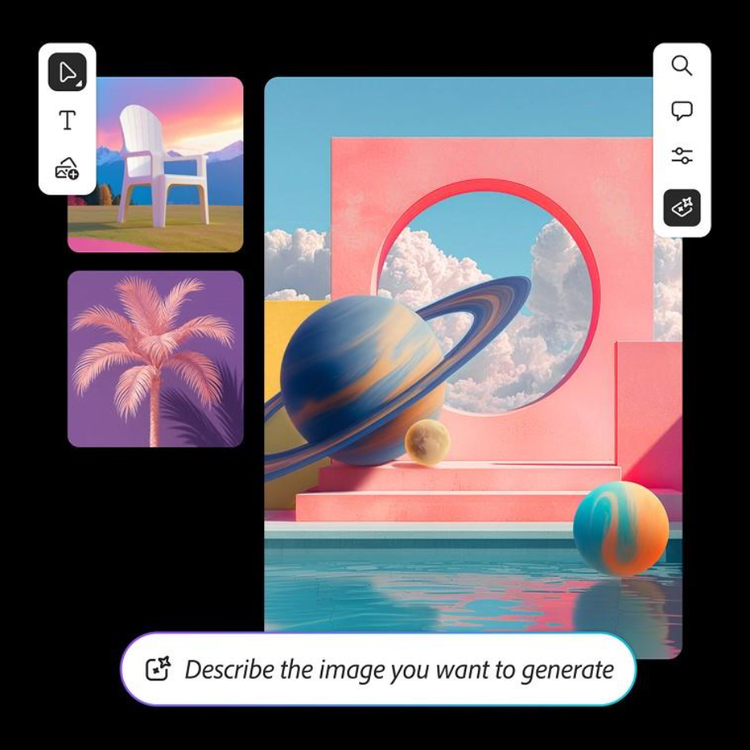
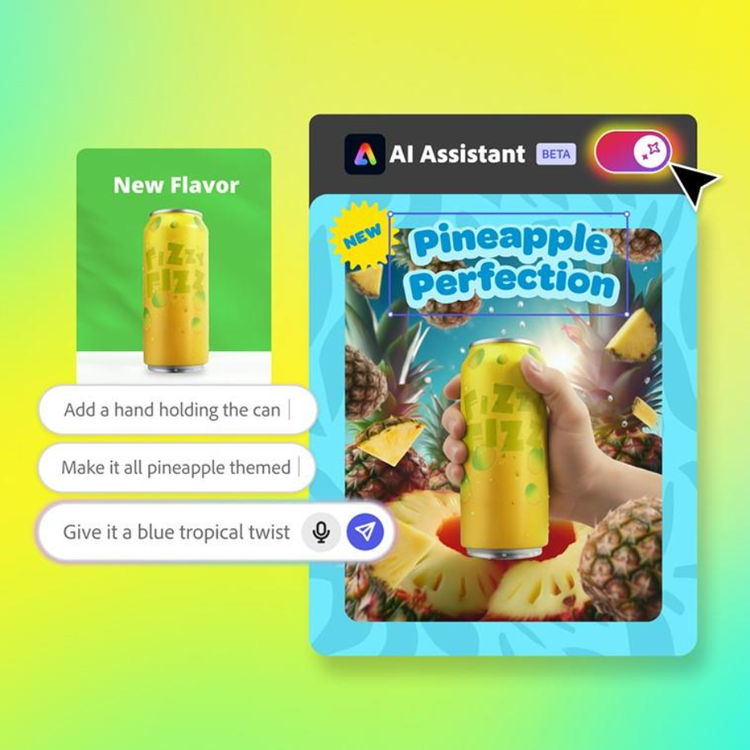
Firefly is integrated across Adobe's creative environment rather than existing only as a separate website. Current Creative Cloud Pro materials describe standard generative features such as Text to Image and Generative Fill as available without the same premium-credit constraint, while premium video and audio features draw from the plan's monthly generative-credit allowance. The plan currently includes 4,000 monthly premium generative credits.
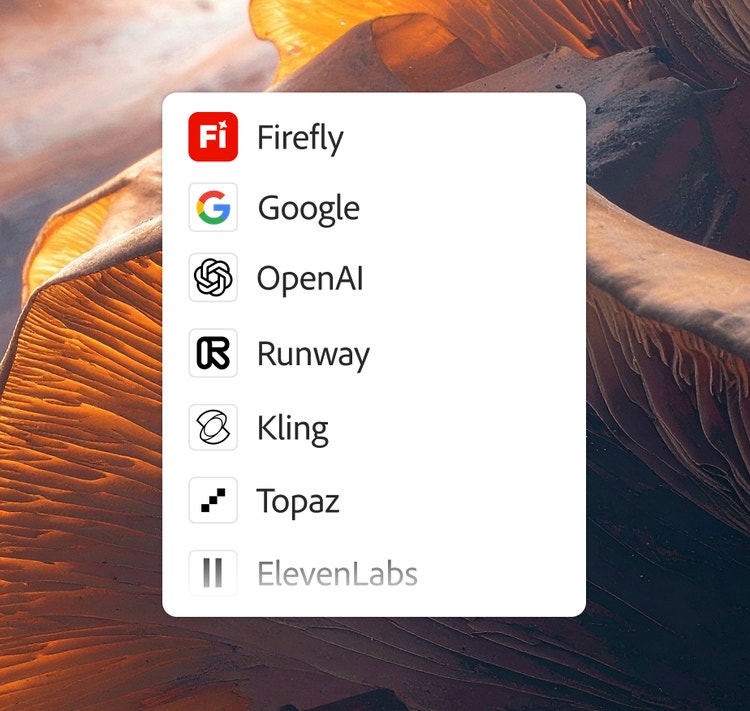
Adobe is also expanding access to third-party AI models inside Firefly and Creative Cloud. Current materials reference models from providers including Google and OpenAI in addition to Adobe's own Firefly models. Buyers with legal, security or brand-governance requirements should confirm which model is being used for a particular workflow and review the applicable terms rather than assuming every AI action has the same data or commercial-use conditions.
What creative workflows can the plan cover?
The bundle supports a broad range of production work. Photoshop handles raster image editing and compositing, Illustrator covers vector graphics, InDesign handles page layout, Premiere supports video editing, After Effects covers motion graphics and visual effects, Lightroom supports photography workflows, and Acrobat Pro covers PDF creation and editing. Express can handle faster template-led social and marketing content, while Firefly adds generative image, video, audio and ideation tools.
The benefit of the suite is strongest when work crosses application boundaries. A designer might create vector assets in Illustrator, edit photography in Photoshop, lay out a publication in InDesign, build motion graphics in After Effects and reuse shared brand assets through Creative Cloud Libraries. If a person's work stays inside one application, the bundle can be harder to justify.
What collaboration and ecosystem tools come with the plan?
Creative Cloud Pro includes more than desktop applications. Adobe provides Libraries for sharing reusable creative assets, Adobe Fonts, access to free Stock assets, Behance and Portfolio services, and Frame.io-related collaboration features. Plugins can also extend individual applications.
These services can reduce friction for teams that already use Adobe broadly, but individual Creative Cloud Pro is not a substitute for formal team administration. Businesses that need centralized license management, stronger support, shared administration or enterprise identity controls should compare Creative Cloud for teams or enterprise plans rather than buy multiple unrelated individual subscriptions.
What are the main limitations of Creative Cloud Pro?
The most obvious limitation is cost. A regular US$69.99 monthly annual-plan rate can be difficult to justify for users who rely on only one or two applications. Adobe's plan structure also means the most attractive promotional price can be much lower than the renewal rate, so buyers need to look beyond the first displayed discount.
The suite is also large. Different applications have different interfaces, system requirements and learning curves, and professional video or image workflows may require capable hardware and substantial local storage beyond the included cloud allocation. Premium AI use introduces another variable because monthly credits can be consumed at different rates depending on the feature. Buyers should check current credit rules if generative video or other higher-cost AI workflows are central to their work.
How does Creative Cloud Pro compare with alternatives?
Canva can be a simpler choice for teams focused on fast branded content, presentations and social assets rather than deep professional editing. Affinity can appeal to users who want professional photo, vector and layout tools without depending on the same Adobe subscription structure. DaVinci Resolve is a major alternative for video editing and color workflows, while tools such as Figma are stronger for collaborative interface and product design.
No one alternative replaces every application in Creative Cloud Pro. The practical comparison is often Adobe's integrated bundle versus a collection of specialist tools. Adobe has an advantage when a user genuinely needs several professional creative disciplines and values shared assets and workflows; separate tools can be more economical when only one or two disciplines matter.
Who should choose something else instead?
A user should consider another option if most of the suite would go unused. Photographers who mainly need Photoshop and Lightroom should compare Adobe's Photography plan. Someone who needs only Photoshop, Illustrator or another single application should compare a Single App plan. Creators focused on lightweight social content may find Adobe Express or Canva easier and less expensive.
Users who strongly prefer perpetual licenses or who want to minimize recurring subscription dependence should also compare non-Adobe alternatives. Creative Cloud Pro is best for people who need multiple Adobe applications plus substantial Firefly access, not simply for anyone who occasionally edits an image or document.
Reviews
No reviews yet
Nobody has reviewed Creative Cloud Pro here yet.